



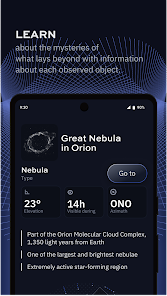
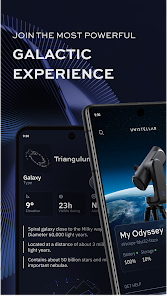
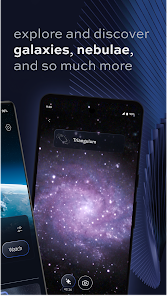
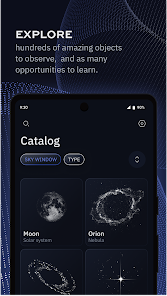
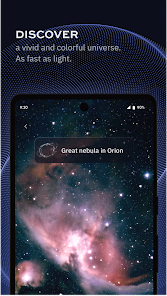
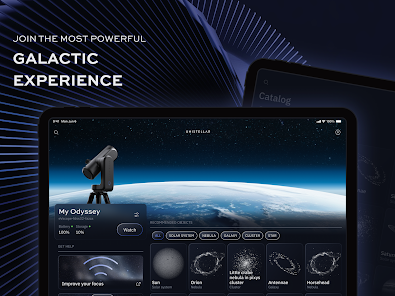
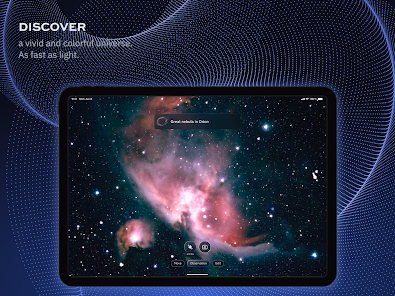
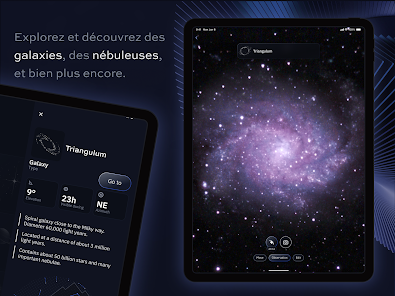
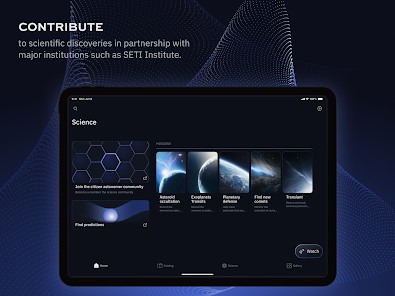
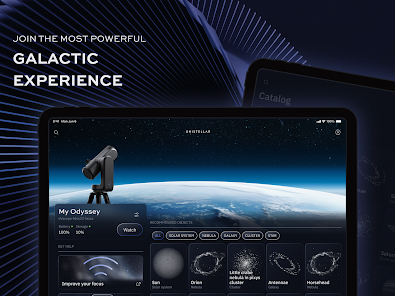
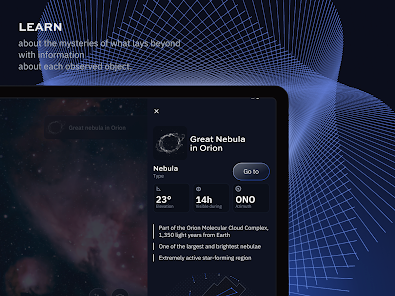
Unistellar is an innovative astronomical tool designed to enhance the stargazing experience for both amateur and professional astronomers. One of its standout features is its advanced light-gathering technology, which allows users to observe celestial objects in greater detail, even in light-polluted areas. The device is equipped with a high-resolution camera that captures stunning images of planets, stars, and galaxies, making it easier to explore the universe.
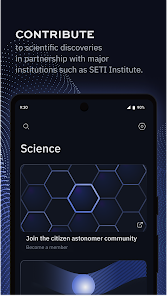
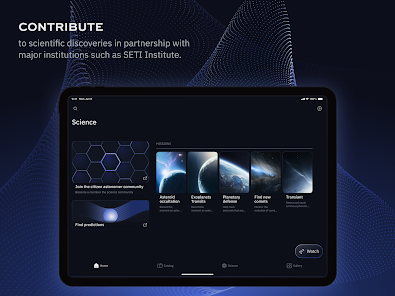
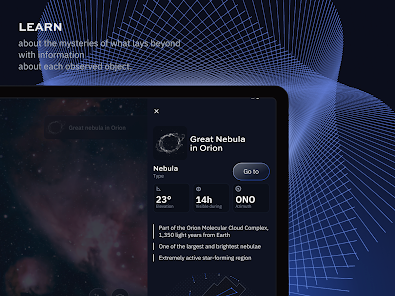
Another notable feature is its user-friendly interface, which simplifies the process of locating and tracking celestial objects. The built-in software provides real-time data and guidance, allowing users to easily navigate the night sky. Additionally, Unistellar offers a community platform where users can share their observations and connect with fellow astronomy enthusiasts. This social aspect fosters collaboration and learning, making astronomy more accessible to everyone.
Moreover, Unistellar is designed to be portable and lightweight, making it easy to transport to various observing locations. Its battery life is optimized for extended use, ensuring that users can enjoy long nights of stargazing without interruptions. Overall, Unistellar combines cutting-edge technology with a user-friendly experience, making it a valuable tool for anyone interested in exploring the cosmos.
Using Unistellar is a straightforward process that allows users to dive into the wonders of astronomy with ease. First, set up the device by placing it on a stable surface and ensuring it is powered on. The initial step involves connecting the Unistellar to a smartphone or tablet via the dedicated app, which is available for both iOS and Android devices. This app serves as the control center for the telescope, providing users with a seamless interface to navigate celestial objects.
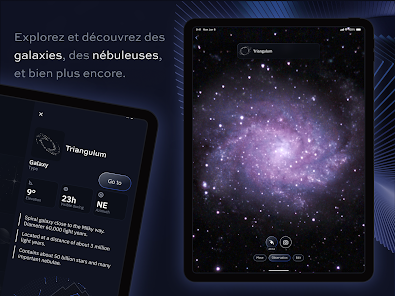
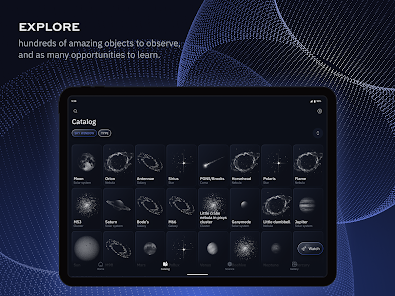
Once connected, users can access a database of celestial objects and select what they wish to observe. The app will guide the telescope to the chosen object, utilizing its advanced tracking capabilities. After the telescope is aligned, users can capture images and even record videos of their observations. The app also allows for real-time adjustments to settings, enhancing the viewing experience. Finally, users can share their findings with the Unistellar community, contributing to a collective understanding of the universe.
Overall, the combination of intuitive design and powerful technology makes using Unistellar an enjoyable experience for both novice and experienced astronomers alike.
The Unistellar app offers several advantages that enhance the stargazing experience. One of the primary benefits is its user-friendly interface, which makes it accessible for users of all skill levels. The app provides real-time data and guidance, allowing users to easily locate and track celestial objects. Additionally, the community feature fosters collaboration and knowledge sharing among astronomy enthusiasts, enriching the overall experience. The ability to capture high-quality images and videos of celestial phenomena is another significant advantage, making it easier for users to document their observations.
However, there are some drawbacks to consider. One potential con is that the app may require a stable internet connection for certain features, which could be a limitation in remote observing locations. Additionally, while the device is portable, it may still be cumbersome for some users who prefer a more traditional, lightweight telescope. Lastly, the initial investment in Unistellar can be relatively high, which may deter some potential users. Balancing these pros and cons is essential for anyone considering the Unistellar app as part of their astronomical toolkit.
In conclusion, while the Unistellar app has its limitations, its benefits significantly enhance the stargazing experience, making it a valuable tool for astronomy enthusiasts.

 Unistellar enhances stargazing with advanced digital telescope technology. It allows users to capture stunning celestial images effortlessly. The user-friendly interface makes astronomy accessible for everyone. Community engagement fosters collaborative learning and discovery experiences. Portable design enables observation from anywhere, anytime.
 Limited compatibility with various telescope models can restrict usage Higher price point compared to traditional telescopes may deter some buyers Dependency on digital technology can complicate user experience for beginners
 Yes, Unistellar encourages users to submit suggestions and feedback directly through the app or via their official website to help improve the app experience.
Unistellar may collect user data to enhance the app experience, but it adheres to privacy policies that detail how data is used and protected.
Yes, Unistellar allows users to access some features offline, although certain functionalities may require an internet connection for optimal use.
Users can cancel their subscription through the app settings or the app store where they purchased the subscription, following the provided instructions.
Subscription costs may vary based on the plan selected, typically ranging from a monthly fee to discounted annual rates.
Customer numbers are unique and cannot be changed. If you have concerns, please contact customer service for further assistance.
You can reach our customer service via the support page on our website or by emailing support
Your customer number can be found in your account settings once you log in to your Unistellar account.
Once logged in, go to your account settings to update your personal information and preferences.
To activate your account, log in with the credentials provided in your confirmation email and follow the activation prompts.












 Google Play
  App Store














