


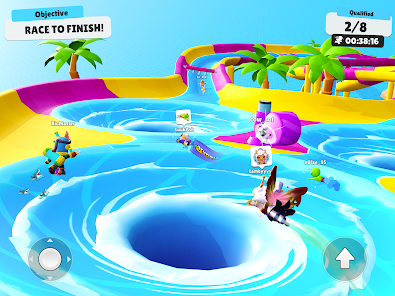
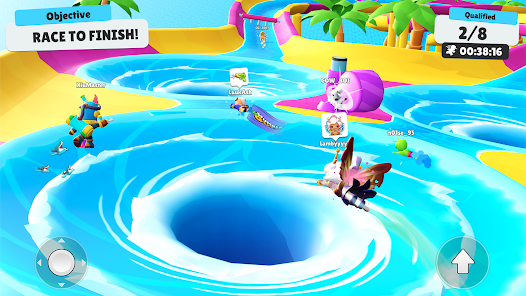
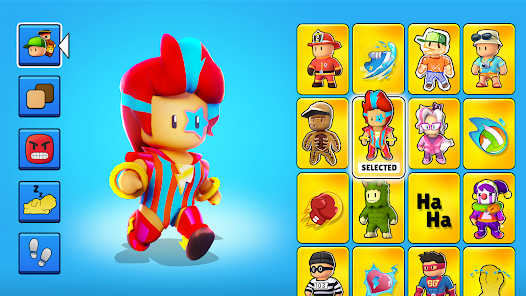

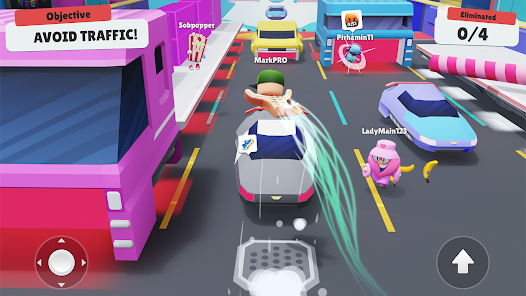
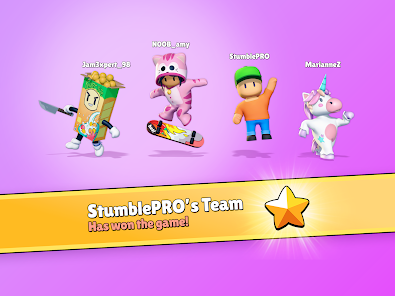
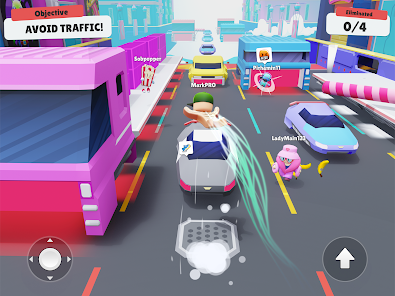
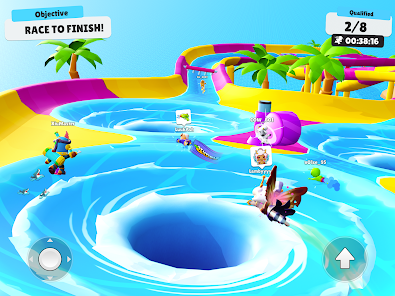
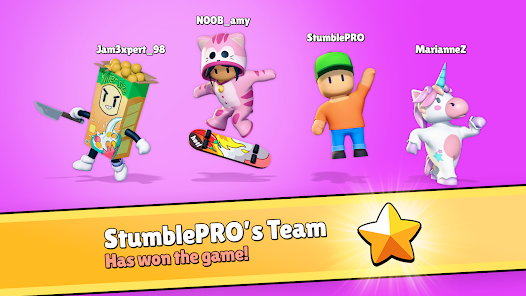
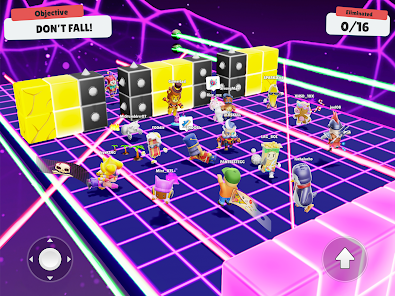
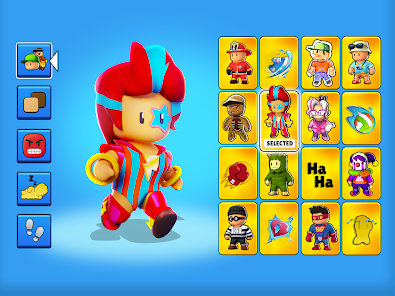
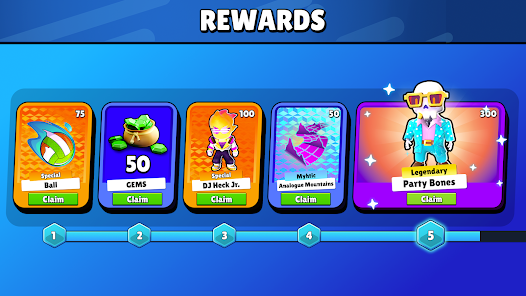
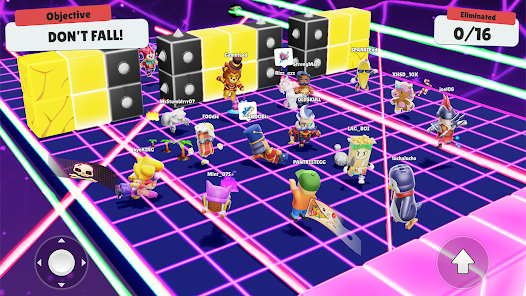
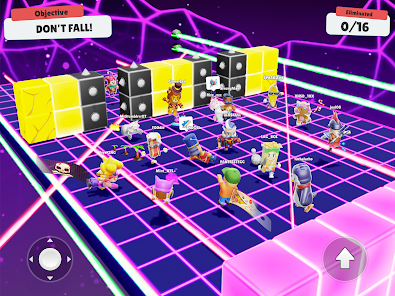
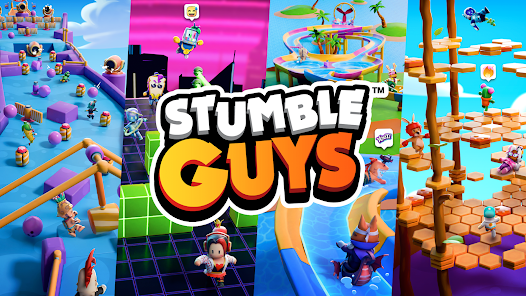
Stumble Guys is an exhilarating multiplayer party game that captures the essence of chaotic fun. Here are some of its standout features:
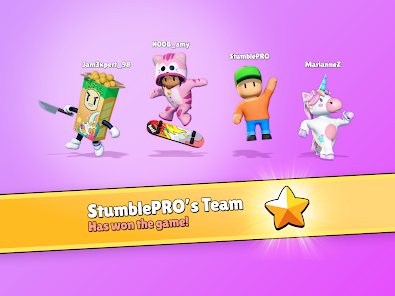
Stumble Guys quickly became my go-to app during relaxing evenings or casual hangouts with friends. A typical scenario involves gathering with friends after a long week; we’d pull out our phones and connect via the app. The joy of competing in lively races while sharing laughs over voice chat made every session memorable. Whether it’s a quick game during lunch breaks or an extended play session on weekends, the app seamlessly fits into my daily routine, providing a perfect blend of entertainment and social interaction.
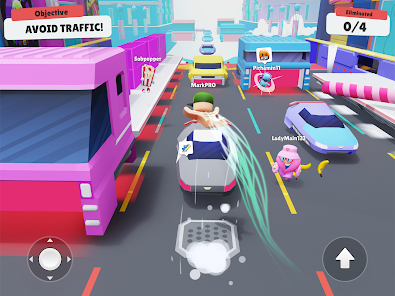
The user interface of Stumble Guys is intuitive and user-friendly. Upon launching the app, I was greeted with a colorful home screen that displayed various game modes and customization options. The feature workflow is smooth; joining a game is just a few taps away. During gameplay, the controls felt responsive, allowing me to navigate obstacles with ease. The overall performance was impressive, with minimal lag even during intense multiplayer matches. After several sessions, I found myself completely immersed in the action, feeling a rush of adrenaline with every round. The combination of fun graphics, engaging gameplay, and smooth performance left me wanting more.
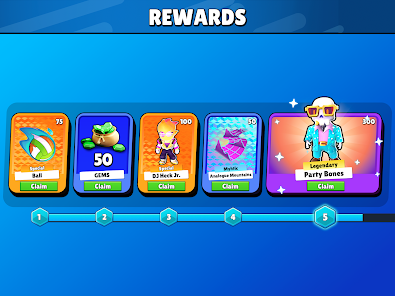
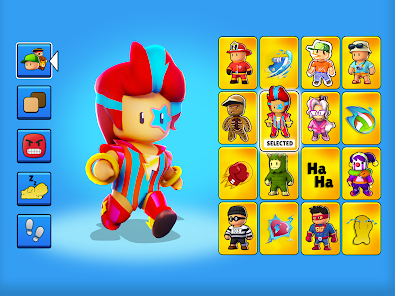
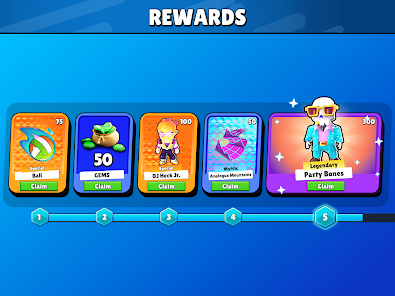
Stumble Guys operates on a freemium model, allowing players to download and play for free while offering in-game purchases for additional skins and customization options. I appreciate that the core experience is accessible without spending money, making it easy for anyone to jump in and join the fun. However, for avid players looking to enhance their gaming experience, purchasing premium items can add a sprinkle of uniqueness to their characters.
The developers of Stumble Guys are proactive in providing regular updates, which keeps the game fresh and exciting. New maps, game modes, and seasonal events are introduced consistently, ensuring that there’s always something new to explore. Additionally, I found the support resources to be quite helpful; the community forums and in-app help sections provided quick answers to any questions I had. It's reassuring to know that the developers are committed to improving the game and listening to player feedback.
As an American user, security and privacy are always top of mind when downloading apps like Stumble Guys. The game is available on reputable platforms such as the App Store and Google Play, which adds a layer of trust regarding safety and security. Registration is straightforward; players can sign up using their email or social media accounts, but I noticed that personal data requirements are minimal, which is a positive aspect.
Regarding ads and tracking behavior, Stumble Guys does feature in-game advertisements, but they are not overly invasive. The ads are typically displayed between matches, allowing players to enjoy uninterrupted gameplay. I felt that the app balances monetization with user experience quite well, ensuring that players can enjoy the game without constant interruptions while still being able to opt-out of data tracking if they choose. Overall, Stumble Guys takes reasonable steps to respect user privacy while still providing an engaging gaming experience.

 Engaging multiplayer gameplay for endless fun Bright, colorful graphics enhance the gaming experience Simple controls make it accessible for everyone Variety of challenges keeps gameplay fresh and exciting Regular updates introduce new content and features
 Limited character customization options Frequent connectivity issues during gameplay Some levels can feel repetitive and tedious In-app purchases may imbalance gameplay experience
 Stumble Guys may collect certain personal data as per its privacy policy, which typically includes information necessary for gameplay and account management. It's advisable to review the privacy policy for specific details.
Yes, Stumble Guys offers a free version that allows players to enjoy the game without any upfront cost, although it may include in-app purchases for additional content.
Yes, Stumble Guys requires an internet connection to play since it's an online multiplayer game where you compete against other players in real-time.
To contact support or send feedback for Stumble Guys, you can typically use the in-game support feature or visit the official website for additional contact information and resources.
You can manage or cancel your Stumble Guys subscription through the app store settings on your device, where you can find options related to your subscriptions and billing.
You can reach Customer Service through the in-app support feature or by visiting their official website for more contact options.
If required, check your email for an activation link after registration, and click it to activate your account.
The Customer Number is typically found in the app settings under 'Support' or on the official website.
Open the app, select 'Log In,' and enter your account credentials. You can log in using social media accounts or email.











 Google Play
  App Store