

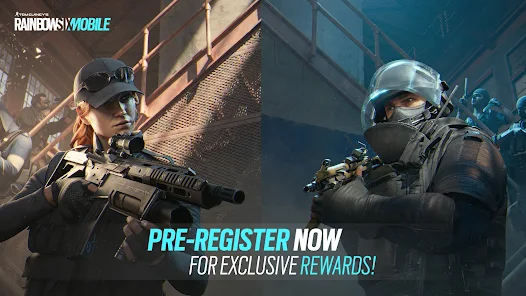
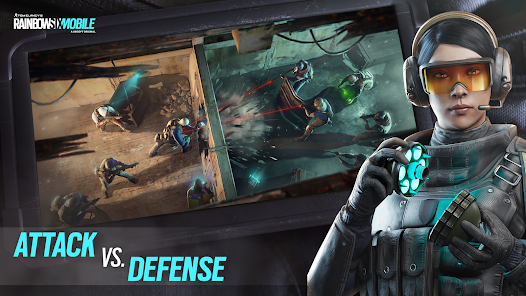
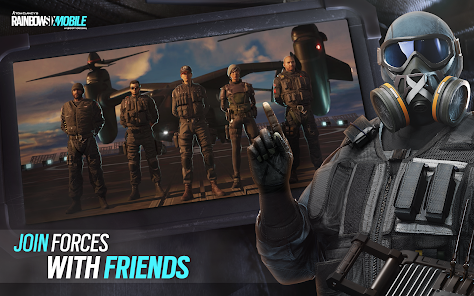
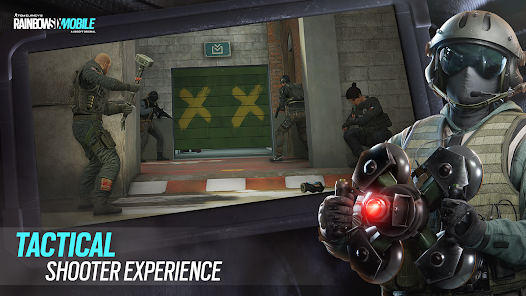
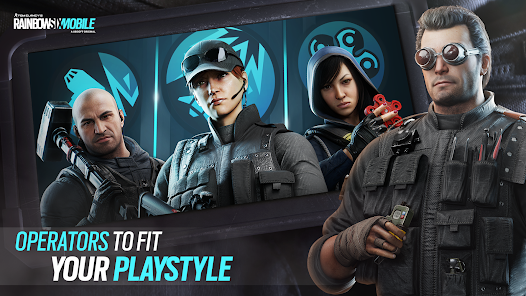
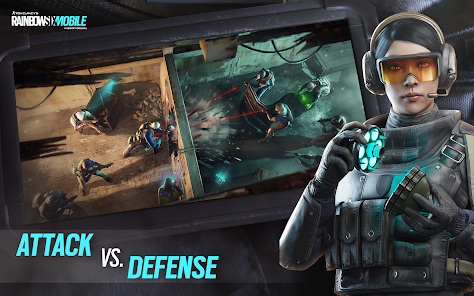
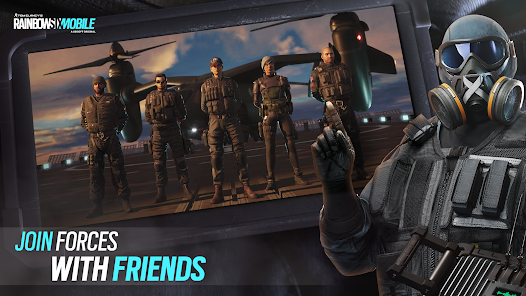
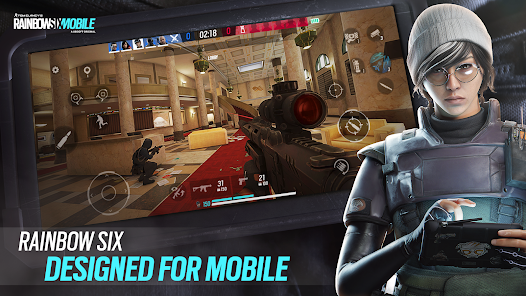
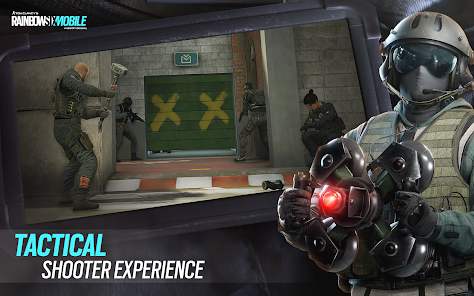
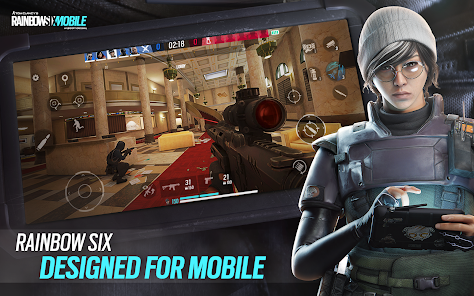
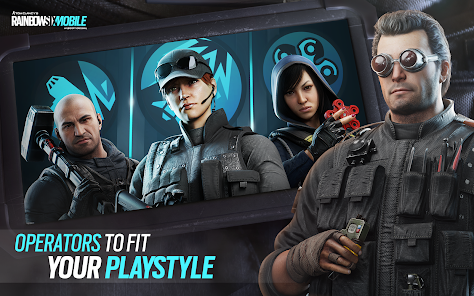
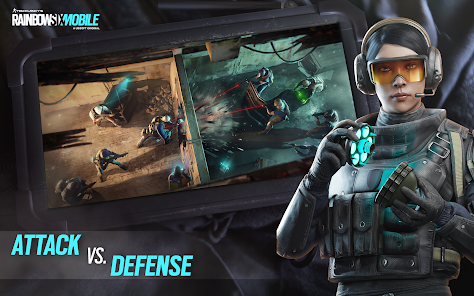
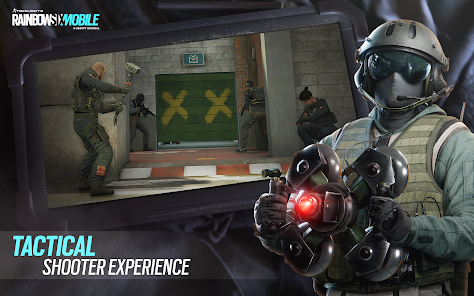
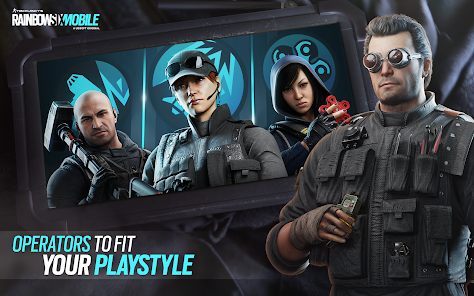
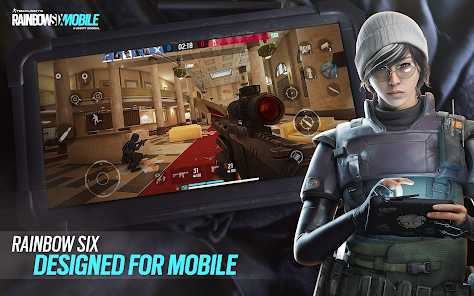
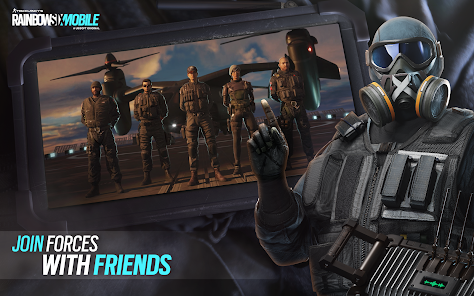
"Rainbow Six Mobile" brings the tactical shooter experience of the beloved franchise to mobile devices, offering a range of features that enhance gameplay. Players can engage in 5v5 multiplayer matches, where they can choose from a diverse roster of operators, each with unique abilities and gadgets. The game emphasizes teamwork and strategy, requiring players to communicate effectively to secure objectives and outsmart opponents.
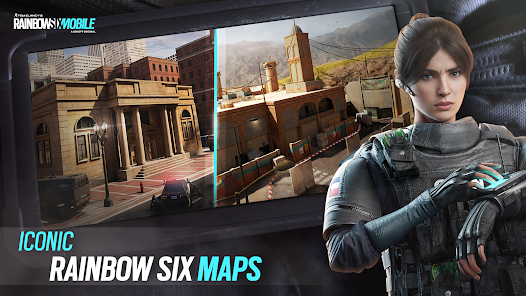
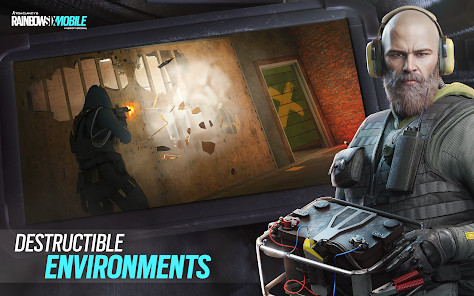
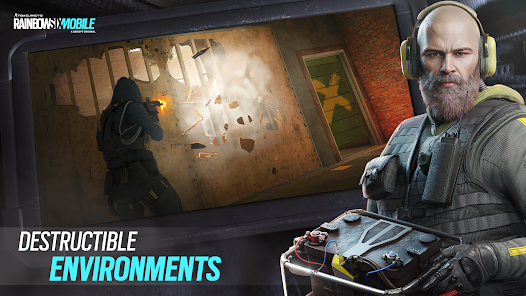
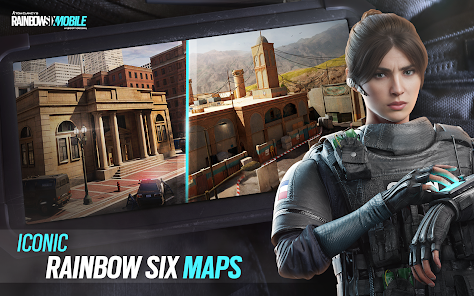
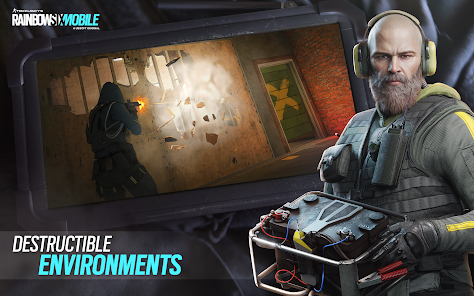
The game also includes iconic maps from the console and PC versions, reimagined for mobile play. These maps are designed to encourage strategic gameplay, with destructible environments and various entry points. Additionally, "Rainbow Six Mobile" features a variety of game modes, including bomb defusal and hostage rescue, catering to different play styles. The controls are optimized for touch screens, ensuring a smooth and responsive experience. Regular updates and seasonal events keep the content fresh, providing players with new challenges and rewards.
To get started with "Rainbow Six Mobile," first, download the game from your device's app store. Once installed, create an account or log in using your existing Ubisoft account. After logging in, you can customize your operator and select your preferred game mode. The tutorial mode is highly recommended for new players, as it introduces the basic mechanics and controls of the game.
During matches, communication with teammates is crucial. Use the in-game voice chat or quick commands to coordinate strategies. Familiarize yourself with the maps and operator abilities to maximize your effectiveness in gameplay. As you progress, you can unlock new operators and customize their loadouts to suit your play style. Regularly check for updates and events to take advantage of new content and challenges, enhancing your overall gaming experience.
"Rainbow Six Mobile" offers several advantages that make it appealing to players. One of the main pros is its engaging gameplay, which combines tactical elements with fast-paced action. The variety of operators and game modes ensures that players can find a style that suits them. Additionally, the graphics and sound design are impressive for a mobile game, providing an immersive experience. The regular updates and community events keep the game dynamic and encourage player retention.
However, there are some cons to consider. The touch controls, while optimized, may not provide the same precision as traditional controllers, which can be a drawback for competitive players. Additionally, the game may require a stable internet connection for optimal performance, which could be a limitation for some users. Lastly, as with many free-to-play games, there may be concerns about in-game purchases and balancing, as players who spend money could gain advantages over those who do not.

 Experience tactical gameplay designed specifically for mobile devices Enjoy fast-paced matches that encourage teamwork and strategy Access diverse operators, each with unique abilities and roles Engage in dynamic maps that challenge your skills and adaptability Participate in regular updates and events for fresh content
 Limited content compared to the full console version, reducing gameplay variety. Controls may feel clunky on mobile devices, affecting precision and responsiveness. Frequent microtransactions can disrupt the gaming experience and frustrate players.
  Google Play
  App Store
 Yes, players can submit suggestions or feedback through the game's official support channels or community forums, where developers often review player input.
Yes, Rainbow Six Mobile collects some personal data to enhance gameplay and improve user experience, in accordance with their privacy policy.
No, Rainbow Six Mobile requires an internet connection to play, as it is primarily designed for multiplayer experiences.
Since there is no subscription required for Rainbow Six Mobile, players do not need to worry about cancellation; any in-app purchases can be managed through their respective app stores.
Rainbow Six Mobile does not require a subscription; however, any premium features or in-game purchases will have associated costs.
Yes, you can recover your account by using the account recovery option on the login screen or by contacting customer service for support.
To activate your account, simply follow the link sent to your email upon registration and complete the activation process.
You can reach customer service through the in-game support menu or by visiting our official website for assistance.
You can update your account information in the settings menu of the game. For further assistance, reach out to customer service.
If you're unable to log in after a password change, double-check your new password for accuracy and contact customer support if the problem continues.