


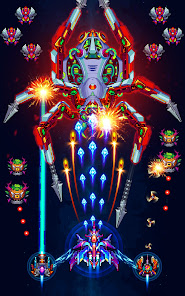






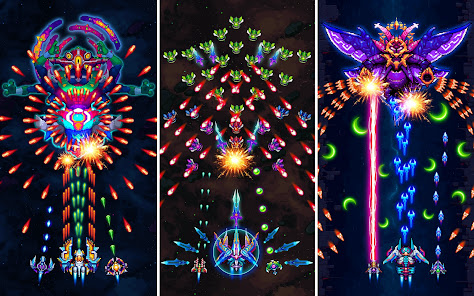
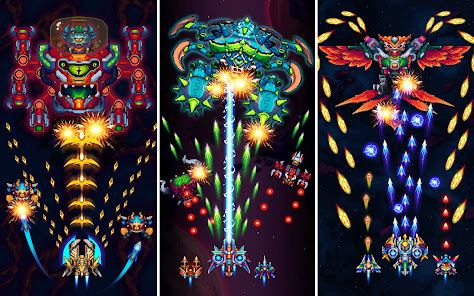

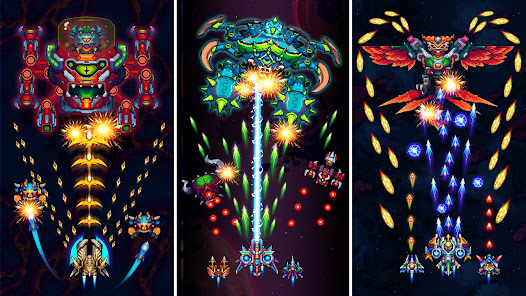
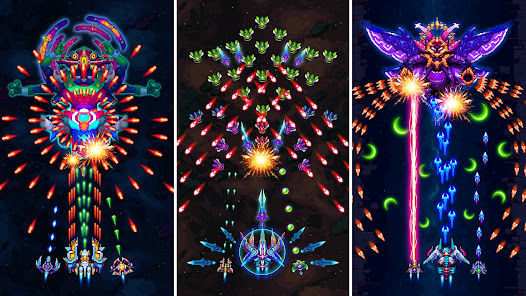



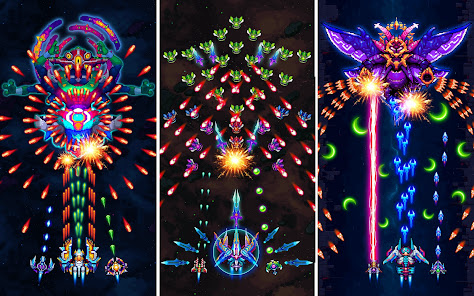
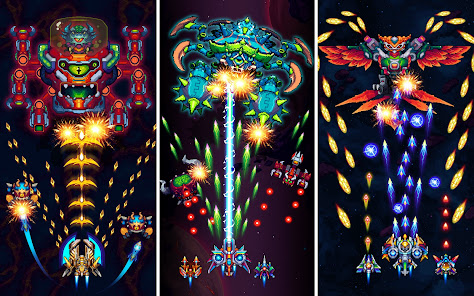

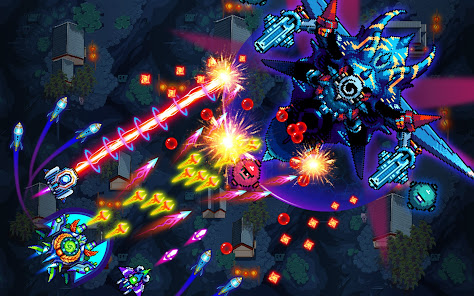
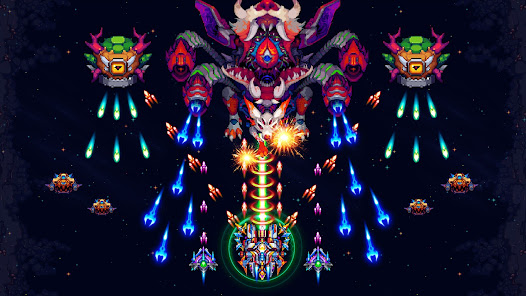
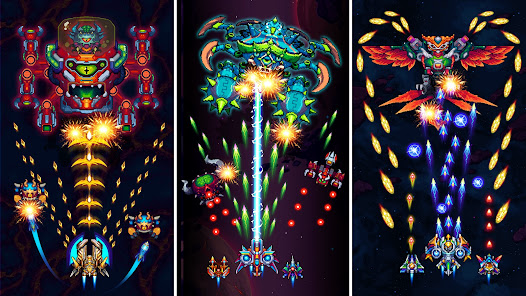
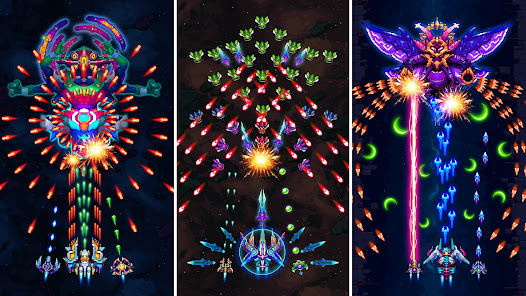
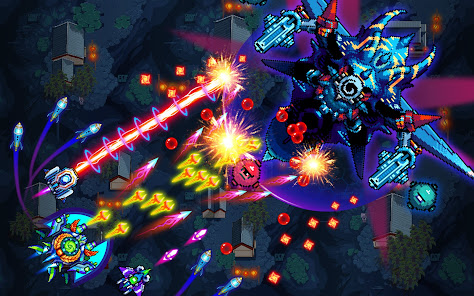
"Galaxiga: Galaxy Arcade Game" is a thrilling space shooter that brings back the nostalgia of classic arcade games while incorporating modern gameplay elements. One of its standout features is the variety of spacecraft available for players, each with unique abilities and upgrades. Players can collect power-ups during gameplay, enhancing their firepower and providing temporary shields to withstand enemy attacks. The game also boasts stunning graphics and vibrant visuals that create an immersive experience, making it visually appealing to players of all ages.
Additionally, "Galaxiga" offers multiple levels and challenging boss fights, ensuring that players remain engaged as they progress through the game. The intuitive controls allow for smooth navigation and shooting, making it accessible for both casual gamers and seasoned players. The game also includes a multiplayer mode, enabling friends to team up and tackle challenges together, fostering a sense of community. Regular updates introduce new content, keeping the gameplay fresh and exciting, while leaderboards encourage competition among players worldwide.
To get started with "Galaxiga: Galaxy Arcade Game," first, download and install the app from your device's app store. Once installed, launch the game and familiarize yourself with the main menu, where you can choose to start a new game, access settings, or view leaderboards. Begin your adventure by selecting your spacecraft and diving into the first level. The controls are straightforward; use the on-screen joystick to navigate your ship and tap the fire button to shoot at incoming enemies.
As you progress through the levels, collect power-ups and coins to upgrade your ship and unlock new abilities. Pay attention to the enemy patterns and learn their attack strategies to effectively dodge and counter their moves. If you prefer a cooperative experience, invite friends to join you in multiplayer mode, where you can strategize together to defeat challenging bosses. Remember to check for updates regularly, as new levels and features are frequently added, enhancing your gaming experience and keeping the excitement alive.
"Galaxiga: Galaxy Arcade Game" has several advantages that make it a popular choice among gamers. One of the main pros is its nostalgic appeal, reminiscent of classic arcade shooters, which attracts both older players and newcomers. The game features engaging graphics and sound effects that enhance the overall experience. Additionally, the variety of ships and upgrades allows for personalized gameplay, catering to different play styles. The multiplayer mode is another significant advantage, as it encourages social interaction and teamwork.
However, there are some drawbacks to consider. Some players may find the in-game purchases necessary for progression, which can be frustrating for those who prefer a completely free experience. Additionally, while the game offers numerous levels, some users have reported that it can become repetitive over time. The difficulty curve may also be steep for beginners, potentially discouraging new players. Overall, while "Galaxiga" provides an enjoyable gaming experience, it is essential to weigh these pros and cons before diving in.

 Engaging gameplay keeps players entertained for hours. Stunning graphics enhance the immersive experience. Variety of levels offers endless challenges and excitement. Intuitive controls make it easy for anyone to play. Regular updates introduce new content and features regularly.
 Limited gameplay variety can lead to repetitive experiences over time. The graphics may feel outdated compared to newer arcade games. In-app purchases can disrupt the gaming experience and annoy players.
  Google Play
  App Store
 Yes, players can submit suggestions or feedback through the app's support section or official website to help improve the game.
Galaxiga Arcade Shooting Game may collect certain data as per its privacy policy, but it is designed to prioritize user privacy and security.
Yes, Galaxiga Arcade Shooting Game can be played offline, allowing users to enjoy the game without an internet connection.
To cancel your subscription, you can go to your device's settings, navigate to subscriptions, and follow the prompts to cancel the Galaxiga subscription.
The game offers optional subscription services, but pricing may vary depending on the offers available in the app.
Yes, you can activate your account using your registered email. If you need help, contact customer service.
Yes, you can log in using your Google or Facebook account if you linked them during registration.
You can reach customer service through the in-game help section or by emailing support
Check your spam folder first. If you still don’t see it, contact customer service to resend the activation link.
Use the "Forgot Password" option on the log in screen to receive a reset link via email.