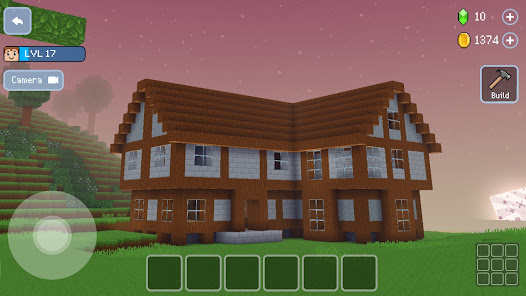
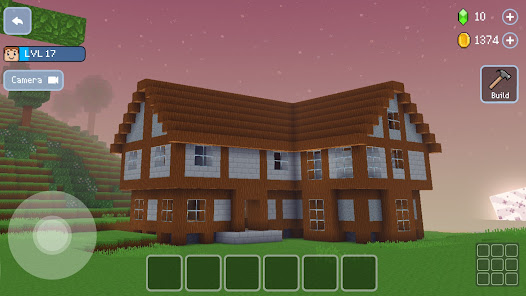
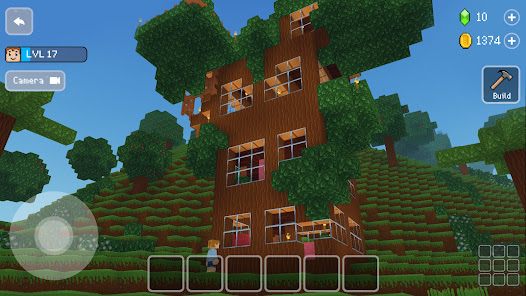
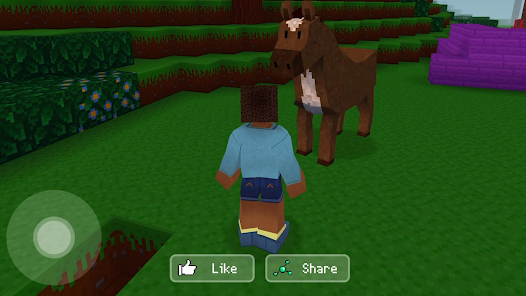
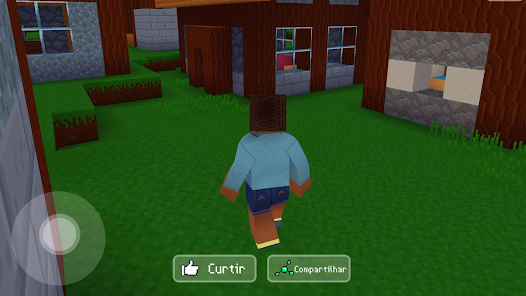
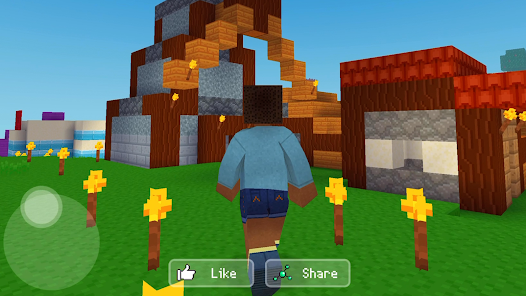
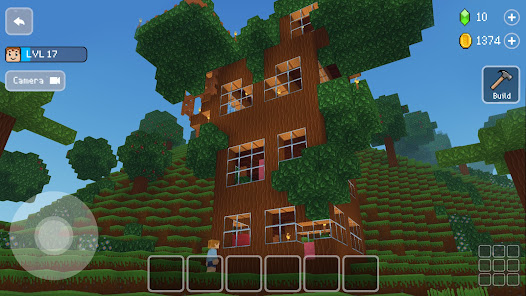
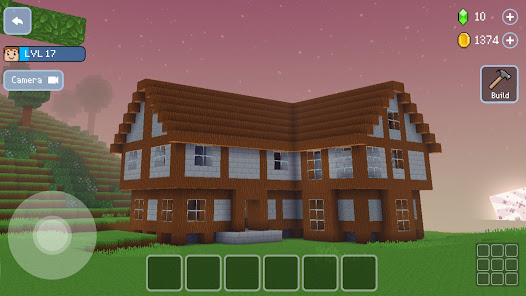
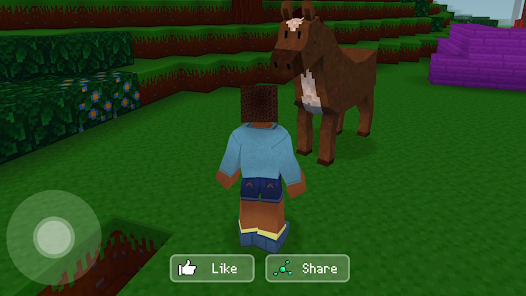
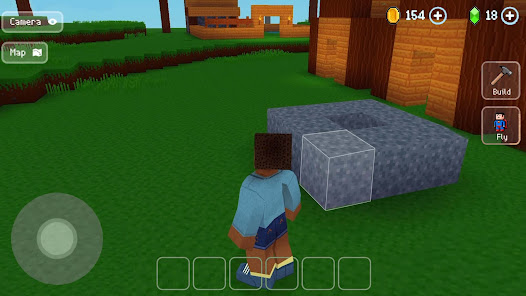
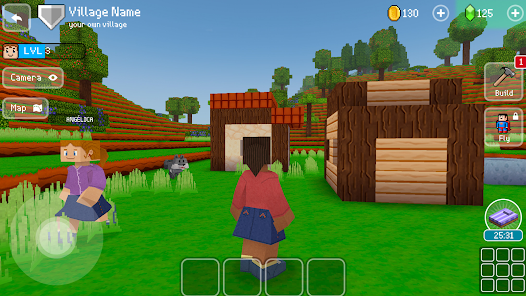
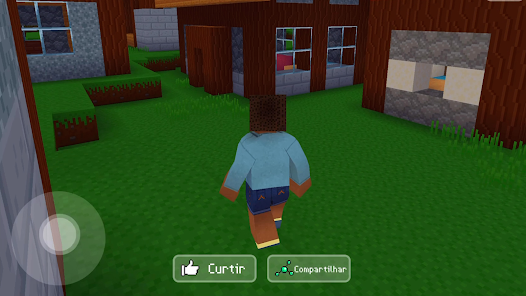
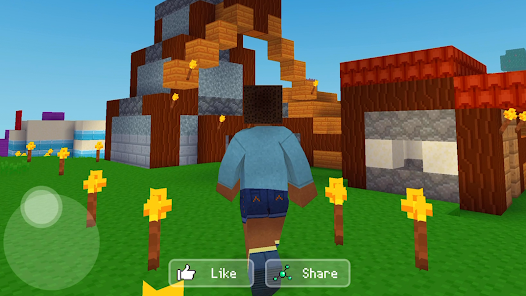
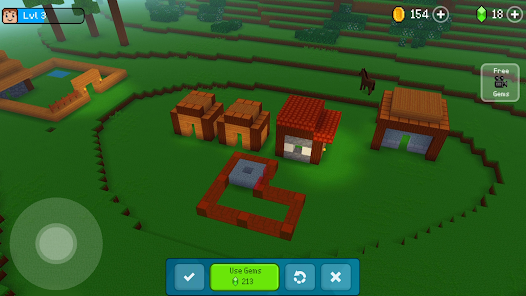
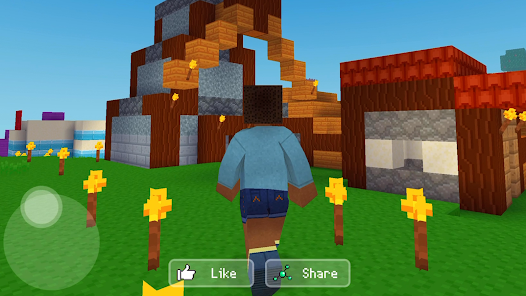
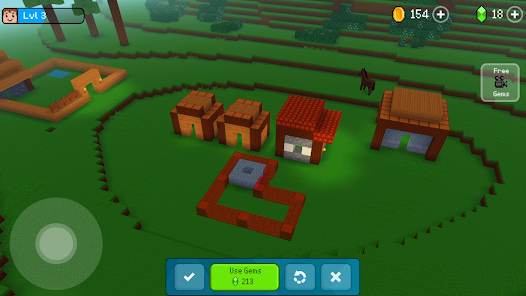
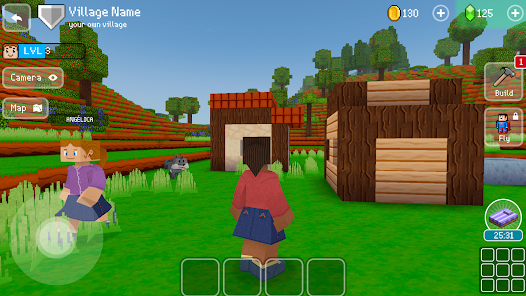
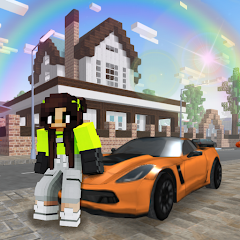
"Block Craft 3D: Building Game" is a popular sandbox game that allows players to unleash their creativity in a vibrant 3D world. One of its standout features is the extensive building system, which enables users to construct a variety of structures, from simple homes to elaborate castles. The game offers a wide selection of blocks and materials, allowing for limitless design possibilities. Players can also explore a vast open world filled with different environments, including forests, mountains, and urban areas.
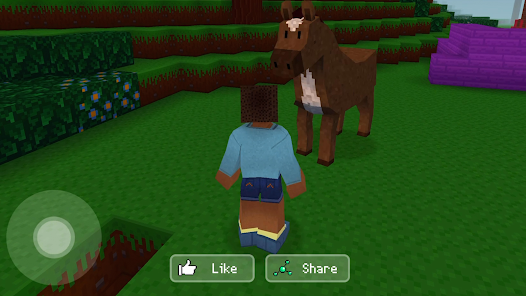
Another notable feature is the ability to interact with other players. Users can visit friends' creations, share their own designs, and even collaborate on building projects. The game also includes a variety of animals and characters that add life to the environment. Additionally, players can earn resources and unlock new items through gameplay, enhancing their building experience. The user-friendly interface and intuitive controls make it accessible for players of all ages, ensuring that everyone can enjoy the creative process.
To get started with "Block Craft 3D: Building Game," first, download and install the app from your device's app store. Once installed, open the game and create an account or log in as a guest. After entering the game, you will be greeted with a tutorial that guides you through the basic mechanics, including movement, building, and crafting. Familiarize yourself with the controls, as they are essential for navigating the 3D environment and accessing the building menu.
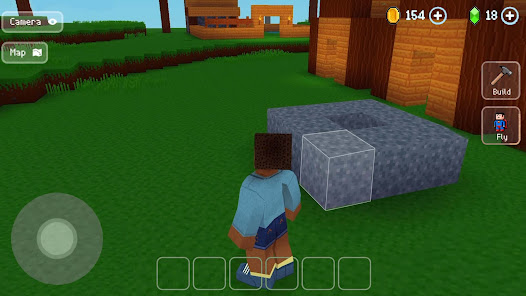
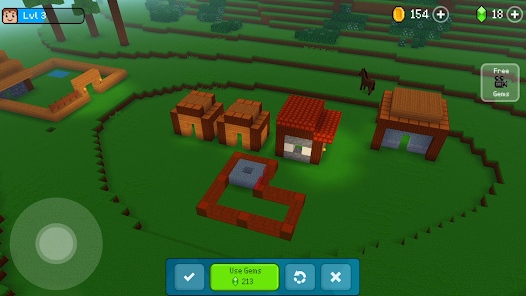
Begin your building journey by selecting a location in the open world where you want to construct your first structure. Use the building menu to choose from various blocks and materials. You can place blocks by tapping on the ground and adjusting their position as needed. Experiment with different designs and layouts to create unique buildings. Don’t forget to explore other players' creations for inspiration. As you progress, gather resources and unlock new items to enhance your building capabilities. Enjoy the freedom of creativity and have fun crafting your dream world!
"Block Craft 3D: Building Game" has several advantages that make it appealing to players. One of the main pros is its user-friendly interface, which allows even beginners to quickly grasp the building mechanics. The game encourages creativity, offering a vast array of blocks and materials to work with. Additionally, the multiplayer aspect fosters a sense of community, enabling players to share their creations and collaborate with friends. The graphics are colorful and engaging, enhancing the overall gaming experience.
However, there are some drawbacks to consider. One con is that the game can become repetitive over time, as the core mechanics may not offer enough variety for long-term engagement. Some players may also find the in-game purchases necessary to unlock certain features, which can be frustrating. Additionally, while the game is free to play, ads can interrupt the experience, detracting from immersion. Overall, while "Block Craft 3D" provides a fun and creative outlet, it may not hold the attention of all players in the long run.

 Experience limitless creativity with easy-to-use building tools. Enjoy a vibrant, blocky world with charming graphics. Share your creations with friends and explore their designs. Engage in fun challenges that spark your imagination. Build and customize unique structures without time constraints.
 Limited gameplay features may lead to repetitive experiences over time. Graphics and controls may feel less polished compared to other building games. In-app purchases can hinder progression and frustrate players seeking a fair experience.
 Yes, players can submit suggestions or feedback through the app's support section or by reaching out to the developers via their official website or social media channels.
Block Craft 3D may collect certain personal data to enhance user experience, but it is advisable to review their privacy policy for detailed information.
Yes, Block Craft 3D can be played offline, allowing users to build and create even without an internet connection.
To cancel any premium features or subscriptions, you can go to the app store settings on your device and manage your subscriptions from there.
Block Craft 3D does not have a standard subscription model, but it may offer in-app purchases or premium features at various price points.
Unfortunately, customer numbers cannot be changed. If you have concerns, please contact customer service for assistance.
Yes, you can log in on multiple devices with the same account as long as you use the correct login credentials.
You can reach our customer service team through the in-game support option or by emailing us at support
To activate your account, check your email for the activation link sent after registration. Click the link to complete the activation process.
You can contact customer service directly via the in-game support feature or by sending an email to support





 Google Play
  App Store