

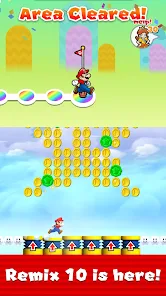
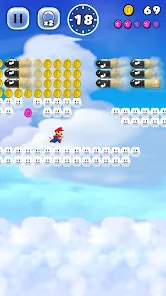

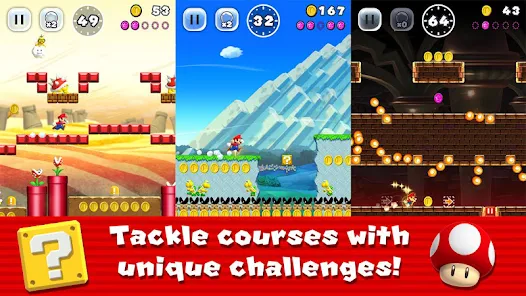
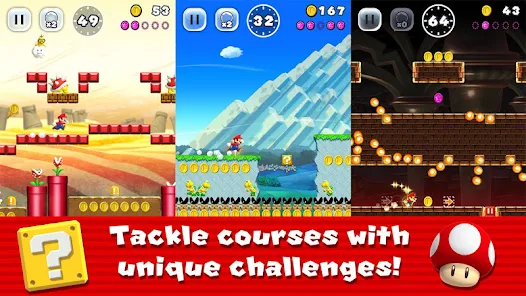
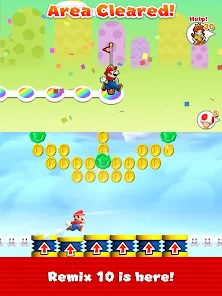
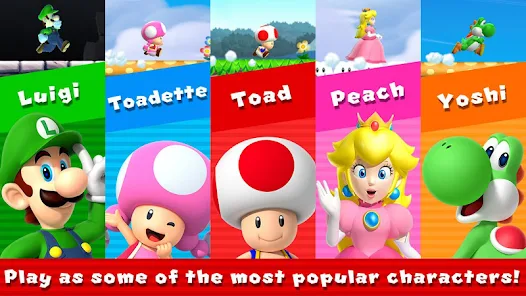
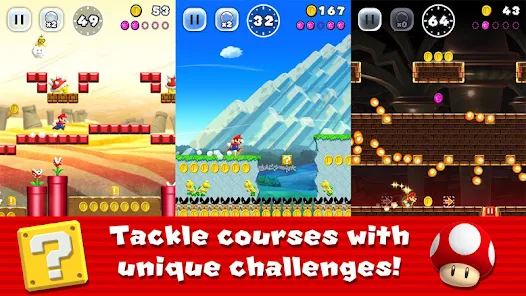


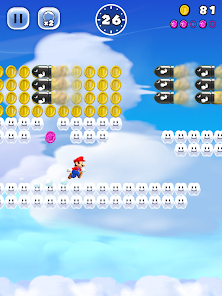
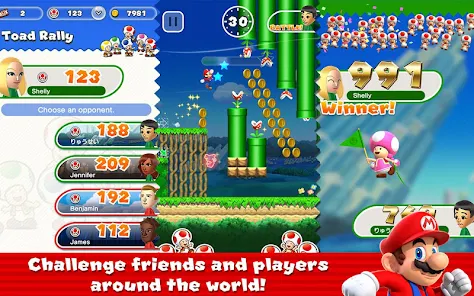
"Super Mario Run" is a mobile game that brings the classic Mario experience to smartphones. One of its standout features is the one-handed control system, allowing players to jump and perform various actions simply by tapping the screen. This makes it accessible for players of all ages and skill levels. The game includes multiple worlds, each filled with unique challenges, enemies, and collectibles, providing a rich platforming experience.
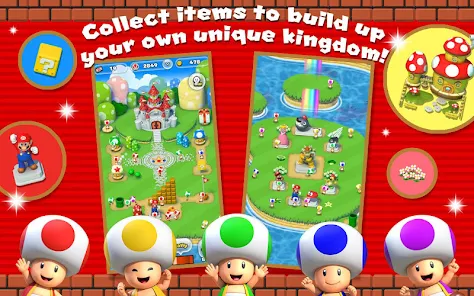
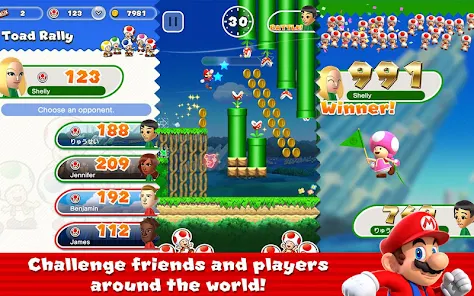
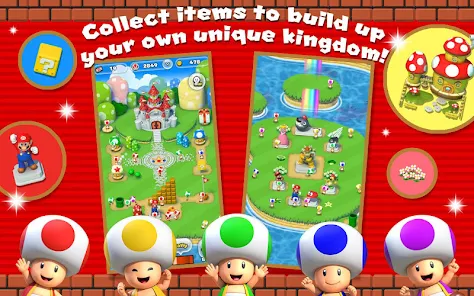
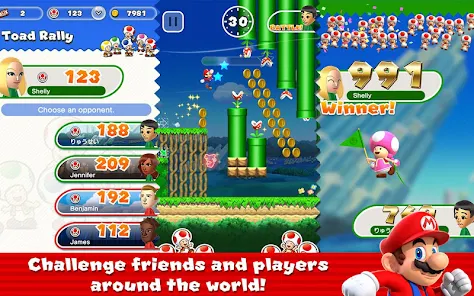
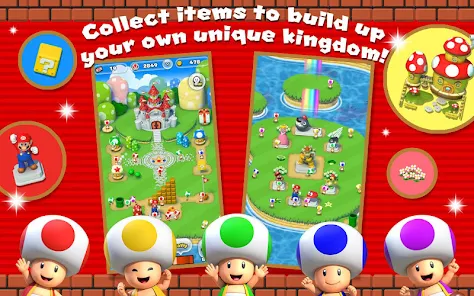
Another notable feature is the "Toad Rally" mode, where players can compete against friends or other players' ghosts to collect coins and impress Toads. This adds a competitive element to the game, encouraging players to improve their skills. Additionally, the game offers a "Kingdom Builder" feature, allowing players to create and customize their own Mushroom Kingdom using the coins and items they collect during gameplay. The vibrant graphics and catchy music further enhance the nostalgic feel of the game, making it a delightful experience for both new and longtime fans of the franchise.
To get started with "Super Mario Run," first, download the game from the App Store or Google Play Store. Once installed, open the app and complete the initial tutorial, which will guide you through the basic controls and gameplay mechanics. The game is designed for one-handed play, so you can easily tap the screen to make Mario jump, perform wall jumps, and execute special moves.
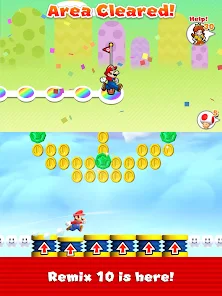
As you progress through the levels, focus on collecting coins and completing challenges to unlock new worlds and features. You can also participate in the "Toad Rally" mode to compete against other players and earn rewards. To build your own kingdom, gather items and coins from your adventures, and use them to customize your Mushroom Kingdom. Regularly check for updates and events within the game to maximize your experience and enjoy new content. With its simple controls and engaging gameplay, "Super Mario Run" is easy to pick up and play, making it a great choice for both casual and dedicated gamers.
"Super Mario Run" offers several advantages that make it an appealing choice for mobile gamers. One of the primary pros is its accessibility; the one-handed controls allow players to enjoy the game on the go without needing complex button combinations. The vibrant graphics and nostalgic music create an engaging atmosphere that appeals to both new players and longtime fans of the Mario franchise. Additionally, the competitive "Toad Rally" mode adds replay value, encouraging players to improve their skills and compete with friends.
However, there are some drawbacks to consider. One significant con is the game's pricing model; while the initial download is free, players must pay a one-time fee to unlock all levels, which may deter some users. Additionally, the gameplay can feel repetitive over time, as the core mechanics remain consistent throughout the levels. Some players may also find the lack of traditional multiplayer options limiting. Overall, while "Super Mario Run" has its strengths, potential players should weigh these pros and cons before diving into the game.

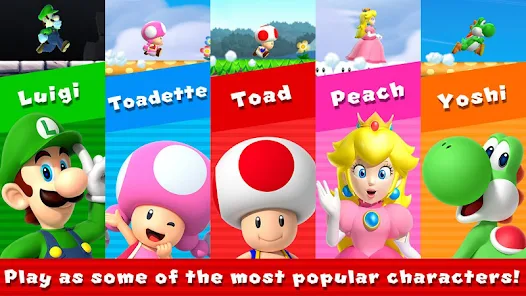
 Easy to learn, making it accessible for players of all ages. Engaging gameplay encourages quick, fun sessions anytime, anywhere. Unique one-handed controls allow for seamless play on the go. Features a competitive mode to challenge friends and others worldwide. Vibrant graphics and beloved characters enhance the overall gaming experience.
 Limited gameplay options may lead to quick boredom Requires a one-time payment for full access Lacks offline play, needing constant internet connection
 Yes, players can submit feedback and suggestions through the in-game support option or by visiting the official Nintendo website.
Yes, Super Mario Run may collect personal data as outlined in its privacy policy, including information related to gameplay and device usage.
Super Mario Run requires an internet connection for most features, but certain modes can be played offline after they have been downloaded.
To cancel your Super Mario Run subscription, you can go to your device's app store settings and manage your subscriptions from there.
The full game unlock costs a one-time payment, typically around $9.99, but prices may vary based on region.
Yes, you can log in using your Nintendo account. Just select the Nintendo option on the login screen to access your Super Mario Run profile.
You can change your login details in the account settings of the app. For detailed help, contact customer service.
You can reach customer service through the app's support section or visit the official website for more assistance.
To activate your account, simply follow the link sent to your email upon registration. If you didn’t receive it, check your spam folder or contact customer service.
Use the "Forgot Password" option on the login screen to receive a reset link via email. If you need further assistance, please contact customer service.





 Google Play
  App Store