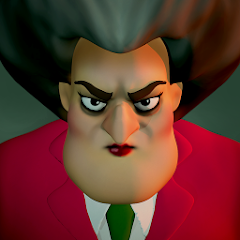


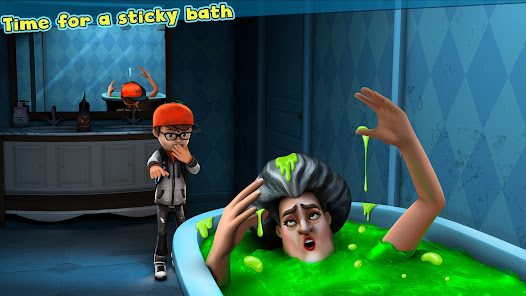
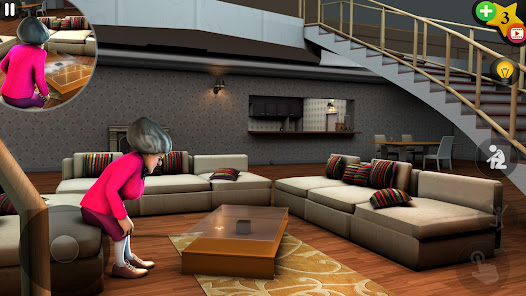
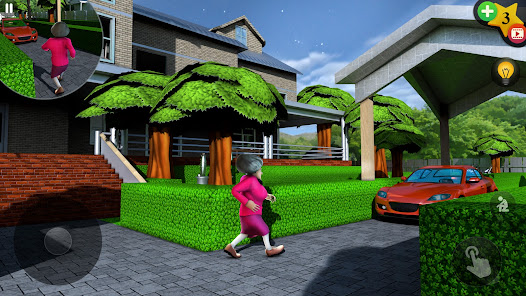
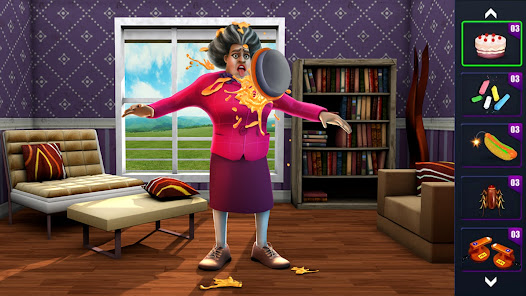
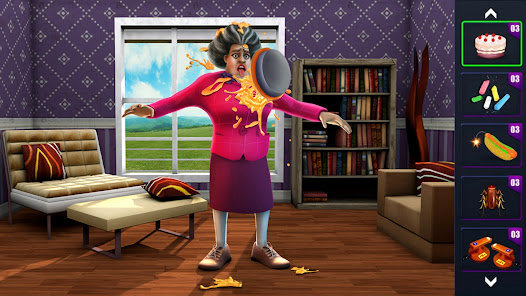
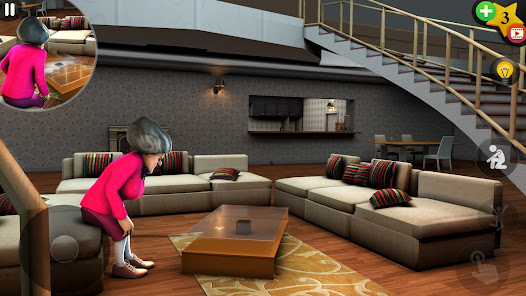
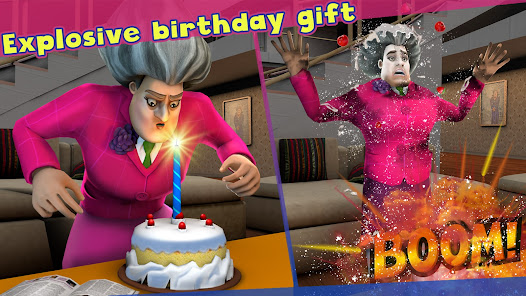
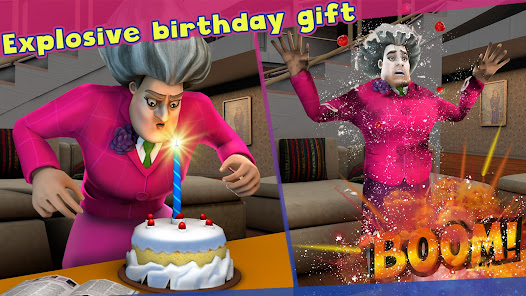
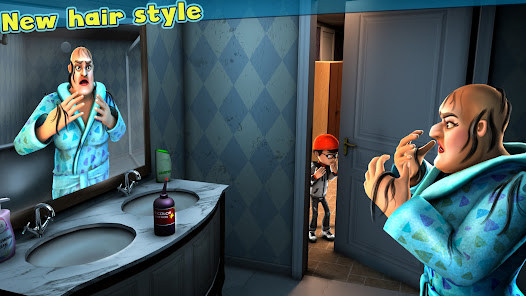
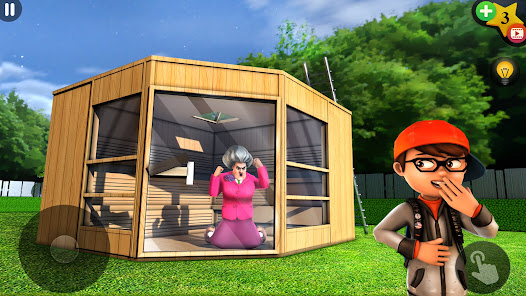
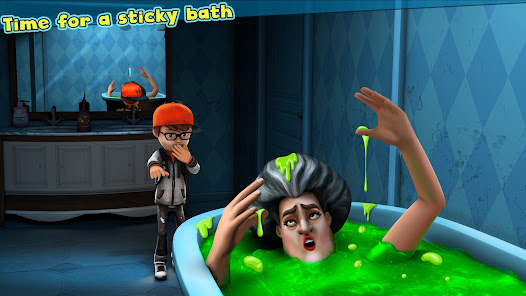
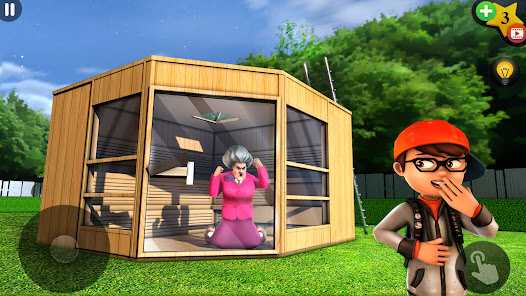
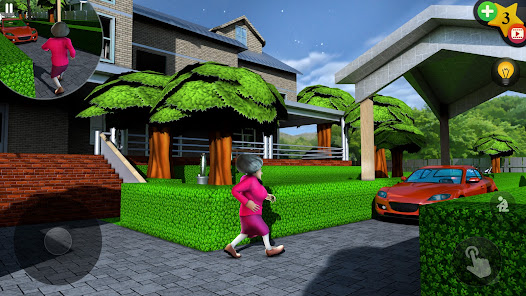
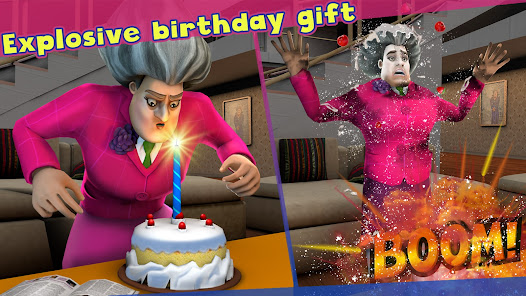
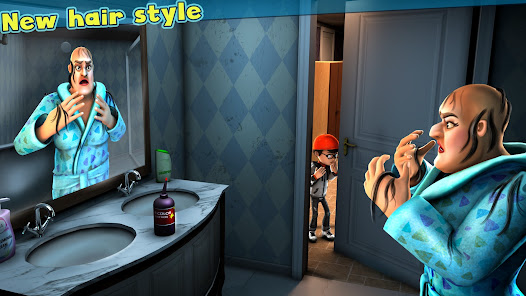
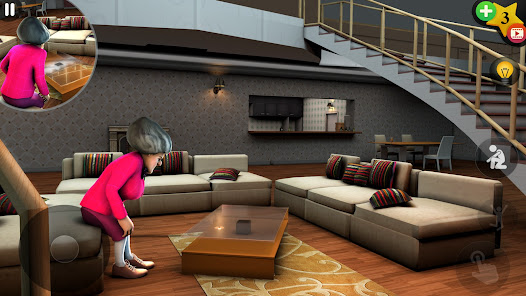
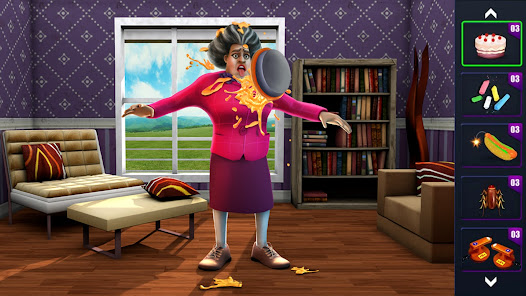
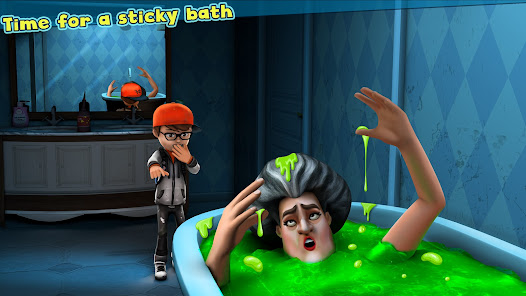
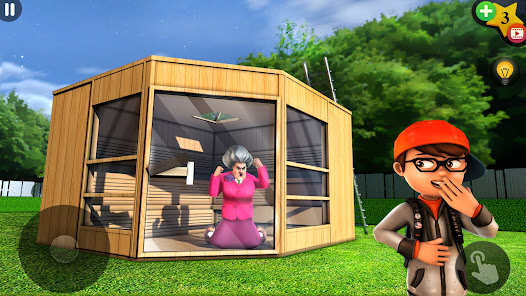
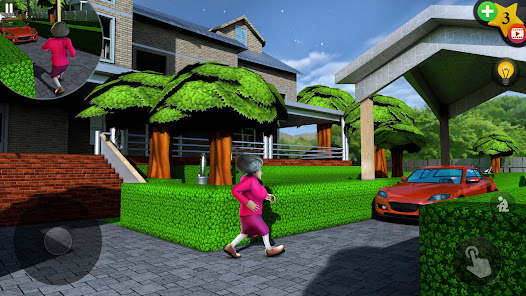
"Scary Teacher 3D" is an engaging mobile game that combines elements of adventure, strategy, and humor. One of its standout features is the immersive 3D graphics that create a vibrant and interactive environment. Players navigate through various rooms in a creepy house, each filled with unique challenges and surprises. The game allows players to take on the role of a student who seeks revenge on their terrifying teacher, Miss T, by executing clever pranks.
Another notable feature is the variety of missions available, which range from simple tasks to complex challenges that require strategic thinking. Players can explore different locations, each with its own set of puzzles and secrets to uncover. The game also includes a wide array of tools and items that players can use to set up their pranks, adding an element of creativity to the gameplay. Additionally, the game is designed with user-friendly controls, making it accessible for players of all ages. Overall, "Scary Teacher 3D" offers a fun and entertaining experience that keeps players engaged with its quirky storyline and interactive gameplay.
To get started with "Scary Teacher 3D," first, download the game from your device's app store and install it. Once the game is launched, players are introduced to the storyline, where they learn about the mischievous teacher and the objective of the game. The main goal is to complete various missions by pranking Miss T while avoiding her detection. Players can navigate through the house using on-screen controls, allowing them to explore different rooms and interact with objects.
As players progress, they can unlock new levels and challenges, which adds to the excitement. It’s essential to plan each prank carefully, as getting caught by Miss T can lead to game over. Players can also collect items and tools scattered throughout the house, which can be used to enhance their pranking strategies. The game encourages creativity and critical thinking, making it a fun experience. Regular updates and new missions keep the gameplay fresh, ensuring that players remain engaged over time.
"Scary Teacher 3D" comes with several advantages that make it appealing to a wide audience. One of the primary pros is its engaging gameplay, which combines humor and strategy, making it enjoyable for both kids and adults. The vibrant graphics and immersive 3D environment enhance the overall experience, allowing players to feel fully immersed in the game. Additionally, the variety of missions and pranks keeps the gameplay fresh and exciting, encouraging players to return for more challenges.
However, there are some cons to consider. Some players may find the game repetitive after a while, as the core mechanics remain similar throughout. Additionally, the presence of ads can be intrusive, potentially disrupting the gaming experience. Some users have also reported occasional bugs or glitches that can affect gameplay. Despite these drawbacks, "Scary Teacher 3D" remains a popular choice for those looking for a fun and lighthearted gaming experience, balancing its pros and cons effectively.

 Engaging gameplay keeps players entertained for hours Challenging puzzles enhance critical thinking and problem-solving skills Vibrant graphics and animations create an immersive experience Variety of levels offers diverse challenges and surprises Humorous storyline adds a fun twist to gameplay dynamics
 The game can become repetitive and lacks variety in missions. Graphics and animations may feel outdated and unpolished. Controls can be unresponsive, leading to frustrating gameplay experiences.
 Yes, players can submit suggestions and feedback through the app's support or contact sections to help improve the game.
Scary Teacher 3D may collect certain personal data to enhance user experience and for advertising purposes, as stated in their privacy policy.
Yes, Scary Teacher 3D can be played offline, allowing players to enjoy the game without needing an internet connection.
Users can cancel their subscription through their device's app store settings, following the instructions provided by either Google Play or the Apple App Store.
The subscription cost for Scary Teacher 3D can vary based on the chosen plan, and users are encouraged to check the app for current pricing details.
Unfortunately, customer numbers cannot be changed once assigned. Please keep your original customer number safe.
For activation issues, please contact customer service with your account details for prompt assistance.
After downloading the game, follow the on-screen instructions to create and activate your account.
You can reach customer service by visiting the game's official website and using the support contact form.
Please check your email for the registration confirmation, which includes your customer number.








 Google Play
  App Store