

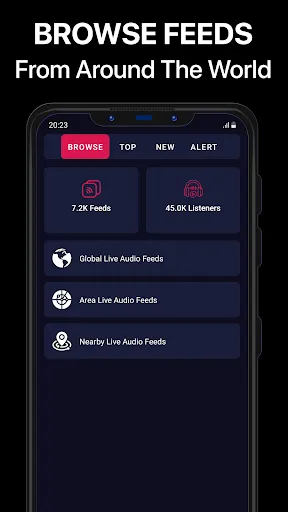
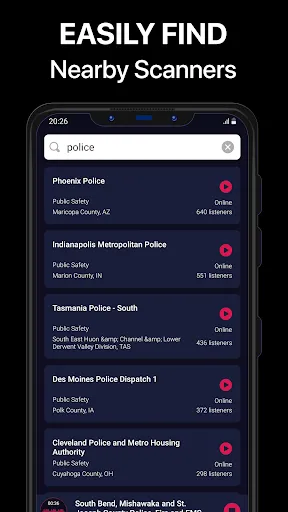
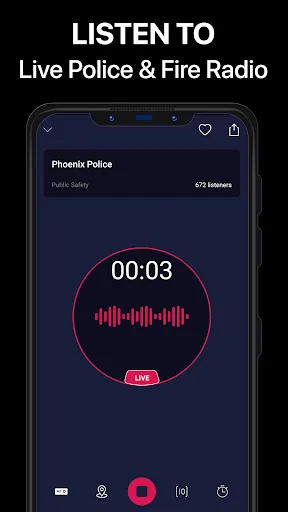
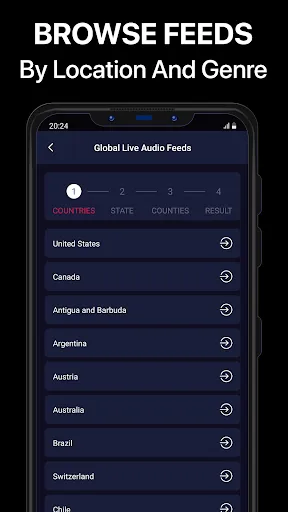
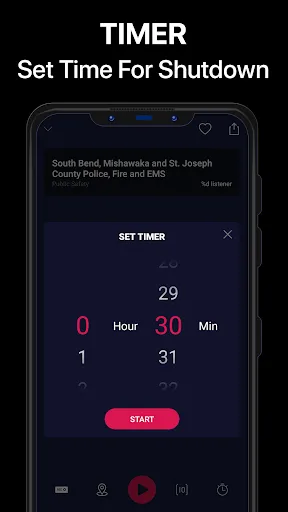
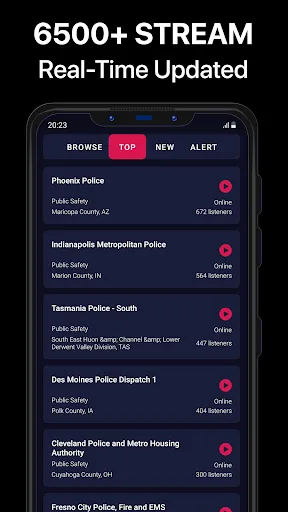
"Police Scanner Pro" is a comprehensive application designed for those interested in real-time public safety communications. One of its standout features is the ability to stream live audio from police, fire, and emergency services across various regions. Users can easily search for channels by location or type of service, making it convenient to find relevant broadcasts. The app also includes a user-friendly interface that allows for quick navigation between different channels and categories.
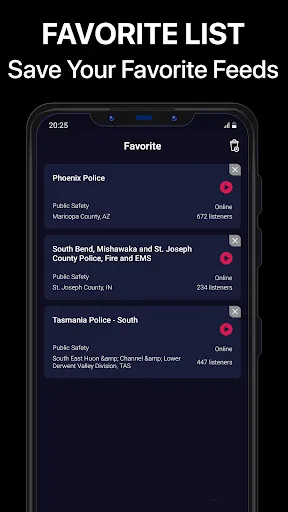
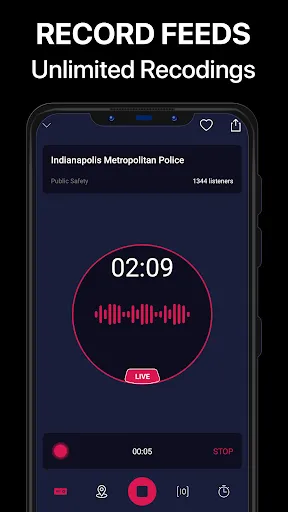
Another notable feature is the ability to create a favorites list, enabling users to save frequently accessed channels for easy listening. The app provides notifications for significant incidents, ensuring that users stay informed about emergencies in their area. Additionally, "Police Scanner Pro" offers a recording feature, allowing users to capture audio for later review. The app is regularly updated with new channels and features, enhancing the overall user experience and keeping the content fresh and relevant.
Using "Police Scanner Pro" is straightforward and user-friendly, making it accessible for both beginners and seasoned users. After downloading and installing the app, users are greeted with a clean interface that displays various categories of channels. To start listening, simply select a category, such as police or fire services, and choose a specific channel from the list. The app allows for easy switching between channels, so users can quickly find the broadcasts that interest them the most.
For those who want to personalize their experience, the app includes a favorites feature. Users can tap on the star icon next to a channel to add it to their favorites list for quick access later. Additionally, users can enable notifications to receive alerts about significant incidents in their area, ensuring they never miss important updates. The recording feature is also easy to use; just tap the record button to save audio for future reference. Overall, the app is designed to provide a seamless listening experience.
"Police Scanner Pro" comes with several advantages that make it a popular choice among users. One of the primary pros is its extensive coverage, allowing users to access a wide range of channels from different regions. The app's real-time streaming capability ensures that users receive timely updates on emergencies and public safety incidents. Additionally, the user-friendly interface and customizable features, such as favorites and notifications, enhance the overall experience, making it easy to navigate and stay informed.
However, there are some drawbacks to consider. One potential con is that the app may require a stable internet connection for optimal performance, which could be a limitation in areas with poor connectivity. Some users have also reported occasional buffering issues during peak usage times. Furthermore, while the app is generally reliable, the availability of certain channels may vary based on location, which could limit access to specific broadcasts. Overall, while "Police Scanner Pro" offers valuable features, users should weigh these pros and cons based on their individual needs.

 Limited coverage area restricts access to some important channels User interface can be confusing for beginners Frequent ads disrupt the listening experience
 Limited coverage area restricts access to some important channels User interface can be confusing for beginners Frequent ads disrupt the listening experience
  Google Play
  App Store
 Yes, users can submit suggestions or feedback through the app's support section or contact the development team via their official website.
Yes, Police Scanner Pro - App may collect certain personal data for functionality and user experience improvement, but it typically adheres to privacy policies to protect user information.
No, Police Scanner Pro - App requires an active internet connection to stream live audio feeds and access its features.
You can cancel your subscription to Police Scanner Pro - App through your app store account settings or directly within the app's subscription management section.
The subscription cost for Police Scanner Pro - App varies depending on the plan selected, with options typically including monthly and yearly subscriptions at competitive rates.
Unfortunately, customer numbers cannot be changed. For assistance, please contact customer service.
Yes, you can log in on multiple devices using the same account credentials.
To reset your password, click on the "Forgot Password?" link on the login page and follow the instructions sent to your email.
To activate your account, click the activation link sent to your email after registration. Follow the prompts to complete the process.
You can reach our customer service via the app's support section or email us directly at support