

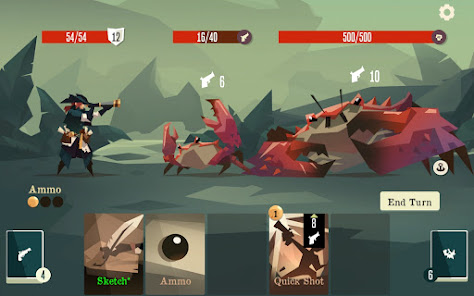
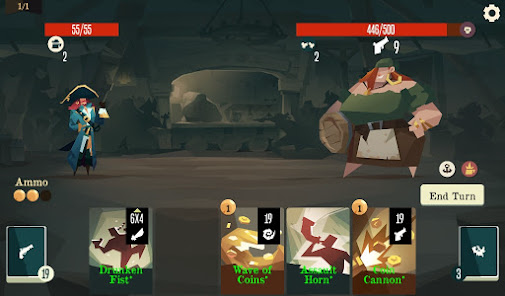
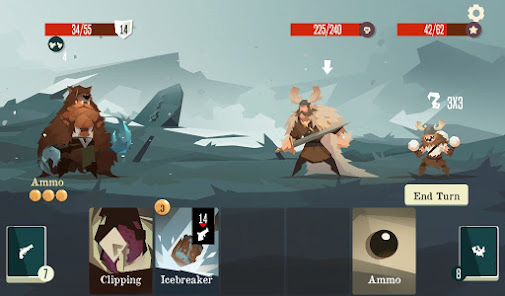
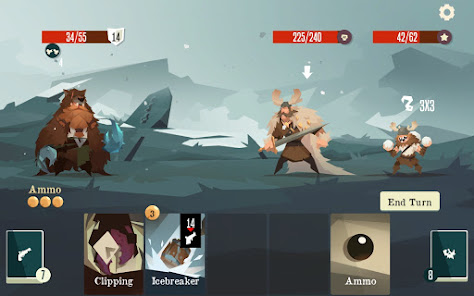
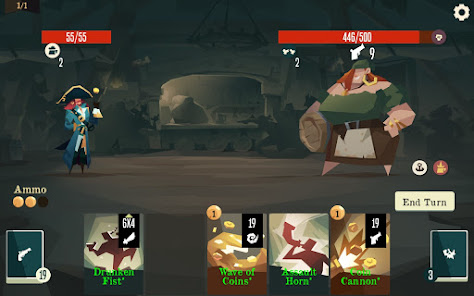
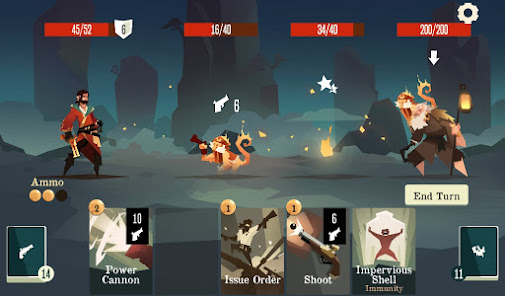
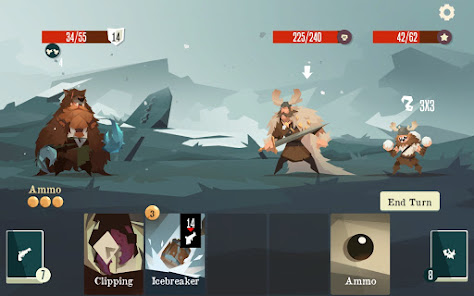
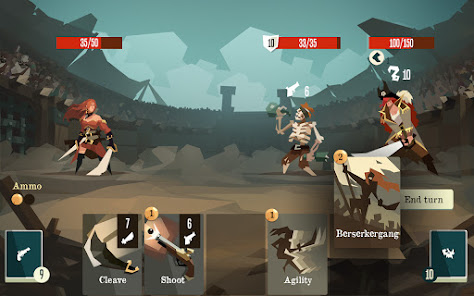
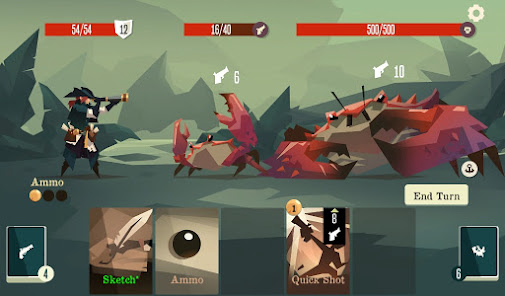
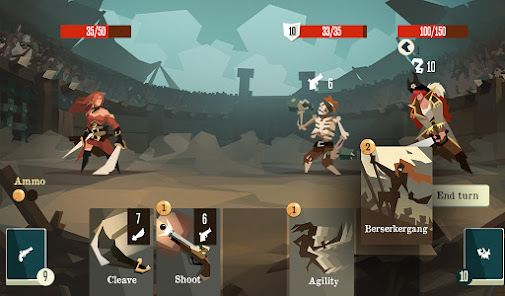
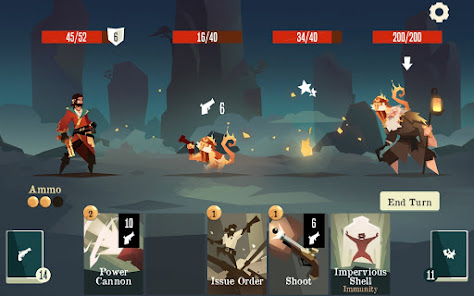
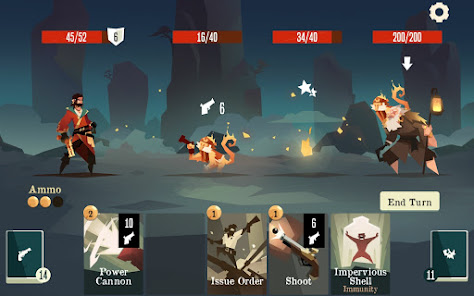
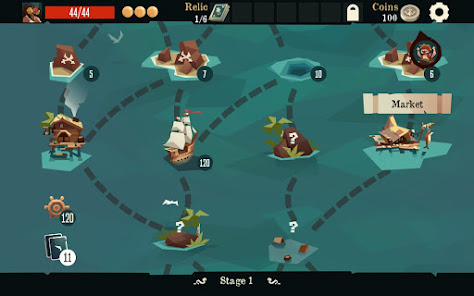
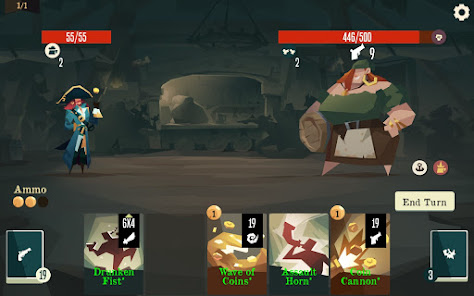
"Pirates Outlaws" is an engaging roguelike deck-building game that immerses players in a vibrant pirate world. One of its standout features is the extensive card system, where players can build their unique decks from a variety of cards, each with distinct abilities and effects. This allows for strategic gameplay as players can tailor their decks to suit their playstyle.
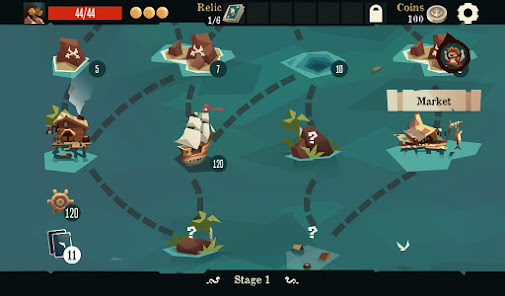
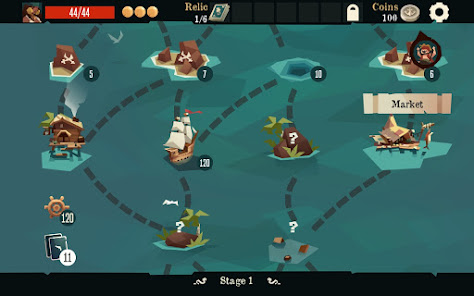
The game also boasts a rich variety of characters, each with unique skills and attributes, adding depth to the gameplay. Players can choose from different outlaws, each offering a unique experience and strategy. Additionally, "Pirates Outlaws" features a dynamic map system, where players navigate through various islands, each presenting different challenges and enemies.
Moreover, the game includes a crafting system that allows players to create powerful items and upgrades, enhancing their chances of survival. The art style is colorful and engaging, contributing to the overall immersive experience. With regular updates and new content, "Pirates Outlaws" keeps players engaged and encourages them to explore the vast pirate world.
To get started with "Pirates Outlaws," players first need to download the game from their preferred platform, such as Steam or mobile app stores. Once installed, players can launch the game and select their desired character from the available outlaws. Each character has unique abilities, so it's essential to choose one that aligns with your preferred playstyle.
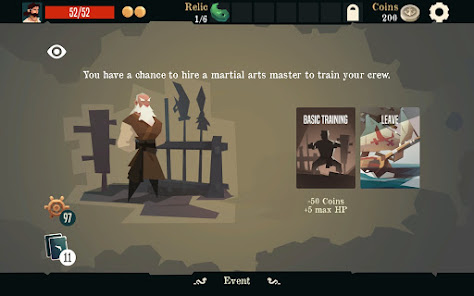
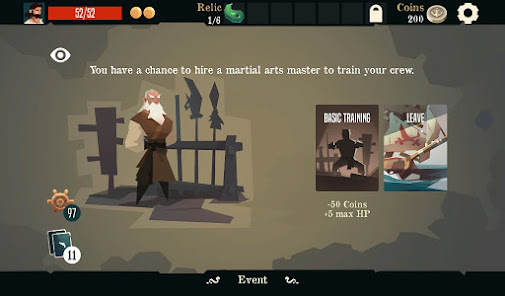
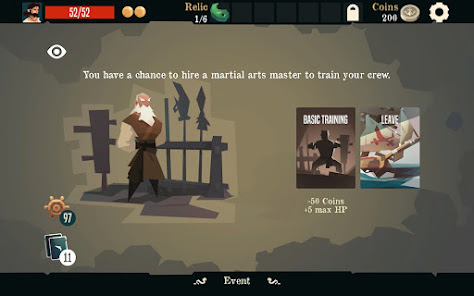
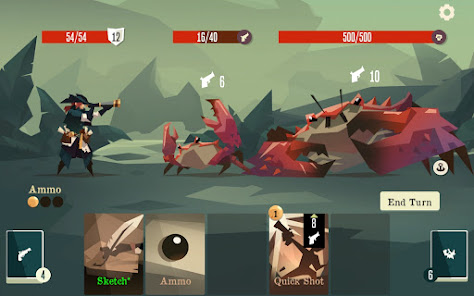
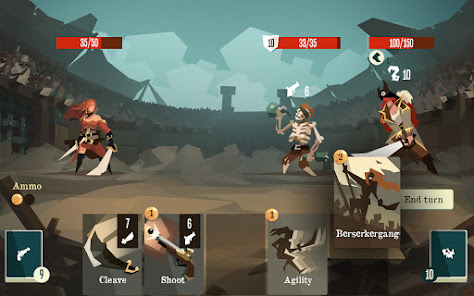
After selecting a character, players will enter the game’s map, where they can navigate through various islands. Each island presents different encounters, including battles, treasure hunts, and events. Players will need to build their decks strategically by acquiring new cards and items as they progress. Engaging in battles requires careful planning, as players must utilize their cards effectively to defeat enemies.
As players advance, they can upgrade their cards and craft new items to enhance their abilities. It's crucial to manage resources wisely and adapt strategies based on the challenges faced. Regularly exploring the map and trying different characters can lead to discovering new strategies and gameplay experiences, making each playthrough unique.
"Pirates Outlaws" offers several advantages that make it an appealing choice for fans of deck-building games. One of the primary pros is its engaging gameplay, which combines strategy and luck, keeping players on their toes. The variety of characters and cards allows for diverse strategies, ensuring that no two playthroughs are the same. Additionally, the game's art style is visually appealing, enhancing the overall experience.
However, there are some drawbacks to consider. Some players may find the learning curve steep, especially if they are new to deck-building games. The randomness of card draws can also lead to frustrating moments, where players may feel at the mercy of luck rather than skill. Furthermore, while the game receives regular updates, some players may desire more content or features to keep the gameplay fresh.
In summary, "Pirates Outlaws" is a captivating game with a mix of strengths and weaknesses. Its strategic depth and engaging mechanics make it a worthwhile experience for fans of the genre, but potential players should be aware of the challenges that come with it.

 Engaging turn-based combat offers strategic depth and excitement in battles. Diverse character classes allow for unique play styles and customization. Randomly generated maps enhance replayability and keep the game fresh. A rich card system enables tactical deck-building for varied strategies. Charming pirate-themed art and music immerse players in a captivating world.
 Limited character development can reduce player investment in the story. Gameplay can become repetitive over time, lacking variety. Difficulty spikes may frustrate casual players, hindering enjoyment.
 Pirates Outlaws may collect certain data for gameplay and analytics purposes, but it generally respects user privacy and complies with relevant data protection regulations. Always check the privacy policy for detailed information.
Pirates Outlaws typically does not offer a free trial, but it may provide a free version or demo with limited features, allowing players to try out the game before making a purchase.
Pirates Outlaws can be played offline, so you do not need an internet connection to enjoy the game once it is downloaded. However, some features may require connectivity.
You can contact support or send feedback for Pirates Outlaws through the in-game support feature or by visiting the official website, where you can find contact information and support resources.
You can manage or cancel your subscription through your device's app store settings, usually found in the subscription management section. Follow the instructions specific to your platform for assistance.
Unfortunately, customer numbers cannot be changed. If you have concerns, please contact customer service for guidance.
Yes, you can log in to your account from multiple devices. Just use your customer number and password on each device.
You can reach our customer service through the support section in the app or visit our website for assistance.
To activate your account, follow the link sent to your email after purchase. If you encounter issues, please reach out to customer service for support.
If you've forgotten your password, click the "Forgot Password" link on the login page to reset it. Follow the instructions sent to your email.








 Google Play
  App Store