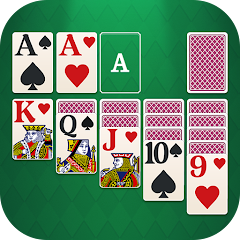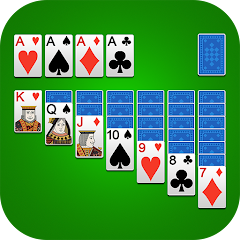


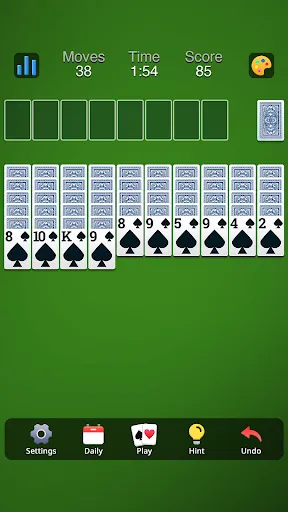
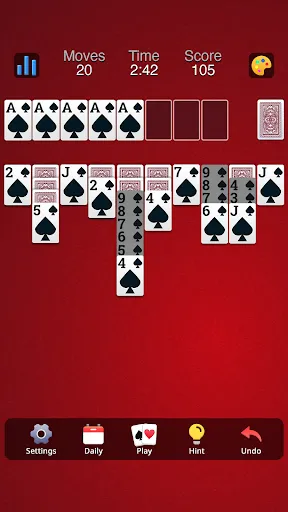
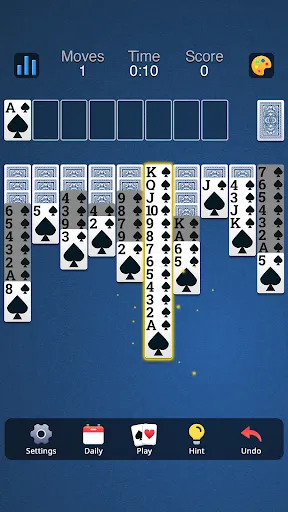
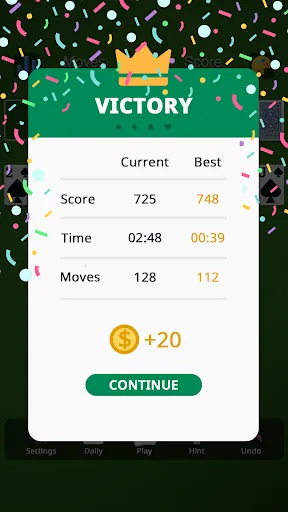
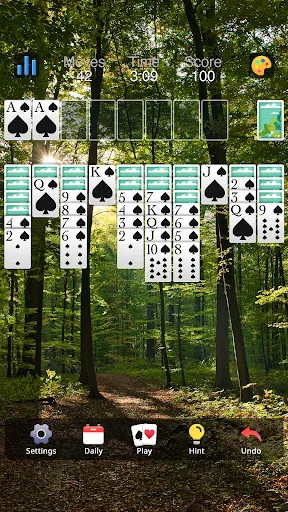
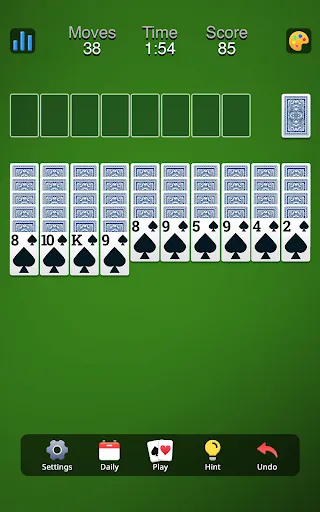


"Spider Solitaire: Card Game" offers a variety of engaging features that enhance the classic gameplay experience. One of the standout features is its multiple difficulty levels, allowing players to choose between one, two, or four suits, catering to both beginners and seasoned players. The game also includes a user-friendly interface with smooth animations and intuitive controls, making it easy to navigate through the cards.
Additionally, players can enjoy customizable themes and backgrounds, which add a personal touch to the gaming experience. The game provides hints and undo options, helping players strategize their moves effectively. A scoring system tracks player performance, encouraging competition and improvement. Furthermore, the game supports offline play, allowing users to enjoy Spider Solitaire anytime, anywhere, without the need for an internet connection. Regular updates ensure that players receive new challenges and features, keeping the gameplay fresh and exciting.
Using "Spider Solitaire: Card Game" is straightforward and user-friendly, making it accessible for players of all skill levels. To begin, download the app from your preferred app store and install it on your device. Once launched, you can select your desired difficulty level, which determines the number of suits in play. The game board will display a series of face-down cards, and your objective is to build complete sequences from King to Ace in the same suit.
To play, simply drag and drop cards to move them around the tableau. You can stack cards in descending order, regardless of suit, to free up space for new cards. If you find yourself stuck, utilize the hint feature for guidance or the undo option to revert your last move. As you progress, aim to clear all the cards from the board by forming complete sequences. The game also allows you to pause and resume at your convenience, making it easy to fit into your schedule.
"Spider Solitaire: Card Game" comes with several advantages that make it a popular choice among card game enthusiasts. One of the primary pros is its engaging gameplay, which offers a mix of strategy and luck, keeping players entertained for hours. The variety of difficulty levels allows players to challenge themselves according to their skill level, while the customizable themes enhance the visual appeal. Additionally, the offline play feature is a significant advantage, enabling users to enjoy the game without needing an internet connection.
However, there are some cons to consider. Some players may find the ads intrusive, which can disrupt the gaming experience. Additionally, while the game offers hints, relying too heavily on them may detract from the challenge and satisfaction of solving the puzzles independently. Lastly, the learning curve for beginners can be steep, especially when starting with multiple suits, which may discourage new players. Overall, while "Spider Solitaire: Card Game" has its drawbacks, its engaging features and accessibility make it a worthwhile option for card game lovers.

 Enhances strategic thinking and problem-solving skills. Provides a relaxing and enjoyable solo gaming experience. Offers various difficulty levels to suit all players. Encourages patience and focus during gameplay. Can be played on multiple devices, anytime and anywhere.
 Limited gameplay variety may lead to monotony over time Requires strategic thinking, which can be frustrating for some Can be time-consuming, making it hard to play in short bursts
  Google Play
  App Store
 Yes, users can submit suggestions or feedback through the app's support options or official website, where developers welcome input to improve the game.
The app may collect certain data to enhance user experience, but it is committed to user privacy and adheres to data protection regulations.
Yes, Spider Solitaire: Card Game can be played offline, allowing users to enjoy the game without an internet connection.
Subscriptions can be canceled through the app store settings on your device, where you can manage your subscriptions and select the option to cancel.
Subscription prices may vary, but generally, they offer monthly and yearly plans for enhanced gameplay features and an ad-free experience.
Unfortunately, the app does not display your customer number. Please refer to your registration email or contact customer service for retrieval.
You can reach our customer service via the support section in the app or through our website's contact form.
If you didn't receive the email, check your spam folder. If it's not there, please contact customer service for a new activation link.
To log in, open the app and enter your registered email and password. If you encounter issues, ensure your credentials are correct.
You can contact customer service through the help section in the app or send an email to our support team for quick assistance.