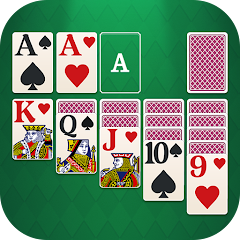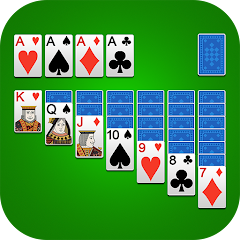


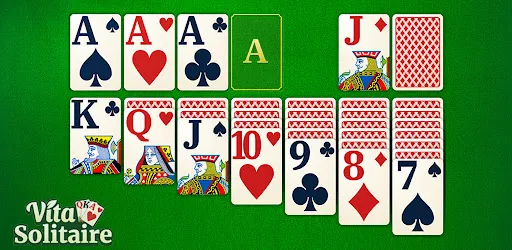
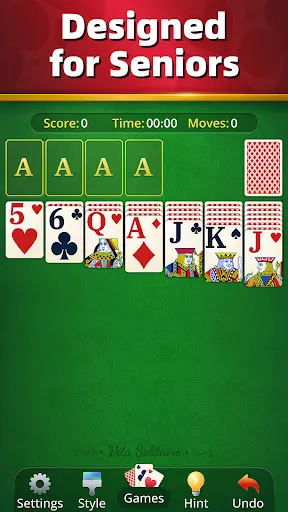
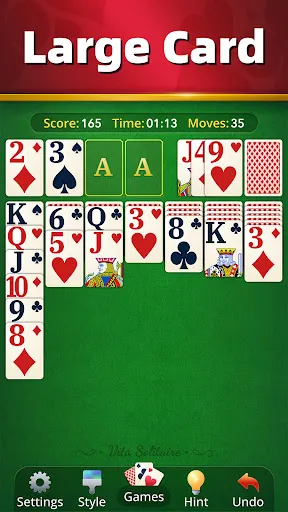
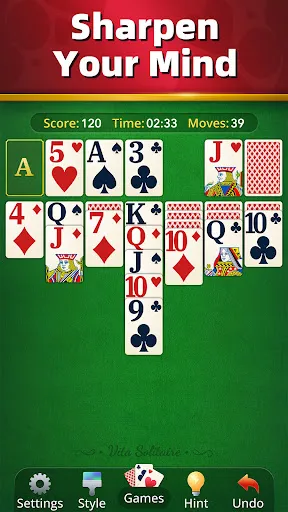
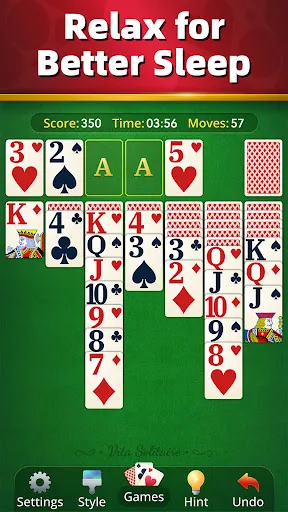
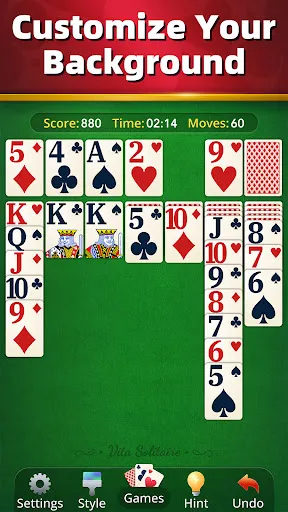
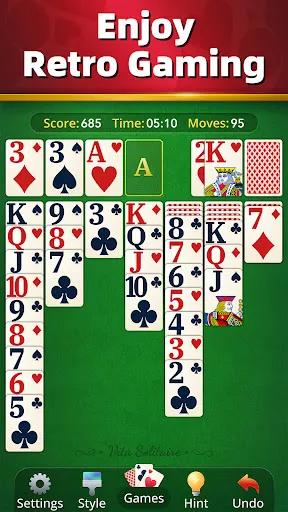
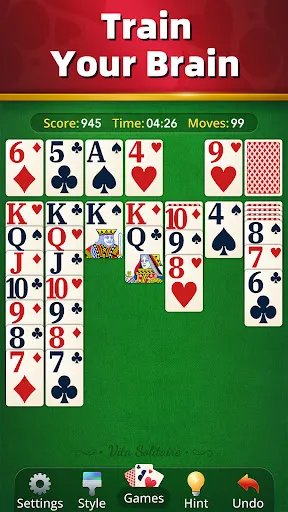
"Vita Solitaire for Seniors" is designed with the unique needs of older adults in mind, offering a user-friendly interface that enhances accessibility. One of its standout features is the large, easy-to-read cards, which help users with visual impairments or those who simply prefer larger text. The game also includes adjustable settings for brightness and contrast, allowing players to customize their visual experience for maximum comfort.
Additionally, the app provides a variety of solitaire game modes, ensuring that players can choose their preferred style, whether it's classic Klondike or other variations. The inclusion of tutorials and hints makes it easy for beginners to learn the rules and strategies, while more experienced players can enjoy advanced features like undo options and game statistics. Furthermore, "Vita Solitaire" incorporates soothing background music and sound effects, creating a relaxing atmosphere that enhances the gaming experience. Overall, the app is tailored to promote cognitive engagement and provide entertainment for seniors.
Using "Vita Solitaire for Seniors" is straightforward and intuitive, making it accessible for users of all skill levels. To get started, simply download the app from your device's app store and install it. Once opened, you will be greeted with a welcoming interface that guides you through the initial setup. You can choose your preferred game mode and customize settings such as card size and background music to suit your preferences.
After setting up, you can begin playing by selecting a game mode. The app provides clear instructions and tutorials for each mode, ensuring that you understand the rules. As you play, you can tap on cards to move them, and the app will offer hints if you find yourself stuck. If you make a mistake, the undo feature allows you to revert your last move. Additionally, you can track your progress and scores, which can motivate you to improve your skills over time. Overall, the app is designed to be user-friendly, making it easy for seniors to enjoy a classic card game.
"Vita Solitaire for Seniors" comes with several advantages that make it appealing to its target audience. One of the primary pros is its accessibility; the large card sizes and customizable settings cater specifically to seniors, enhancing their gaming experience. The variety of game modes keeps the content fresh and engaging, while the tutorials and hints support players who may be new to solitaire. Additionally, the calming background music contributes to a relaxing atmosphere, making it a pleasant way to unwind.
However, there are some drawbacks to consider. Some users may find the app's features limited compared to more advanced solitaire games available on the market. Additionally, while the app is designed for seniors, those who are not tech-savvy may still encounter challenges navigating the interface. Lastly, the app may require an internet connection for certain features, which could be a limitation for users with unreliable access. Overall, while "Vita Solitaire for Seniors" offers a tailored experience, it may not meet the needs of every player.

 Vita Solitaire enhances cognitive skills and mental agility. The game is easy to learn and navigate. Engaging gameplay keeps seniors entertained and focused. It promotes social interaction through friendly competition. Customizable settings cater to individual preferences and needs.
 Limited social interaction can lead to feelings of isolation. Complex rules may confuse some seniors, hindering enjoyment. Screen time can cause eye strain and fatigue for older players.
  Google Play
  App Store
 Yes, users are encouraged to submit suggestions and feedback through the app's support section or via email to improve the overall experience.
The app respects user privacy and does not collect personal data unless explicitly provided by the user for account purposes.
Yes, Vita Solitaire for Seniors can be played offline, allowing users to enjoy the game without needing an active internet connection.
Users can cancel their subscription through the app settings or their respective app store account settings, depending on the platform used.
The subscription to Vita Solitaire for Seniors typically costs a monthly fee, with options for annual subscriptions that may provide a discount.
Yes, contact customer service with your registered email, and they can help you retrieve your account details.
No, customer numbers are unique and cannot be changed. If you need a new one, please contact customer service for further assistance.
You can reach our customer service by emailing support
After signing up, check your email for an activation link, and click it to activate your account.
Simply open the app and enter your registered email and password on the login screen.