

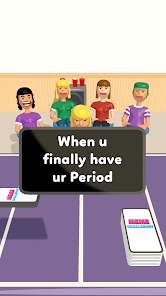
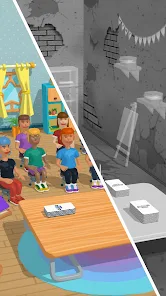
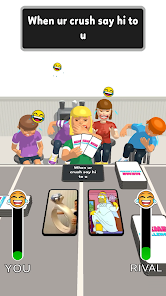
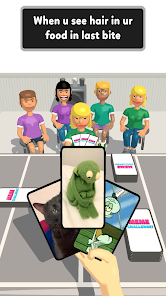
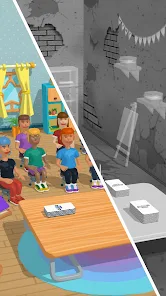
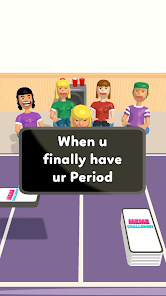
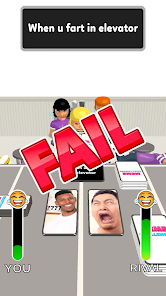
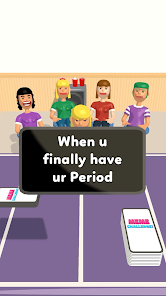
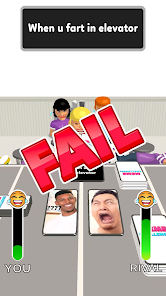
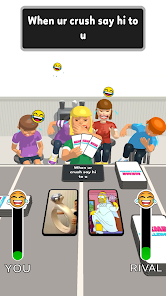
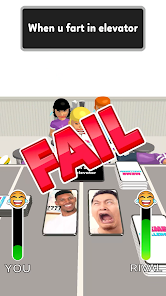
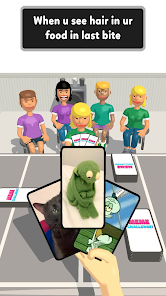
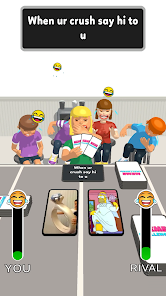
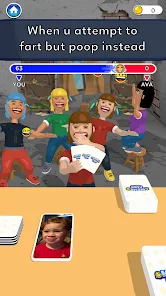
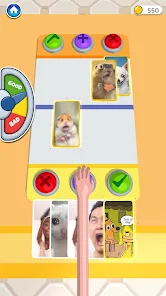
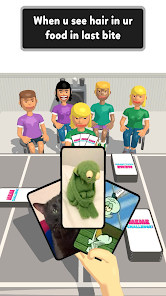
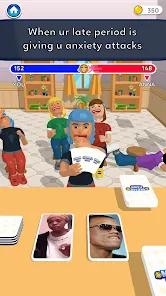
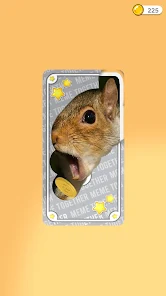
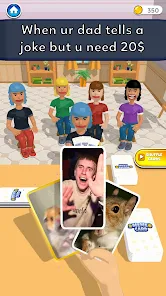
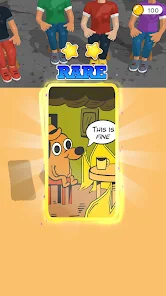
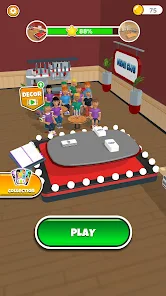
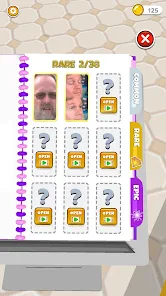
"Meme Challenge: Dank Memes" is an engaging mobile application designed for meme enthusiasts. One of its standout features is the vast library of meme templates, which users can browse and select from to create their own unique memes. The app also includes a user-friendly editing interface that allows for easy customization, enabling users to add text, stickers, and filters to their memes. Additionally, the app supports sharing options, allowing users to post their creations directly to social media platforms or save them to their devices.
Another notable feature is the community aspect of the app. Users can participate in challenges, where they can submit their memes based on specific themes or prompts. This fosters a sense of competition and creativity among users. The app also includes a voting system, where users can rate each other's memes, adding an interactive element to the experience. Regular updates ensure that new templates and challenges are introduced, keeping the content fresh and engaging for users.
Using "Meme Challenge: Dank Memes" is straightforward and user-friendly. First, download the app from your device's app store and create an account or log in. Once you're in, you can explore the extensive library of meme templates available. To create your meme, simply select a template that resonates with you. The editing tools allow you to add your own text, adjust font styles, and incorporate stickers or images to enhance your meme.
After crafting your meme, you can save it to your device or share it directly on social media platforms like Instagram, Facebook, or Twitter. To participate in challenges, navigate to the challenge section of the app, where you can view current themes and submit your memes for voting. Engaging with the community by voting on others' memes can also enhance your experience. Overall, the app is designed to be intuitive, making it easy for anyone to jump in and start creating memes.
"Meme Challenge: Dank Memes" offers several advantages that make it appealing to users. One of the primary pros is its extensive library of meme templates, which caters to a wide range of humor styles and trends. The user-friendly interface simplifies the meme creation process, making it accessible for both beginners and experienced meme creators. Additionally, the community aspect encourages interaction and creativity, as users can participate in challenges and vote on their favorite memes, fostering a sense of belonging.
However, there are some drawbacks to consider. One potential con is that the app may contain ads, which can interrupt the user experience. Additionally, while the community aspect is engaging, it may also lead to a competitive environment that not all users appreciate. Some users might find that the app lacks advanced editing features compared to more sophisticated graphic design tools. Overall, while "Meme Challenge: Dank Memes" is a fun and engaging platform for meme creation, it may not meet the needs of those seeking more professional editing capabilities.

 Engage in creative expression through humor and wit. Connect with a vibrant community of meme enthusiasts. Enhance your meme-making skills with fun challenges. Discover trending topics and stay culturally relevant. Enjoy hours of entertainment and laughter with friends.
 Limited creativity can stifle unique content generation Over-saturation may lead to decreased engagement Potential for misunderstandings or misinterpretations of memes
 Yes, users can submit suggestions or feedback through the app's support section or via the official website, where developers welcome user input for improvements.
Yes, Meme Challenge: Dank Memes may collect personal data as outlined in its privacy policy, primarily for account management and app improvement purposes.
Yes, Meme Challenge: Dank Memes allows users to create and browse memes offline, although some features may require an internet connection for full functionality.
Users can cancel their subscription by going to their account settings within the app or through the app store settings on their device, depending on how the subscription was initiated.
The subscription cost for Meme Challenge: Dank Memes varies but typically includes options for monthly and yearly plans, providing access to premium features.
Unfortunately, customer numbers cannot be changed. If you have issues, please reach out to customer service for assistance.
Yes, you can change your email address by going to your account settings after logging in. If you need help, contact customer service.
You can reach our customer service team via the help section in the app or email us at support
To activate your account, click the link in the confirmation email sent to you after registration. If you didn't receive it, contact customer service for support.
Simply click the social media login option on the login screen and follow the prompts to access your account.
 Google Play
  App Store