
 Home
Home  Apps
Apps  Games
Games  Windows
  Topics
  Terms of Service
  Cookies & Privacy Policy
  Disclaimer
OBD Fusion (Car Diagnostics)


Information
- Category: Communication
- Price: $5.99
- Age Rating: Everyone
- Rating: 4.7
- Developer: OCTech, LLC
- Version: 6.14.0
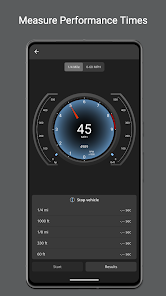
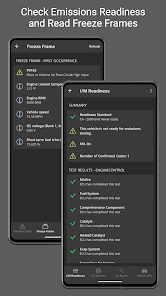
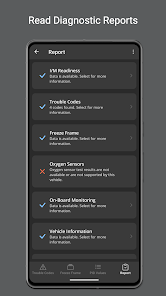
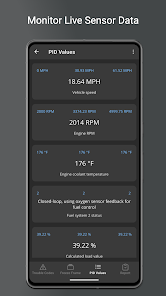
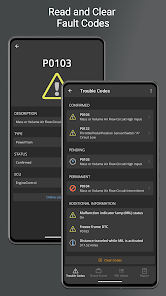
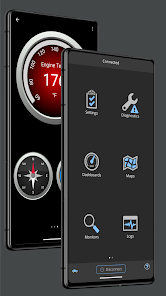
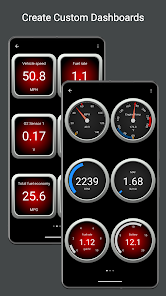
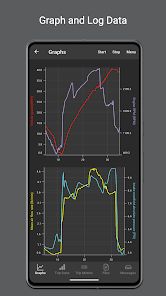
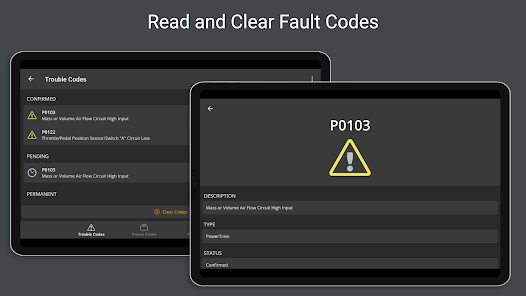
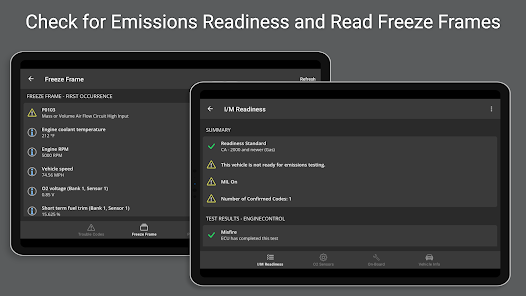
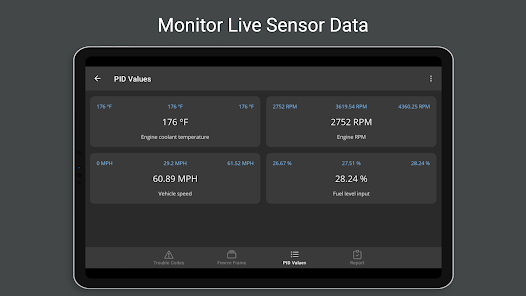
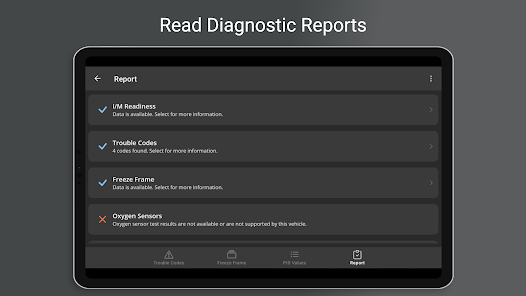
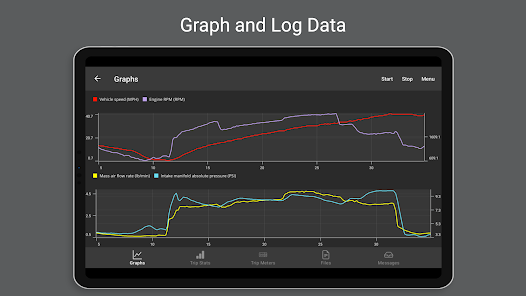
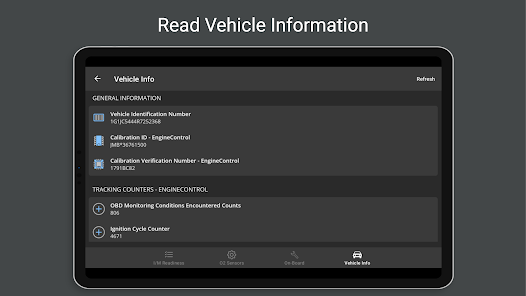
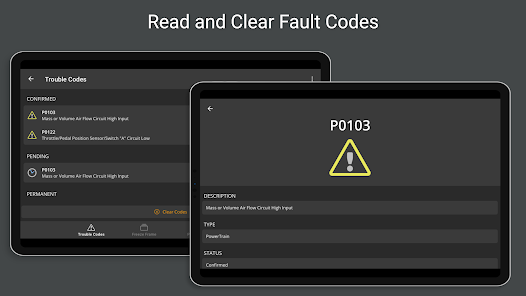
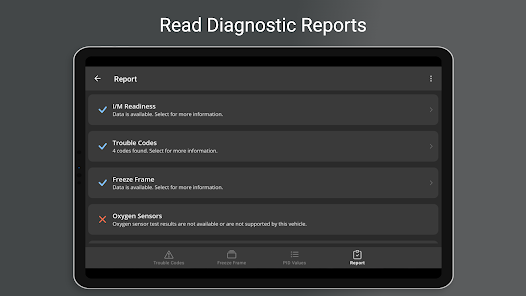
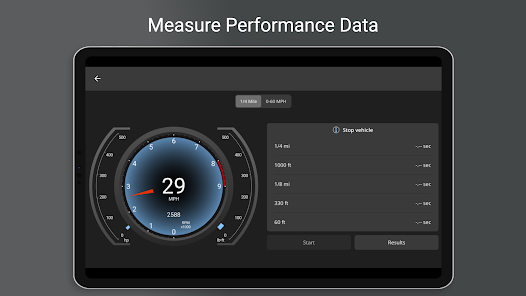
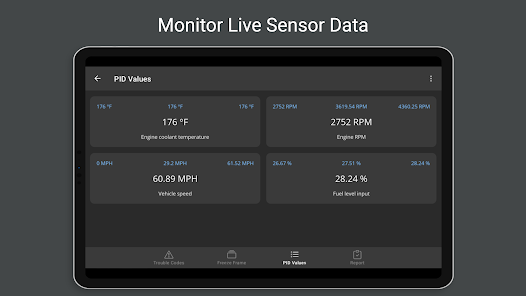
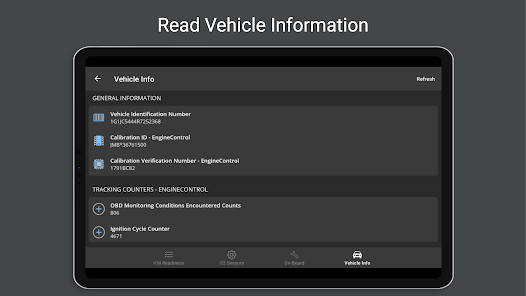
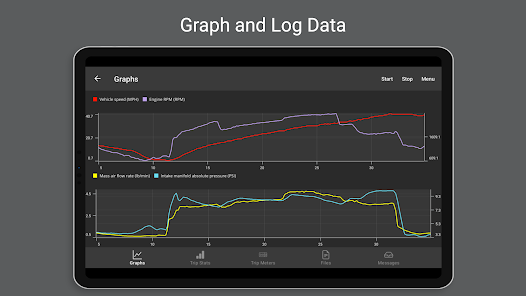
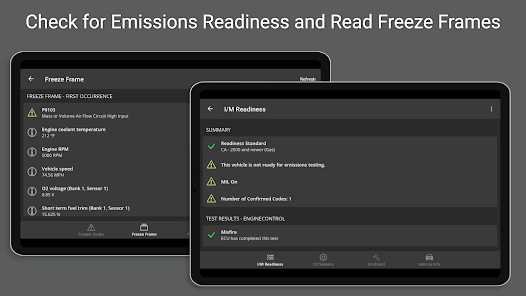
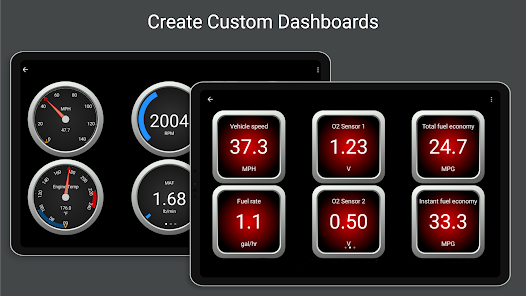
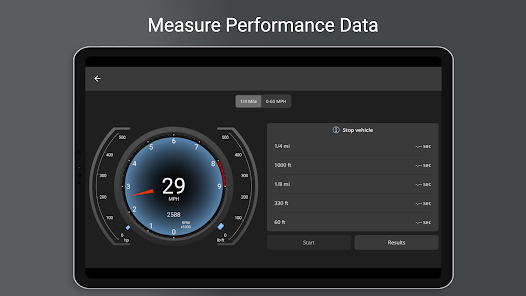
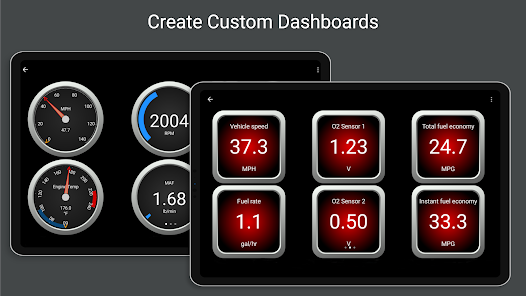
OBD Fusion is a powerful car diagnostics app that connects to your vehicle's OBD-II system, providing real-time data and insights. With features like customizable dashboards, diagnostic trouble code (DTC) reading, and performance tracking, it empowers users to monitor their vehicle's health and optimize performance. Whether you're a car enthusiast or just want to keep your vehicle in top shape, OBD Fusion offers the tools you need for effective vehicle management right at your fingertips.
Features of "OBD Fusion (Car Diagnostics)"
OBD Fusion is a powerful application designed for car diagnostics, offering a range of features that enhance vehicle monitoring and maintenance. One of its primary features is real-time data streaming, which allows users to view live data from their vehicle's onboard diagnostics system. This includes information such as engine RPM, vehicle speed, coolant temperature, and more, providing valuable insights into the car's performance.
Another notable feature is the ability to read and clear diagnostic trouble codes (DTCs). This function enables users to identify issues within their vehicle and reset the check engine light after repairs. Additionally, OBD Fusion supports a wide variety of vehicles, making it compatible with most OBD-II compliant cars, trucks, and SUVs. The app also offers customizable dashboards, allowing users to create personalized displays of the data that matters most to them.
Furthermore, OBD Fusion includes a trip logging feature, which records data during drives, helping users track fuel efficiency and performance over time. The app also provides access to a database of repair information and service bulletins, making it a comprehensive tool for both casual users and automotive enthusiasts.
How to Use "OBD Fusion (Car Diagnostics)"
Using OBD Fusion is straightforward and user-friendly, making it accessible for both novice and experienced users. To get started, first, download the app from the App Store or Google Play Store and install it on your smartphone or tablet. Next, you will need an OBD-II Bluetooth adapter, which plugs into your vehicle's OBD-II port, typically located under the dashboard near the steering column.
Once the adapter is connected, turn on your vehicle's ignition and pair the adapter with your mobile device via Bluetooth. Open the OBD Fusion app, and it will automatically detect the adapter. From there, you can navigate through the app's interface to access various features, such as reading diagnostic trouble codes, viewing live data, and customizing your dashboard.
To read trouble codes, simply select the appropriate option in the app, and it will display any existing codes along with their definitions. You can also clear the codes after addressing any issues. For real-time data, choose the parameters you wish to monitor, and the app will provide live updates as you drive. With its intuitive design, OBD Fusion makes car diagnostics accessible and efficient.
Pros & Cons of the App
OBD Fusion offers several advantages that make it a popular choice among car owners and enthusiasts. One of the main pros is its extensive compatibility with a wide range of vehicles, allowing users to diagnose issues across different makes and models. The app's real-time data streaming feature is another significant benefit, providing immediate insights into vehicle performance, which can help in identifying potential problems before they escalate.
Additionally, the user-friendly interface and customizable dashboards enhance the overall experience, making it easy for users to access the information they need. The ability to read and clear diagnostic trouble codes is invaluable for those who prefer to handle minor repairs themselves, saving time and money on trips to the mechanic.
However, there are some drawbacks to consider. One con is that the app requires a separate OBD-II Bluetooth adapter, which can be an additional expense. Some users may also find that the app's advanced features require a learning curve, particularly if they are not familiar with automotive diagnostics. Overall, while OBD Fusion has its limitations, its benefits often outweigh the drawbacks for many users.
Get Installation Details  Google Play
  App Store
Google Play App Store FAQ
Can I create playlists on Spotify?
Yes, users can create, share, and collaborate on playlists with friends.
Can I download music on Spotify?
Yes, premium users can download songs and playlists for offline listening.
Can I listen to Spotify offline?
Yes, premium users can listen to downloaded music offline without an internet connection.
Can I use Spotify on multiple devices?
Yes, you can use Spotify on multiple devices, but only one device can stream at a time.
Does Spotify have podcasts?
Yes, Spotify hosts a wide range of podcasts across various genres.
Similar Apps














You May Like

Skype
Communication
4.3

UC Browser-Safe, Fast, Private
Communication
4.4

TextNow: Call + Text Unlimited
Communication
4.6

GroupMe
Communication
4.6

LINE: Calls & Messages
Communication
3.6

Firefox: el navegador privado
Communication
4.6

Brave Private Web Browser, VPN
Communication
4.7

Burner: Second Phone Number
Communication
4.4

Cafe - Live video chat
Communication
4.6

CallApp: Caller ID & Block
Communication
4.4

Coco - Live Video Chat HD
Communication
3.1

Contacts
Communication
4.3