


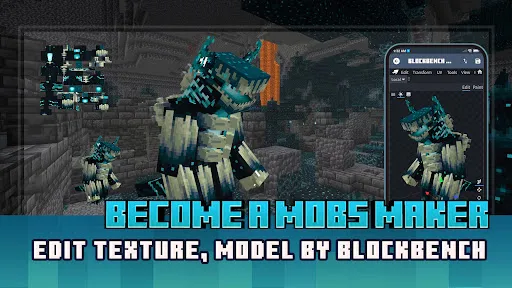
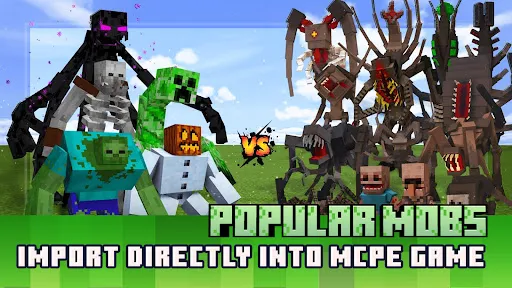
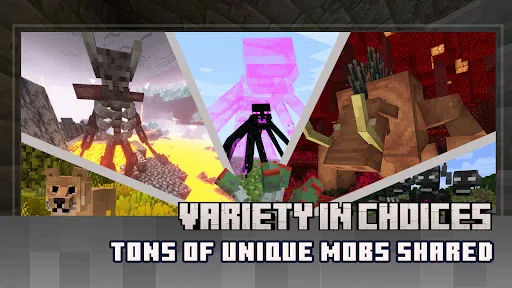
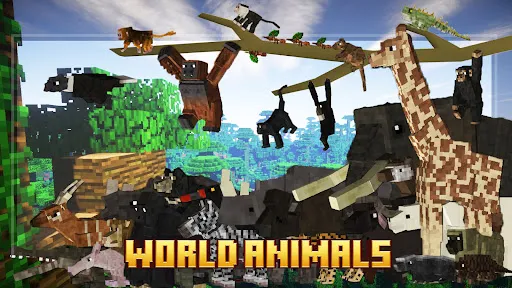
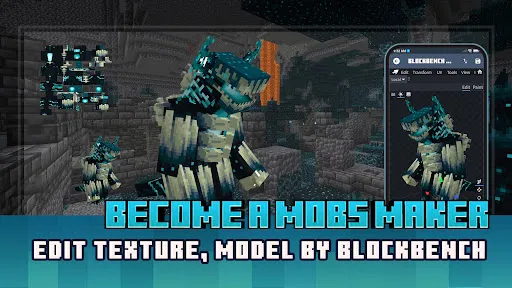
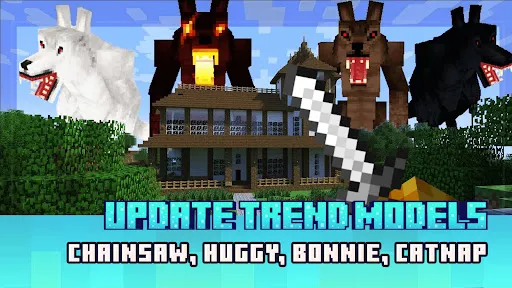
"Mobs Maker for Minecraft PE" is a versatile application designed to enhance the gaming experience in Minecraft Pocket Edition. One of its standout features is the ability to create custom mobs, allowing players to modify existing creatures or design entirely new ones. Users can adjust various attributes such as health, damage, and behavior, tailoring each mob to fit their unique gameplay style.
Another notable feature is the user-friendly interface, which simplifies the mob creation process. Players can easily navigate through options to customize textures, colors, and animations, making it accessible even for those who may not have extensive coding knowledge. Additionally, the app supports exporting and importing mobs, enabling players to share their creations with friends or download mobs made by others.
Furthermore, "Mobs Maker" includes a library of pre-made mobs, providing inspiration and a starting point for users. This feature is particularly beneficial for beginners who may feel overwhelmed by the customization options. Overall, the app combines creativity and functionality, making it a valuable tool for Minecraft enthusiasts looking to expand their gameplay.
Using "Mobs Maker for Minecraft PE" is a straightforward process that allows players to dive into the world of mob creation with ease. First, download and install the app from a trusted source. Once installed, open the application, and you will be greeted with a clean interface that guides you through the mob creation process.
To start creating a new mob, select the "Create New Mob" option. You will then be prompted to choose a base mob to modify or start from scratch. After selecting a base, you can customize various attributes, including health points, attack damage, and movement speed. The app also allows you to change the mob's appearance by uploading custom textures or selecting from existing options.
Once you are satisfied with your creation, save the mob and export it to your Minecraft PE game. The app provides clear instructions on how to import your custom mob into the game, ensuring a seamless transition. With practice, players can experiment with different combinations and features, leading to endless possibilities in their Minecraft adventures.
"Mobs Maker for Minecraft PE" comes with several advantages that enhance its appeal to players. One of the primary pros is its intuitive interface, which makes it easy for users of all skill levels to create and customize mobs. The extensive customization options allow for a high degree of creativity, enabling players to design unique creatures that can significantly alter gameplay dynamics.
Another advantage is the community aspect of the app, where users can share their creations and download mobs made by others. This fosters a sense of collaboration and inspiration among players, enriching the overall Minecraft experience. Additionally, the app is regularly updated, ensuring compatibility with the latest versions of Minecraft PE and introducing new features.

 Mobs Maker allows easy customization of mobs' attributes and behaviors. Create unique mobs to enhance gameplay experience. User-friendly interface makes mob creation accessible for all players. Seamless integration with Minecraft PE ensures smooth gameplay. Regular updates provide new features and improvements for users.
 Limited customization options can restrict creativity in mob design. Some features may not work seamlessly across devices. Frequent updates can lead to instability and bugs in the app.
  Google Play
  App Store
 Yes, users are encouraged to submit suggestions and feedback through the app’s support section or via the official website.
The app may collect certain non-personal data for functionality and analytics, but it respects user privacy and does not share personal information.
Yes, Mobs Maker for Minecraft PE can be used offline after initial downloads and updates are completed.
You can cancel your subscription through your device's app store settings or directly within the app's subscription management options.
Subscription prices may vary, but they typically start at a monthly fee for access to premium features and content.
Unfortunately, customer numbers cannot be changed. If you have concerns, please reach out to customer service for guidance.
To activate your account, follow the link sent to your email after registration and complete the activation process.
You can reach customer service via the support section within the app or through our official website's contact form.
Check your spam folder for the activation email, or request a new one through the app or customer service.
Simply open the app and enter your registered email and password on the login screen to access your account.



























