




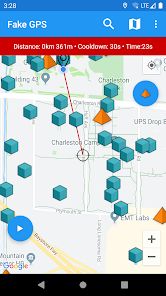
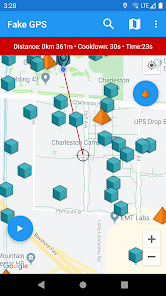
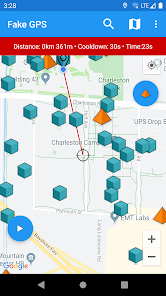
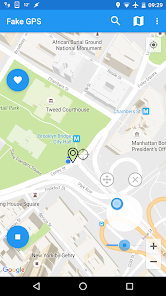
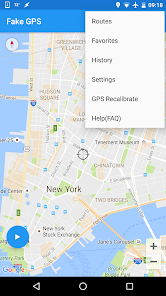
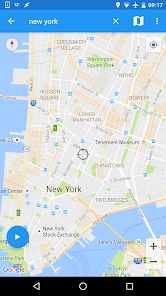
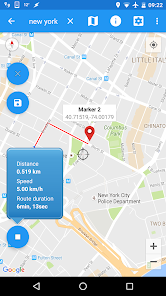
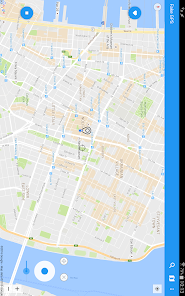
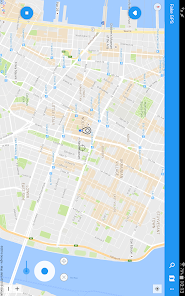
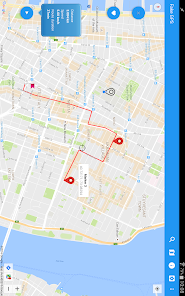
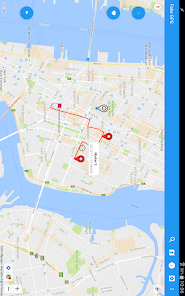
"Fake GPS Joystick & Routes Go" is a versatile application designed for users who want to simulate their GPS location. One of its standout features is the joystick control, which allows users to move their virtual location in real-time, making it easy to navigate through different areas without physically being there. This feature is particularly useful for gamers who want to access location-based games without being restricted by their actual geographical location.
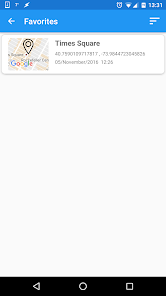
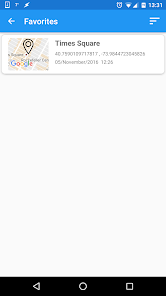
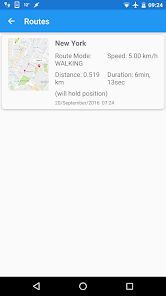
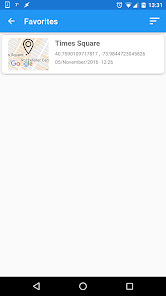
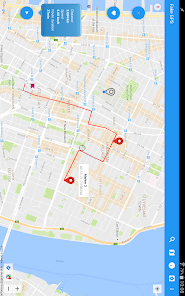
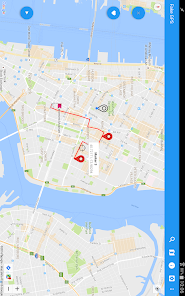
Another significant feature is the ability to create and save routes. Users can plan a specific path and simulate movement along that route, which is beneficial for testing location-based applications or for privacy reasons. The app also supports various map views, including satellite and terrain, providing a comprehensive visual experience. Additionally, it offers a user-friendly interface, making it accessible for both novice and experienced users. The app is compatible with most Android devices, ensuring a wide range of accessibility for users looking to manipulate their GPS settings.
Using "Fake GPS Joystick & Routes Go" is straightforward and user-friendly. First, download and install the app from the Google Play Store. Once installed, you need to enable developer options on your Android device and set the app as the mock location app. This step is crucial as it allows the app to override your device's actual GPS location.
After setting it up, open the app, and you will see a map interface. You can use the joystick feature to move your location in real-time. Simply drag the joystick to navigate to your desired location. If you want to create a specific route, select the route option, plot your points on the map, and start the simulation. The app will then simulate movement along the route you’ve created. Remember to disable the mock location setting when you are done to return to your actual GPS settings.
Like any application, "Fake GPS Joystick & Routes Go" has its advantages and disadvantages. One of the primary pros is its ease of use; the interface is intuitive, making it accessible for users of all skill levels. The joystick feature is particularly beneficial for gamers, allowing them to explore virtual worlds without geographical limitations. Additionally, the ability to create and save routes enhances its functionality, making it a versatile tool for various applications.
On the downside, some users may encounter issues with app compatibility, as it may not work seamlessly on all devices. Furthermore, using a fake GPS app can lead to potential violations of terms of service for certain games and applications, which could result in bans or restrictions. Lastly, while the app is free, some features may require in-app purchases, which could deter users looking for a completely free solution. Overall, while the app offers great features, users should weigh the pros and cons before using it.

 Easily simulate GPS locations anywhere in the world for gaming or testing purposes. Experience enhanced gameplay by accessing region-locked features and content effortlessly. Create and save custom routes for more dynamic exploration and fun. Enjoy user-friendly controls for effortless navigation and location adjustments. Improve app testing accuracy by quickly switching locations without physical travel.
 Inaccurate location data can lead to app malfunctions and errors. Frequent updates can disrupt user experience and functionality. Risk of account bans from services detecting fake GPS usage.
  Google Play
  App Store
 Fake GPS Joystick & Routes Go does not collect personal data, but it is advisable to review the app's privacy policy for detailed information on data handling and usage.
Yes, Fake GPS Joystick & Routes Go typically offers a free version with limited features, while a full version may be available through a paid subscription.
No, Fake GPS Joystick & Routes Go does not require an internet connection to function, as it primarily manipulates your device's GPS settings locally. However, an internet connection may be needed for certain features or updates.
You can contact support or send feedback for Fake GPS Joystick & Routes Go through the app's official website or the support section within the app, where you can find contact information and submit inquiries.
You can manage or cancel your subscription through your device's app store settings, where you can find your subscriptions and make the necessary changes.
No, customer numbers are unique and cannot be changed. If you have concerns, please contact customer service for help.
To activate your account, click the link in the activation email sent to you after registration. If you didn't receive it, check your spam folder.
You can reach our customer service via the support section in the app or email us directly at support
To log in, open the app, enter your credentials, and tap the login button. If you encounter issues, reset your password.
If you missed the activation link, check your email for a resend option or contact customer service for help.



























