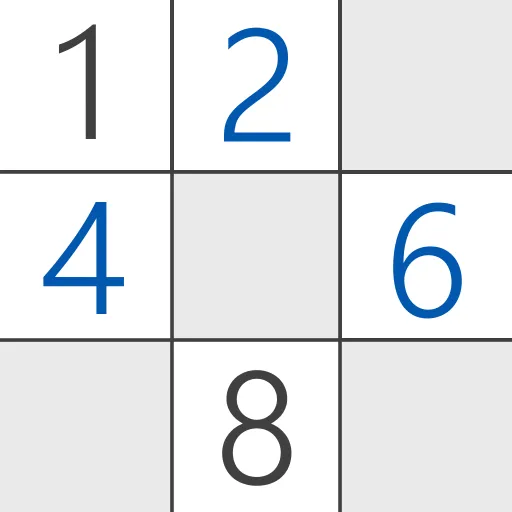


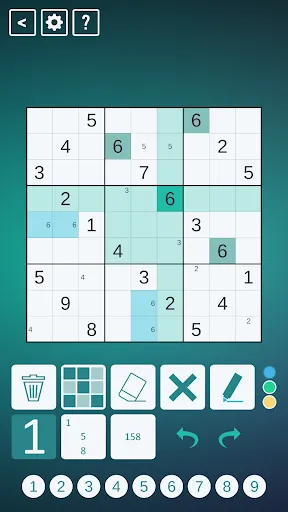
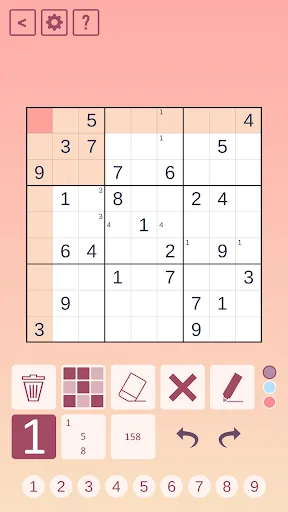
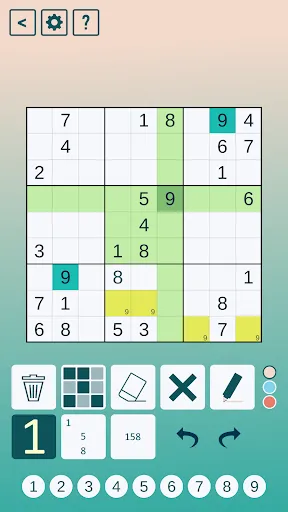
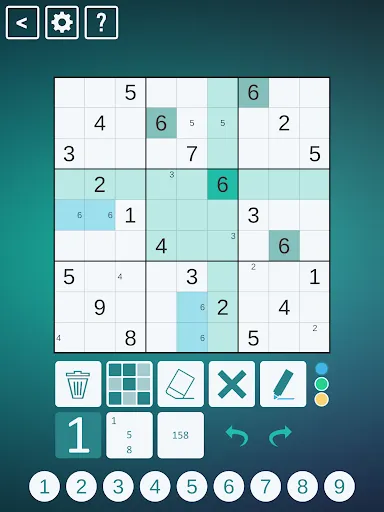
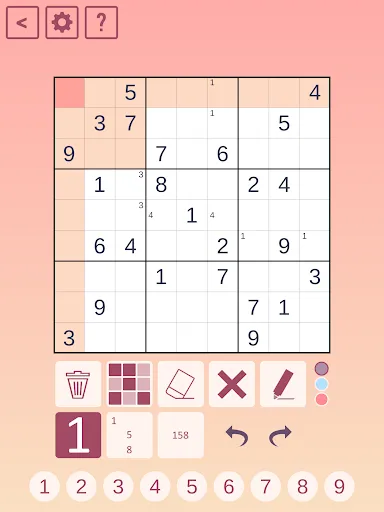
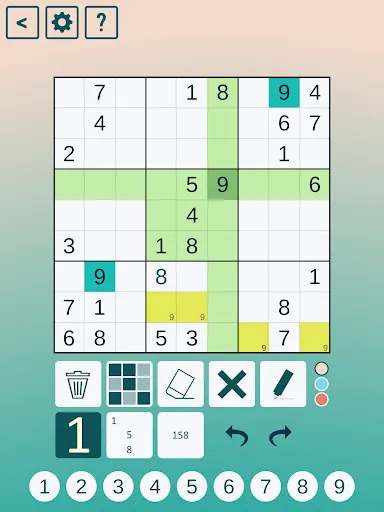
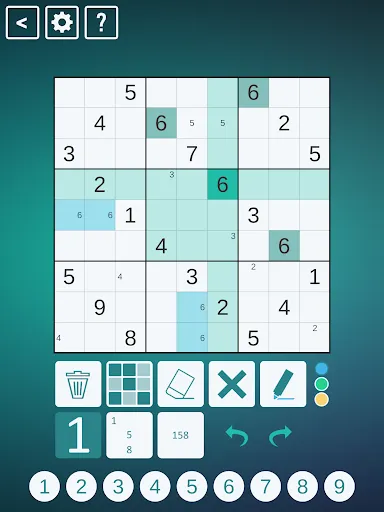
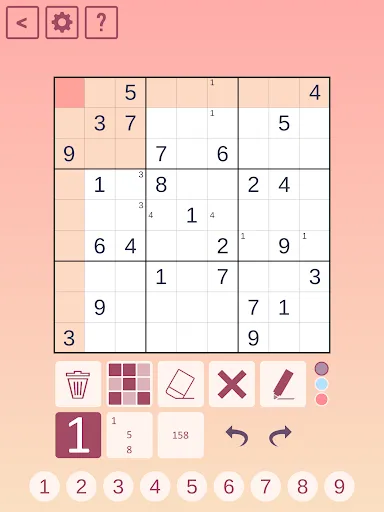
Classic Sudoku is a logic-based number puzzle that consists of a 9x9 grid, divided into nine 3x3 subgrids or regions. The primary objective is to fill the grid with digits from 1 to 9, ensuring that each number appears only once in each row, column, and subgrid. One of the key features of Classic Sudoku is its varying levels of difficulty, which can range from easy to extremely challenging, catering to players of all skill levels. Additionally, the game typically starts with a partially filled grid, providing players with clues to solve the puzzle.
Another notable feature is the absence of any mathematical calculations; the game relies solely on logic and deduction. Many Sudoku puzzles also come with a unique solution, ensuring that players can always arrive at the correct answer through logical reasoning. Furthermore, Classic Sudoku can be played on paper or through various digital platforms, making it accessible to a wide audience. The simplicity of the rules combined with the complexity of the puzzles makes Classic Sudoku a timeless favorite among puzzle enthusiasts.
To begin playing Classic Sudoku, start by familiarizing yourself with the rules: each number from 1 to 9 must appear exactly once in each row, column, and 3x3 subgrid. Begin by examining the partially filled grid and look for numbers that can be logically deduced based on the existing placements. It’s often helpful to start with the rows, columns, or subgrids that have the most numbers already filled in, as this can provide clues for the remaining empty cells.
As you progress, use a pencil to lightly mark possible numbers in empty cells, which can help you visualize potential solutions. If you find yourself stuck, consider using techniques such as scanning, cross-hatching, or the process of elimination to narrow down your options. Remember to stay patient and think logically, as rushing can lead to mistakes. Once you fill in all the cells correctly, you will have successfully completed the puzzle. Enjoy the challenge and the satisfaction that comes with solving each Sudoku puzzle!
Classic Sudoku apps offer a range of advantages that enhance the traditional puzzle experience. One of the primary benefits is convenience; players can enjoy Sudoku anytime and anywhere without the need for physical paper and pencil. Many apps also provide features such as hints, error checking, and the ability to track progress, making it easier for both beginners and experienced players to improve their skills. Additionally, the digital format often includes a variety of difficulty levels and daily challenges, keeping the game fresh and engaging.
However, there are some drawbacks to consider. Some users may find that the digital interface can be distracting, with ads or notifications interrupting their focus. Additionally, while many apps are free, some may require in-app purchases for advanced features or additional puzzles, which can be a downside for budget-conscious players. Lastly, the tactile experience of writing numbers on paper is lost in a digital format, which some traditionalists may miss. Overall, while Classic Sudoku apps provide a modern twist on a classic game, they come with both benefits and limitations that players should weigh.

 Promotes logical thinking and problem-solving skills Enhances concentration and focus through engaging gameplay Offers a satisfying sense of achievement upon completion Available in various difficulty levels for all skill sets Encourages relaxation and stress relief during gameplay
 Limited number of clues can lead to frustrating dead ends. Requires significant time and concentration for solving. Lacks variety in gameplay, often feeling repetitive and predictable.
  Google Play
  App Store
 Yes, users can submit suggestions or feedback through the app's support or feedback section, or by contacting their customer service directly.
Classic Sudoku prioritizes user privacy and typically does not collect personal data unless specified in their privacy policy.
Yes, Classic Sudoku can be played offline, allowing users to enjoy puzzles without needing an internet connection.
Users can cancel their Classic Sudoku subscription through their app store account settings, following the specific instructions for managing subscriptions.
Subscription costs for Classic Sudoku may vary; users can check the app for the most current pricing and subscription options.
Unfortunately, customer numbers cannot be changed. If you have concerns, please contact customer service for more information.
You can reach our customer service via the support section on our website or by emailing support
After registering, check your email for an activation link. Click the link to activate your account. If you don’t see the email, check your spam folder or contact customer service.
To log in, visit the Classic Sudoku website, click on the "Log In" button, and enter your email and password. If you need help, reach out to customer service.
Once logged in, navigate to your account settings to update your information. If you have issues, please contact customer service for guidance.