

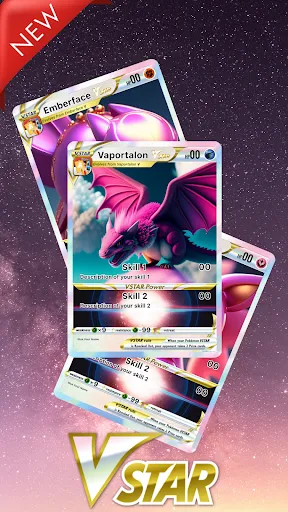
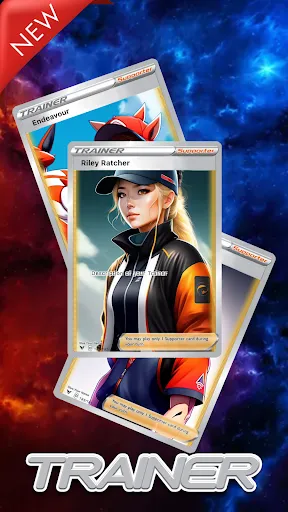
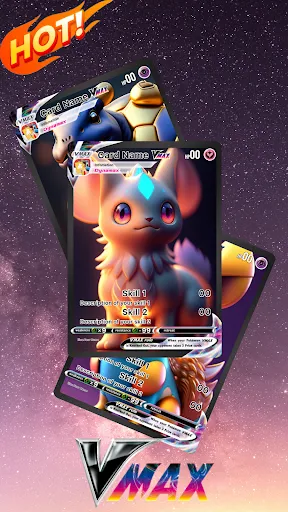
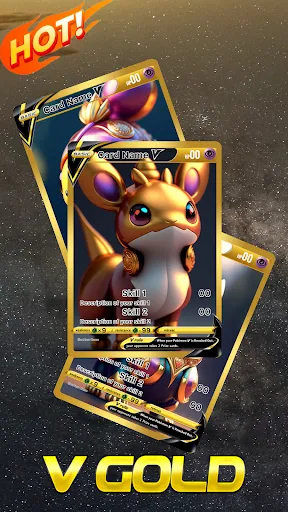
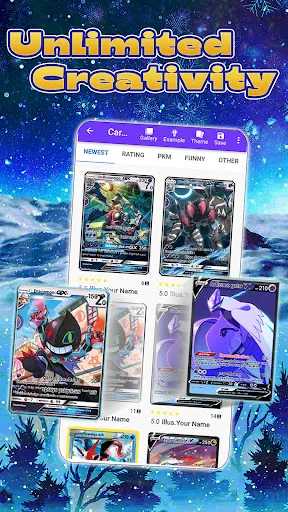
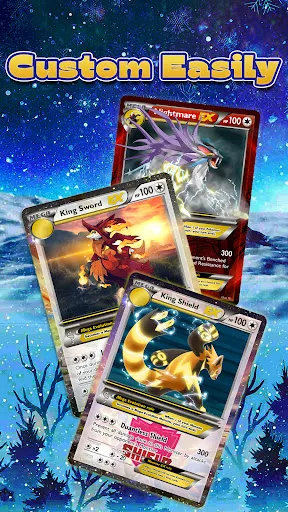
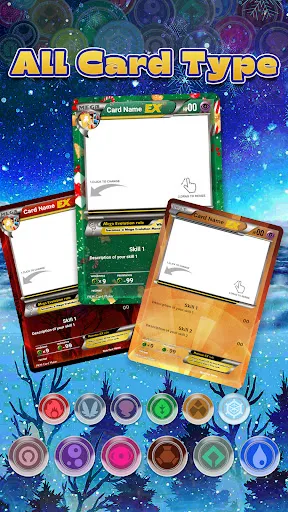
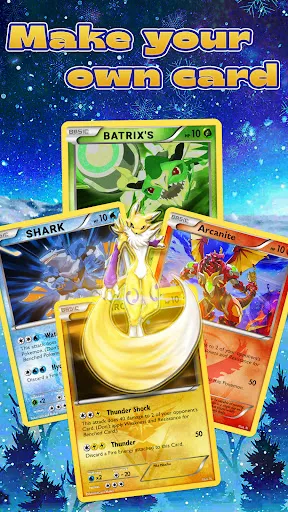
"Card Maker for PKM (Poke Fan)" is a versatile application designed for Pokémon enthusiasts who wish to create custom cards. One of its standout features is the user-friendly interface, which allows users to easily navigate through various options for card customization. The app offers a wide range of templates, enabling users to select from different Pokémon types, backgrounds, and card styles. Additionally, users can personalize their cards by adding unique text, images, and special effects, making each card truly one-of-a-kind.
Another notable feature is the ability to save and share creations directly from the app. Users can export their cards in high resolution, making it easy to print or share on social media platforms. The app also includes a gallery where users can showcase their designs and view creations made by others, fostering a sense of community among Pokémon fans. Furthermore, regular updates ensure that the app stays current with new Pokémon and trends, enhancing the overall user experience.
Using "Card Maker for PKM (Poke Fan)" is a straightforward process that allows users to unleash their creativity. To get started, download the app from your device's app store and open it. Upon launching the app, you will be greeted with a selection of templates. Choose a template that resonates with your vision for the card. Once selected, you can customize various elements, including the Pokémon character, card type, and background.
After selecting your desired features, you can add personalized text, such as the Pokémon's name, abilities, and any other relevant information. The app provides tools for adjusting font styles, sizes, and colors to match your design. Once you are satisfied with your creation, you can save it to your device or share it with friends and fellow Pokémon fans. The intuitive design of the app makes it easy for users of all ages to create stunning cards in just a few simple steps.
"Card Maker for PKM (Poke Fan)" comes with several advantages that make it appealing to Pokémon fans. One of the primary pros is its ease of use; the intuitive interface allows users to create cards quickly, even if they have no prior design experience. The extensive library of templates and customization options provides ample creative freedom, enabling users to produce unique and personalized cards. Additionally, the ability to share creations directly from the app fosters community engagement among users.
However, there are some drawbacks to consider. Some users may find that the app lacks advanced features that professional design software offers, limiting the complexity of card designs. Additionally, while the app is regularly updated, there may be occasional delays in incorporating new Pokémon or features, which could frustrate dedicated fans. Lastly, the app may contain ads that can disrupt the user experience. Balancing these pros and cons is essential for potential users to determine if the app meets their needs.

 Create custom cards easily with a user-friendly interface Access a wide range of templates for unique designs Share your creations effortlessly with the community Enhance your card collection with high-quality graphics Stay updated with regular features and enhancements
 Limited customization options may restrict unique card designs. The user interface can be confusing for beginners. Compatibility issues with certain devices can hinder functionality.
  Google Play
  App Store
 Yes, users are encouraged to submit suggestions or feedback through the app's feedback feature or by contacting customer support directly.
Card Maker for PKM (Poke Fan) is committed to user privacy and does not collect personal data without user consent, adhering to strict privacy policies.
Yes, Card Maker for PKM (Poke Fan) supports offline use, allowing users to create and edit cards without needing an internet connection.
To cancel your subscription, you can go to your account settings in the app store where you purchased it and follow the cancellation instructions provided.
The subscription pricing for Card Maker for PKM (Poke Fan) varies based on the plan chosen, with options for monthly or yearly subscriptions available.
Unfortunately, customer numbers cannot be changed once assigned. If you have concerns, please contact customer service for assistance.
To activate your account, simply check your email for the activation link we sent and click on it to complete the process.
You can reach our customer service team via the support page on our website or by calling the customer service number provided in your account.
You can contact customer service by filling out the form on our website or calling the provided customer service number for immediate assistance.
Account activation is usually instant after clicking the link in your activation email, but it can take up to 24 hours in rare cases.