



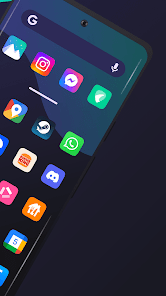
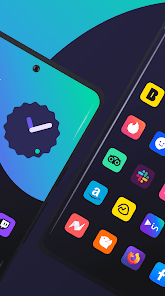
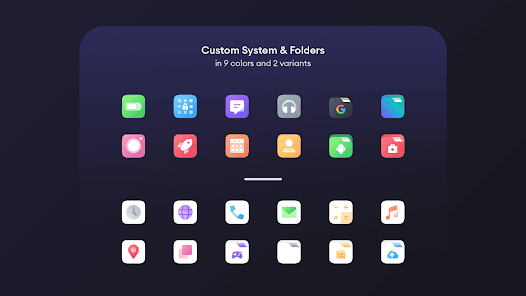
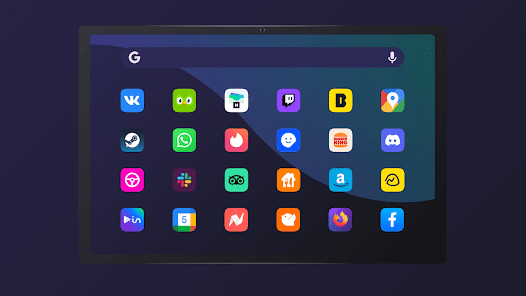
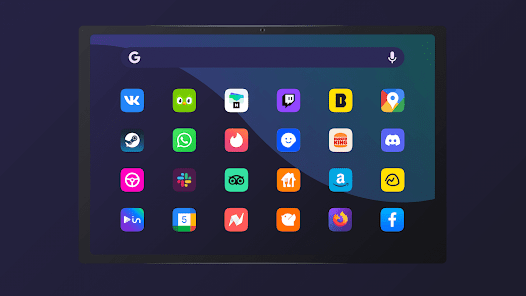
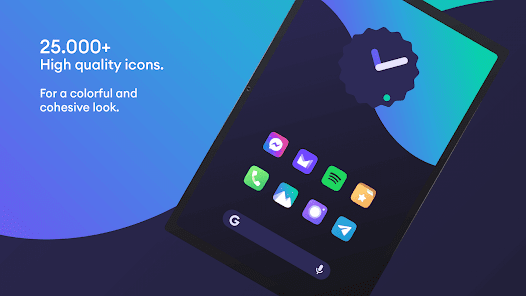
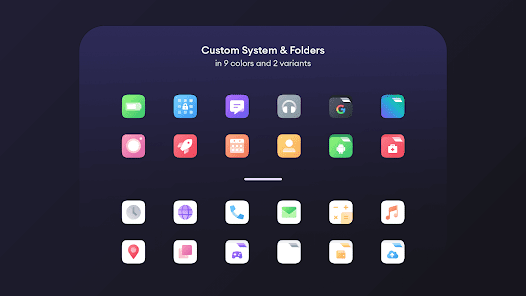
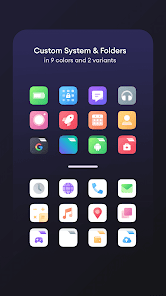
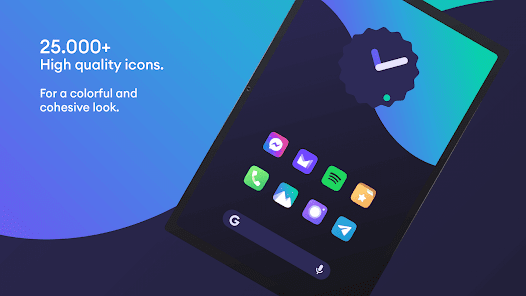
"Borealis - Icon Pack" offers a stunning array of features designed to enhance the visual appeal of your device. One of its standout characteristics is the extensive collection of over 3,000 meticulously crafted icons, each designed with a unique aesthetic that blends seamlessly with various themes. The icons are designed in a modern flat style, providing a fresh and contemporary look to your home screen.
Additionally, the icon pack supports dynamic calendars, which means that your calendar app icon will automatically update to reflect the current date. This feature adds a layer of functionality to the aesthetic appeal. The pack also includes a variety of wallpapers that complement the icons, allowing users to create a cohesive look across their device. Furthermore, "Borealis" is compatible with most popular launchers, making it easy to apply and customize your icons without any hassle. Regular updates ensure that new icons are added frequently, keeping the collection fresh and relevant.
Using "Borealis - Icon Pack" is a straightforward process that allows users to personalize their devices effortlessly. First, you need to download and install the icon pack from the Google Play Store. Once installed, open the app, and you will be greeted with a user-friendly interface showcasing all the available icons. To apply the icons, you can either select a specific launcher from the app or use the built-in apply feature.
If your launcher is not automatically detected, you can manually apply the icons by going to your launcher settings. Most popular launchers like Nova Launcher, Apex Launcher, and Action Launcher are supported. After selecting your preferred launcher, simply choose the icons you wish to apply, and they will be updated on your home screen. Additionally, you can customize individual app icons by long-pressing on them and selecting the option to change the icon, allowing for a personalized touch to your device's appearance.
Like any application, "Borealis - Icon Pack" comes with its own set of advantages and disadvantages. On the positive side, the icon pack boasts a vast library of over 3,000 icons, ensuring that users can find suitable replacements for most of their apps. The modern design and vibrant colors of the icons can significantly enhance the overall aesthetic of a device, making it visually appealing. Regular updates also mean that users can expect new icons and features over time, keeping the experience fresh.
However, there are some drawbacks to consider. Some users may find that not all apps are covered, leading to a few mismatched icons. Additionally, the reliance on third-party launchers can be a limitation for those who prefer the stock launcher experience. Lastly, while the app is generally well-received, some users may experience occasional bugs or performance issues, which can detract from the overall user experience. Balancing these pros and cons is essential for potential users to determine if "Borealis - Icon Pack" is the right choice for their customization needs.

 Borealis offers a sleek, modern design for a fresh look. Customize your device with vibrant, unique icons. Regular updates ensure compatibility with the latest apps. Easy to apply, enhancing user experience instantly. Compatible with various launchers for seamless integration.
 Limited icon variety may not suit all user preferences Some icons may appear inconsistent in style Frequent updates can disrupt user experience and customization
  Google Play
  App Store
 Borealis - Icon Pack prioritizes user privacy and does not collect any personal data from its users. All customization features are local to your device.
Borealis - Icon Pack does not offer a free trial or free version, but it may include demo icons to give users a preview before purchase.
Borealis - Icon Pack does not require an internet connection for its core functionalities, although an internet connection may be needed for initial downloads or updates.
Users can contact support or send feedback for Borealis - Icon Pack through the app's settings menu, where they will find options for support or direct contact with the developer.
Since Borealis - Icon Pack generally does not have a subscription model, users do not need to manage or cancel any subscriptions. For any specific purchases or inquiries, users should refer to the app store where they made the purchase.
Unfortunately, customer numbers are unique and cannot be changed. Please ensure you keep it safe for future reference.
You can reach customer service through the support section in the app or email us directly at support
To activate your account, simply click the activation link sent to your email after purchase. If you didn’t receive it, check your spam folder.
You can log in to your account on any device by using your registered email and password. Just ensure you're connected to the internet.
You can retrieve your customer number by checking the confirmation email we sent upon purchase or by logging into your account on our website.



























