


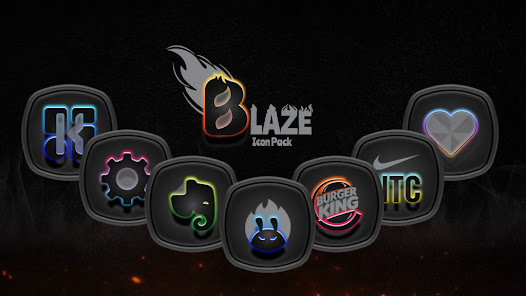
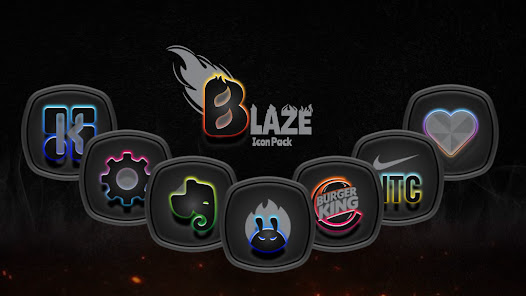
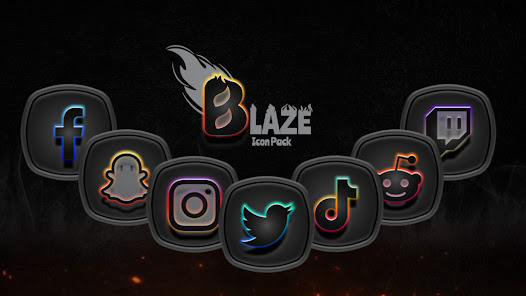
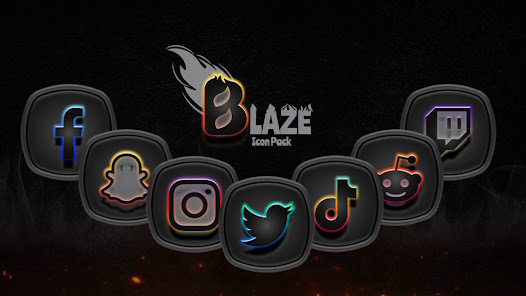
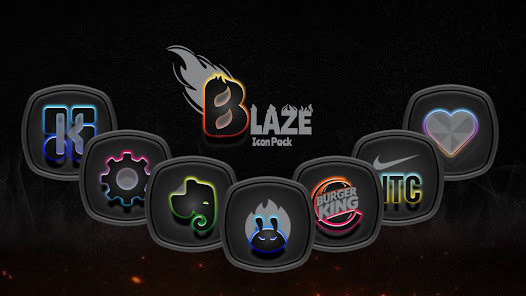
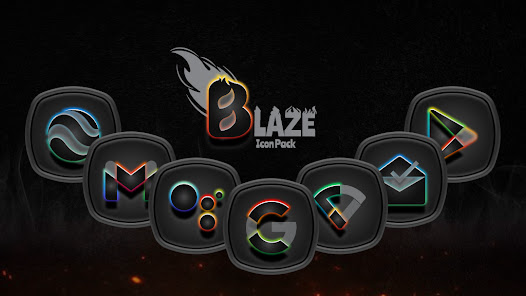
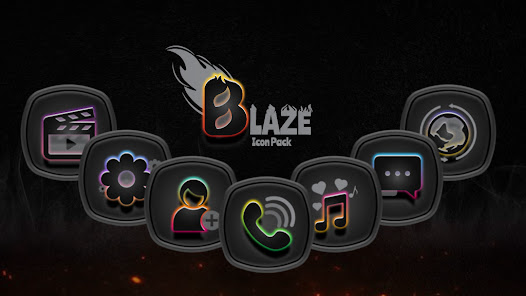
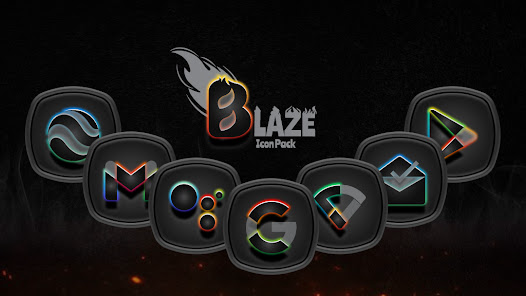
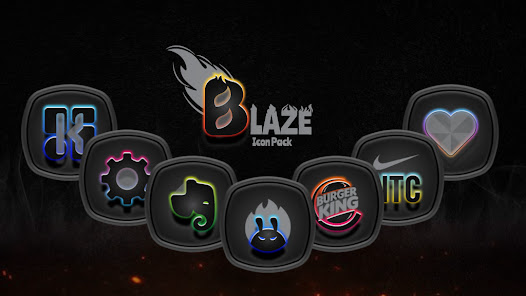
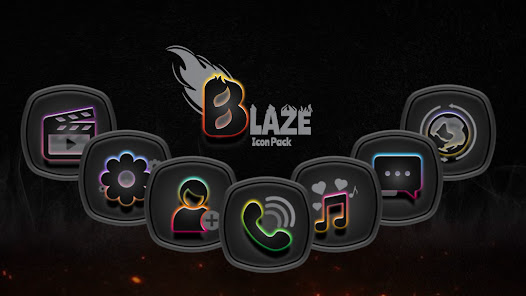
The "Blaze Dark Icon Pack" is designed to enhance the aesthetic appeal of your device with its sleek and modern icons. One of its standout features is the extensive collection of over 3,000 icons, which are meticulously crafted to provide a cohesive look across various applications. Each icon is designed with a dark theme in mind, ensuring that they complement each other while also standing out on your home screen.
Another notable feature is the dynamic calendar support, which allows the icons to update automatically based on the current date. This adds a layer of functionality to the visual appeal. Additionally, the pack includes a variety of wallpapers that are specifically designed to match the icons, providing users with a complete visual package. The icons are also compatible with popular launchers, making it easy to apply them without any hassle. Regular updates ensure that new icons are added frequently, keeping the collection fresh and relevant.
Using the "Blaze Dark Icon Pack" is a straightforward process that enhances your device's interface. First, you need to download and install the icon pack from the Google Play Store. Once installed, open the app, and you will be greeted with a user-friendly interface showcasing all the available icons. To apply the icon pack, you will need a compatible launcher, such as Nova Launcher or Apex Launcher.
After selecting your preferred launcher, navigate to its settings and look for the option to change the icon pack. From there, choose "Blaze Dark Icon Pack" from the list of installed icon packs. The icons will then be applied to your home screen and app drawer. You can also customize individual app icons by long-pressing on them and selecting the option to change the icon. This allows for a personalized touch, ensuring that your device reflects your unique style.
The "Blaze Dark Icon Pack" comes with several advantages that make it a popular choice among users. One of the primary pros is its extensive library of icons, which allows for a high level of customization. The dark theme is not only visually appealing but also helps in reducing eye strain, especially in low-light conditions. Regular updates ensure that users receive new icons and features, keeping the pack fresh and relevant. Additionally, the compatibility with various launchers makes it accessible to a wide range of users.
However, there are some cons to consider. Some users may find that not all apps are covered by the icon pack, leading to a mismatch in aesthetics. Additionally, the reliance on third-party launchers may be a drawback for those who prefer a more straightforward approach to customization. Lastly, while the dark theme is appealing to many, it may not suit everyone's taste, limiting its appeal to a broader audience. Overall, the "Blaze Dark Icon Pack" offers a compelling option for those looking to enhance their device's appearance, but it may not be for everyone.

 Blaze Dark Icon Pack enhances your device's aesthetics with a sleek, modern design. It offers a vast selection of icons, ensuring a unique look for every user. The pack is regularly updated, providing fresh icons and improved compatibility. Easy customization allows for effortless integration with various launchers and themes. High-quality graphics ensure your icons look sharp on any screen resolution.
 Limited customization options may not suit all users' preferences. Some icons may appear blurry on high-resolution displays. Frequent updates can lead to inconsistencies in icon design.
  Google Play
  App Store
 Blaze Dark Icon Pack is designed with user privacy in mind and does not collect personal data from users.
Blaze Dark Icon Pack does not offer a free trial or free version; it is a paid app that provides a one-time purchase option.
Blaze Dark Icon Pack does not require an internet connection for basic functionality, but an internet connection may be needed for updates and additional features.
You can contact support or send feedback for Blaze Dark Icon Pack through the app's support section, which typically provides an email address or feedback form for user inquiries.
Since Blaze Dark Icon Pack is not subscription-based, there is no need to manage or cancel a subscription; simply uninstall the app if you no longer wish to use it.
Yes, you can activate your account on multiple devices using the same login credentials. Just log in on each device.
You can reach our customer service via the support email provided in the app or on our website. We're here to help!
You will need to enter your email and password, then input the verification code sent to your registered mobile device.
To log in, open the app and enter your registered email and password. If you have issues, use the "Forgot Password" option.
Please contact customer service to update your customer number associated with your new email. They'll assist you promptly.



























