


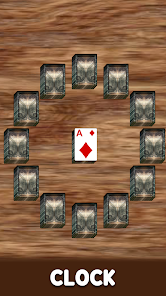

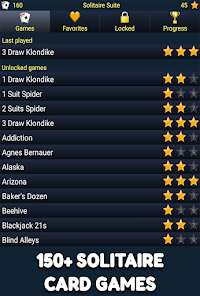


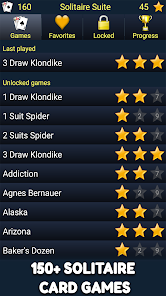



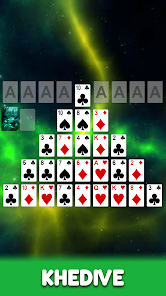
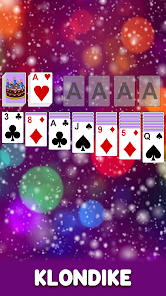
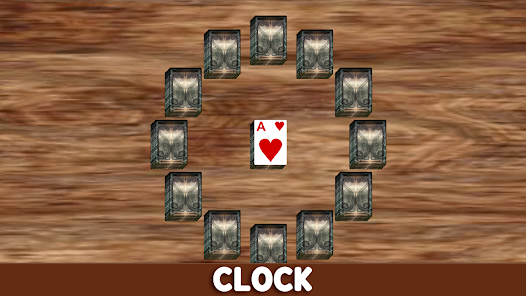
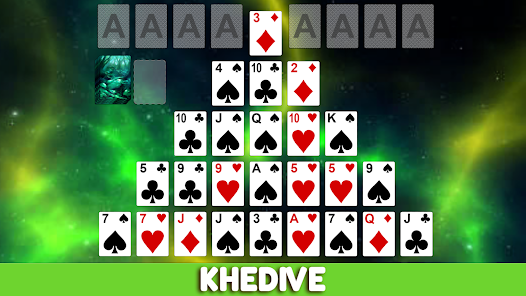
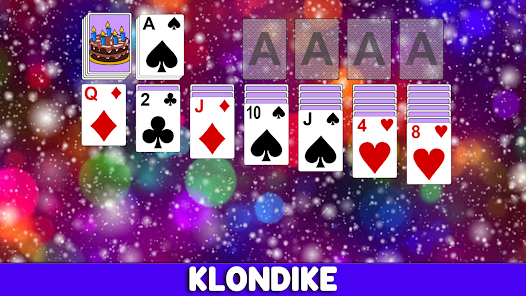

"150+ Solitaire Card Games" offers a diverse collection of solitaire variations, ensuring that players of all skill levels can find something enjoyable. The app includes classic favorites like Klondike, FreeCell, and Spider, as well as unique and lesser-known versions that add variety to the gameplay. Each game is designed with user-friendly controls, making it easy to navigate through the different options.
Additionally, the app features customizable settings, allowing players to adjust card designs, backgrounds, and difficulty levels to suit their preferences. The inclusion of hints and undo options enhances the gaming experience, providing assistance when needed. Players can also track their progress and achievements, adding a competitive edge to the experience. Furthermore, the app supports offline play, enabling users to enjoy their favorite solitaire games without an internet connection. Overall, "150+ Solitaire Card Games" combines a rich selection of games with intuitive design and personalization options, making it a must-have for solitaire enthusiasts.
Using "150+ Solitaire Card Games" is straightforward and user-friendly. Upon launching the app, players are greeted with a well-organized menu showcasing the various solitaire games available. To start, simply select a game from the list, and the app will guide you through the rules and objectives specific to that variation. The interface is designed for easy navigation, allowing players to switch between games effortlessly.
Once you choose a game, you can customize your experience by adjusting settings such as card style and background. During gameplay, players can utilize features like hints and the undo button to enhance their strategy. The app also tracks your scores and progress, allowing you to challenge yourself over time. For those who enjoy competition, you can compare your scores with friends or other players. Overall, "150+ Solitaire Card Games" provides a seamless and enjoyable experience for both casual and dedicated solitaire fans.
Like any app, "150+ Solitaire Card Games" has its advantages and disadvantages. One of the primary pros is the extensive variety of solitaire games available, catering to different preferences and skill levels. The user-friendly interface and customizable settings enhance the overall experience, making it accessible for players of all ages. Additionally, the offline play feature allows users to enjoy the games without needing an internet connection, which is a significant advantage for those on the go.
On the downside, some users may find that the app contains ads, which can interrupt gameplay and detract from the overall experience. Additionally, while the app offers a wide range of games, some players may desire more advanced features or deeper gameplay mechanics. Lastly, occasional bugs or performance issues may arise, depending on the device used. Overall, while "150+ Solitaire Card Games" has its drawbacks, its extensive game selection and user-friendly design make it a worthwhile option for solitaire enthusiasts.

 Offers a variety of classic Solitaire games for endless enjoyment Enhances cognitive skills through strategic thinking and problem-solving Provides a relaxing break, perfect for unwinding during busy days User-friendly interface makes it easy for anyone to play Accessible on multiple devices, allowing play anytime, anywhere
 Limited social interaction can make gameplay feel isolating Repetitive gameplay may lead to boredom over time Lack of strategic depth can reduce challenge and engagement
  Google Play
  App Store
 Yes, the app encourages users to provide feedback and suggestions through the support section, helping to enhance future updates.
The app may collect certain data for functionality and improvement purposes, but it adheres to privacy policies to protect user information.
Yes, Solitaire Card Game Collection allows offline play, enabling users to enjoy the game without an internet connection.
You can cancel your subscription through your device's app store settings or within the app's account management section.
Subscription costs vary depending on the plan chosen, but users can typically find options for monthly or yearly subscriptions.
Yes, you can log in to your Solitaire account from multiple devices using the same credentials.
Unfortunately, customer numbers cannot be changed. Please contact customer service for alternative solutions.
Yes, you can change your password in the account settings once logged in.
Yes, you can update your email in the account settings once you are logged in.
You can reach our customer service by emailing support