

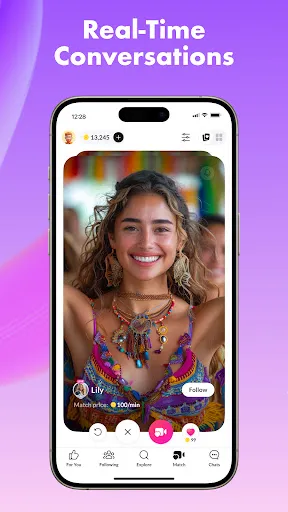
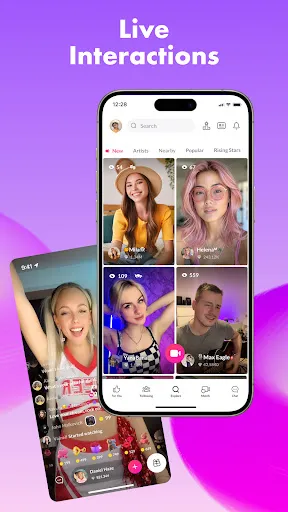
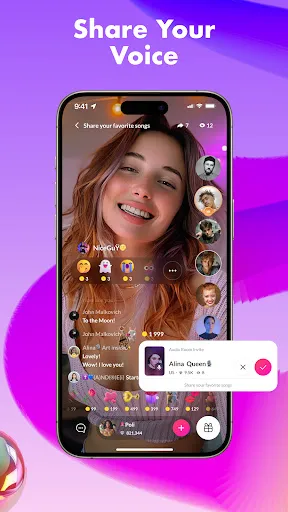
Tango is a versatile application that offers a range of features designed to enhance communication and social interaction. One of its standout features is live streaming, allowing users to broadcast their activities in real-time to an audience. This feature not only enables users to share moments but also fosters engagement through live comments and reactions from viewers.
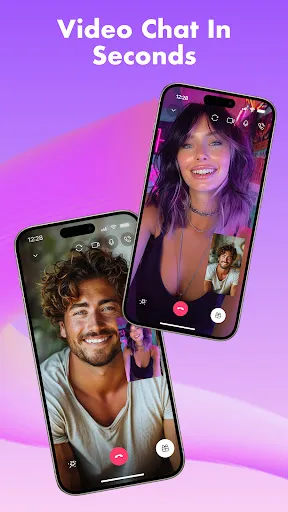
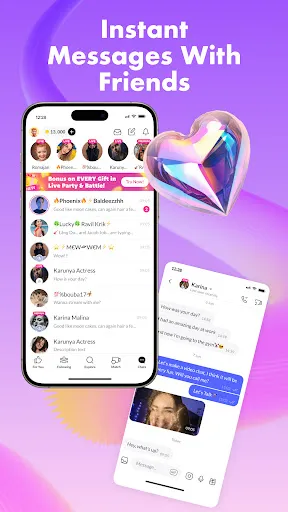
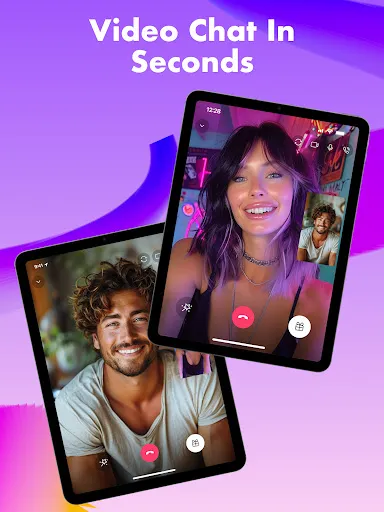
Another key feature is video chatting, which supports one-on-one and group calls, making it easy to connect with friends and family regardless of distance. Tango also includes a messaging function, allowing users to send text messages, photos, and videos, ensuring that communication is seamless and multifaceted.
Additionally, Tango offers a variety of filters and effects for video calls, enhancing the visual experience. Users can also discover new people through the app's social features, which include finding users based on interests and location. Overall, Tango combines entertainment and communication, making it a popular choice for those looking to connect in innovative ways.
Using Tango is straightforward and user-friendly. To get started, download the app from your device's app store and create an account using your phone number or social media credentials. Once registered, you can set up your profile by adding a photo and personal details to help others find you.
To initiate a video chat, simply select a contact from your list and tap on the video call icon. For live streaming, navigate to the live stream feature, where you can start broadcasting by clicking the 'Go Live' button. Engage with your audience by responding to comments and encouraging interaction during your stream.
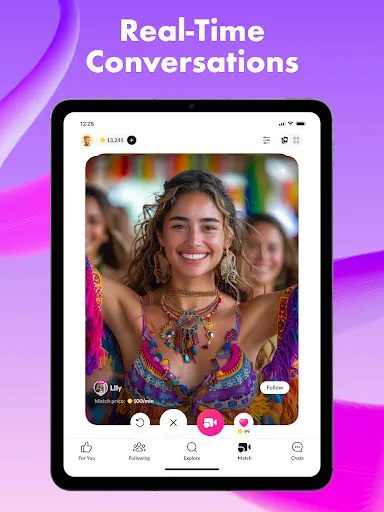
Additionally, you can explore the app's social features to meet new people. Use the search function to find users with similar interests or nearby locations. Remember to adjust your privacy settings according to your comfort level, ensuring a safe and enjoyable experience while using Tango.
Tango offers several advantages that make it appealing to users. One of the primary pros is its user-friendly interface, which allows for easy navigation and quick access to features like video calls and live streaming. The app also supports high-quality video and audio, enhancing the overall communication experience. Furthermore, the ability to connect with new people based on shared interests adds a social dimension that many users appreciate.
However, there are some drawbacks to consider. One notable con is the presence of ads, which can interrupt the user experience. Additionally, while the app is free, some features may require in-app purchases, which could deter users looking for a completely free service. Privacy concerns are also a consideration, as users may be wary of sharing personal information in a social app.
In summary, while Tango provides a robust platform for live streaming and video chatting, potential users should weigh the pros and cons to determine if it aligns with their communication needs and preferences.

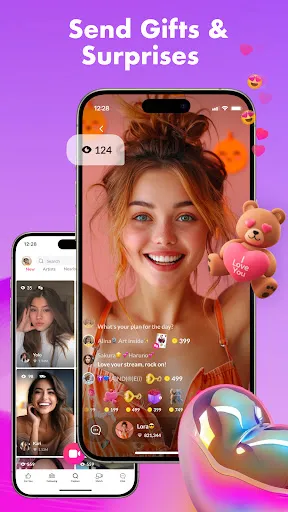
 Connect with friends and family instantly through live video chats. Experience high-quality streaming for clear visuals and sound. Join diverse communities and meet new people with shared interests. Enjoy interactive features like games and virtual gifting to enhance engagement. Access the platform easily on mobile devices for on-the-go communication.
 Limited user base restricts potential connections and interactions Frequent ads can disrupt user experience Privacy concerns may deter users from sharing personal content
  Google Play
  App Store
 Yes, users can submit suggestions or feedback through the app's settings or support section, where they can share their thoughts directly with the Tango team.
Yes, Tango collects personal data such as your profile information, chat history, and usage patterns to enhance user experience and ensure app functionality.
No, Tango requires an active internet connection to function, as it relies on real-time data for video chats and live streams.
You can cancel your subscription through the app store where you purchased it, either via the App Store for iOS or Google Play Store for Android.
The cost of a subscription to Tango varies depending on the package you choose, typically ranging from a few dollars per month to more for premium features.
No, you must use the email used during registration to activate your Tango account.
Customer numbers cannot be changed. For issues, please contact customer service for guidance.
You can reach customer service through the app or website under the "Help" section.
You can check the status by logging into your account and visiting the "Support" section.
To log in, open the app, enter your email and password, then tap "Log In."