
 Home
Home  Apps
Apps  Games
Games  Windows
  Topics
  Terms of Service
  Cookies & Privacy Policy
  Disclaimer
Handy Art Reference Tool


Information
- Category: Comics
- Price: $2.99
- Age Rating: Teen
- Rating: 4.7
- Developer: Belief Engine
- Version: 5.1.2
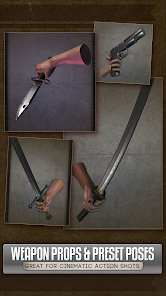
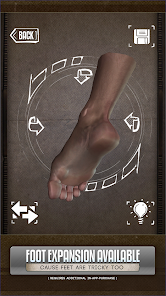
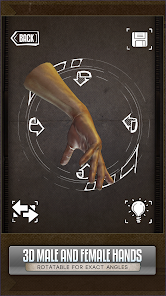
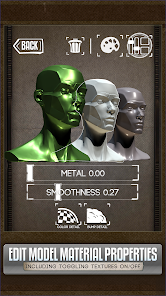
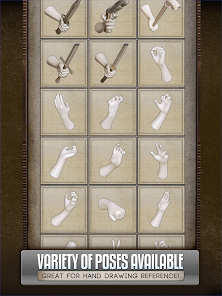
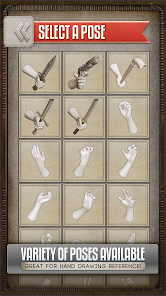
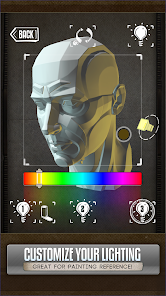
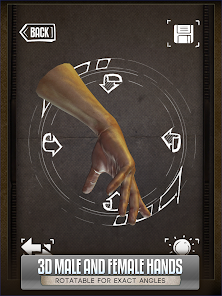
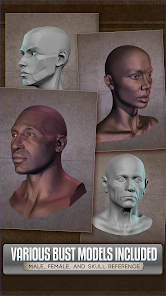
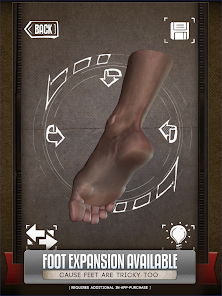
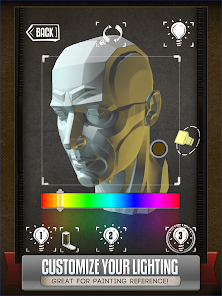
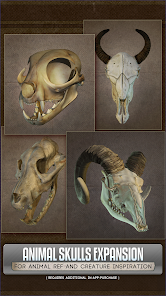
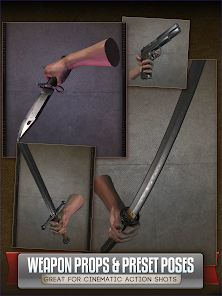
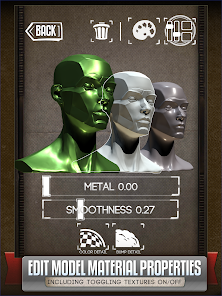
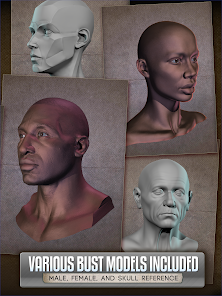
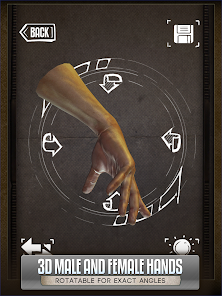
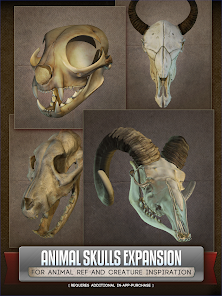
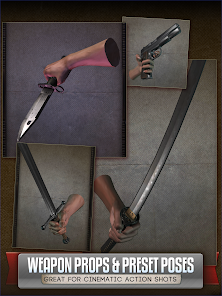
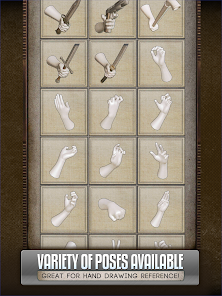
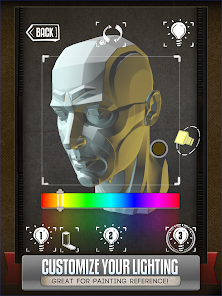
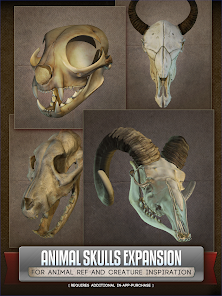
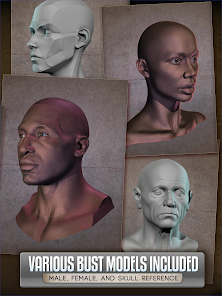
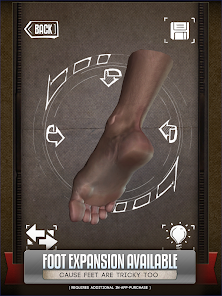
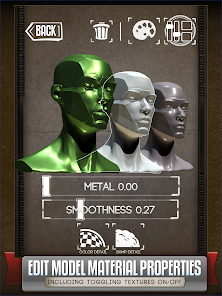
Introducing the Handy Art Reference Tool app, your ultimate companion for artists and creatives! This innovative app provides a vast library of reference images, poses, and color palettes to inspire your artwork. With user-friendly features and customizable options, you can easily access and organize your favorite resources. Whether you're a beginner or a seasoned professional, the Handy Art Reference Tool is designed to enhance your creative process and help you bring your artistic visions to life.
Features of "Handy Art Reference Tool"
The "Handy Art Reference Tool" is a versatile application designed to assist artists in various aspects of their creative process. One of its standout features is the extensive library of reference images, which includes a wide range of subjects such as human anatomy, animals, and landscapes. This allows artists to find inspiration and reference material quickly and efficiently.
Another notable feature is the customizable pose tool, enabling users to manipulate 3D models to create specific poses and angles. This is particularly beneficial for artists looking to study dynamic movements or unique perspectives. Additionally, the app offers a color palette generator, which helps users select harmonious color schemes for their artwork.
Furthermore, the "Handy Art Reference Tool" includes a grid overlay feature, allowing artists to accurately scale and position their drawings. The user-friendly interface ensures that both beginners and experienced artists can navigate the app with ease. Overall, this tool is designed to enhance the artistic process by providing essential resources and functionalities.
How to Use "Handy Art Reference Tool"
Using the "Handy Art Reference Tool" is straightforward and intuitive, making it accessible for artists of all skill levels. To begin, users can download the app from their preferred app store and create an account. Once logged in, they can explore the extensive library of reference images categorized by subject matter.
To utilize the customizable pose tool, users can select a 3D model and adjust its position, rotation, and scale to achieve the desired pose. This feature is particularly useful for studying anatomy and movement. Artists can also take advantage of the color palette generator by selecting colors from their reference images or creating their own palettes for their projects.
Additionally, the grid overlay can be activated to assist in accurately placing elements within a composition. Users can save their favorite references and palettes for easy access in future projects. Overall, the app is designed to streamline the artistic process, allowing users to focus on their creativity while having essential tools at their fingertips.
Pros & Cons of the App
The "Handy Art Reference Tool" offers several advantages that make it a valuable resource for artists. One of the primary pros is its extensive library of reference images, which provides a wealth of inspiration and material for various artistic projects. The customizable pose tool is another significant benefit, allowing artists to create specific poses that suit their needs, enhancing their understanding of anatomy and movement.
Moreover, the app's user-friendly interface makes it easy for both beginners and experienced artists to navigate and utilize its features effectively. The color palette generator and grid overlay further enhance the creative process, enabling artists to create harmonious compositions with precision.
However, there are some cons to consider. Some users may find that the app lacks certain advanced features found in more specialized software. Additionally, while the library is extensive, it may not cover every niche subject an artist might need. Lastly, the app may require a subscription or one-time purchase, which could be a drawback for those on a tight budget. Overall, the "Handy Art Reference Tool" is a powerful asset for artists, but potential users should weigh its pros and cons before committing.
Get Installation Details  Google Play
  App Store
Google Play App Store FAQ
Can I create playlists on Spotify?
Yes, users can create, share, and collaborate on playlists with friends.
Can I download music on Spotify?
Yes, premium users can download songs and playlists for offline listening.
Can I listen to Spotify offline?
Yes, premium users can listen to downloaded music offline without an internet connection.
Can I use Spotify on multiple devices?
Yes, you can use Spotify on multiple devices, but only one device can stream at a time.
Does Spotify have podcasts?
Yes, Spotify hosts a wide range of podcasts across various genres.
Similar Apps
















You May Like

WEBTOON: Manga, Comics, Manhwa
Comics
4.5

CDisplayEx Comic Reader
Comics
4.9

Manta - Manhwa, Comics, Novels
Comics
3.6

Marvel Unlimited
Comics
4.7

Shonen Jump Manga & Comics
Comics
4.9

Tapas
Comics
4.2

Tappytoon Manhwa & Novels
Comics
4.4

Toomics - Read Premium Comics
Comics
4

LEZHIN FR
Comics
3.2

MANGA Plus by SHUEISHA
Comics
3.1

Lezhin Comics - Daily Releases
Comics
3.6

MangaToon: Comic & Manga
Comics
4.2