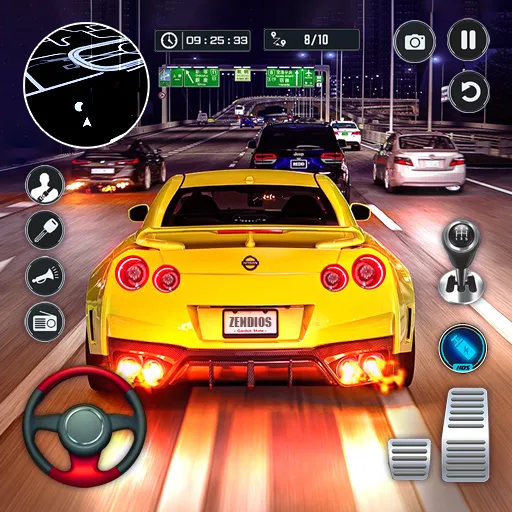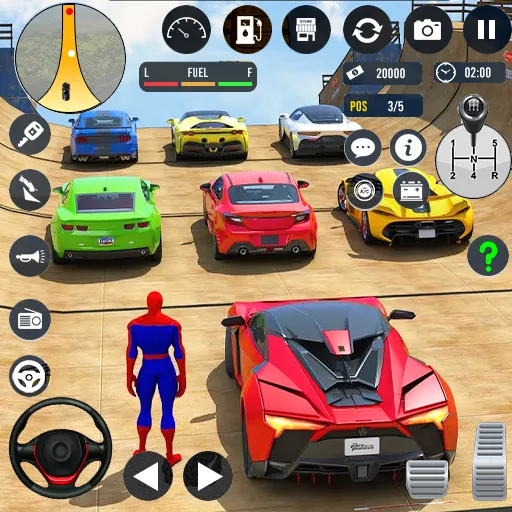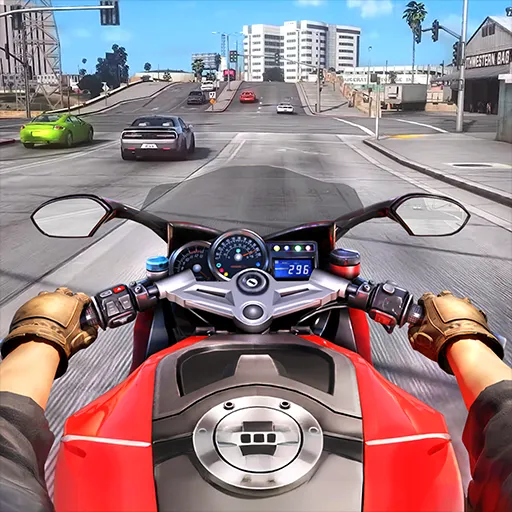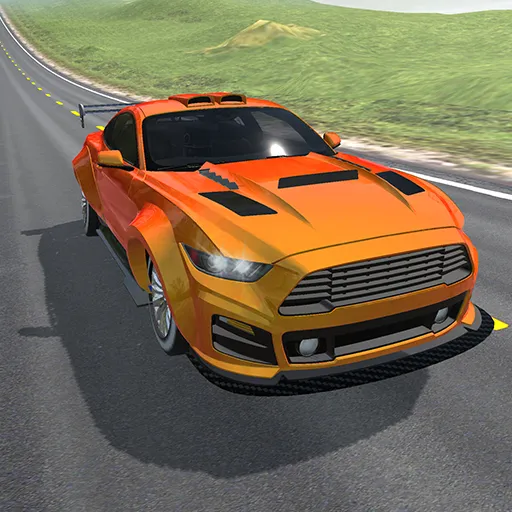


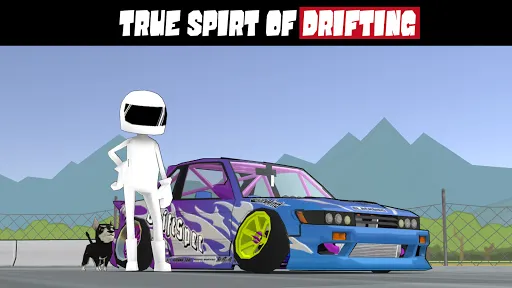
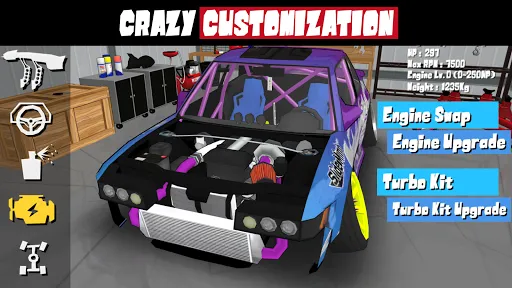
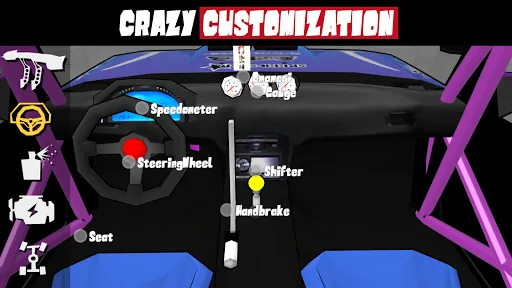


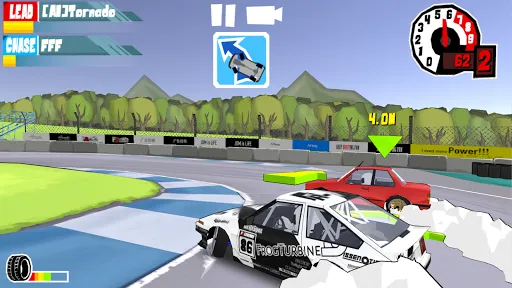
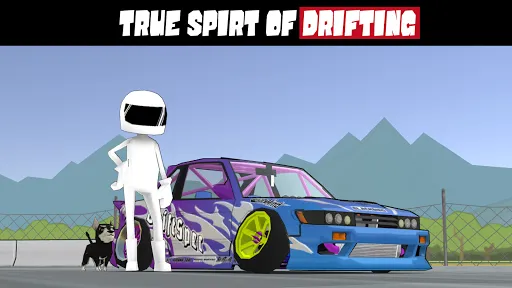
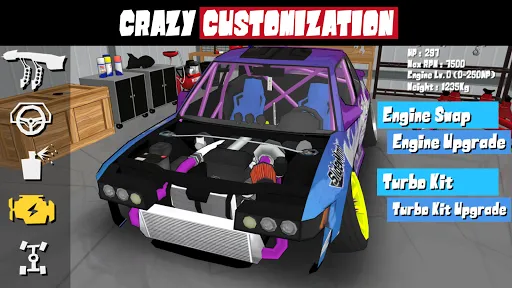
"FR Legends" is a unique mobile racing game that focuses on drift racing, offering players an immersive experience with a variety of features. One of the standout aspects is its realistic physics engine, which simulates the dynamics of drifting, making it essential for players to master their skills. The game includes a wide range of customizable cars, allowing players to modify their vehicles with different parts, paint jobs, and decals to create a personalized look.
Additionally, "FR Legends" features various game modes, including a career mode where players can progress through different challenges and events. The game also offers a multiplayer mode, enabling players to compete against friends or other players worldwide. The graphics are vibrant and stylized, enhancing the overall visual appeal of the game. Furthermore, the soundtrack adds to the excitement, featuring energetic music that complements the racing experience. Overall, "FR Legends" combines engaging gameplay with a strong emphasis on car culture, making it a favorite among drifting enthusiasts.
To get started with "FR Legends," first, download the game from your device's app store and install it. Once you launch the game, you will be greeted with a user-friendly interface that guides you through the initial setup. You can choose to play in single-player mode or connect with friends for multiplayer racing. Familiarize yourself with the controls, which include steering, acceleration, and braking, to effectively navigate the tracks.
As you progress, you can earn in-game currency by completing races and challenges, which can be used to purchase new cars and upgrades. Take advantage of the customization options to enhance your vehicle's performance and aesthetics. Practice drifting techniques in various environments to improve your skills. The game also features tutorials and practice modes, which are beneficial for beginners. Regularly participating in events and challenges will help you unlock new content and keep the gameplay fresh and exciting.
"FR Legends" has several advantages that make it a popular choice among racing game enthusiasts. One of the main pros is its realistic drifting mechanics, which provide an authentic experience for players who enjoy this aspect of racing. The extensive customization options allow players to personalize their cars, enhancing engagement and creativity. The game also features a variety of tracks and environments, keeping the gameplay diverse and interesting. Additionally, the multiplayer mode fosters a competitive spirit, allowing players to challenge friends and others globally.
However, there are some cons to consider. Some players may find the learning curve steep, especially when mastering drifting techniques. Additionally, while the game offers a free version, certain features and cars may require in-app purchases, which could be a drawback for some users. The graphics, while stylized, may not appeal to everyone, as they differ from more realistic racing games. Lastly, occasional bugs and performance issues can detract from the overall experience. Balancing these pros and cons is essential for potential players to determine if "FR Legends" aligns with their gaming preferences.

 Engaging gameplay that captures the thrill of drifting Realistic car physics enhance the driving experience Wide variety of customizable vehicles for personalization Multiple tracks and environments keep challenges fresh User-friendly controls make it accessible for all skill levels
 Limited car customization options restrict player creativity. Graphics may not meet expectations for realism. Online multiplayer can suffer from connectivity issues.
  Google Play
  App Store
 Yes, players can submit suggestions or feedback through the app's support channels or social media platforms to help improve the game.
Yes, like many apps, FR Legends may collect certain personal data; however, users should refer to the app's privacy policy for specific details on data collection and usage.
Yes, FR Legends can be played offline, allowing users to enjoy the game without needing an internet connection.
Users can cancel their subscription through their respective app store settings, following the instructions provided for managing subscriptions on either iOS or Android.
The subscription to FR Legends typically costs a monthly fee, but the exact amount may vary based on current promotions or changes in pricing.
Unfortunately, customer numbers cannot be changed. For any issues, please reach out to customer service for further assistance.
You can reach our customer service via the support section within the app or through our official website's contact form.
To log in, open the app, enter your credentials, and tap the log in button. Make sure your internet connection is stable.
Your customer number can be found in your account settings under the profile tab in the app.
To log in with two accounts, simply log out of your current account and enter the credentials for the other account.