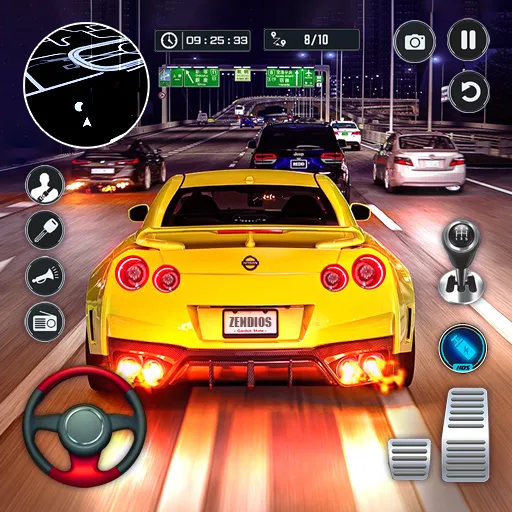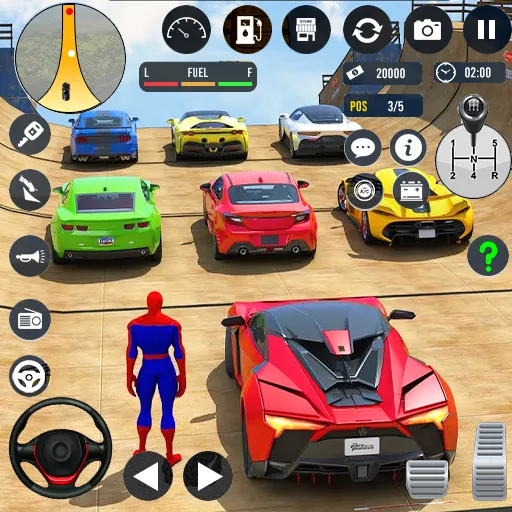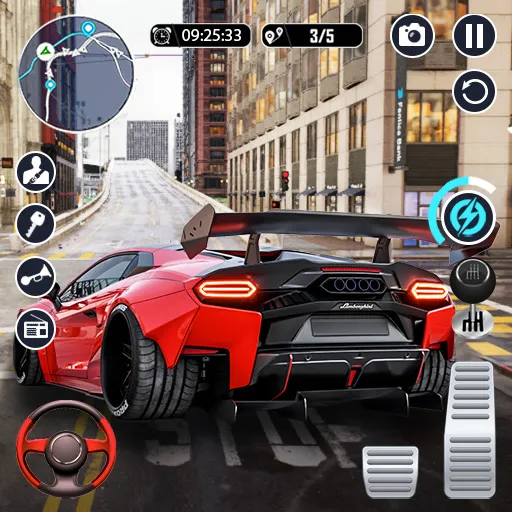




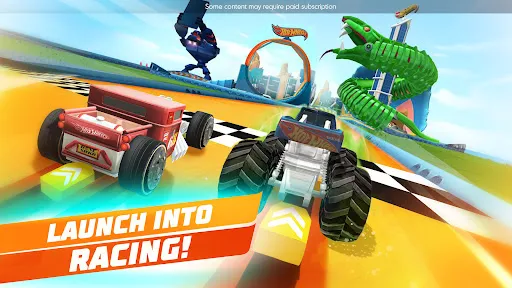

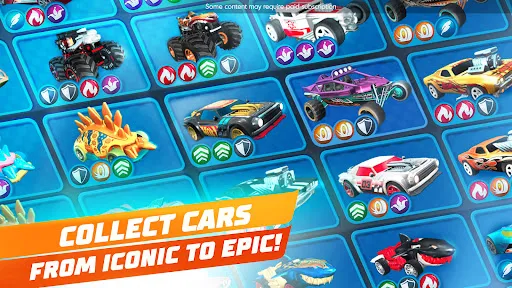


"Hot Wheels Unlimited" is an engaging mobile game that combines racing with creativity, allowing players to build their own tracks and race their favorite Hot Wheels cars. One of the standout features is the track builder, which provides a variety of customizable elements such as loops, jumps, and obstacles, enabling players to design unique racing experiences. The game also includes a wide selection of iconic Hot Wheels cars, each with its own special abilities, enhancing the gameplay and strategy involved in racing.
Additionally, "Hot Wheels Unlimited" offers various game modes, including time trials and challenges, which keep the gameplay fresh and exciting. Players can also collect and upgrade cars, adding a layer of progression that encourages continued play. The vibrant graphics and dynamic environments create an immersive racing experience, while the intuitive controls make it accessible for players of all ages. Regular updates introduce new content, ensuring that players always have something to look forward to.
To get started with "Hot Wheels Unlimited," first, download the app from your device's app store and install it. Once you launch the game, you will be greeted with a tutorial that guides you through the basic mechanics, including how to navigate the menus and use the track builder. Familiarize yourself with the controls, as they are essential for racing and building tracks effectively.
After completing the tutorial, you can dive into the main gameplay. Start by selecting a car from your collection and choose a track to race on. You can also enter the track builder mode to create your own custom tracks. Experiment with different layouts and obstacles to see what works best for your racing style. As you progress, complete challenges and collect rewards to unlock new cars and upgrades. Engage with the community by sharing your creations and racing against friends to enhance your overall experience.
"Hot Wheels Unlimited" offers a variety of advantages that make it an appealing choice for racing game enthusiasts. One of the primary pros is the extensive customization options available in the track builder, allowing players to unleash their creativity. The game also features a diverse selection of cars, each with unique abilities, which adds depth to the racing experience. The vibrant graphics and engaging gameplay keep players entertained, while regular updates ensure fresh content and challenges.
However, there are some drawbacks to consider. Some players may find the in-app purchases necessary to fully enjoy the game, as certain cars and upgrades can be locked behind a paywall. Additionally, while the game is designed for all ages, younger players may struggle with some of the more complex track-building mechanics. Lastly, occasional bugs and performance issues can detract from the overall experience. Balancing these pros and cons is essential for players to determine if "Hot Wheels Unlimited" aligns with their gaming preferences.

 Endless customization options for creating unique track designs and challenges Engaging gameplay encourages creativity and strategic thinking for all ages Collectible cars enhance the fun and provide motivation for players Dynamic environments keep gameplay fresh and exciting with various themes Multiplayer mode fosters social interaction and friendly competition among friends
 Limited track customization may frustrate creative players In-app purchases can hinder the overall experience Occasional glitches can disrupt gameplay and immersion
  Google Play
  App Store
 Yes, players are encouraged to submit suggestions and feedback through the app's support or contact features.
Yes, the app may collect personal data as outlined in its privacy policy, which includes information necessary for account management and game functionality.
Yes, Hot Wheels Unlimited can be played offline, although certain features may require an internet connection.
You can cancel your subscription through your device's app store settings, usually found under subscriptions or account settings.
A subscription to Hot Wheels Unlimited typically costs a monthly fee, but the exact price may vary based on region and any ongoing promotions.
Unfortunately, customer numbers cannot be changed once your account is activated. Please contact customer service for further assistance.
Yes, you can update your email address in your account settings once you log in. Make sure to save your changes.
After registering, check your email for an activation link. Click on it to activate your account. If you don’t see it, check your spam folder.
You can reach customer service through the app or website under the 'Help' section for assistance.
To log in, open the app, enter your email and password, then tap 'Log In' to access your account.