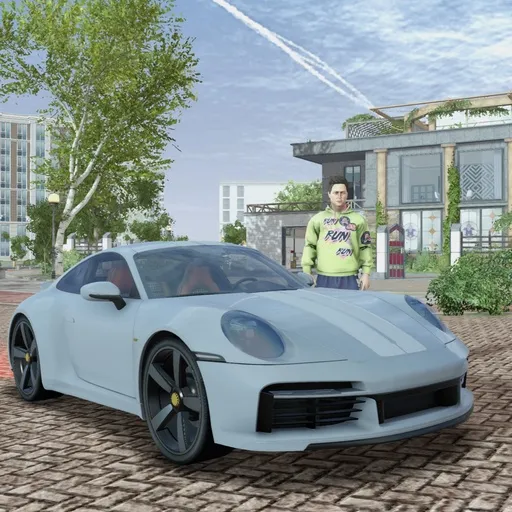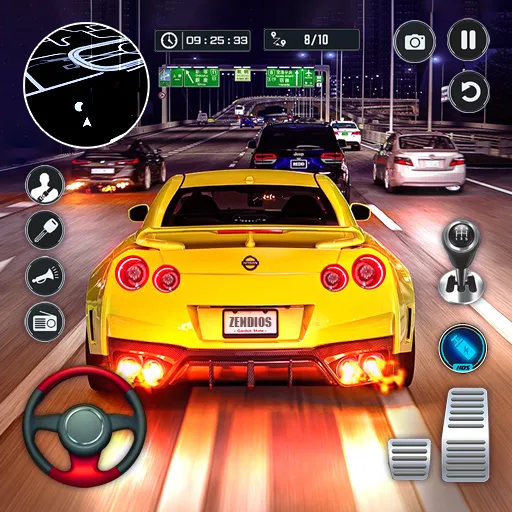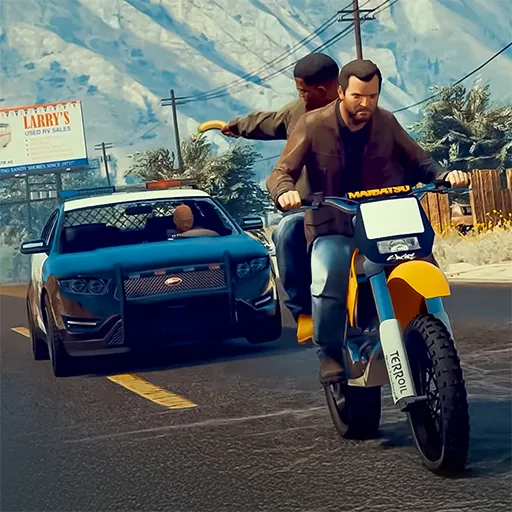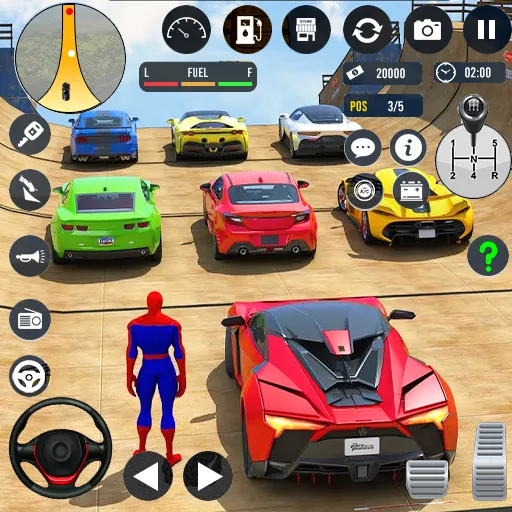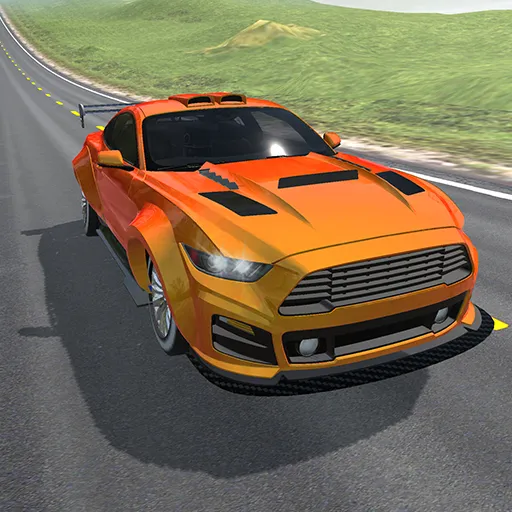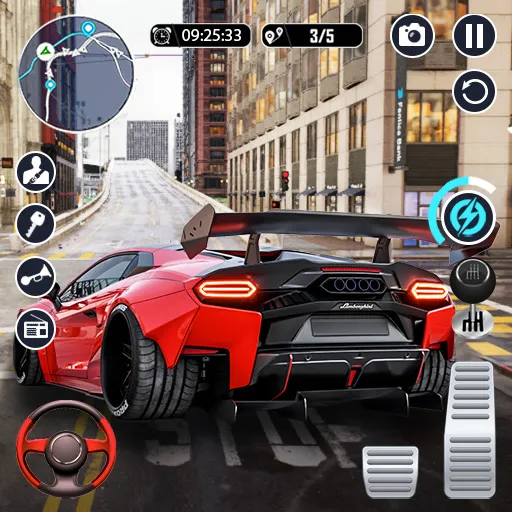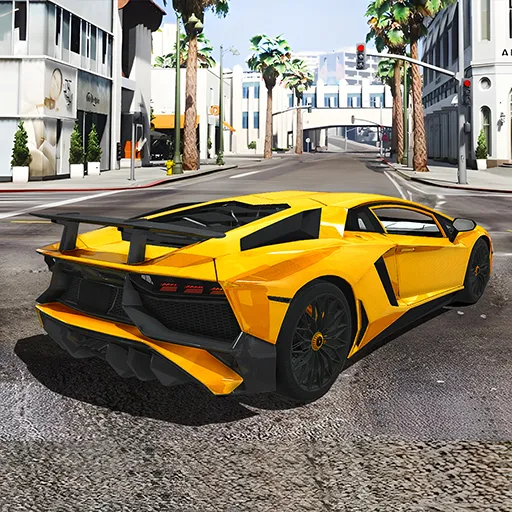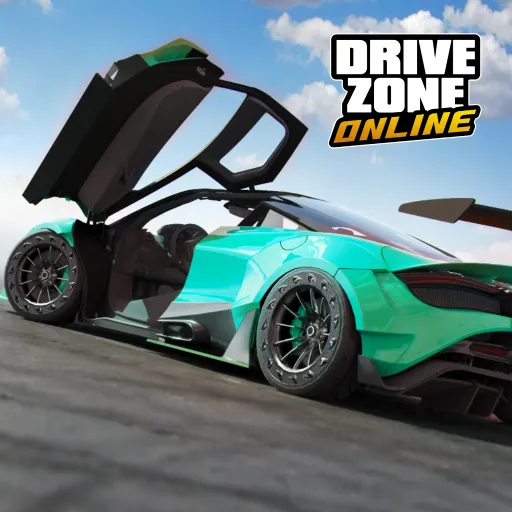


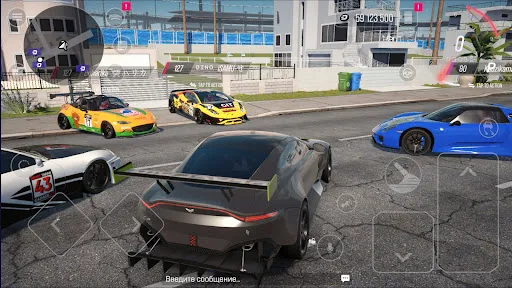
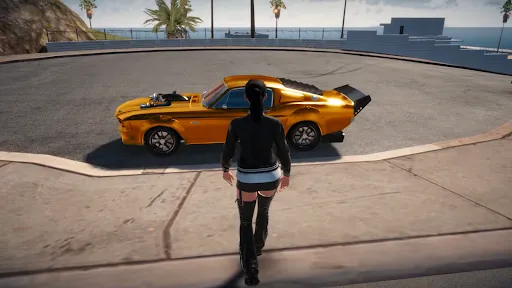
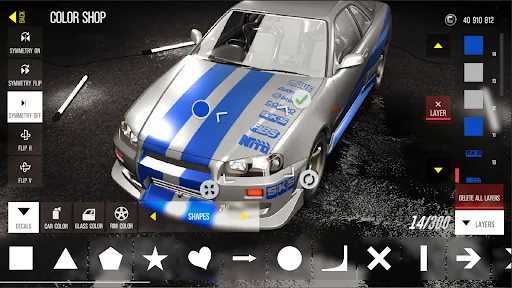
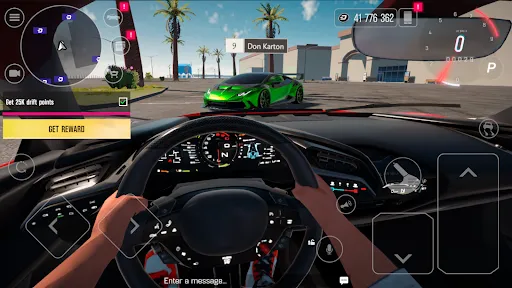
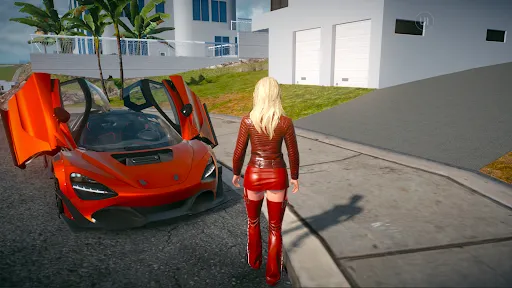
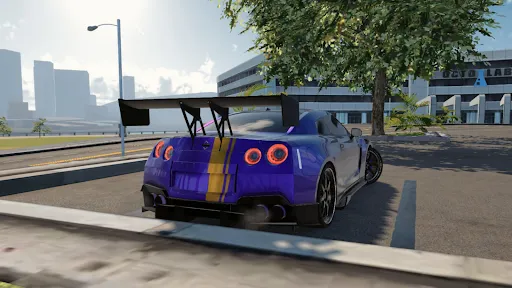
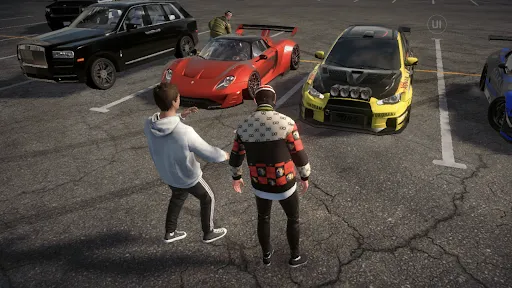
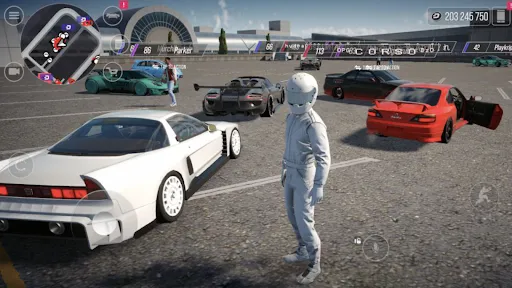
"Drive Zone: Car Simulator Game" offers a rich array of features that enhance the gaming experience for car enthusiasts. One of the standout features is its realistic driving physics, which allows players to feel the nuances of handling different vehicles. The game boasts a diverse selection of cars, ranging from classic models to modern supercars, each with unique characteristics and performance metrics. Players can customize their vehicles, adjusting everything from paint jobs to performance upgrades, which adds a personal touch to the gameplay.
The game also includes various environments and maps, providing players with the opportunity to explore urban landscapes, rural areas, and off-road terrains. The day-night cycle and dynamic weather conditions further enrich the experience, making each drive feel unique. Additionally, "Drive Zone" features multiple game modes, including free roam, racing challenges, and missions, catering to different play styles. The user-friendly interface and intuitive controls make it accessible for both casual gamers and serious driving aficionados.
To get started with "Drive Zone: Car Simulator Game," first, download and install the app from your preferred app store. Once installed, launch the game and create your profile. You will be greeted with a tutorial that guides you through the basic controls and features. Familiarize yourself with the driving mechanics, as mastering them is crucial for an enjoyable experience. You can choose from various game modes, including free roam, where you can explore the open world at your own pace, or engage in specific missions and challenges.
As you progress, you can earn in-game currency, which allows you to unlock new vehicles and upgrades. Customization options are available, enabling you to modify your cars to suit your preferences. Pay attention to the map and objectives during missions to maximize your rewards. Additionally, take advantage of the settings menu to adjust graphics and control sensitivity for optimal performance. Regularly check for updates, as the developers often introduce new content and features to keep the game fresh and engaging.
"Drive Zone: Car Simulator Game" has several advantages that make it appealing to players. One of the primary pros is its realistic driving physics, which provides an immersive experience. The extensive range of vehicles and customization options allows players to tailor their gaming experience to their liking. The variety of environments and game modes keeps the gameplay fresh and engaging, catering to different preferences. Additionally, the graphics are visually appealing, enhancing the overall aesthetic of the game.
However, there are some drawbacks to consider. Some players may find the in-game currency system a bit challenging, as it can take time to earn enough for desired upgrades or vehicles. Additionally, while the game offers a lot of content, some users have reported occasional bugs or performance issues, which can detract from the experience. Lastly, the learning curve for mastering the controls may be steep for newcomers, potentially leading to frustration. Balancing these pros and cons is essential for players to determine if the game aligns with their preferences.

 Experience realistic driving physics for an immersive gameplay experience. Explore vast open-world environments filled with diverse challenges. Customize vehicles to suit your personal style and performance needs. Engage in thrilling missions that test your driving skills and strategy. Enjoy stunning graphics and sound effects that enhance overall immersion.
 Repetitive gameplay can lead to boredom over time. Limited car customization options restrict player creativity. Graphics may feel outdated compared to newer racing games.
  Google Play
  App Store
 Yes, players can submit suggestions or feedback through the app's support section or via the developer's official website or social media channels.
The app may collect certain data for functionality and user experience improvements, but it typically adheres to privacy regulations and provides options for users to manage their data.
Yes, Drive Zone: Car Simulator Game can be played offline, allowing users to enjoy the game without needing an internet connection.
To cancel your subscription, you can go to your device's settings, find the subscriptions section, and follow the prompts to manage or cancel your subscription for the app.
The subscription cost for Drive Zone: Car Simulator Game can vary, but it generally includes options for monthly or yearly plans, with prices listed in the app's store page.
Yes, you can activate your account from any mobile device by following the email link sent during registration.
To activate your account, follow the link sent to your email after registration and complete the activation process.
You can reach customer service via the in-game support feature or by emailing support
Customer numbers cannot be changed. If you have concerns, please contact customer service for guidance.
Use the same social media login option on the app to access your Drive Zone account directly.