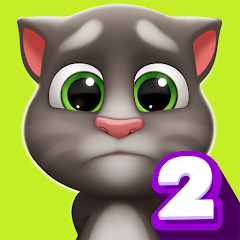


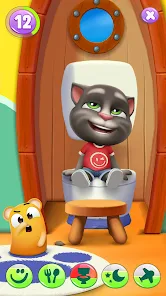
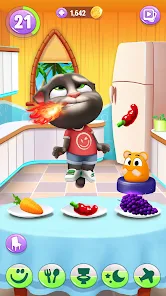
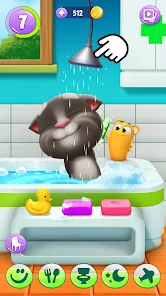
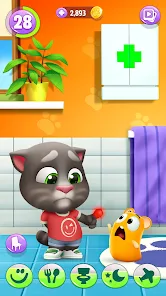
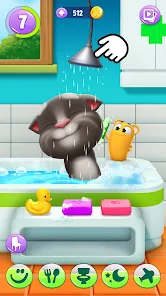
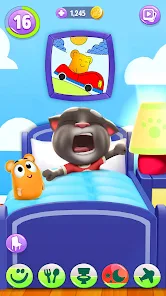
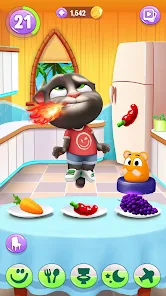
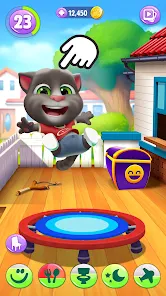
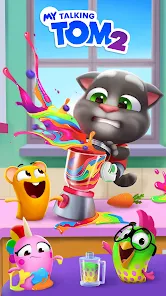
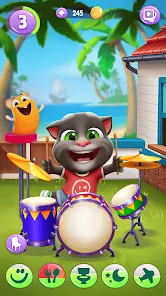
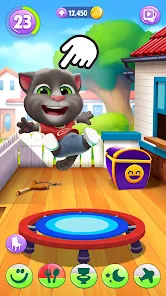
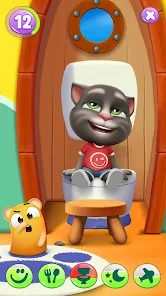
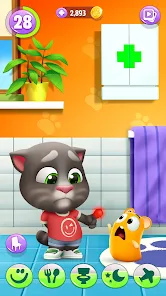
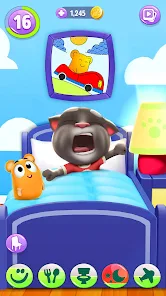
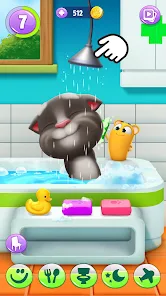
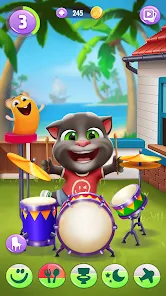
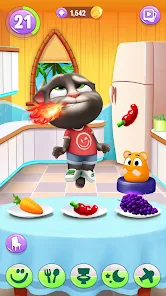
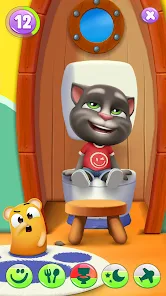
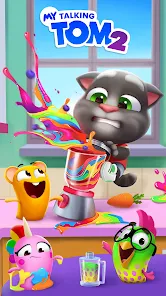
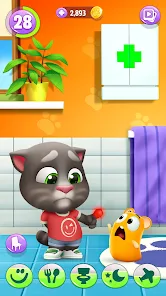
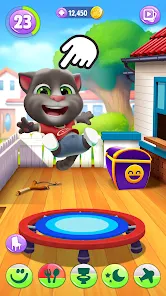
"My Talking Tom 2: Pet Game" offers a delightful array of features that enhance the interactive experience for players. One of the standout features is the ability to customize Tom, the adorable cat, with a variety of outfits, accessories, and even unique hairstyles. This personalization allows players to express their creativity and make Tom truly their own. Additionally, the game includes mini-games that provide fun challenges and opportunities to earn rewards, keeping the gameplay engaging and dynamic.
Another notable feature is the ability to care for Tom by feeding him, playing with him, and ensuring he gets enough rest. This nurturing aspect adds a layer of responsibility, making the game more immersive. Players can also interact with Tom through voice recognition, as he mimics what they say, adding a humorous and entertaining element. Furthermore, the game regularly updates with new content, ensuring that players always have fresh experiences to look forward to.
Using "My Talking Tom 2: Pet Game" is straightforward and user-friendly, making it accessible for players of all ages. Upon launching the game, players are greeted by Tom, who needs care and attention. The primary objective is to keep Tom happy and healthy by engaging in various activities. Players can feed him, play mini-games, and decorate his living space to enhance his environment.
To interact with Tom, simply tap on him to initiate different actions. For instance, tapping on the food bowl allows players to feed him, while tapping on the bed prompts him to sleep. The mini-games can be accessed through a dedicated menu, offering a range of fun challenges that help players earn coins and rewards. Regularly checking in on Tom is essential, as his happiness meter indicates his needs. Overall, the game encourages players to build a bond with Tom while enjoying a variety of entertaining activities.
"My Talking Tom 2: Pet Game" comes with several advantages that make it appealing to a wide audience. One of the primary pros is its engaging gameplay, which combines pet care with fun mini-games, ensuring that players remain entertained. The customization options for Tom allow for a personalized experience, making each player's journey unique. Additionally, the voice interaction feature adds a layer of interactivity that enhances the overall enjoyment of the game.
However, there are some cons to consider. One downside is the presence of in-app purchases, which may be necessary to unlock certain features or items, potentially limiting the experience for players who prefer not to spend money. Additionally, some users may find the gameplay repetitive over time, as the core activities revolve around caring for Tom and playing mini-games. Despite these drawbacks, "My Talking Tom 2" remains a popular choice for those seeking a lighthearted and entertaining pet simulation experience.

 Engaging gameplay encourages creativity and imagination in children. A variety of mini-games keeps players entertained for hours. Personalization options allow users to customize their virtual pet. Interactive features promote social connections with friends and family. Regular updates introduce new content and keep the experience fresh.
 Frequent ads disrupt gameplay, diminishing overall enjoyment. Limited free content encourages in-app purchases to progress. Some users may find repetitive tasks tedious over time.
 Yes, players can submit suggestions or feedback through the app's support section or the developer's official website, where they often encourage community input.
Yes, My Talking Tom 2 may collect personal data in accordance with its privacy policy, which typically includes information such as device identifiers and usage data.
Yes, My Talking Tom 2 can be played offline, but some features may require an internet connection for full functionality, such as accessing certain mini-games or updates.
You can cancel your My Talking Tom 2 subscription through the settings of your app store account, following the cancellation process outlined by the respective platform.
The subscription cost for My Talking Tom 2 can vary based on the plan selected and the region, typically offering monthly or yearly options.
Unfortunately, customer numbers cannot be changed after activation. Please contact customer service for further assistance.
You can reach customer service through the in-game support option or by visiting our official website for assistance.
You can update your contact information by accessing your account settings and editing your details there.
You can activate your account by clicking the link sent to your email after registration.
To log in, open the app and enter your registered email and password on the login screen.







 Google Play
  App Store