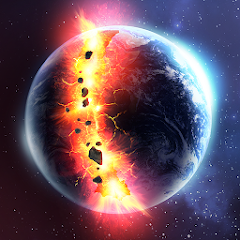


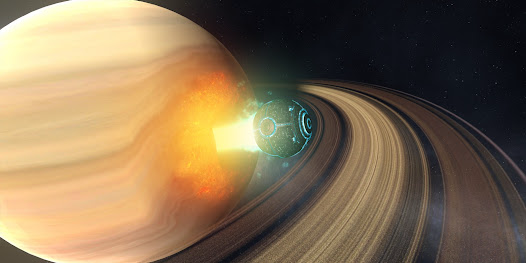



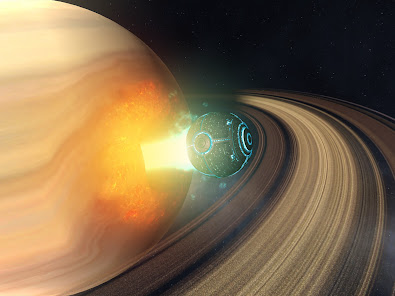

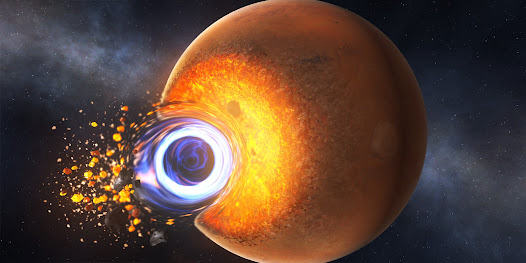


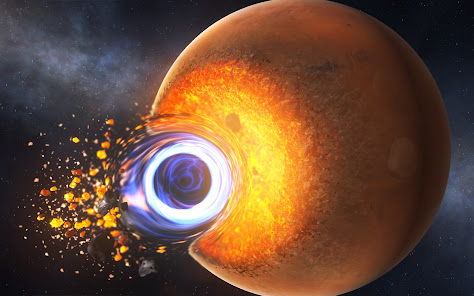
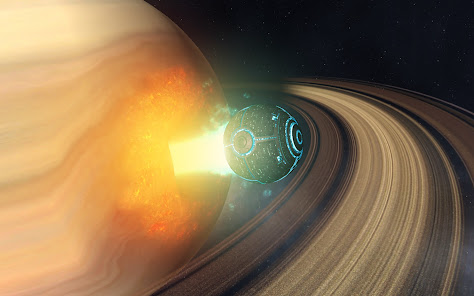
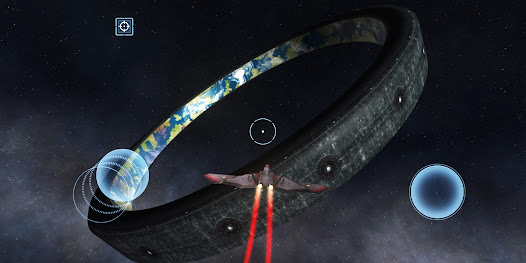
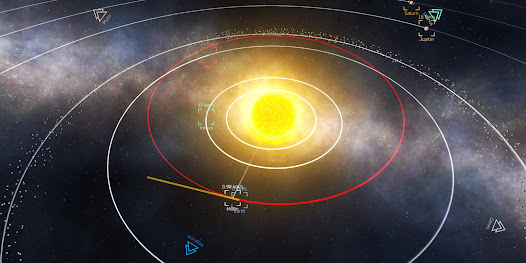
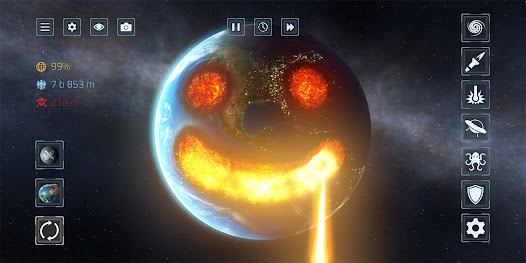

"Solar Smash" is a unique simulation game that allows players to unleash their creativity and destruction on various planets. One of its standout features is the variety of planets available for destruction, each with its own unique characteristics and environments. Players can choose from Earth, Mars, and other celestial bodies, providing a diverse gameplay experience.
Another notable feature is the array of weapons and tools at the player's disposal. From lasers and asteroids to nuclear bombs, players can experiment with different methods of destruction, making each play session feel fresh and exciting. The game also includes a realistic physics engine, which adds to the immersive experience as players watch their chosen planet react to the chaos they create.
Additionally, "Solar Smash" offers a user-friendly interface that makes it easy for players to navigate through the game. The graphics are visually appealing, with vibrant colors and detailed animations that enhance the overall experience. The game is available on multiple platforms, making it accessible to a wide audience. Overall, "Solar Smash" combines creativity, destruction, and engaging gameplay, making it a popular choice among simulation game enthusiasts.
Using "Solar Smash" is straightforward and intuitive, making it accessible for players of all ages. To begin, download the game from your preferred app store and install it on your device. Once launched, you will be greeted with a simple menu that allows you to select a planet to destroy. Choose from a variety of options, including Earth and other fictional planets.
After selecting a planet, you can access the arsenal of weapons available to you. Simply tap on the weapon icon to choose your desired method of destruction. You can then aim and unleash your chosen weapon on the planet. The game allows for experimentation, so feel free to try different combinations of weapons to see how they interact with the planet's surface.
As you play, you can observe the effects of your actions in real-time, thanks to the game's realistic physics engine. You can also reset the planet and start over whenever you wish. The game encourages creativity, so take your time to explore the various features and enjoy the chaos you create. With its easy-to-use interface and engaging gameplay, "Solar Smash" offers a fun and entertaining experience for all players.
"Solar Smash" comes with several advantages that make it an appealing choice for gamers. One of the primary pros is its unique concept, allowing players to creatively destroy planets in a fun and engaging way. The variety of weapons and planets adds depth to the gameplay, ensuring that players remain entertained for hours. Additionally, the game's graphics are visually striking, enhancing the overall experience and making it enjoyable to watch the destruction unfold.
However, there are some drawbacks to consider. One con is that the gameplay can become repetitive over time, as the core mechanics remain the same regardless of the planet chosen. Some players may find that after a few sessions, the novelty wears off. Furthermore, while the game is free to play, it may contain ads or in-app purchases that could detract from the experience for some users.
In summary, "Solar Smash" offers a unique and entertaining experience with its creative destruction mechanics and appealing graphics. While it has its limitations, such as potential repetitiveness and ads, it remains a popular choice for those looking for a fun simulation game. Players should weigh these pros and cons to determine if the game aligns with their preferences.

 Engaging gameplay offers a unique and entertaining experience. Multiple planet destruction options enhance creativity and strategy. Stunning visuals create an immersive and captivating environment. Regular updates introduce new features and content for longevity. User-friendly interface makes it easy for anyone to enjoy.
 Limited gameplay variety may lead to repetitive experiences over time Graphics quality can be inconsistent across devices Lack of meaningful progression systems may reduce long-term engagement
 Solar Smash may collect certain data for functionality and user experience improvements, but it is recommended to review the app's privacy policy for detailed information on data collection practices.
Solar Smash is available for free with optional in-app purchases, allowing players to experience the game without a subscription.
Solar Smash can be played offline, but some features, such as updates and community content, may require an internet connection.
You can contact Solar Smash support or send feedback through the app's settings menu or by visiting the developer's website for additional support options.
To manage or cancel your Solar Smash subscription, you can do so through your device's app store settings, where you can view and modify your subscriptions.
Yes, you can change your login details in the account settings under "Security."
You can reach our customer service via the support section in the app or our website's contact page. We’re here to help!
To activate your account, click the activation link sent to your email after registration. Follow the instructions provided.
You can log in to each account separately using the corresponding email and password for each one.
Account activation usually takes a few minutes after you click the activation link. Check your email for confirmation.








 Google Play
  App Store