


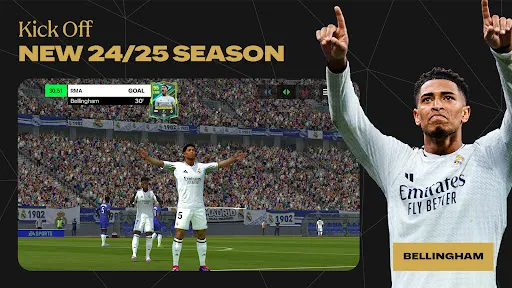
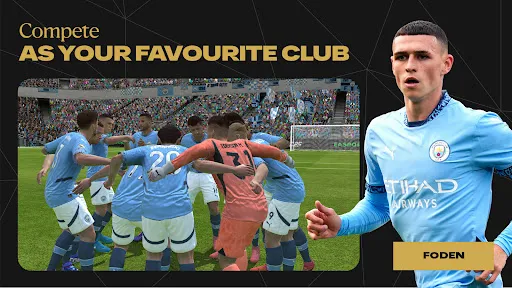

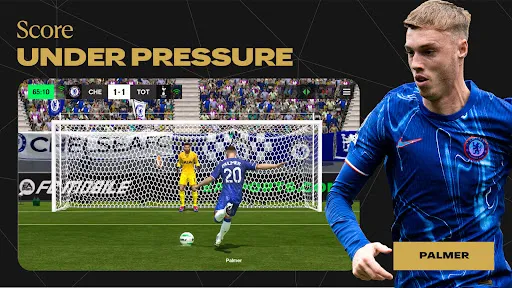
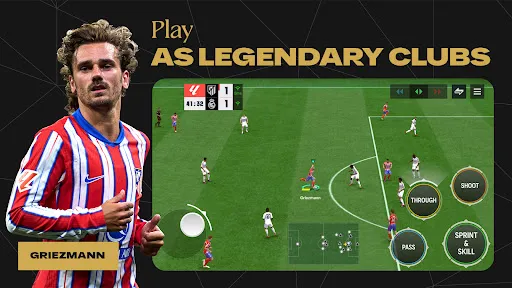
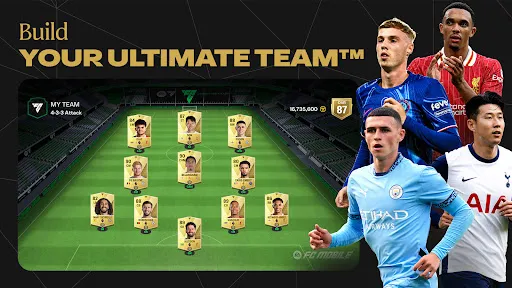
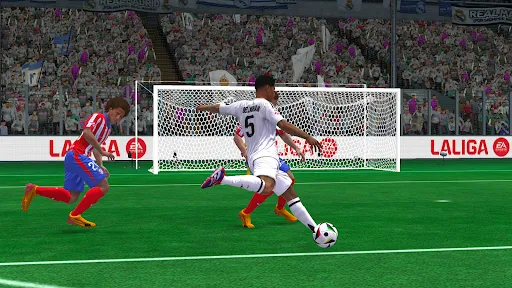
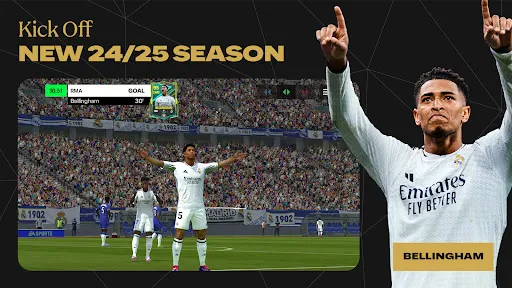
"EA SPORTS FC™ Mobile Soccer" offers a rich array of features designed to enhance the gaming experience for soccer enthusiasts. One of the standout features is the realistic graphics and animations that bring the game to life, allowing players to immerse themselves in the action. The game includes a wide selection of teams and players from various leagues around the world, enabling users to build their dream teams and compete against others.
Another notable feature is the dynamic gameplay, which incorporates various modes such as Career Mode, Ultimate Team, and online multiplayer. Players can engage in thrilling matches, participate in tournaments, and complete challenges to earn rewards. The game also emphasizes strategic gameplay, allowing users to customize tactics and formations to outsmart their opponents. Additionally, regular updates ensure that the game stays fresh with new content, including player transfers and seasonal events, keeping players engaged throughout the year.
Using "EA SPORTS FC™ Mobile Soccer" is straightforward and user-friendly, making it accessible for both new and experienced players. To get started, download the app from your device's app store and create an account or log in using your existing EA account. Once in the game, players can navigate through the main menu to explore various modes, including Quick Match, Career Mode, and Ultimate Team.
To build your team, you can scout and acquire players through packs or the transfer market. Customize your squad by adjusting formations and tactics to suit your play style. During matches, utilize intuitive controls to pass, shoot, and tackle, while also employing strategic maneuvers to outplay your opponents. Regularly check for updates and events to take advantage of new challenges and rewards, ensuring a dynamic and engaging gaming experience.
Like any mobile game, "EA SPORTS FC™ Mobile Soccer" has its pros and cons. On the positive side, the game boasts impressive graphics and smooth gameplay, which enhance the overall experience. The variety of game modes, including online multiplayer and career options, provides players with numerous ways to enjoy the game. Additionally, the frequent updates keep the content fresh, allowing players to stay engaged with new challenges and player transfers.
However, there are some drawbacks to consider. Some players may find the in-game purchases necessary to compete at higher levels, which can be frustrating for those who prefer a free-to-play experience. Additionally, the matchmaking system can sometimes lead to imbalanced matches, affecting the overall enjoyment. Lastly, while the game is designed for mobile devices, some users may experience performance issues on older devices, which can hinder gameplay. Balancing these pros and cons is essential for players to determine if the game aligns with their preferences.

 Experience fluid gameplay with responsive controls for seamless soccer action. Build your ultimate team with a wide range of players and strategies. Enjoy stunning graphics that bring the excitement of soccer to life. Compete in live events and challenges for exclusive rewards and recognition. Stay connected with friends through multiplayer modes and social features.
 Limited gameplay depth can frustrate dedicated soccer fans Frequent in-game purchases may hinder free players Graphics and animations may lack realism compared to console versions
  Google Play
  App Store
 Yes, EA SPORTS FC™ Mobile Soccer may collect personal data as outlined in its privacy policy, which includes information necessary for gameplay, account management, and user experience improvement.
EA SPORTS FC™ Mobile Soccer is free to download and play, but it may offer in-app purchases for additional content and features.
Yes, EA SPORTS FC™ Mobile Soccer requires an internet connection to access online features, compete in matches, and receive updates.
You can contact support or send feedback for EA SPORTS FC™ Mobile Soccer through the in-app support feature or by visiting the official EA support website for assistance.
To manage or cancel your EA SPORTS FC™ Mobile Soccer subscription, you can access your account settings through the app store from which you purchased the subscription, following the relevant instructions for subscription management.
Unfortunately, customer numbers cannot be changed. If you have concerns, please contact customer service for guidance.
To activate your account, follow the link in the activation email sent to you after registration. If you didn’t receive it, check your spam folder or contact customer service.
You can check the status of your request by logging into your account and visiting the support section. You'll find updates there.
You can reach customer service through the in-game support option or visit our official website for assistance.
You can update your login info in the account settings of the app. If you need further help, reach out to customer service.