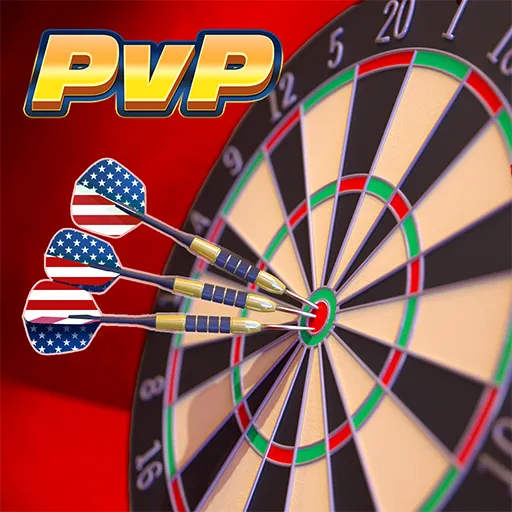



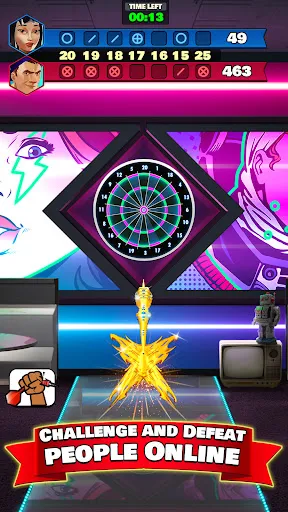

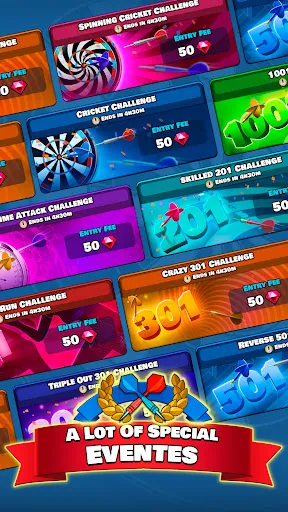
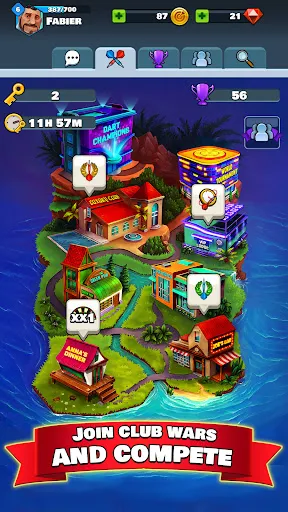
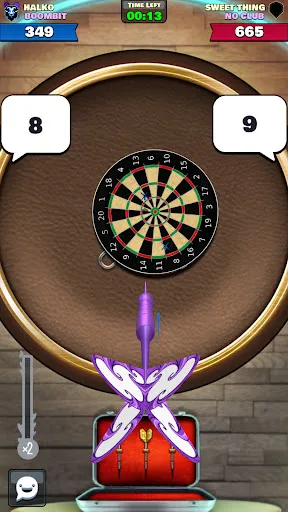
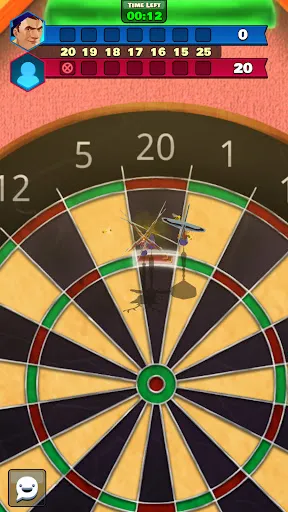
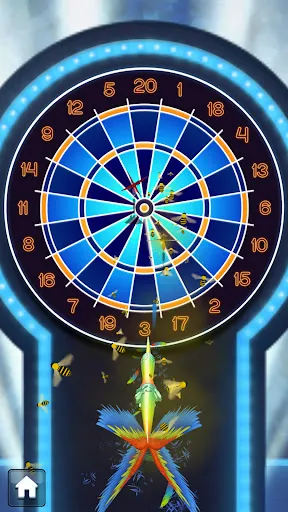
"Darts Club: PvP Multiplayer" offers an engaging and competitive environment for dart enthusiasts. One of its standout features is the real-time multiplayer mode, allowing players to challenge friends or compete against players from around the world. The game includes various dart games, such as 501 and Cricket, providing diverse gameplay experiences. Players can customize their darts and choose from a wide range of dartboards, enhancing personalization and strategy.
The game also boasts a ranking system, where players can climb the leaderboards based on their performance, adding a layer of competitiveness. Regular tournaments and events keep the gameplay fresh and exciting, offering players the chance to win exclusive rewards. Additionally, the intuitive controls and realistic physics make for a smooth gaming experience, appealing to both casual players and serious dart fans. With vibrant graphics and engaging sound effects, "Darts Club: PvP Multiplayer" creates an immersive atmosphere that keeps players coming back for more.
To get started with "Darts Club: PvP Multiplayer," first, download the app from your device's app store and create an account. Once you’re logged in, you can customize your player profile, including selecting your dart design and board preferences. The main menu offers various game modes, including quick matches, tournaments, and practice sessions. Choose your preferred mode to begin playing.
In multiplayer mode, you can invite friends or join random matches with players worldwide. The game features a simple control scheme, where you swipe to aim and release to throw your darts. Pay attention to the scoring system, as different games have unique rules and objectives. As you play, you’ll earn rewards and experience points, which can be used to unlock new equipment and improve your skills. Regularly check for updates and events to maximize your gaming experience and stay competitive.
"Darts Club: PvP Multiplayer" has several advantages that make it appealing to players. One of the main pros is its engaging multiplayer experience, allowing users to connect with friends and compete against a global community. The variety of game modes and customization options keeps the gameplay fresh and exciting. Additionally, the graphics and sound design enhance the overall experience, making it visually appealing and immersive.
However, the app does have some drawbacks. Some players may find the in-game purchases necessary to progress, which can be frustrating for those who prefer a free-to-play experience. Additionally, the matchmaking system may occasionally pair players of uneven skill levels, leading to unbalanced games. Lastly, while the game is generally well-optimized, occasional connectivity issues can disrupt gameplay. Overall, while "Darts Club: PvP Multiplayer" offers a fun and competitive environment, potential players should be aware of these limitations.

 Engage in thrilling player-versus-player matches for real-time competition. Enjoy a variety of game modes tailored for all skill levels. Compete globally and challenge friends for ultimate bragging rights. Track your progress and improve your skills with detailed stats. Experience vibrant graphics and immersive sound effects for an exciting atmosphere.
 Limited player base may result in longer wait times for matches. In-game purchases can create an unfair competitive advantage for players. Gameplay can become repetitive without frequent updates or new features.
  Google Play
  App Store
 Yes, players can submit suggestions or feedback through the app's support section or official website, where the development team welcomes input to improve the game experience.
Yes, like many apps, Darts Club: PvP Multiplayer may collect personal data to enhance user experience and for account management purposes. It is advisable to review the app's privacy policy for detailed information.
No, Darts Club: PvP Multiplayer requires an internet connection to play, as it is designed for real-time online matches against other players.
You can cancel your subscription through the app store where you purchased it, either on iOS or Android, by navigating to your subscription settings and following the cancellation prompts.
The subscription cost varies based on the plan chosen, but typically includes options for monthly or yearly subscriptions providing exclusive content and benefits.
Unfortunately, customer numbers cannot be changed once assigned. Please contact customer service for assistance with any issues.
You can reach our customer service through the in-game help section or by emailing support
If you've changed your email, use your new email to log in. If you encounter issues, contact customer service for assistance.
To activate your account, check your email for the activation link and follow the instructions provided.
For account activation assistance, please contact customer service via the in-game help option or at support