
 Home
Home  Apps
Apps  Games
Games  Windows
  Topics
  Terms of Service
  Cookies & Privacy Policy
  Disclaimer
DAZN - Watch Live Sports


Information
- Category: Sports
- Price: free
- Age Rating: Teen
- Rating: 4.5
- Developer: DAZN
- Version:
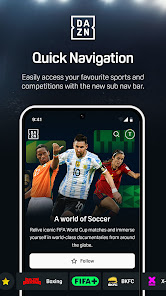
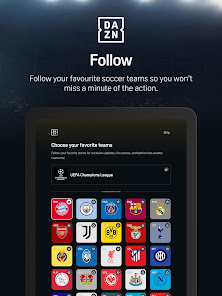
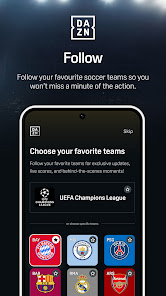
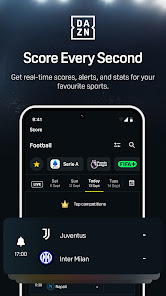
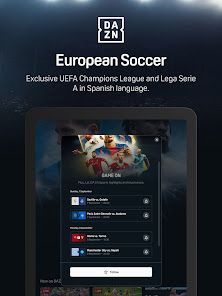
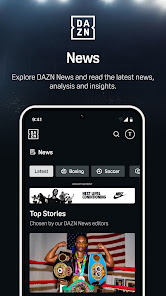
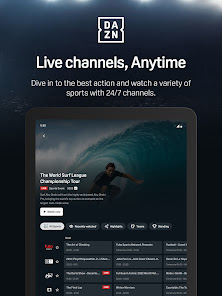
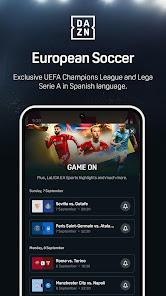
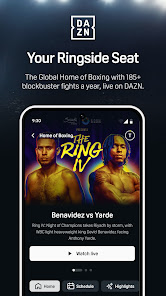
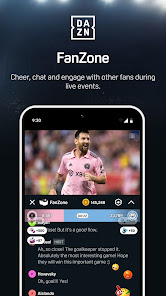


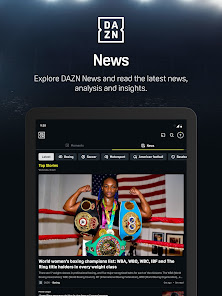
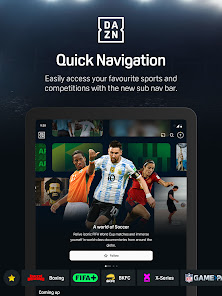
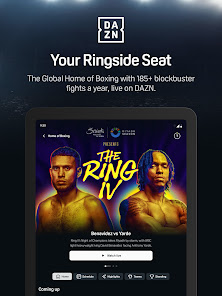
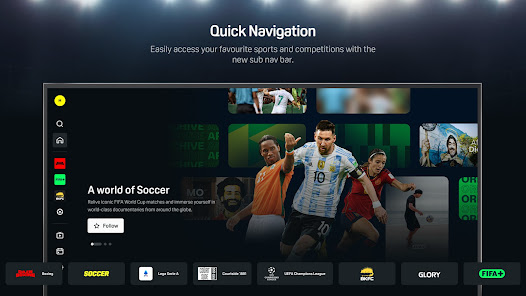
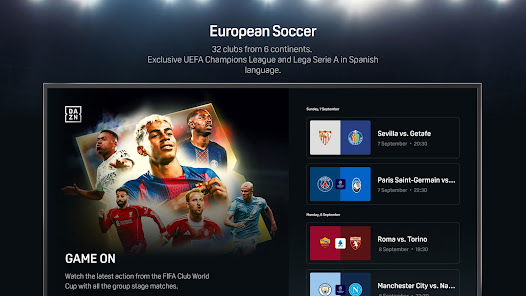

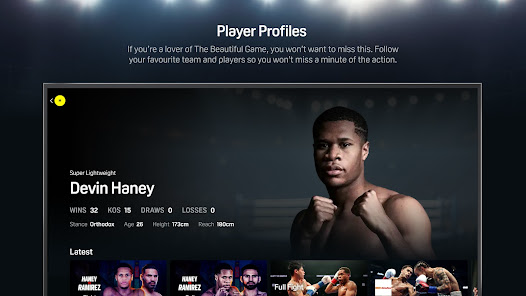
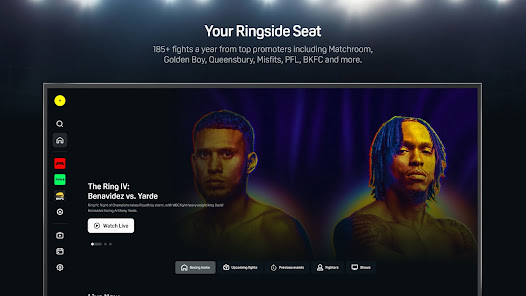
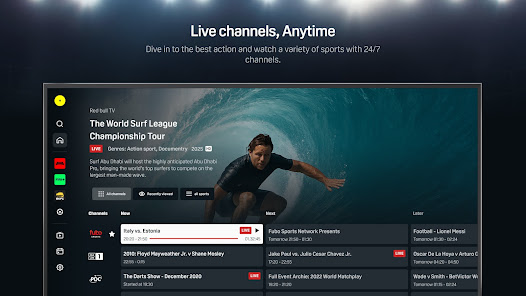
DAZN is your ultimate destination for live sports streaming, offering access to a wide range of events, including boxing, soccer, MMA, and more. With a user-friendly interface, you can watch your favorite sports anytime, anywhere, on any device. Enjoy high-definition broadcasts, exclusive content, and personalized notifications for your favorite teams and events. Join millions of sports fans and elevate your viewing experience with DAZN, where the action never stops!
Features of "DAZN - Watch Live Sports"
DAZN is a subscription-based sports streaming service that offers a wide array of live sports events and on-demand content. One of its standout features is the ability to watch multiple sports, including boxing, MMA, soccer, and more, all in one place. The platform provides high-definition streaming, ensuring that viewers enjoy a crisp and clear picture quality. Additionally, DAZN offers a user-friendly interface that makes it easy to navigate through various sports and events.
Another notable feature is the ability to watch events on multiple devices, including smartphones, tablets, smart TVs, and gaming consoles. This flexibility allows users to enjoy their favorite sports anytime and anywhere. DAZN also provides a personalized experience, with recommendations based on viewing habits. Furthermore, the service often includes exclusive content, such as behind-the-scenes footage and interviews with athletes, enhancing the overall viewing experience. With no long-term contracts, users can subscribe and cancel at their convenience, making it a flexible option for sports fans.
How to Use "DAZN - Watch Live Sports"
Using DAZN is straightforward and user-friendly. First, you need to download the DAZN app from your device's app store or visit the DAZN website. Once installed, create an account by providing your email address and setting a password. After signing up, you can choose a subscription plan that suits your needs, with options for monthly or annual payments.
Once your account is set up, you can browse through the extensive library of live sports events and on-demand content. The app allows you to filter by sport, making it easy to find your favorite events. You can also set reminders for upcoming matches and receive notifications about live events. To enhance your viewing experience, consider connecting your device to a larger screen, such as a smart TV, for a more immersive experience. With these simple steps, you can enjoy a seamless sports viewing experience on DAZN.
Pros & Cons of the App
DAZN offers several advantages that make it a popular choice among sports enthusiasts. One of the primary pros is the extensive range of sports coverage, including exclusive events that may not be available on traditional cable networks. The flexibility of watching on multiple devices and the absence of long-term contracts are also significant benefits, allowing users to subscribe as needed. Additionally, the high-definition streaming quality enhances the viewing experience, making it enjoyable for fans.
However, there are some drawbacks to consider. One of the main cons is that the availability of certain sports may vary by region, which can be frustrating for fans wanting to watch specific events. Additionally, some users have reported occasional streaming issues, such as buffering or lag during live events. The subscription cost may also be a concern for some, especially if they are not avid sports fans. Overall, while DAZN provides a comprehensive sports streaming service, potential users should weigh these pros and cons before subscribing.
Get Installation Details  Google Play
  App Store
Google Play App Store FAQ
Can I create playlists on Spotify?
Yes, users can create, share, and collaborate on playlists with friends.
Can I download music on Spotify?
Yes, premium users can download songs and playlists for offline listening.
Can I listen to Spotify offline?
Yes, premium users can listen to downloaded music offline without an internet connection.
Can I use Spotify on multiple devices?
Yes, you can use Spotify on multiple devices, but only one device can stream at a time.
Does Spotify have podcasts?
Yes, Spotify hosts a wide range of podcasts across various genres.
Similar Apps















You May Like

Yahoo Sports: Scores and News
Sports
4.7

ESPN
Sports
4.4

8 Ball Pool
Sports
4.8

Ballistic X
Sports
3.8

Basket Battle
Sports
4.6

Bowling Crew — 3D bowling game
Sports
4.6

ESPN Fantasy Sports
Sports
4.7

ElkNut
Sports
4.4

F1 TV
Sports
4.5

Fantasy Football Draft Wizard
Sports
4.6

Fishbrain - Fishing App
Sports
4.5

GameChanger
Sports
4.5