

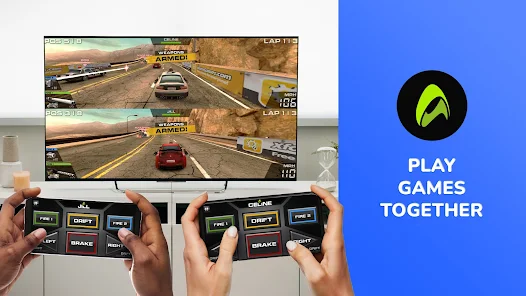
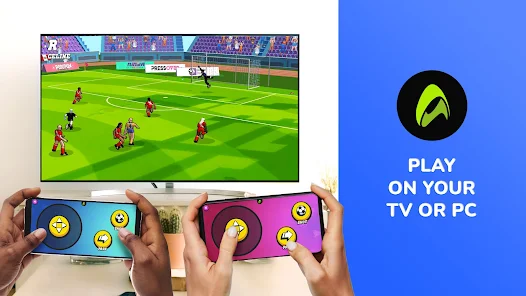
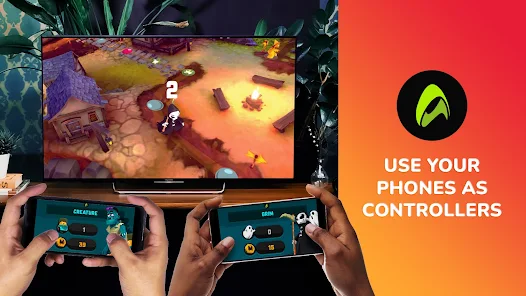
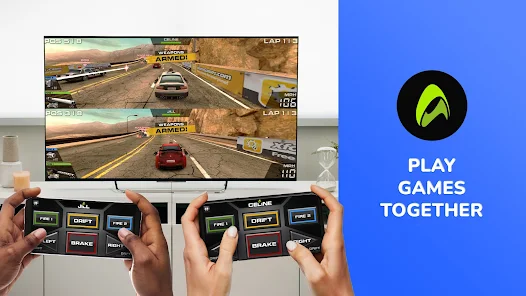
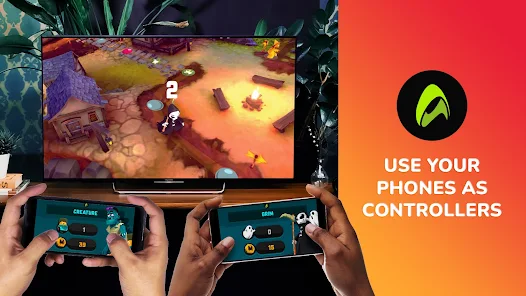
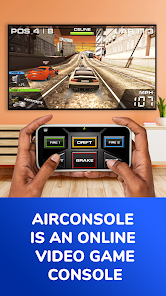



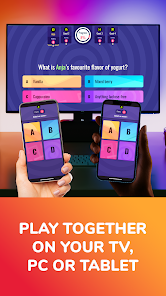



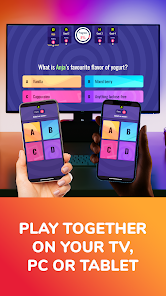
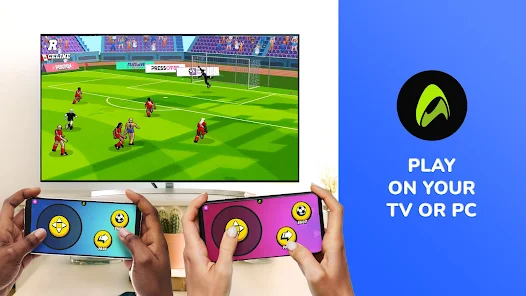
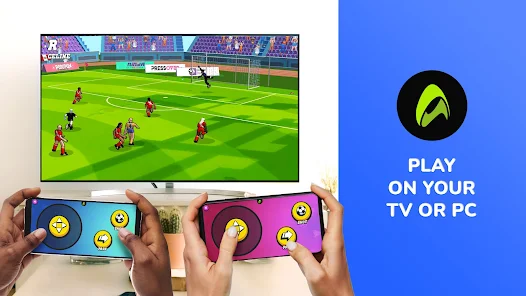
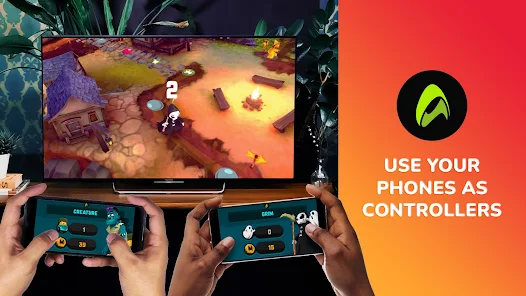
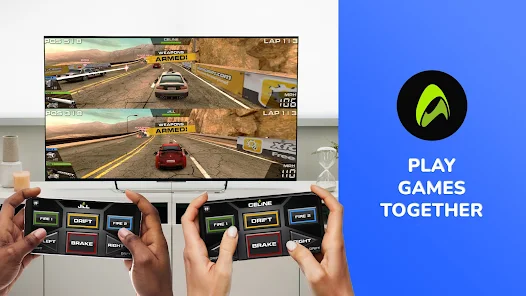
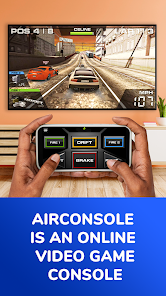
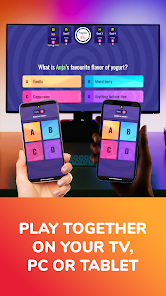



AirConsole is a unique platform that transforms your smartphone into a game controller, allowing players to enjoy a variety of multiplayer games directly on their web browser. One of its standout features is the extensive library of games, which includes genres ranging from party games to competitive challenges, ensuring there’s something for everyone. The platform supports local multiplayer, making it perfect for gatherings, as players can join in using their own devices without the need for additional hardware.
Another notable feature is its user-friendly interface, which simplifies the process of connecting devices and starting games. AirConsole also offers cross-platform compatibility, allowing players to connect from different devices seamlessly. Additionally, the platform frequently updates its game library, introducing new titles and seasonal events to keep the experience fresh and engaging. With its social features, players can easily invite friends and share their gaming experiences, enhancing the overall enjoyment of multiplayer gaming.
Using AirConsole is a straightforward process that requires minimal setup. First, you need to visit the AirConsole website on your computer or smart TV. Once there, you will see a unique code displayed on the screen. Next, players should download the AirConsole app on their smartphones or use a web browser to access the site. They will then enter the code shown on the main screen to connect their devices.
After connecting, players can browse through the extensive game library available on AirConsole. Simply select a game, and the host can start it, allowing everyone to join in. The app transforms each smartphone into a controller, making it easy for players to interact with the game. Additionally, AirConsole allows for customization of game settings, enabling players to tailor their gaming experience. With its intuitive design, players can quickly learn how to navigate and enjoy the various games available, making it an excellent choice for casual and competitive gaming alike.
AirConsole offers several advantages that make it an appealing choice for multiplayer gaming. One of the primary pros is its accessibility; players can join games using their smartphones without needing to purchase additional controllers or consoles. The diverse range of games caters to different tastes, ensuring that everyone can find something enjoyable. Furthermore, the platform's ease of use and quick setup process make it ideal for spontaneous gaming sessions with friends and family.
However, there are some drawbacks to consider. The quality of gameplay can vary depending on the internet connection, which may lead to lag or disconnections during intense gaming moments. Additionally, while the game library is extensive, some users may find that certain popular titles are missing. Lastly, the reliance on smartphones as controllers may not appeal to everyone, particularly those who prefer traditional gaming setups. Overall, while AirConsole has its limitations, its strengths make it a fun and engaging option for multiplayer gaming.

 Enjoy instant multiplayer gaming without downloads or installations. Play games using smartphones as controllers. Access a diverse library of fun and engaging games. Experience seamless connection with friends online or locally. Perfect for parties, gatherings, and family game nights.
 Limited game selection may not satisfy diverse player preferences Potential connectivity issues can disrupt gameplay experience Requires players to have their own devices, complicating group play setups
  Google Play
  App Store
 Yes, AirConsole encourages users to submit suggestions and feedback through their official website or support channels to help improve the platform.
Yes, AirConsole may collect some personal data to enhance user experience, but it is committed to maintaining user privacy and security.
No, AirConsole requires an internet connection to access its games and features, as it operates through cloud technology.
Users can cancel their subscription through their account settings on the AirConsole website or app, following the instructions provided in the billing section.
The subscription cost varies depending on the plan chosen, with options for monthly or annual subscriptions that provide access to premium games and features.
Unfortunately, customer numbers cannot be changed. If you need help, please contact customer service for support.
Yes, you can log in from any location as long as you have internet access. Just use your account credentials.
After signing up, check your email for an activation link. Click the link to activate your account and start playing.
You can reach customer service through our support page and submit a request with your customer number for assistance.
Simply enter your login credentials on the new device. If you encounter issues, ensure your account is activated and contact customer service.













![[365fun] Fire Truck](https://img.appbrowsehub.com/ccsimg/dcs/img_tools/f42195a1a205c15b9564a93a3720df9a.webp)