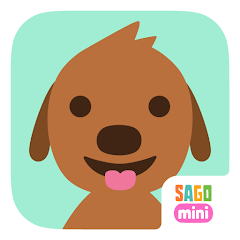


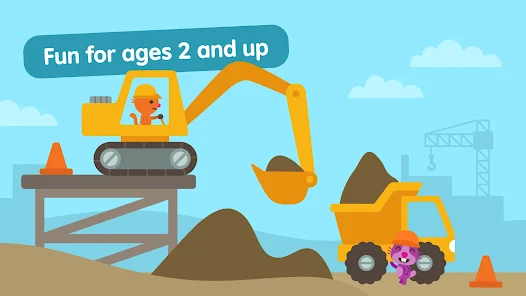
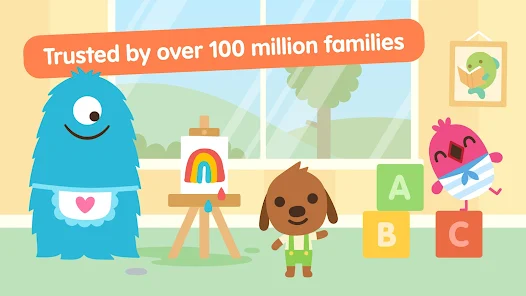
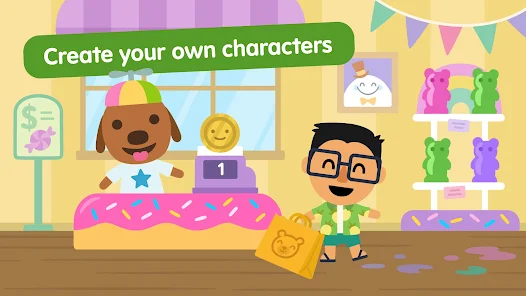
"Sago Mini World: Kids Games" is a delightful app designed for young children, offering a variety of engaging activities that promote creativity and learning. One of its standout features is the extensive library of games, which includes interactive adventures, puzzles, and imaginative play scenarios. Each game is designed to stimulate cognitive development while ensuring that children have fun.
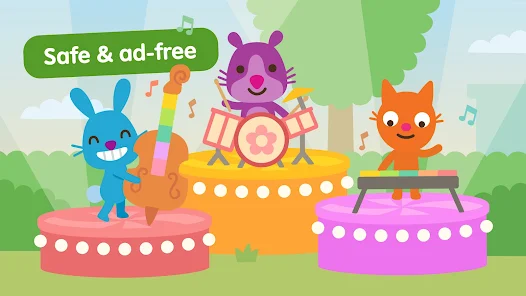
The app also boasts a vibrant and colorful interface, making it visually appealing to kids. The characters are cute and relatable, encouraging children to explore different environments, such as a farm, a city, or even outer space. Additionally, "Sago Mini World" is ad-free, providing a safe and uninterrupted experience for young users. The app is regularly updated with new content, ensuring that children always have fresh activities to enjoy. Furthermore, it promotes social skills through cooperative play, allowing kids to share their experiences with friends and family.
Using "Sago Mini World: Kids Games" is straightforward and user-friendly, making it accessible for young children. To get started, parents can download the app from the App Store or Google Play. Once installed, children can create their own profiles, allowing them to personalize their gaming experience. The app features a simple navigation system, enabling kids to easily explore various games and activities.
After selecting a game, children can dive into a world of fun and creativity. The app encourages exploration, as kids can interact with different characters and environments. Parents can also monitor their child's progress and engagement through the app's settings. Additionally, the app offers offline play, allowing kids to enjoy their favorite games without needing an internet connection. Overall, "Sago Mini World" is designed to be intuitive, ensuring that children can play independently while developing essential skills.
"Sago Mini World: Kids Games" comes with several advantages that make it a popular choice among parents and children alike. One of the primary pros is its educational value; the app promotes creativity, problem-solving, and social skills through interactive play. The ad-free environment ensures that children can focus on their activities without distractions. Additionally, the app is regularly updated with new content, keeping the experience fresh and engaging for young users.
However, there are some cons to consider. The app requires a subscription for full access to all games and features, which may not be ideal for every family. Some parents may also find that the games can become repetitive over time, as children may quickly master the available activities. Lastly, while the app is designed for young children, some may still require parental guidance to navigate certain features. Overall, "Sago Mini World" offers a balanced mix of fun and learning, but it's essential for parents to weigh the pros and cons based on their child's needs.

 Sago Mini World offers a variety of engaging, educational games for kids. The app fosters creativity through interactive play and imaginative scenarios. Children can explore diverse worlds, enhancing their curiosity and learning. It promotes problem-solving skills with fun challenges and puzzles. The user-friendly interface makes navigation easy for young children.
 Limited offline play options restrict access without internet connectivity. Monthly subscription may deter some parents due to ongoing costs. Content updates can lead to periodic disruptions in gameplay experience.
 Yes, users can submit suggestions or feedback through the app's support section or directly on the Sago Mini website.
Sago Mini World: Kids Games is designed with privacy in mind and does not collect personal data from users.
Yes, Sago Mini World: Kids Games allows for offline play, enabling children to enjoy the app without needing an internet connection.
You can cancel your subscription through your device's app store settings, following the prompts for managing subscriptions.
The subscription to Sago Mini World: Kids Games typically costs a monthly fee, which may vary based on promotions or regional pricing.
Unfortunately, customer numbers cannot be changed through the app. Please reach out to customer service for potential options.
Yes, you can update your customer number by contacting customer service with your new account details.
You can reach our customer service by visiting the Help section in the app or emailing support
To activate your account, click the activation link sent to your email after registration. If you didn’t receive it, check your spam folder or contact support.
Our customer service team typically responds within 24-48 hours. Please be patient as we work to assist you.









 Google Play
  App Store

![[365fun] Fire Truck](https://img.appbrowsehub.com/ccsimg/dcs/img_tools/f42195a1a205c15b9564a93a3720df9a.webp)