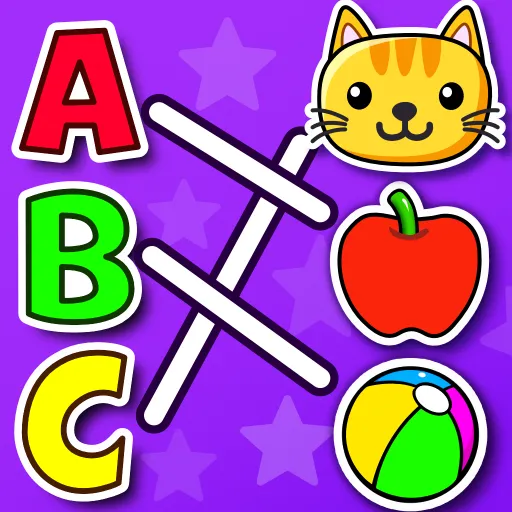


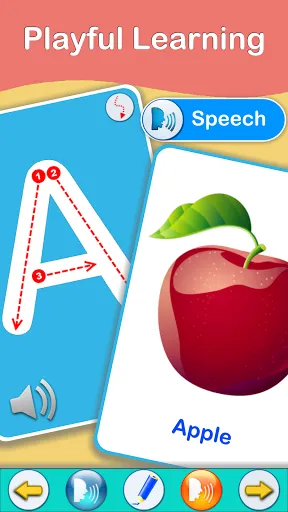
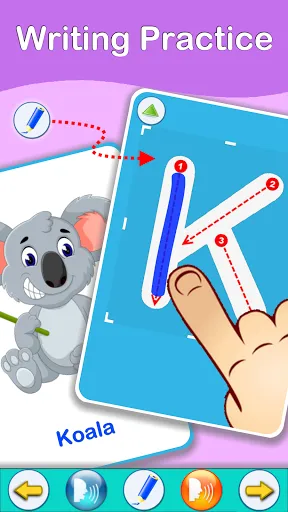

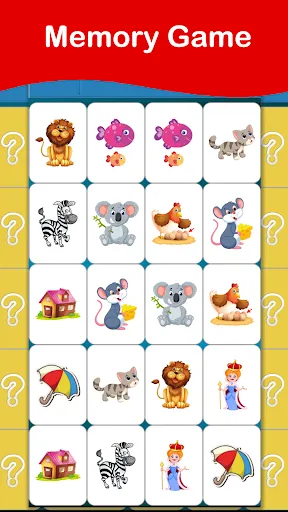
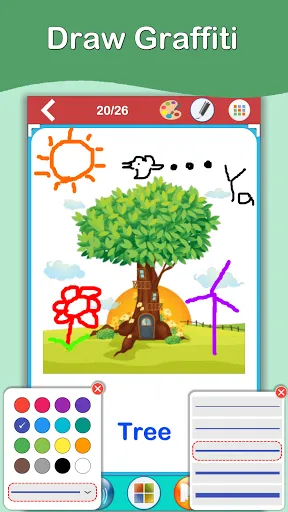
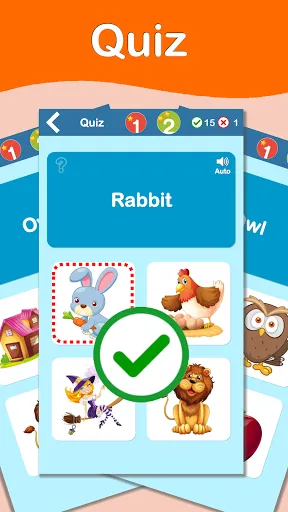
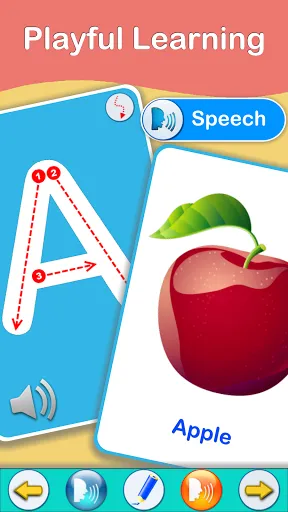
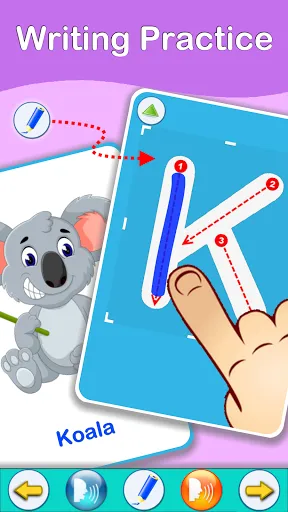
"ABC Flashcards Games PRO" is an engaging educational app designed to help children learn the alphabet and enhance their vocabulary. One of its standout features is the extensive library of flashcards, which includes colorful images and sounds that correspond to each letter, making learning interactive and fun. The app also offers various games that reinforce letter recognition and phonics skills, allowing children to practice in a playful environment.
Another notable feature is the customizable flashcard sets, enabling parents and educators to tailor the content to suit individual learning needs. The app supports multiple languages, making it accessible to a broader audience. Additionally, it includes progress tracking, allowing parents to monitor their child's learning journey and identify areas that may require more focus. The user-friendly interface ensures that even young children can navigate the app with ease, promoting independent learning.
Using "ABC Flashcards Games PRO" is straightforward and user-friendly, making it accessible for both children and parents. To get started, download the app from your device's app store and create a user profile for your child. Once set up, you can explore the various flashcard categories, which are organized by letters and themes. Simply tap on a card to hear the corresponding sound and see the image, reinforcing the connection between letters and words.
To enhance the learning experience, engage your child in the interactive games available within the app. These games are designed to reinforce the concepts learned through the flashcards, making the process enjoyable. Encourage your child to practice regularly and track their progress through the app's built-in features. This will help you identify areas where they excel and where they may need additional support, ensuring a well-rounded learning experience.
"ABC Flashcards Games PRO" comes with several advantages that make it a valuable educational tool. One of the primary pros is its engaging and interactive design, which captures children's attention and makes learning enjoyable. The variety of flashcards and games caters to different learning styles, ensuring that children remain motivated. Additionally, the app's customizable features allow parents to tailor the content to their child's specific needs, enhancing the learning experience.
However, there are some cons to consider. Some users may find that the app requires a stable internet connection for certain features, which could be a limitation in areas with poor connectivity. Additionally, while the app is rich in content, some parents may feel that it could benefit from more advanced features as their child progresses. Overall, "ABC Flashcards Games PRO" is a solid choice for early childhood education, but it's essential to weigh these pros and cons based on individual needs.

 Engaging and interactive gameplay enhances learning retention and enjoyment. Customizable flashcards allow tailored learning experiences for various skill levels. Supports multiple languages to accommodate diverse learners and cultures. Progress tracking helps users monitor improvement and stay motivated. User-friendly interface ensures easy navigation for all ages and skill levels.
 Limited customization options may restrict tailored learning experiences for users. The app's interface can be cluttered, making navigation challenging for some players. Frequent ads disrupt gameplay, diminishing the overall user experience.
  Google Play
  App Store
 Yes, users are encouraged to submit suggestions or feedback through the app's support section or official website to help improve the app.
The app respects user privacy and does not collect personal data unless explicitly provided for account creation or app features.
Yes, ABC Flashcards Games PRO allows users to download content for offline use, enabling children to learn without an internet connection.
Users can cancel their subscription through their app store settings or account management options, following the specific procedures for their platform.
The subscription cost for ABC Flashcards Games PRO varies depending on the plan selected, typically offering monthly and annual options.
Unfortunately, customer numbers cannot be changed. If you need assistance, please reach out to customer service for more information.
To log in, open the app and enter your registered email and password on the login screen.
You can contact customer service via the support section in the app or by emailing support
After your purchase, check your email for an activation link and follow the instructions provided to activate your account.
Use the email associated with the specific account you wish to log in to. If you have trouble, reset your password or contact customer service.