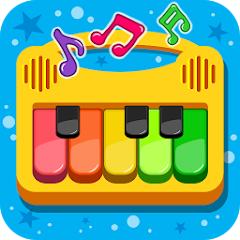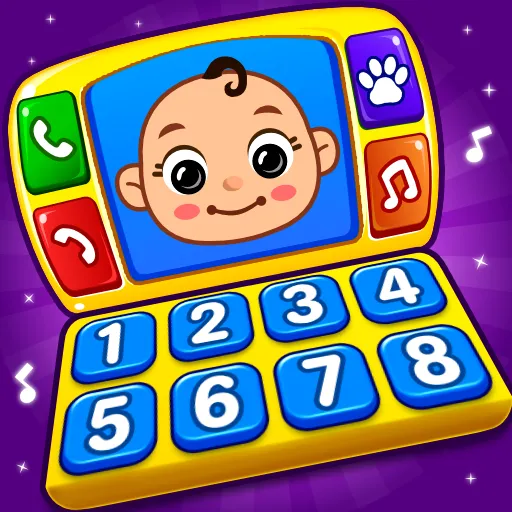


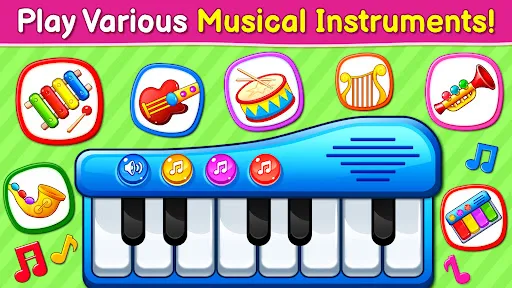
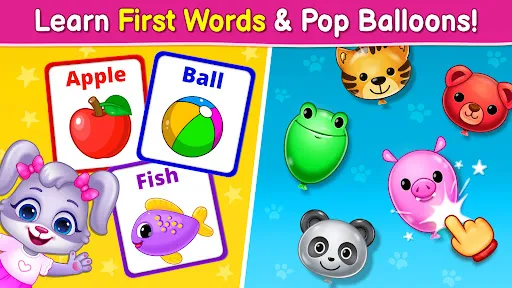
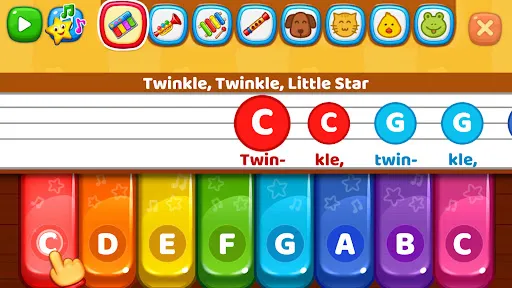
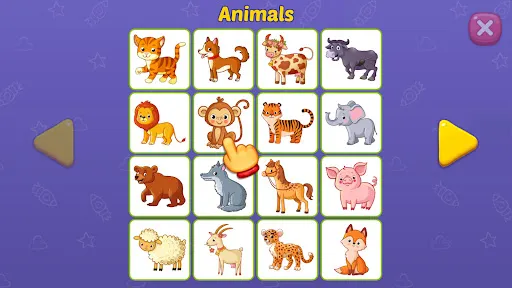
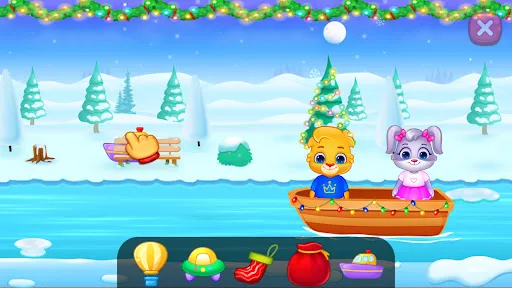
"Baby Games: Piano & Baby Phone" is an engaging application designed specifically for young children, offering a variety of interactive features that promote learning and entertainment. One of the standout features is the virtual piano, which allows toddlers to explore different musical notes and sounds. This feature encourages creativity and helps develop an early appreciation for music.
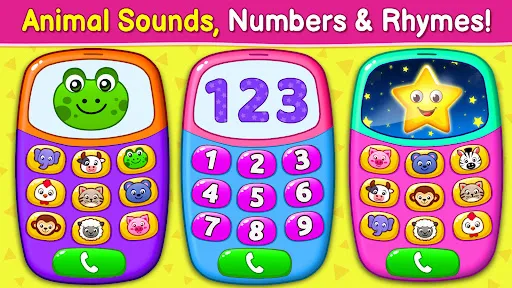
Additionally, the app includes a baby phone simulation, where children can pretend to make calls and interact with fun sound effects. This not only entertains but also aids in developing communication skills. The app is designed with colorful graphics and friendly characters that capture the attention of young users, making it visually appealing. Furthermore, it offers various educational games that focus on numbers, letters, and shapes, providing a well-rounded learning experience. The user-friendly interface ensures that even the youngest users can navigate the app with ease, fostering independence and confidence in their abilities.
Using "Baby Games: Piano & Baby Phone" is straightforward and intuitive, making it accessible for toddlers and preschoolers. To get started, simply download the app from your device's app store and install it. Once opened, you will be greeted with a colorful home screen featuring various game options. Parents can guide their children through the initial setup, ensuring they understand how to navigate the app.
To use the piano feature, tap on the piano icon, and your child can start pressing the keys to produce different sounds. Encourage them to experiment with melodies and rhythms. For the baby phone feature, select the phone icon, and your child can engage in pretend calls, listening to fun sounds and voices. The educational games can be accessed from the main menu, where children can learn through interactive play. Regularly engaging with the app can enhance your child's cognitive skills while providing a fun and safe environment for exploration.
"Baby Games: Piano & Baby Phone" comes with several advantages that make it a popular choice among parents. One of the primary pros is its educational value; the app combines fun with learning, helping children develop essential skills such as music appreciation, number recognition, and language development. The vibrant graphics and engaging sound effects keep children entertained, making it an excellent tool for keeping them occupied during travel or quiet time.
However, there are some cons to consider. One potential drawback is that excessive screen time can be a concern for parents, as it may lead to reduced physical activity. Additionally, while the app is designed for young children, some features may require adult supervision to ensure safe and appropriate use. Lastly, the app may not offer enough variety for older toddlers, who might quickly outgrow its content. Balancing app usage with other activities is essential to maximize its benefits while minimizing potential downsides.

 Encourages early musical exploration and creativity in young children. Promotes cognitive development through engaging sound and visual interactions. Enhances fine motor skills with touch-responsive features and buttons. Offers a safe and entertaining environment for toddlers to play. Stimulates auditory learning with various musical tones and rhythms.
 Limited educational value for developing skills Graphics may not engage young children effectively Repetitive gameplay can lead to boredom quickly
  Google Play
  App Store
 Yes, users can submit suggestions or feedback through the app's support feature or by contacting customer service via the official website.
The app adheres to privacy policies and does not collect personal data from users, ensuring a safe environment for children.
Yes, Baby Games: Piano & Baby Phone can be used offline, allowing children to enjoy the games without needing a constant internet connection.
Subscriptions can be canceled through the app store settings on your device, following the standard procedure for managing subscriptions.
The subscription cost varies based on the chosen plan, with options for monthly or yearly subscriptions available at competitive rates.
Unfortunately, customer numbers cannot be changed. If you have issues related to your account, please reach out to customer service for further assistance.
Yes, you can log in to your account from any device using your customer number and password.
You can reach customer service by emailing support
To activate your account, follow the activation link sent to your email after registration. If you didn't receive it, check your spam folder or contact customer service.
You can contact customer service via the app or send an email to support