

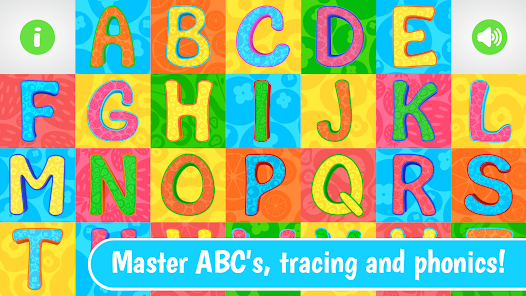

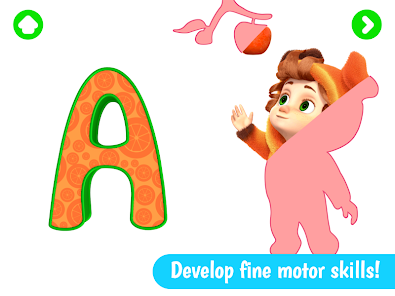

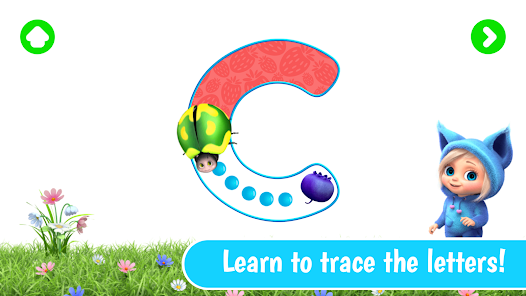



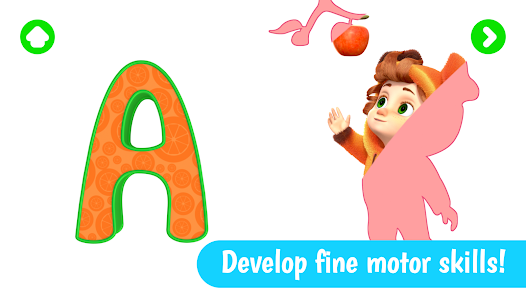


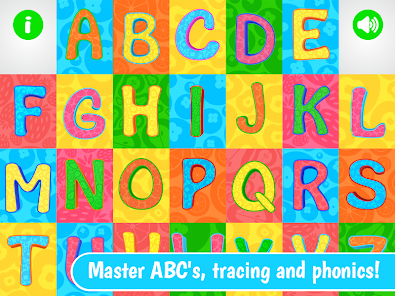

"ABC and Phonics" is an engaging educational app designed to help young learners master the fundamentals of reading and writing. One of its standout features is the interactive alphabet section, where children can explore each letter through fun animations and sounds. This feature not only captures their attention but also reinforces letter recognition and phonetic sounds.
Another key feature is the phonics games that promote active learning. These games are designed to enhance vocabulary and improve pronunciation through playful activities. The app also includes a variety of stories and songs that incorporate phonics principles, making learning enjoyable and memorable.
Additionally, "ABC and Phonics" offers customizable learning paths, allowing parents and educators to tailor the experience to meet individual needs. Progress tracking is another valuable feature, enabling users to monitor their development over time. Overall, the app combines educational content with interactive elements to create a comprehensive learning tool for early literacy.
Using "ABC and Phonics" is straightforward and user-friendly, making it accessible for both children and their caregivers. To get started, download the app from your preferred app store and create a user profile for your child. This profile will help track their progress and customize their learning experience.
Once set up, explore the various sections of the app, beginning with the interactive alphabet. Encourage your child to engage with each letter, listening to the sounds and watching the animations. After familiarizing themselves with the alphabet, move on to the phonics games, which are designed to reinforce learning through play.
Incorporate storytime by selecting age-appropriate stories that utilize phonics principles. This not only enhances reading skills but also fosters a love for storytelling. Regularly check the progress tracking feature to celebrate achievements and identify areas for improvement. By consistently engaging with the app, children can build a strong foundation in literacy.
Like any educational tool, "ABC and Phonics" has its advantages and disadvantages. One of the primary pros is its engaging and interactive design, which captures the attention of young learners. The app's variety of games and activities makes learning phonics enjoyable, helping to maintain children's interest over time. Additionally, the customizable learning paths allow for tailored experiences, catering to different learning styles and paces.
However, there are some cons to consider. Some users may find that the app requires a stable internet connection for optimal performance, which can be a limitation in certain situations. Additionally, while the app is rich in content, it may not cover every aspect of literacy development, necessitating supplementary resources for a well-rounded education.
Furthermore, excessive screen time can be a concern for parents, so it's essential to balance app usage with other forms of learning and play. Overall, "ABC and Phonics" is a valuable tool for early literacy, but it should be used in conjunction with other educational methods to maximize its effectiveness.

 ABC fosters familiarity with letters, enhancing early reading skills. Phonics develops sound recognition, improving pronunciation and fluency. Both methods boost confidence in young learners, encouraging active participation. They create a solid foundation for lifelong literacy and learning. Engaging activities make learning enjoyable, promoting a positive attitude towards reading.
 ABC may limit comprehension of complex words and phrases Phonics can neglect the importance of vocabulary growth ABC and Phonics might not address diverse learning styles effectively
  Google Play
  App Store
 Yes, users can submit suggestions or feedback through the app's support feature or by contacting customer service via email.
ABC and Phonics is committed to user privacy and does not collect personal data unless explicitly provided for account creation or customer support purposes.
Yes, ABC and Phonics allows users to download certain content for offline use, enabling children to learn even without an internet connection.
You can cancel your subscription through your app store account settings under subscriptions or billing options.
A subscription to ABC and Phonics typically costs $9.99 per month, with options for annual subscriptions that may offer a discount.
Customer numbers are unique and cannot be changed. If you have concerns, please contact customer service for further assistance.
You can contact customer service via the support section on our website, where you can find chat and email options.
After signing up, check your email for an activation link. Click it to activate your account.
Your customer number can be found in your account settings or on your receipt. If needed, contact customer service for help.
Use your new email address to log in. If you have trouble, reset your password or contact customer service.