

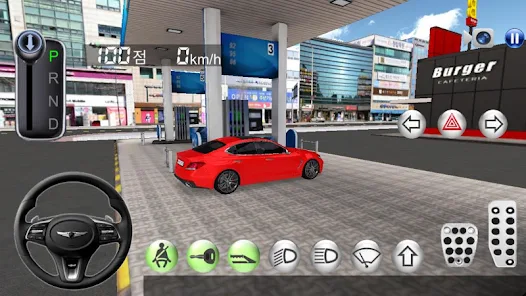
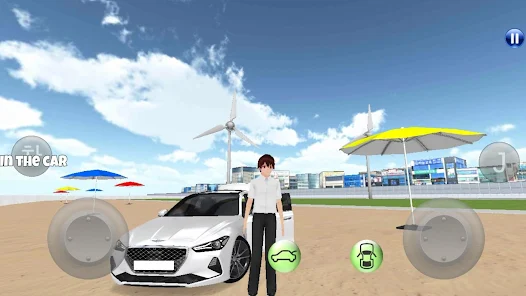
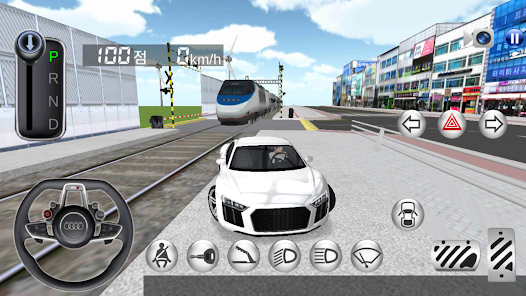
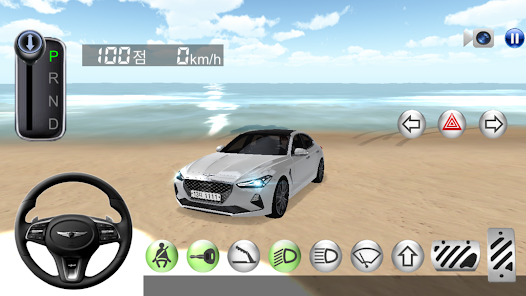
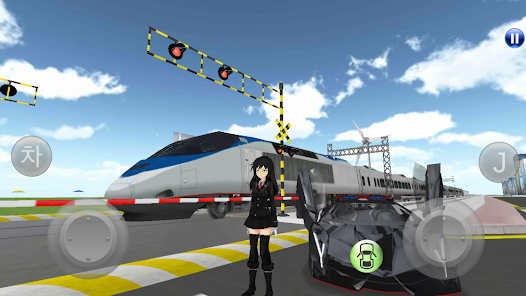
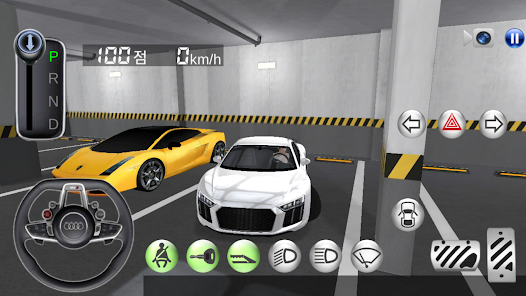
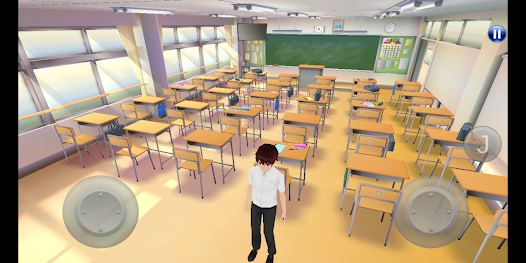
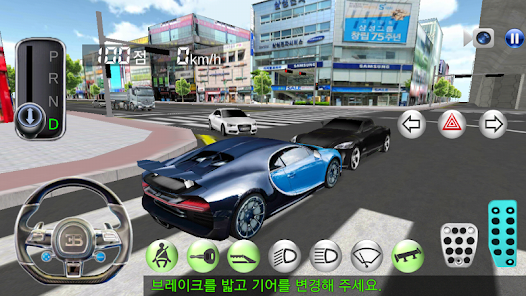
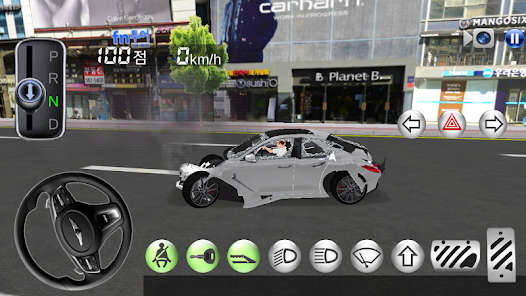
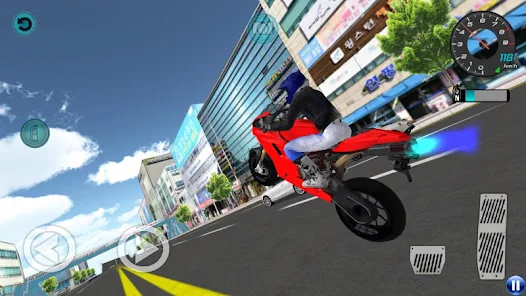
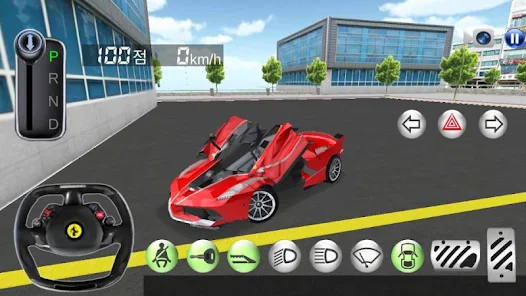
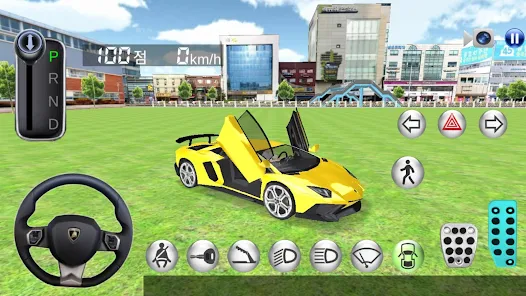
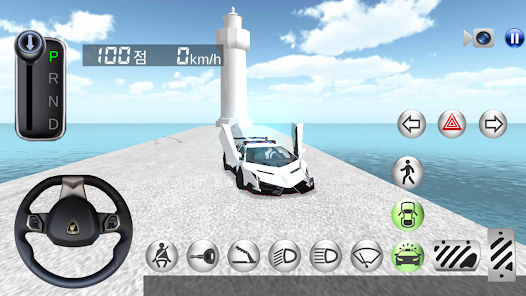
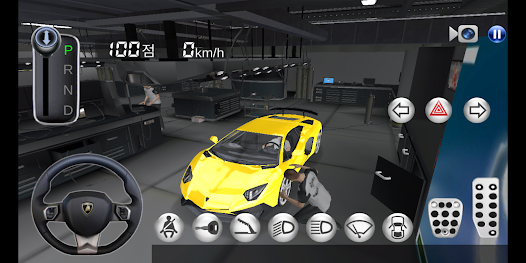
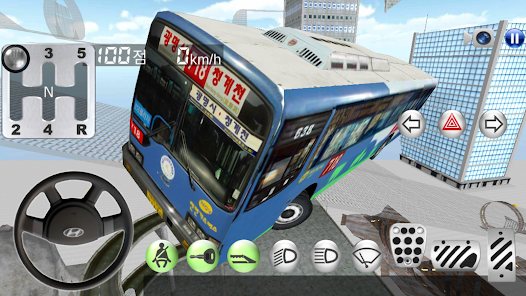
"3D Driving Class" is an innovative driving simulation app designed to provide users with a realistic and engaging learning experience. One of its standout features is the detailed 3D graphics that create immersive environments, allowing users to practice driving in various settings, from urban streets to rural roads. The app includes a wide range of vehicles, enabling learners to familiarize themselves with different types of cars and their controls.
Another key feature is the comprehensive driving lessons that cover essential skills such as parking, lane changing, and obeying traffic signals. The app also offers real-time feedback, helping users to improve their driving techniques and make necessary adjustments. Additionally, "3D Driving Class" includes various challenges and missions that keep the learning process engaging and fun. Users can track their progress and achievements, which motivates them to continue improving their driving skills. Overall, the combination of realistic simulations, diverse vehicles, and structured lessons makes "3D Driving Class" a valuable tool for both novice and experienced drivers.
Using "3D Driving Class" is straightforward and user-friendly, making it accessible for learners of all ages. To get started, users need to download the app from their respective app store and create an account. Once logged in, they can choose from a variety of driving modes, including free driving, lessons, and challenges. The app's intuitive interface allows users to navigate easily between different sections, ensuring a smooth learning experience.
After selecting a mode, users can choose their preferred vehicle and environment. The app provides step-by-step instructions for each lesson, guiding users through essential driving techniques. As users progress, they can complete various missions that test their skills in real-world scenarios. The app also features a practice mode, where learners can refine their skills without the pressure of time constraints. Regularly checking the progress tracker helps users stay motivated and focused on their learning goals. Overall, "3D Driving Class" offers a comprehensive and engaging way to learn driving skills effectively.
"3D Driving Class" comes with several advantages that make it a popular choice among learners. One of the main pros is its realistic simulation, which provides an authentic driving experience without the risks associated with real-life driving. The app's diverse range of vehicles and environments allows users to practice in various scenarios, enhancing their adaptability on the road. Additionally, the structured lessons and real-time feedback help users identify areas for improvement, making the learning process more effective.
However, there are some drawbacks to consider. One potential con is that while the app is excellent for learning basic driving skills, it may not fully prepare users for the complexities of real-world driving, such as dealing with unpredictable traffic or adverse weather conditions. Furthermore, some users may find the graphics and controls less realistic compared to other advanced driving simulators. Lastly, the app may require a stable internet connection for optimal performance, which could be a limitation for some users. Balancing these pros and cons can help potential users decide if "3D Driving Class" is the right fit for their learning needs.

 Experience realistic driving scenarios in a safe virtual environment Flexible scheduling allows you to learn at your own pace Comprehensive lessons cover all aspects of driving and road safety Instant feedback helps improve your skills and confidence quickly Accessible from home, reducing travel time and costs
 Limited real-world experience may hinder practical driving skills development. High reliance on technology can lead to distractions during learning. Simulation may not accurately replicate unpredictable road conditions faced in reality.
  Google Play
  App Store
 Yes, 3D Driving Class encourages users to submit suggestions or feedback through the app or their official website, helping to improve the overall experience.
Yes, 3D Driving Class may collect some personal data as outlined in its privacy policy, but it ensures that user data is handled securely and responsibly.
Yes, 3D Driving Class allows users to download certain content for offline use, enabling practice without an internet connection.
Users can cancel their subscription through their app store account settings or by following the cancellation instructions provided within the app.
The subscription cost for 3D Driving Class varies based on the plan chosen, with options for monthly and yearly subscriptions available at competitive prices.
Yes, if you didn't receive the activation email, check your spam folder or contact customer service for help.
You can reach our customer service by emailing support
Customer numbers are assigned and cannot be updated. Please contact customer service if you have concerns.
To log in, visit our website and enter your email and password in the login section.
Click on the "Forgot Password?" link on the login page and follow the instructions to reset your password.