

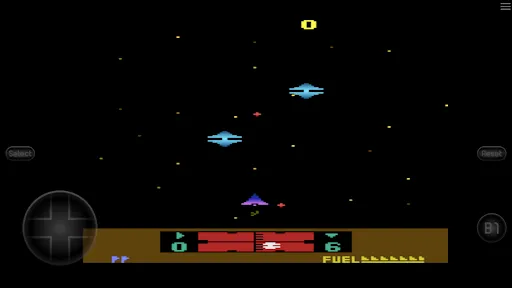
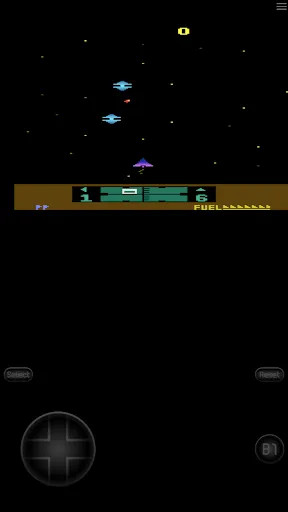
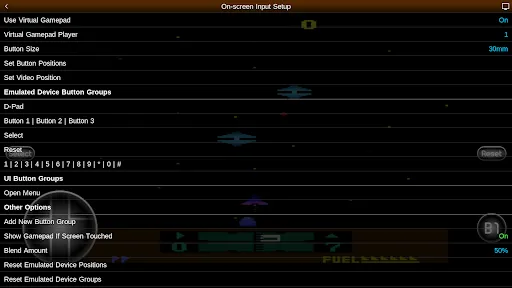
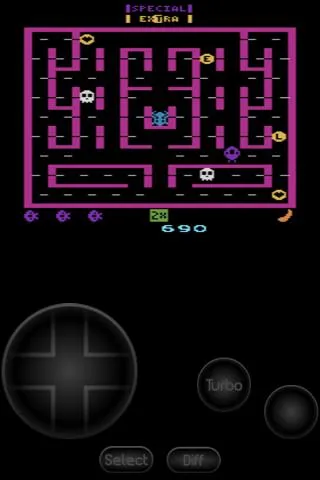
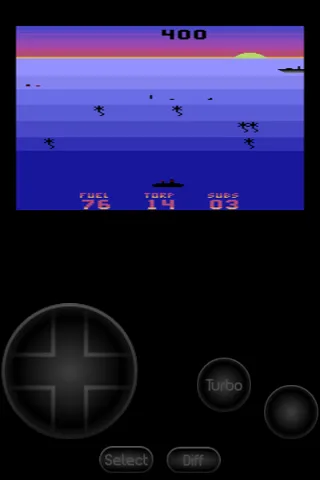
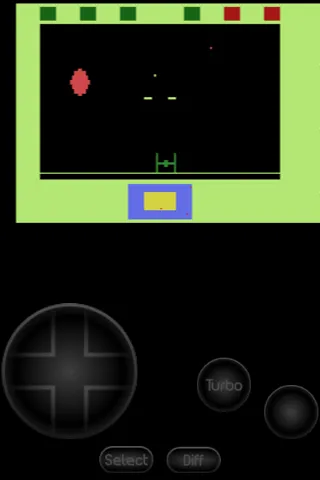
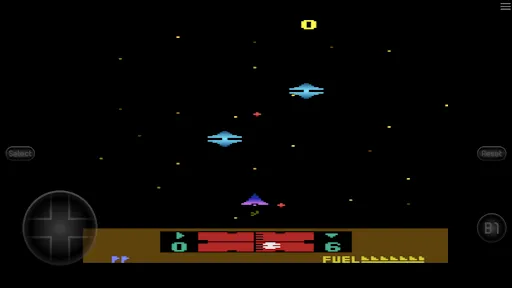
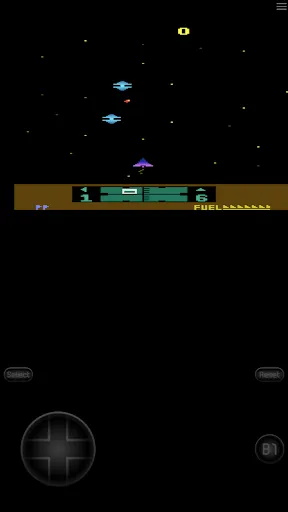
"2600.emu" is a robust emulator designed to replicate the experience of playing Atari 2600 games on modern devices. One of its standout features is its high compatibility with a vast library of Atari 2600 titles, allowing users to enjoy classic games without the need for original hardware. The emulator supports various ROM formats, making it easy to load games from different sources.
Another notable feature is its customizable controls, which enable users to configure on-screen buttons or connect external gamepads for a more authentic gaming experience. The emulator also includes save state functionality, allowing players to save their progress at any point and resume later. Additionally, "2600.emu" offers graphical enhancements, such as scaling and filtering options, which improve the visual quality of the games. Users can also access cheat codes, enhancing gameplay and providing a nostalgic experience for those familiar with the original titles.
Lastly, the emulator supports various screen orientations and resolutions, ensuring compatibility with a wide range of devices, from smartphones to tablets. Overall, "2600.emu" combines functionality and user-friendly design, making it a popular choice among retro gaming enthusiasts.
Using "2600.emu" is a straightforward process that allows users to dive into the world of Atari 2600 gaming quickly. First, download and install the emulator from a trusted source, ensuring that you have the latest version for optimal performance. Once installed, launch the application, and you will be greeted with a user-friendly interface.
The next step is to load your Atari 2600 ROMs. You can do this by navigating to the directory where your ROM files are stored. The emulator supports various formats, so ensure your files are compatible. After selecting a ROM, the game will load, and you can begin playing immediately. Customize your controls by accessing the settings menu, where you can adjust on-screen buttons or connect a gamepad for a more immersive experience.
Additionally, take advantage of the save state feature to save your progress at any point during gameplay. This is particularly useful for challenging games where you may want to retry difficult sections. Explore the emulator's settings to adjust graphics and sound options to suit your preferences. With these simple steps, you can enjoy a nostalgic gaming experience with "2600.emu."
"2600.emu" comes with several advantages that make it a popular choice among retro gaming fans. One of the primary benefits is its high compatibility with a wide range of Atari 2600 games, allowing users to access a vast library of classic titles. The emulator's customizable controls enhance the gaming experience, enabling players to tailor their setup to their preferences. Additionally, the save state feature is a significant advantage, as it allows users to save and resume their games at any point, making it easier to tackle challenging levels.
However, there are some drawbacks to consider. One potential downside is that the emulator may not perfectly replicate the original hardware experience, leading to minor differences in gameplay or graphics. Furthermore, users must source their own ROMs, which can be a legal gray area depending on the game's copyright status. Some users may also find the interface less intuitive compared to other emulators, which could pose a challenge for newcomers. Overall, while "2600.emu" offers a solid retro gaming experience, potential users should weigh these pros and cons before diving in.

 Enjoy high compatibility with a wide range of Atari 2600 games. Experience enhanced graphics and sound for an immersive retro gaming experience. Customize controls to suit your gaming preferences for improved comfort. Save and load game states anytime, allowing for flexible gameplay sessions. Access various features like cheat codes and shaders for added fun.
 Limited compatibility with some Atari 2600 games affects gameplay experience. User interface may feel outdated, making navigation cumbersome. Performance issues can lead to lag and glitches during gaming sessions.
  Google Play
  App Store
 Yes, users are encouraged to submit suggestions or feedback through the app's official support channels or forums to help improve the emulator.
2600.emu respects user privacy and does not collect personal data, focusing solely on providing a gaming experience without unnecessary data tracking.
Yes, 2600.emu allows users to play games offline, as it does not require an internet connection once the emulator and games are downloaded.
Since 2600.emu generally operates on a one-time purchase model, there is no subscription to cancel; users simply own the app after purchase.
The app typically requires a one-time purchase rather than a subscription model, but pricing may vary based on sales or promotions.
Unfortunately, customer numbers cannot be changed after account creation. Please contact customer service for any concerns.
To activate your account, check your email for the activation link sent after registration and follow the instructions provided.
After activation, you should receive a confirmation email. If you haven't, please contact customer service to verify your account status.
You can reach customer service by emailing support
To update your email address, log in to your account settings and change it there, or contact customer service if you encounter issues.