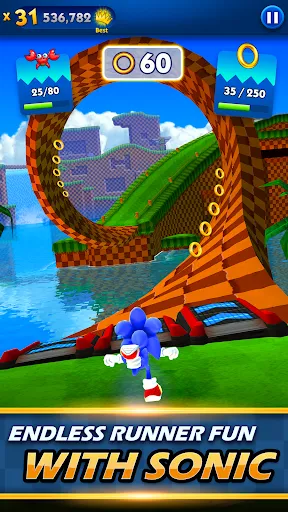
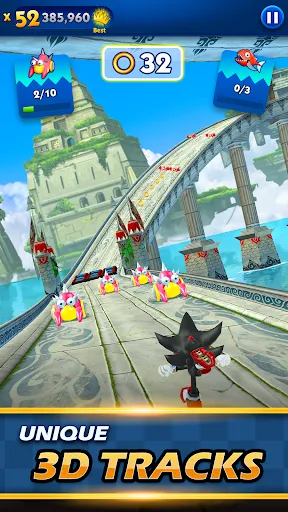
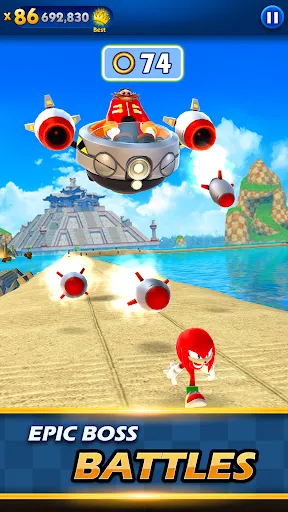
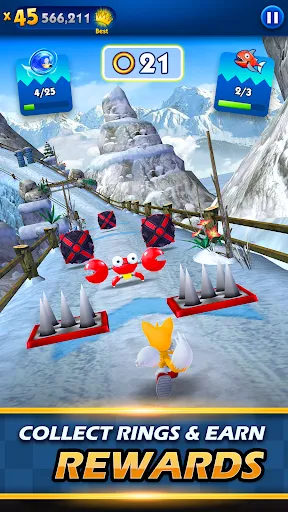
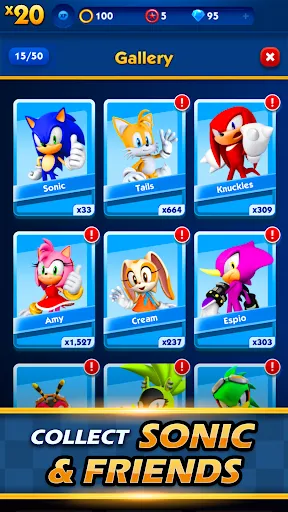
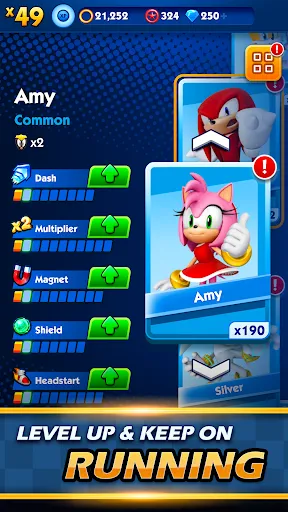
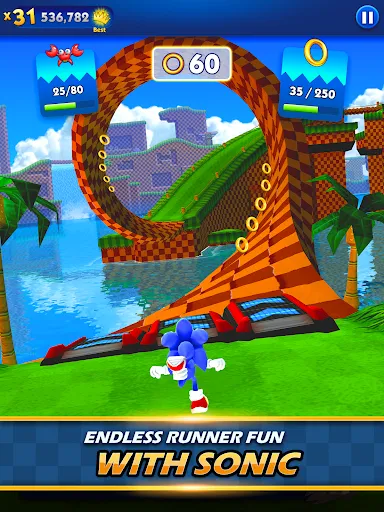
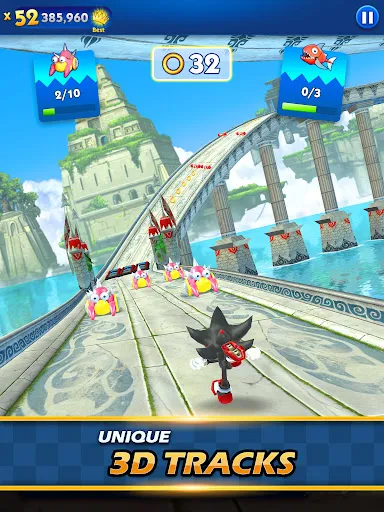
"Sonic Dash" is an exhilarating endless runner game that brings the iconic character Sonic the Hedgehog to life in a vibrant 3D world. One of its standout features is the fast-paced gameplay, where players can dash, jump, and spin their way through various obstacles while collecting rings. The game offers multiple characters from the Sonic universe, each with unique abilities, allowing players to choose their favorite hero. Additionally, the game includes stunning graphics and dynamic environments that change as players progress, enhancing the overall experience.
Another notable feature is the variety of missions and challenges that keep the gameplay fresh and engaging. Players can compete in daily and weekly challenges to earn rewards and unlock new content. The game also incorporates power-ups, such as shields and speed boosts, which can be collected during runs to help players navigate through difficult sections. Furthermore, "Sonic Dash" features a leaderboard system, enabling players to compare their scores with friends and other players worldwide, adding a competitive edge to the game.
To get started with "Sonic Dash," first, download the game from your device's app store and install it. Once the game is launched, players are greeted with an intuitive interface that guides them through the basics. The primary objective is to run as far as possible while avoiding obstacles and collecting rings. Players can control Sonic by swiping left or right to change lanes, swiping up to jump, and swiping down to perform a spin dash.
As you progress, keep an eye out for power-ups and special items that can enhance your performance. Completing missions and challenges will not only help you earn rewards but also unlock new characters and upgrades. Regularly check the leaderboard to see how you stack up against friends and other players. Remember to practice your timing and reflexes, as the game speeds up and introduces more complex obstacles as you advance. Enjoy the thrill of racing through the colorful landscapes of the Sonic universe!
"Sonic Dash" offers a range of advantages that make it an appealing choice for fans of endless runner games. One of the primary pros is its engaging gameplay, which combines speed and agility with the beloved Sonic franchise. The graphics are vibrant and well-designed, providing an immersive experience. Additionally, the variety of characters and power-ups adds depth to the gameplay, allowing for different strategies and play styles. The game also features regular updates and events, keeping the content fresh and exciting for players.
However, there are some drawbacks to consider. One common criticism is the presence of in-app purchases, which can be tempting and may affect the overall experience for some players. Additionally, while the game is free to play, ads can interrupt gameplay, which may be frustrating for users. Some players may also find the controls challenging to master initially, especially when navigating through fast-paced sections. Overall, while "Sonic Dash" has its pros and cons, it remains a fun and entertaining option for fans of the genre.

 Experience fast-paced gameplay that keeps you on the edge of your seat Enjoy vibrant graphics that enhance the gaming experience Unlock numerous characters with unique abilities for diverse strategies Compete in global leaderboards to challenge your friends and others Regular updates and events keep the game fresh and engaging
 Repetitive gameplay can lead to boredom over time. Limited character upgrades may hinder player progression. Excessive in-game ads disrupt the gaming experience.
  Google Play
  App Store
 Yes, players can submit suggestions or feedback through the app's support section or official social media channels, where the development team often engages with the community.
Yes, the game may collect certain personal data for improving user experience, but it is subject to the app's privacy policy, which outlines the specifics of data collection and usage.
Yes, Sonic Dash can be played offline, allowing you to enjoy the game even without an internet connection. However, some features may require online access.
You can cancel your subscription through your device's app store settings or directly within the app, depending on how you subscribed. Instructions are generally provided in the app's settings menu.
While Sonic Dash offers free gameplay, any subscription options for premium features or content may vary and should be checked within the app for the latest pricing.
Yes, our customer service team is available to assist with any login problems you encounter.
You can reach customer service through the in-game help section or by visiting our website for support options.
Please reach out to customer service for help in updating your customer number.
To activate your account, follow the link sent to your email during registration and complete the verification process.
Please check your email for the registration confirmation or contact customer service for assistance.