



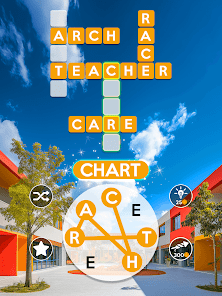
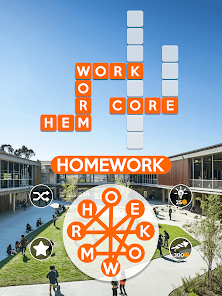

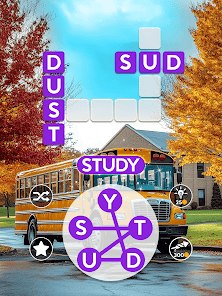
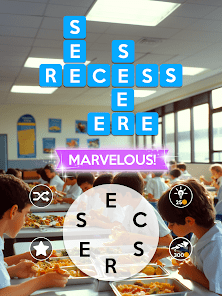
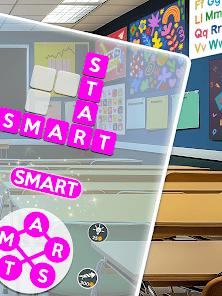
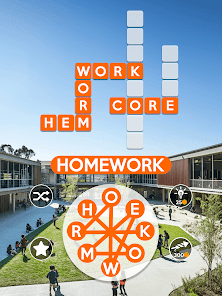
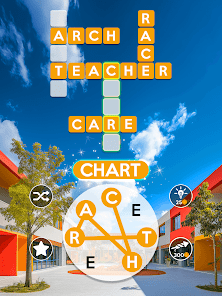


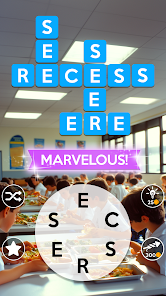
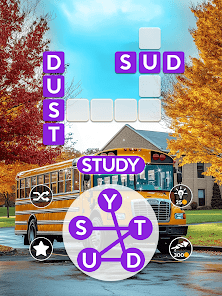

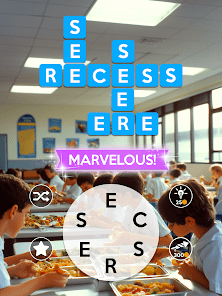

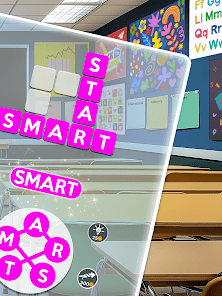
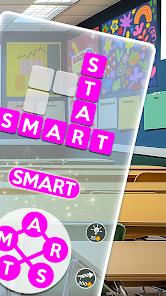

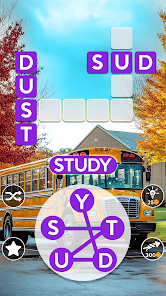
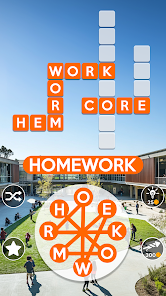
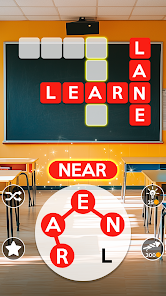
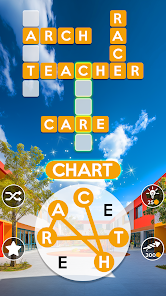
"Wordscapes: Word Puzzle Game" is a captivating blend of word search and crossword puzzles that offers a variety of engaging features. One of its standout elements is the vast array of levels, which range from easy to challenging, ensuring that players of all skill levels can enjoy the game. The game also boasts beautiful backgrounds that change as players progress, providing a visually appealing experience.
Another notable feature is the daily challenges that keep the gameplay fresh and exciting. Players can earn rewards by completing these challenges, which adds an extra layer of motivation. Additionally, the game includes hints and power-ups that can assist players when they encounter difficult words, making it accessible for everyone. The social aspect allows players to connect with friends and compete on leaderboards, enhancing the competitive spirit. Overall, "Wordscapes" combines simplicity with depth, making it a favorite among word game enthusiasts.
Using "Wordscapes: Word Puzzle Game" is straightforward and user-friendly, making it accessible for players of all ages. To begin, download the app from your device's app store and create an account or log in using your social media profile. Once inside, players are greeted with a series of puzzles that require them to form words from a given set of letters. The objective is to fill in the crossword-style grid with the correct words.
As you progress through the levels, you can swipe your finger across the letters to create words, and tapping on the grid will place them in the correct spots. If you find yourself stuck, you can use hints or shuffle the letters for a new perspective. Completing levels unlocks new backgrounds and challenges, keeping the gameplay engaging. Regularly participating in daily challenges can also enhance your skills and provide additional rewards. Overall, the intuitive design ensures that players can easily navigate and enjoy the game.
"Wordscapes: Word Puzzle Game" comes with several advantages that make it a popular choice among word game fans. One of the primary pros is its engaging gameplay, which combines elements of word search and crossword puzzles, providing a unique experience. The game is visually appealing, with stunning backgrounds that change as players progress, enhancing the overall enjoyment. Additionally, the daily challenges and social features encourage players to return regularly and compete with friends, adding a layer of excitement.
However, there are some drawbacks to consider. Some players may find the in-app purchases necessary for progressing through tougher levels, which can be frustrating. Additionally, while the game is designed to be relaxing, some users may feel pressured by the competitive aspects. Lastly, the reliance on hints can sometimes diminish the challenge, making it less satisfying for those who prefer a more traditional puzzle experience. Balancing these pros and cons can help players determine if "Wordscapes" is the right fit for them.

 Enhances vocabulary and word recognition skills Engaging gameplay keeps players entertained for hours Offers a relaxing and stress-relieving experience Challenging puzzles stimulate cognitive abilities Accessible on multiple devices for convenience
 Repetitive gameplay can become monotonous over time Limited hints may frustrate players Ads can interrupt the gaming experience Some levels may feel too challenging
 Wordscapes may collect personal data as outlined in its privacy policy, which typically includes information like device information and gameplay statistics to enhance the user experience and for advertising purposes.
Wordscapes is free to download and play, offering a substantial amount of content without charge, although some in-game purchases and ads may be present.
While you can play Wordscapes offline, an internet connection is required for certain features, such as accessing daily challenges, new levels, and syncing your progress across devices.
You can contact support or send feedback through the in-game help section, or by visiting the official website or social media pages where you can find additional contact options.
You can manage or cancel your subscription through the app store where you purchased it, either on your device’s settings or directly within the app store’s subscription management section.
Unfortunately, customer numbers cannot be changed. If you have issues, please contact customer service for assistance.
Yes, you can log in using Facebook by selecting the Facebook option on the login screen. Make sure your account is linked.
To log in, download the game, go to the login screen, and enter your account details linked to your customer number.
To activate your account, click the link sent to your email during registration. Follow the instructions provided.
You can reach customer service by navigating to the settings menu in the game and selecting the "Help" option.






 Google Play
  App Store