


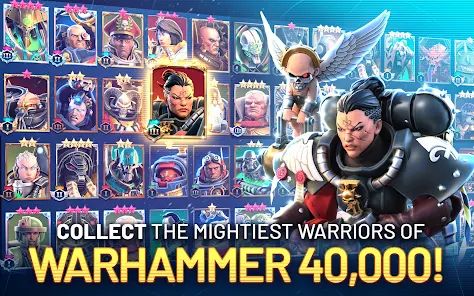
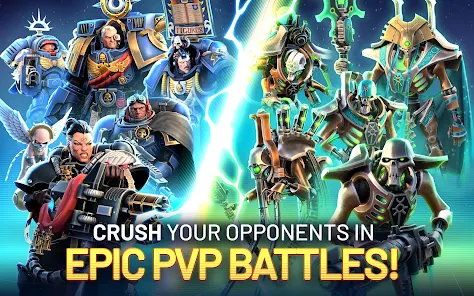
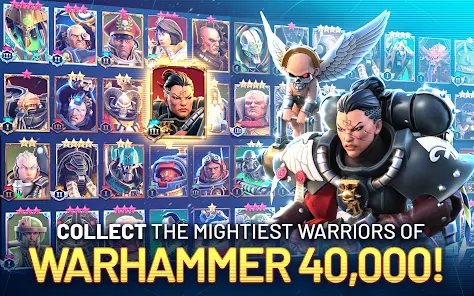
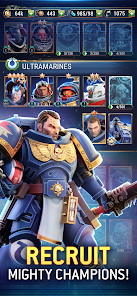
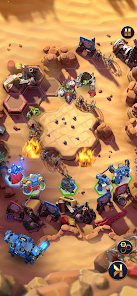
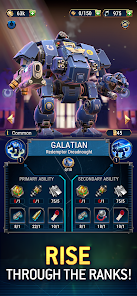
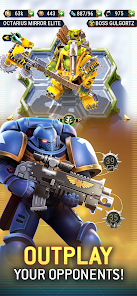
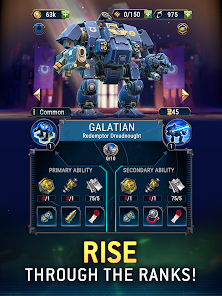
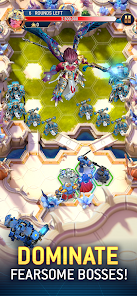
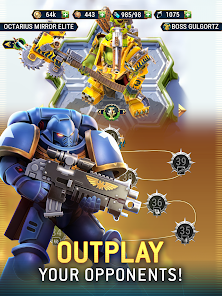
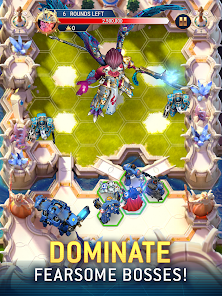
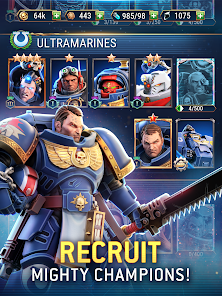
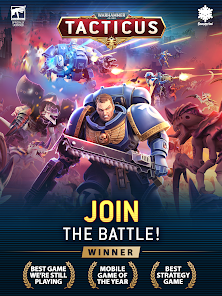
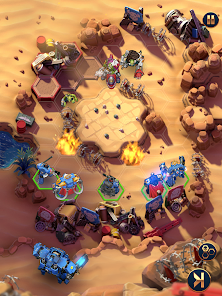
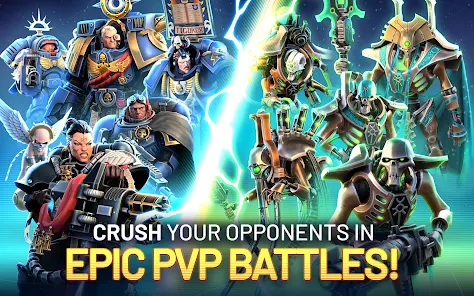
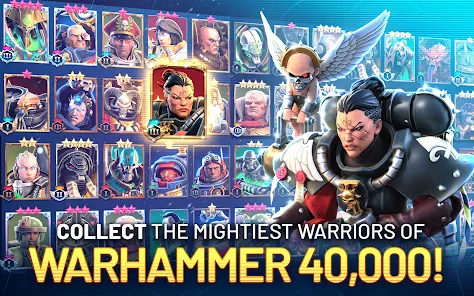
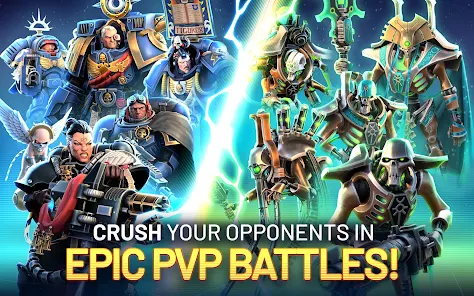
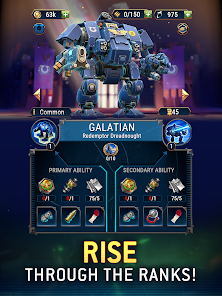
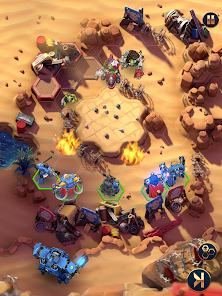
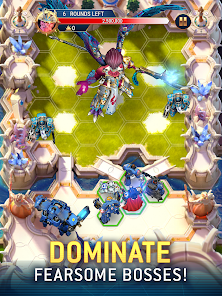
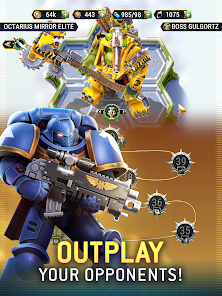
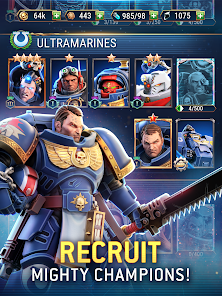
"Warhammer 40,000: Tacticus ™" is a tactical role-playing game that immerses players in the rich lore of the Warhammer 40,000 universe. One of its standout features is the turn-based combat system, which allows players to strategically position their units and execute complex tactics against opponents. The game boasts a diverse roster of iconic characters from the Warhammer 40K universe, each with unique abilities and skills that can be upgraded as players progress.
Additionally, the game offers a variety of game modes, including a single-player campaign and multiplayer battles, catering to both solo players and those looking to compete against others. The stunning graphics and detailed animations bring the grimdark universe to life, enhancing the overall gaming experience. Players can also engage in guilds, allowing for cooperative play and community interaction. Regular updates and events keep the gameplay fresh, providing new challenges and rewards for dedicated players.
To get started with "Warhammer 40,000: Tacticus ™," first, download the game from your preferred app store and install it on your device. Once launched, you will be guided through a tutorial that introduces you to the basic mechanics, including movement, combat, and unit management. Familiarize yourself with the user interface, which includes menus for character selection, upgrades, and battle options.
As you progress, focus on completing missions in the campaign mode to earn resources and unlock new characters. Pay attention to the strengths and weaknesses of your units, as this knowledge will be crucial in forming effective strategies during battles. Engage in multiplayer modes to test your skills against other players and join guilds for collaborative gameplay. Regularly check for updates and events to take advantage of new content and challenges, ensuring a dynamic and engaging experience.
Like any game, "Warhammer 40,000: Tacticus ™" has its strengths and weaknesses. On the positive side, the game offers a rich narrative experience set in the beloved Warhammer 40K universe, appealing to both fans and newcomers. The turn-based combat system encourages strategic thinking, and the variety of characters adds depth to gameplay. The graphics are visually impressive, enhancing immersion, and the regular updates keep the content fresh and engaging.
However, there are some drawbacks to consider. Some players may find the in-game purchases necessary for progression, which can lead to a pay-to-win perception. Additionally, the learning curve can be steep for newcomers unfamiliar with tactical RPGs, potentially leading to frustration. Lastly, while the game offers multiplayer options, matchmaking can sometimes be unbalanced, affecting the overall competitive experience. Balancing these pros and cons is essential for players to determine if the game aligns with their preferences.

 Engaging turn-based strategy gameplay enhances critical thinking and tactical skills. Rich lore and immersive universe attract fans of the Warhammer 40K franchise. Diverse factions and units offer unique strategies and playstyles for players. Regular updates provide fresh content, ensuring long-lasting enjoyment and replayability. Intuitive controls and user-friendly interface make it accessible for newcomers.
 Limited character customization can restrict strategic diversity in gameplay. Resource management can feel tedious and grindy over time. The steep learning curve may deter new players from fully engaging.
  Google Play
  App Store
 Yes, players can submit suggestions or feedback through the app's support section or official social media channels, helping to improve the gaming experience.
Yes, Warhammer 40,000: Tacticus ™ may collect personal data as outlined in its privacy policy, which details how data is used and protected.
Warhammer 40,000: Tacticus ™ primarily requires an internet connection to access its full features and content, though some aspects may be available offline.
To cancel your subscription, you can go to your device's app store settings and manage your subscriptions from there, or follow the instructions provided within the app.
Subscription pricing for Warhammer 40,000: Tacticus ™ can vary, typically offering options for monthly or yearly plans, which may include exclusive benefits and in-game currency.
Unfortunately, customer numbers are unique and cannot be changed once your account is created.
To activate your account, follow the link sent to your email after registration and complete the process by clicking the activation button.
You can reach customer service through the in-game support option or by visiting our official website for further assistance.
If you've linked your account to social media, simply select the corresponding login option on the game’s main screen to access your account.
If you haven't received your confirmation email, check your spam folder or request a new activation email through the game's login screen.