
 Home
Home  Apps
Apps  Games
Games  Windows
  Topics
  Terms of Service
  Cookies & Privacy Policy
  Disclaimer
The Battle Cats


Information
- Category: Strategy
- Price: free
- Age Rating: Teen
- Rating: 4.5
- Developer: PONOS Corporation
- Version: 15.1.0
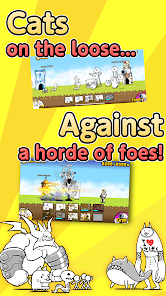
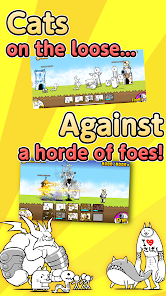
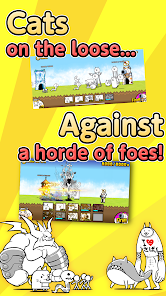
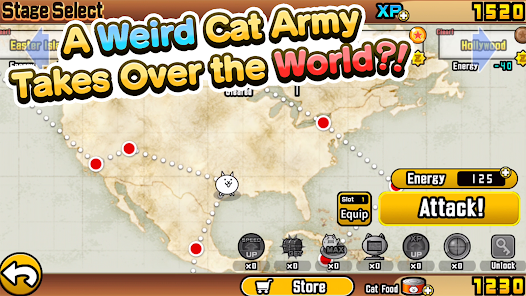
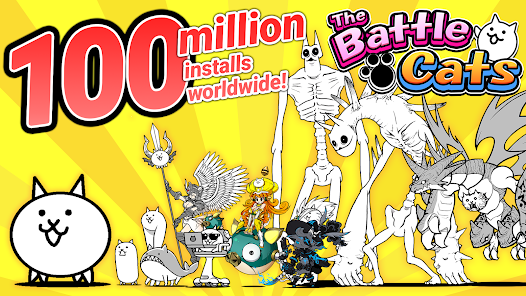
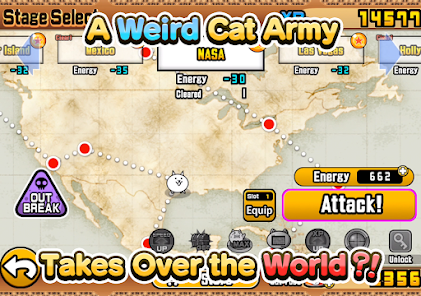
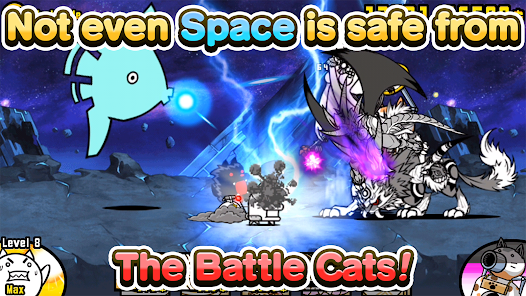
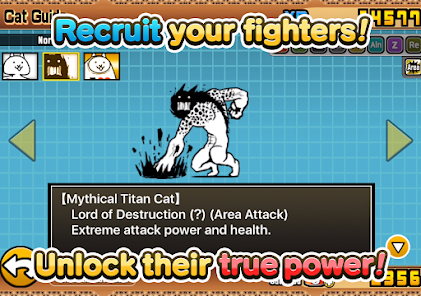
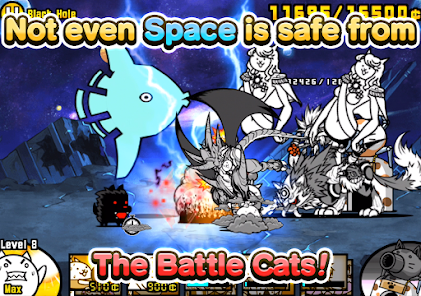

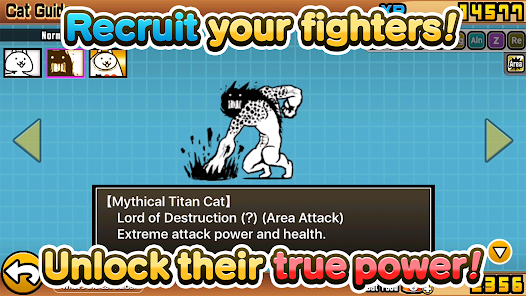
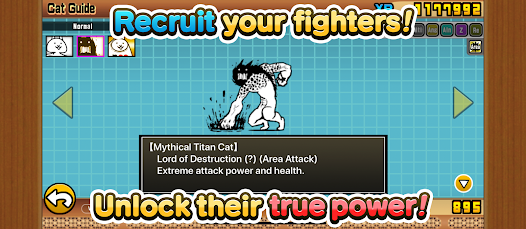
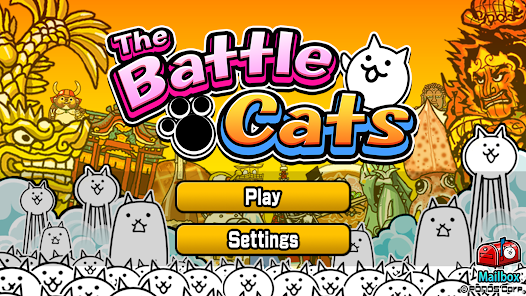
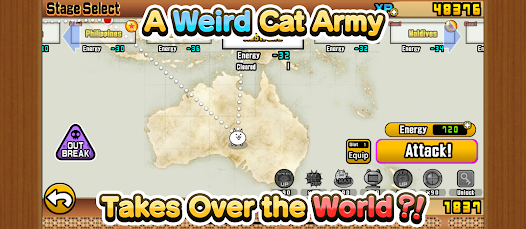

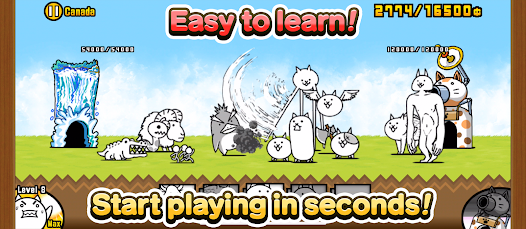
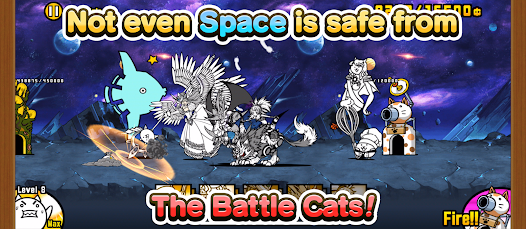
"The Battle Cats" is a quirky tower defense game where players deploy a variety of unique cat units to fend off waves of bizarre enemies. With its charming art style and humorous gameplay, players can collect and upgrade an array of feline fighters, each with special abilities. Strategize your cat army to conquer diverse stages and unlock new content, all while enjoying the whimsical world filled with eccentric characters and challenges. Join the fun and unleash your inner cat commander!
Features & Highlights
- Unique Art Style: The Battle Cats features a quirky and vibrant art style that sets it apart from traditional tower defense games. The adorable cat characters and whimsical backgrounds create a fun atmosphere that keeps players engaged. For example, while battling through the stages, I was constantly amused by the silly animations of the cats, which made my gaming experience enjoyable.
- Diverse Cat Units: One of the standout features of the game is its extensive variety of cat units, each with unique abilities and strengths. This diversity allows for strategic gameplay as you can mix and match units to find the best combinations for different challenges. I often found myself experimenting with different cat units to tackle tougher enemies, which added depth to the gameplay.
- Simple Yet Engaging Gameplay: The game's mechanics are easy to grasp, making it accessible for new players while still offering layers of strategy for veterans. During my first few games, I quickly learned how to deploy units efficiently, and as I progressed, I appreciated the strategic depth that emerged from the simple mechanics.
- Regular Updates and Events: The developers frequently introduce new content, including limited-time events and special cat units. This keeps the game fresh and exciting. I remember logging in one day to find a seasonal event that introduced new stages and cats, which encouraged me to dive back into the game and explore the new content.
Real Experience Using The Battle Cats
Application Scenarios
As an avid gamer, I often turn to The Battle Cats during my downtime, whether I’m commuting on the subway or enjoying a lazy afternoon at home. It's a perfect fit for short bursts of gameplay, allowing me to engage in a few battles without requiring a hefty time commitment. For instance, while waiting for my coffee to brew in the morning, I can quickly hop into a stage, deploy my cats, and defeat a few enemies before heading out the door. The casual nature of the game makes it an ideal companion for my daily routine.
User Experience
The user interface of The Battle Cats is straightforward and intuitive, making it easy for anyone to pick up and play. The main menu is well-organized, categorizing all the game modes and features clearly. When I first launched the app, I was immediately drawn to the vibrant colors and charming graphics, which set a lighthearted tone. The gameplay itself flows smoothly, with no noticeable lag, even during intense battles. The controls are responsive, allowing me to deploy my cat units quickly and efficiently. Overall, my experience has been overwhelmingly positive, as I find myself continuously entertained and challenged by the game's mechanics.
Pricing
The Battle Cats is free to download and play, which is a huge plus. However, it does offer in-app purchases for those looking to expedite their progress or acquire special units. I personally have not felt pressured to spend money, as the game provides ample opportunities to earn in-game currency through gameplay. This balance keeps the game enjoyable without being excessively monetized, making it accessible for casual players like me.
Updates & Support
The developers of The Battle Cats consistently roll out updates that introduce new content, features, and bug fixes. I appreciate their commitment to keeping the game fresh and engaging. Whenever a new event is launched, I receive notifications about it, ensuring I never miss out on limited-time content. Additionally, I’ve had a positive experience with customer support, as they promptly addressed my inquiries regarding account issues, showcasing their dedication to user satisfaction.
Security & Privacy Review
As a player concerned about security and privacy, I made sure to download The Battle Cats from the official app store, either the App Store for iOS or Google Play for Android. This ensures that I am using a legitimate version of the app, free from malicious software. The registration process is straightforward and does not require excessive personal information, which is a relief. The game primarily tracks progress and gameplay data rather than sensitive personal details.
While playing, I have noticed minimal ads, which enhances the overall user experience. The game does offer optional advertisements for bonuses, but they are not intrusive. This approach allows me to enjoy the game without being bombarded by ads. Furthermore, I feel comfortable knowing that my privacy is respected, as there are no excessive tracking behaviors observed during my gameplay. The developers seem committed to providing a secure environment, allowing me to focus on having fun without concerns about my data.
Pros 
-
 Experience endless fun
 - Unique and quirky characters
- Strategic tower defense gameplay
- Regular updates and events
- Engaging art style and music
Cons 
-
 Repetitive gameplay can tire
 - Limited character depth and variety
- In-app purchases can frustrate
- Occasional bugs and glitches
 Google Play
  App Store
 FAQ
Can I submit suggestions or feedback to The Battle Cats?
Yes, players can submit feedback and suggestions through the app's support or community channels.
Does The Battle Cats collect my personal data?
The game may collect certain data for functionality and improvement, but typically does not require personal information for gameplay.
Does The Battle Cats support offline use?
Yes, The Battle Cats can be played offline, although some features may require an internet connection.
How do I cancel my The Battle Cats subscription?
Since there is no subscription, you can simply stop making in-app purchases or uninstall the game.
How much does a subscription to The Battle Cats cost?
The game offers in-app purchases, but there is no subscription model; costs vary depending on the items purchased.
How to use The Battle Cats
How can I activate my account in The Battle Cats?
If you created an account using a social media platform, simply log in with that account. If necessary, follow the instructions in the app for activation.
How can I contact customer service for The Battle Cats?
You can contact customer service through the in-game support feature or by visiting the official website for assistance.
How do I log in to my account in The Battle Cats?
To log in, open the app, tap on the menu, and select the account option to enter your credentials.
What is the customer service number for The Battle Cats?
The Battle Cats does not have a direct customer service number; please use the in-game support option or email for help.
Similar Games











You May Like

Among Us
Strategy
3.9

Clash Royale
Strategy
4.5

Pokémon UNITE
Strategy
4.5

Plants vs. Zombies™
Strategy
3.9

2112TD: Tower Defense Survival
Strategy
4.6

Age of Apes
Strategy
4.6

Age of History II
Strategy
4.5

Age of Origins
Strategy
4.1
Ant Legion: For The Swarm
Strategy
4.6

Ark of War: Aim for the cosmos
Strategy
4.1

Arknights
Strategy
4.3
TOY WARS
Strategy
4.1