

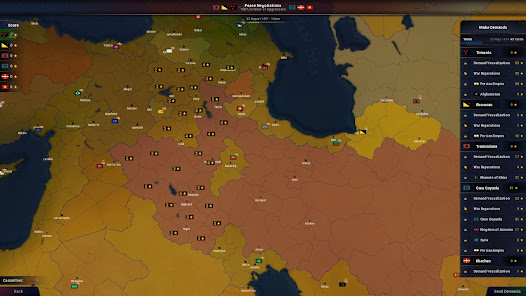
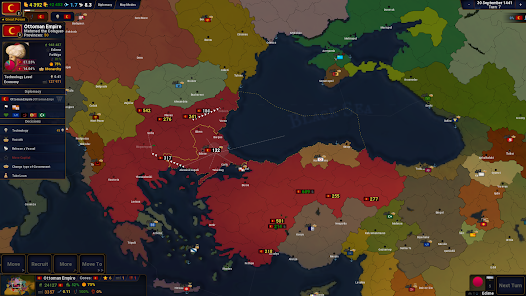
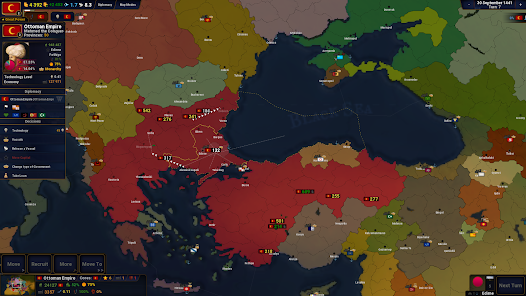
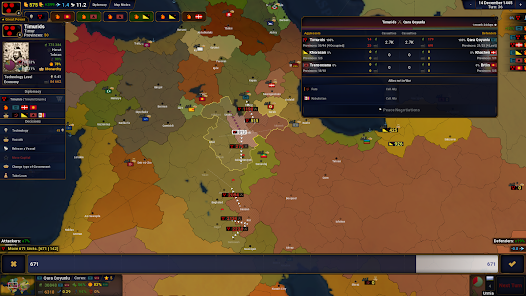
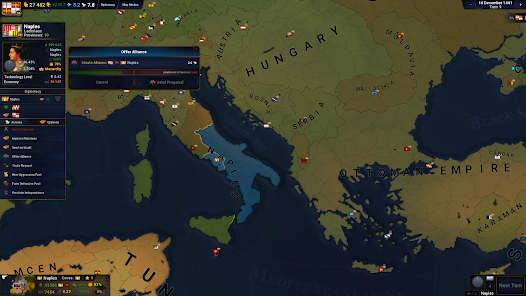
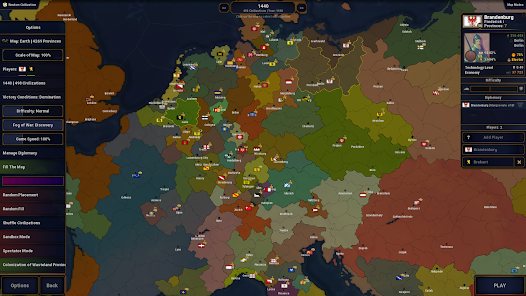
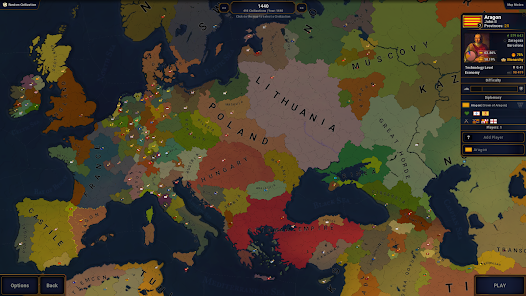
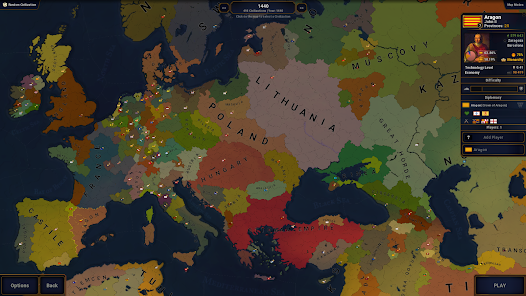
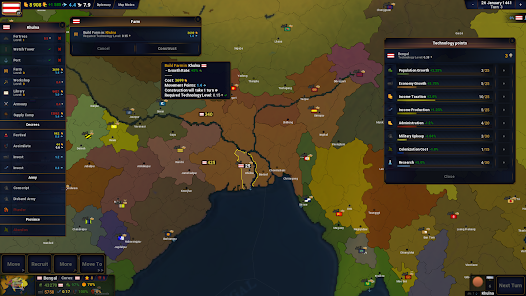
"Age of History II" is a grand strategy game that allows players to engage in historical scenarios and shape the course of nations. One of its standout features is the extensive map, which covers the entire globe and includes a variety of regions and cultures. Players can choose from numerous countries, each with unique attributes and historical contexts, allowing for diverse gameplay experiences. The game also offers a deep diplomatic system, enabling players to form alliances, declare wars, and negotiate treaties, which adds layers of strategy to the gameplay.
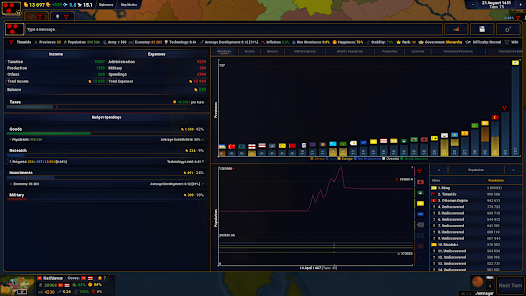
Another notable feature is the game's detailed economic system, where players manage resources, trade, and infrastructure to enhance their nation's power. The game includes a rich event system that introduces historical events and challenges, requiring players to make critical decisions that can alter the course of history. Additionally, "Age of History II" supports modding, allowing players to create and share custom scenarios, enhancing replayability. The user interface is designed to be intuitive, making it accessible for both new and experienced players, while still offering depth for strategic planning.
To get started with "Age of History II," players first need to download and install the game on their preferred platform. Once launched, players can select a nation to control, which will serve as the foundation for their gameplay experience. The game begins in a specific historical period, and players must navigate through various challenges, including military conflicts, economic management, and diplomatic relations. Familiarizing oneself with the user interface is crucial, as it provides access to essential features such as military units, economic resources, and diplomatic options.
Players can engage in different modes, including single-player campaigns and multiplayer options, allowing for both solo and cooperative gameplay. It’s advisable to start with the tutorial or beginner scenarios to grasp the mechanics before diving into more complex situations. As players progress, they can make strategic decisions that impact their nation’s growth and stability. Regularly checking the status of resources, military strength, and diplomatic relations will help in making informed choices. Experimenting with different strategies and learning from historical events can enhance the overall experience and lead to successful outcomes.
"Age of History II" offers a range of advantages that appeal to strategy game enthusiasts. One of the primary pros is its vast scope, allowing players to explore numerous historical scenarios and nations, which provides a rich and immersive experience. The game's depth in diplomacy and economics adds layers of complexity, making each decision impactful. Additionally, the modding community enhances the game’s longevity, as players can create and share custom content, keeping the gameplay fresh and engaging. The intuitive interface also makes it accessible for newcomers while still offering depth for seasoned players.

 Engaging historical gameplay immerses players in strategic decision-making. Diverse nations and cultures offer endless replayability and exploration. Customizable scenarios allow for unique and personalized gaming experiences. Detailed graphics and maps enhance the visual appeal and immersion. Regular updates and community support ensure ongoing enhancements and features.
 Limited graphics and animations can detract from the immersive experience. The complexity of mechanics may overwhelm new players. AI behavior can feel inconsistent and unrealistic at times.
 Age of History II may collect certain personal data as outlined in its privacy policy, usually for gameplay improvements and user experience enhancements.
Age of History II generally does not offer a free trial, but it may have a free version with limited features available for users to try before purchasing the full game.
Age of History II can be played offline, but certain features, such as multiplayer modes and updates, may require an internet connection.
You can contact support or send feedback for Age of History II through the official website or in-app support features, where you can find contact forms or forums for player discussions.
Since Age of History II usually operates on a one-time purchase model, there is no subscription to manage or cancel. However, for any purchases made through app stores, you can follow the respective platform’s guidelines to manage your transactions.
Unfortunately, you need your customer number to activate your account. Contact customer service if you need help obtaining it.
Yes, you can change your email by contacting customer service and providing your customer number for verification.
You can contact customer service via the support page on our website or through the in-game help section.
To activate your account, click the link in your registration email and follow the prompts. If you encounter issues, contact customer service.
To log in, enter your customer number and password on the main screen, then click the "Log In" button.











 Google Play
  App Store