
 Home
Home  Apps
Apps  Games
Games  Windows
  Topics
  Terms of Service
  Cookies & Privacy Policy
  Disclaimer
Smart Baby Shapes


Information
- Category: Educational
- Price: free
- Age Rating: Everyone
- Rating: 4.1
- Developer: mantraSoft
- Version: 7.0
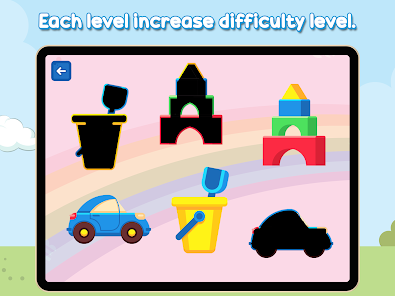
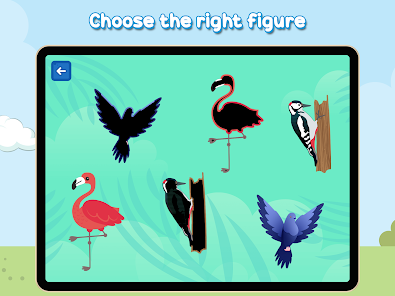
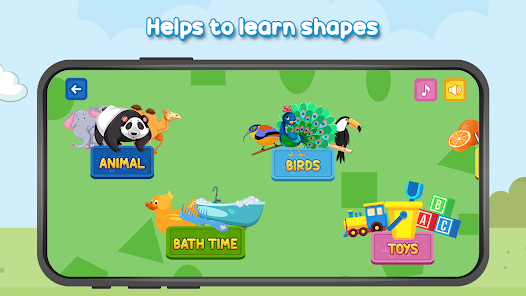
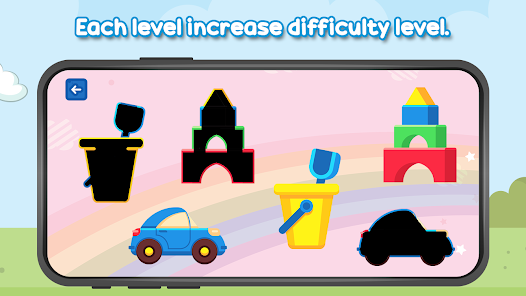
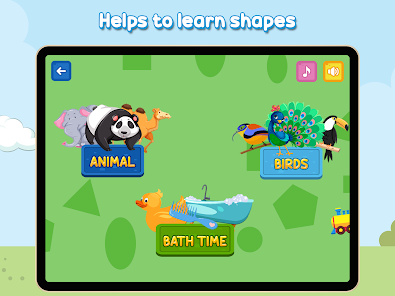
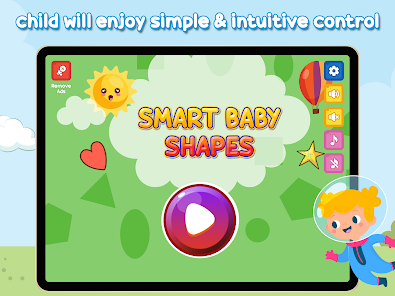
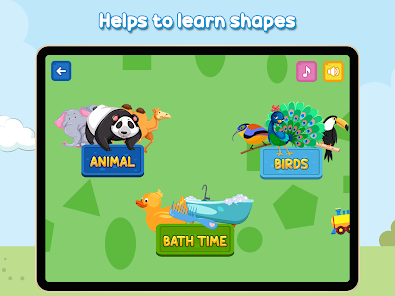
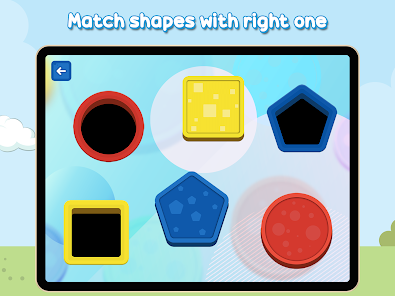
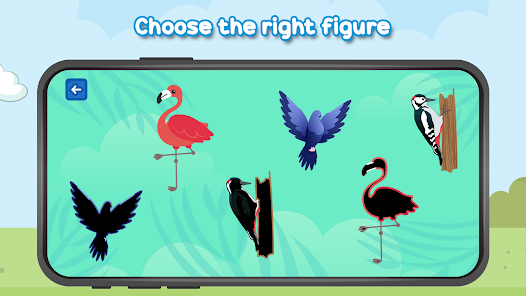
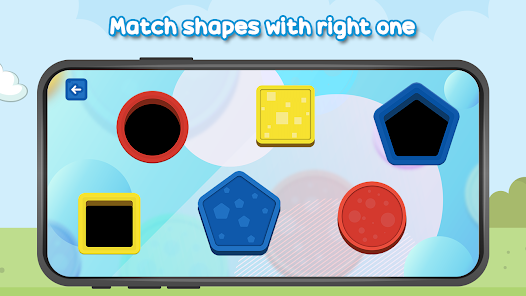
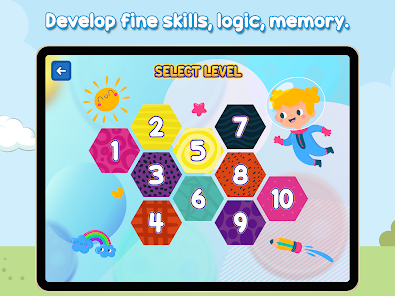
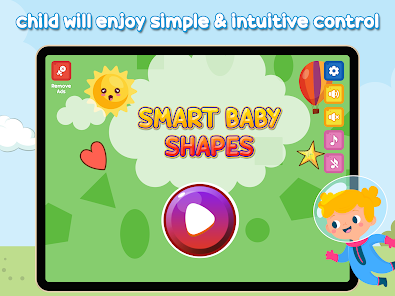
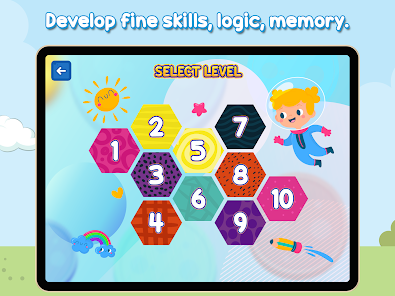
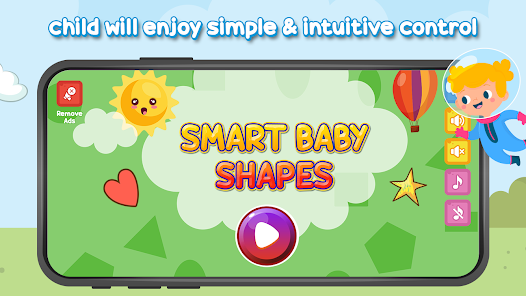
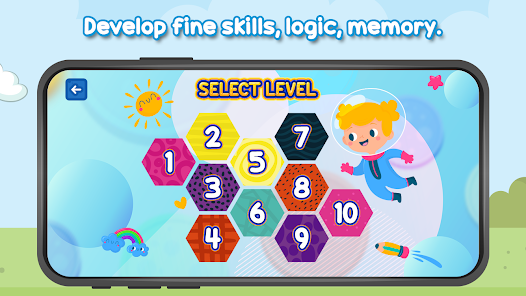
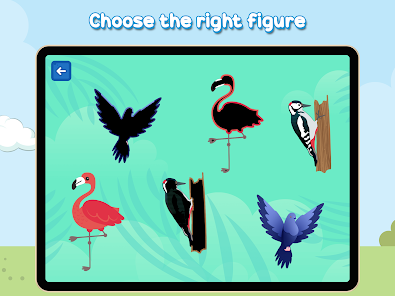
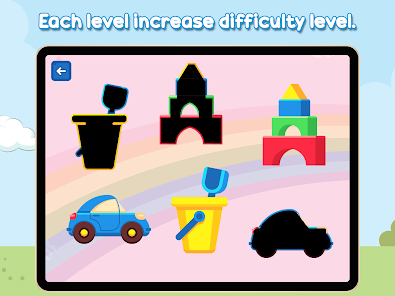
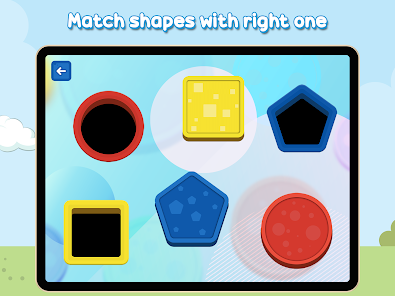
Welcome to the "Smart Baby Shapes" app, where learning meets fun! Designed for curious little minds, this interactive app introduces babies and toddlers to shapes through engaging games, vibrant visuals, and delightful sounds. Watch as your child explores the world of shapes, enhancing their cognitive skills and creativity. With easy navigation and captivating activities, "Smart Baby Shapes" makes early learning an enjoyable adventure for both kids and parents. Let the journey of discovery begin!
Features of "Smart Baby Shapes"
"Smart Baby Shapes" is an engaging educational app designed to introduce young children to basic shapes and colors through interactive play. One of its standout features is its vibrant and colorful graphics that capture the attention of toddlers, making learning enjoyable. The app includes a variety of activities, such as shape recognition games, puzzles, and matching exercises, which help reinforce the concepts being taught. Additionally, it offers audio prompts and fun sound effects that enhance the learning experience and keep children motivated.
Another notable feature is the app's user-friendly interface, which is designed specifically for young users. This ensures that children can navigate the app independently, fostering a sense of autonomy in their learning. The app also tracks progress, allowing parents to monitor their child's development and identify areas where they may need additional support. Furthermore, "Smart Baby Shapes" is compatible with multiple devices, making it accessible for families on the go. Overall, the combination of engaging content and educational value makes this app a valuable tool for early childhood learning.
How to Use "Smart Baby Shapes"
Using "Smart Baby Shapes" is straightforward and intuitive, making it accessible for both children and parents. To get started, simply download the app from your device's app store and create a user profile for your child. Once set up, you can explore the various activities available within the app. The main menu features different sections dedicated to shapes, colors, and interactive games, allowing children to choose what they want to learn about first.
As your child engages with the app, encourage them to explore each activity at their own pace. The app provides clear instructions and prompts, guiding them through each task. Parents can participate by asking questions or providing additional context to enhance the learning experience. Regular use of the app can help reinforce the concepts learned, so consider setting aside dedicated time each week for your child to play and learn. By actively engaging with "Smart Baby Shapes," children can develop their cognitive skills while having fun.
Pros & Cons of the App
"Smart Baby Shapes" offers several advantages that make it a popular choice among parents and educators. One of the primary benefits is its engaging and interactive design, which keeps young children entertained while they learn. The app's variety of activities caters to different learning styles, ensuring that children can grasp concepts in a way that suits them best. Additionally, the progress tracking feature allows parents to monitor their child's development, making it easier to identify strengths and areas for improvement.
However, there are some drawbacks to consider. One potential con is that excessive screen time can be a concern for parents, as it may lead to reduced physical activity and social interaction. Furthermore, while the app is educational, it may not cover all aspects of early childhood learning, such as fine motor skills or social skills. Lastly, some users have reported occasional technical glitches, which can disrupt the learning experience. Balancing app usage with other forms of learning and play is essential to maximize its benefits while minimizing potential downsides.
Get Installation Details  Google Play
  App Store
Google Play App Store FAQ
Can I create playlists on Spotify?
Yes, users can create, share, and collaborate on playlists with friends.
Can I download music on Spotify?
Yes, premium users can download songs and playlists for offline listening.
Can I listen to Spotify offline?
Yes, premium users can listen to downloaded music offline without an internet connection.
Can I use Spotify on multiple devices?
Yes, you can use Spotify on multiple devices, but only one device can stream at a time.
Does Spotify have podcasts?
Yes, Spotify hosts a wide range of podcasts across various genres.
Similar Games














You May Like
Toca Boca World
Educational
4.3
Numberblocks: Hide and Seek
Educational
3.5
Toca Boca Jr
Educational
3.9
Wild Kratts Rescue Run
Educational
4.1
PBS KIDS Games App
Educational
4.4

Piano Kids - Music & Songs
Educational
4.3
Intellijoy Kids Academy
Educational
4.2

Color Page ASMR
Educational
4.5

Kids Puzzles #2 (full game)
Educational
4.2
Toddler flashcards for kids
Educational
4.4

Drawing Games: Draw & Color
Educational
4.3
Chuggington Training Hub
Educational
3.4