

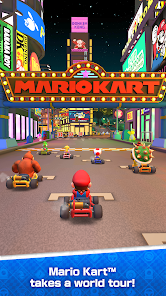
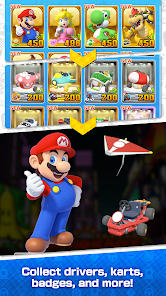

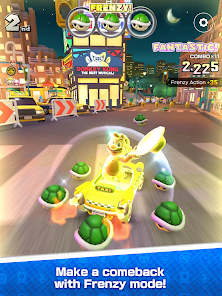
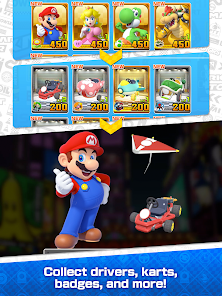
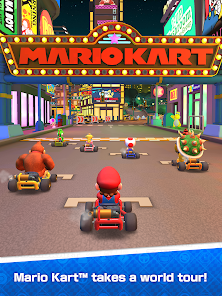
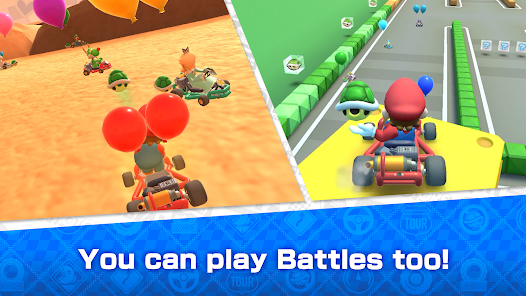
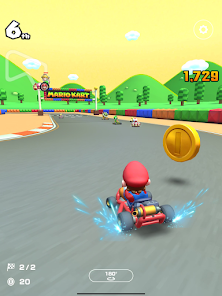


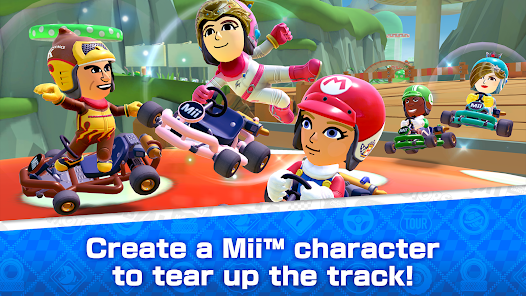
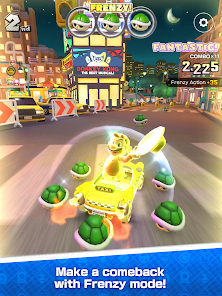
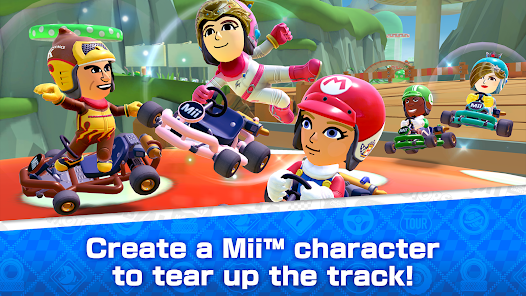
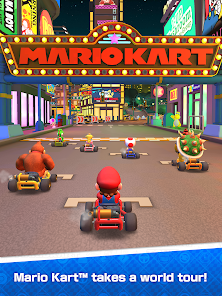
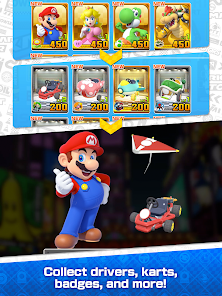
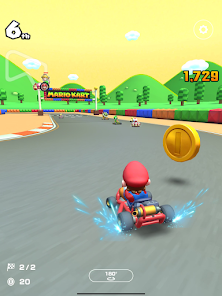
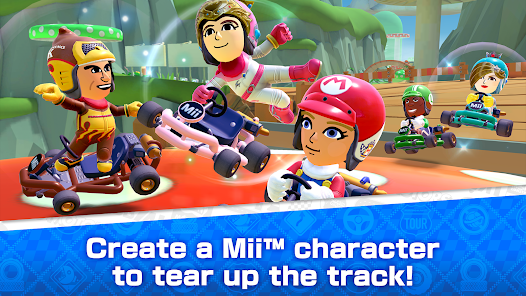

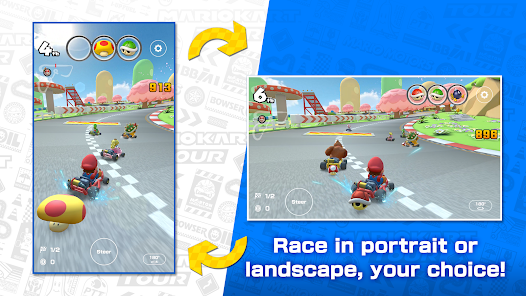
"Mario Kart Tour" brings the beloved racing franchise to mobile devices, offering a unique blend of classic gameplay and new features. One of the standout elements is the ability to race on real-world tracks inspired by various cities around the globe. Each tour introduces new courses, characters, and karts, keeping the gameplay fresh and exciting. Players can collect and upgrade a variety of characters, karts, and gliders, each with unique abilities that can enhance performance on the track.
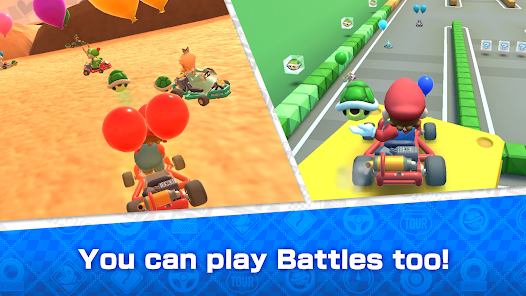
The game also includes a variety of modes, such as multiplayer races where players can compete against friends or other racers worldwide. The controls are designed for touch screens, allowing for easy maneuvering and item usage. Additionally, "Mario Kart Tour" features daily and special challenges that reward players with in-game currency and items, encouraging regular play. Seasonal events and limited-time tours add to the excitement, providing players with new content and incentives to keep racing.
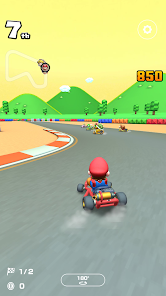
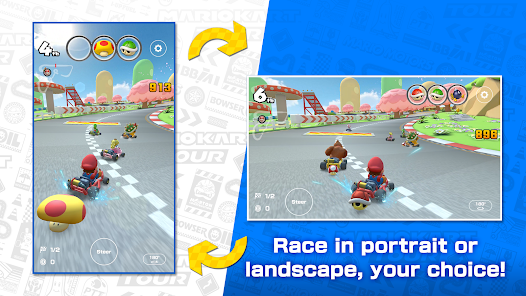
To get started with "Mario Kart Tour," first, download the app from the App Store or Google Play Store and create an account. Once you launch the game, you will be guided through a tutorial that introduces you to the basic controls and gameplay mechanics. The game features a simple touch-based control scheme, allowing you to steer your kart by tilting your device or using on-screen buttons. You can also use items collected during races to gain an advantage over opponents.
As you progress, participate in various tours and challenges to earn rewards and unlock new characters, karts, and gliders. Make sure to check the daily and special challenges for additional opportunities to earn in-game currency. You can also connect with friends to race against them in multiplayer mode. Regularly updating the app ensures you have access to the latest content and features, enhancing your overall gaming experience. Enjoy the thrill of racing through iconic tracks and competing for the top spot on the leaderboard!
"Mario Kart Tour" offers a range of advantages that appeal to both casual and dedicated gamers. One of the main pros is its accessibility; being a mobile game, it allows players to enjoy racing on the go. The graphics are vibrant and engaging, capturing the essence of the Mario universe. The variety of characters, karts, and tracks keeps the gameplay dynamic, while the multiplayer mode adds a competitive edge. Regular updates and seasonal events provide fresh content, ensuring that players remain engaged over time.
However, there are some drawbacks to consider. The game incorporates a gacha system for unlocking characters and items, which may frustrate players who prefer a more straightforward progression system. Additionally, some users have reported issues with connectivity and matchmaking in multiplayer mode. The reliance on in-app purchases can also be a downside, as it may create a pay-to-win environment for competitive players. Overall, while "Mario Kart Tour" is an enjoyable experience, potential players should weigh these pros and cons before diving in.

 Accessible on mobile devices for gaming anytime, anywhere. Diverse tracks inspired by classic Mario Kart locations enhance gameplay variety. Regular events and challenges keep gameplay fresh and engaging. Customizable karts and characters allow for personalized racing experiences. Simple controls make it easy for players of all skill levels to enjoy.
 Limited control options can hinder gameplay experience Frequent microtransactions may frustrate players Some tracks lack variety, making races feel repetitive
 Yes, Mario Kart Tour may collect personal data, including information about your device and gameplay, as outlined in Nintendo's privacy policy. Users are encouraged to review the policy for details.
Mario Kart Tour is free to download and play, but it includes in-app purchases and optional subscriptions for additional content and features.
Yes, Mario Kart Tour requires a stable internet connection to play, as it features online multiplayer and regular content updates.
You can contact support for Mario Kart Tour through the in-app support feature, or by visiting the official Nintendo customer support website for assistance and feedback.
To manage or cancel your Mario Kart Tour subscription, go to your device's app store settings, find your subscriptions, and follow the prompts to modify or cancel your Gold Pass subscription.
Unfortunately, customer numbers cannot be changed once assigned. If you have issues, please contact customer service for further assistance.
Yes, you can update your login information through your account settings in the game. Make sure to save any changes you make.
You can reach customer service through the in-game support feature or by visiting the official Nintendo website for assistance.
To activate your account, simply follow the link in the email you received after registration and follow the prompts to complete the activation.
To log in, select the Nintendo account option on the login screen and enter your credentials. If you're having issues, make sure your account is linked correctly.










 Google Play
  App Store