
 Home
Home  Apps
Apps  Games
Games  Windows
  Topics
  Terms of Service
  Cookies & Privacy Policy
  Disclaimer
GarageBand


Information
- Category: Music
- Price: free
- Age Rating: /
- Rating: 4.1
- Developer: Apple
- Version: 2.3.18


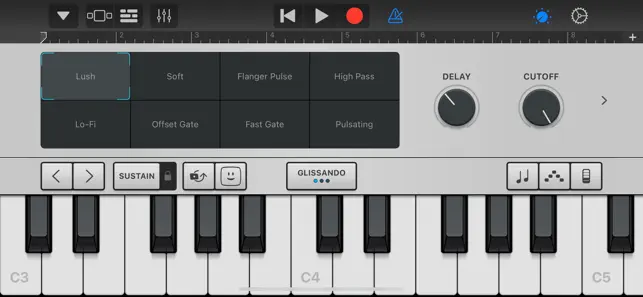
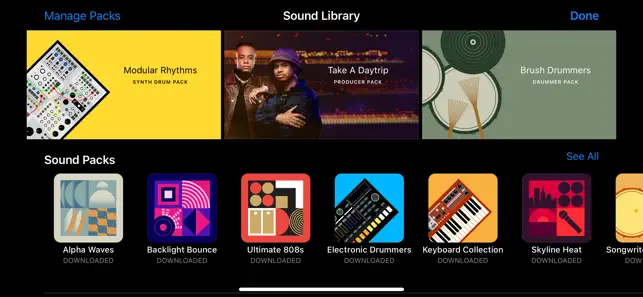



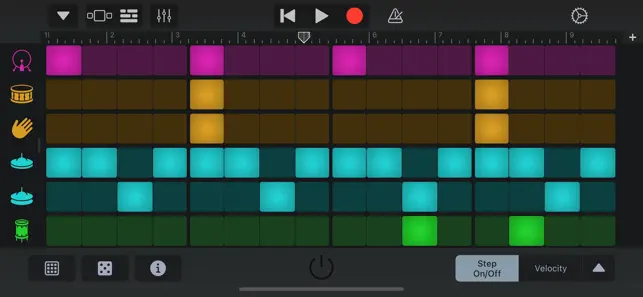

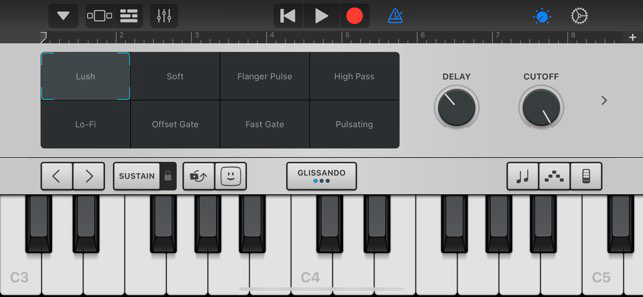


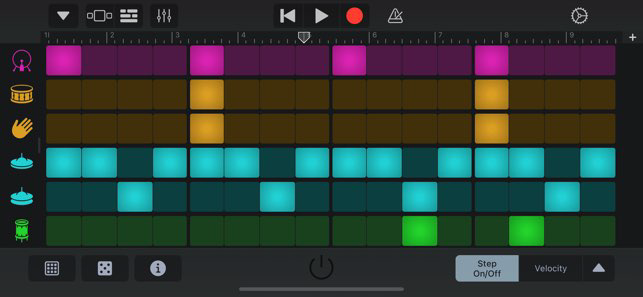


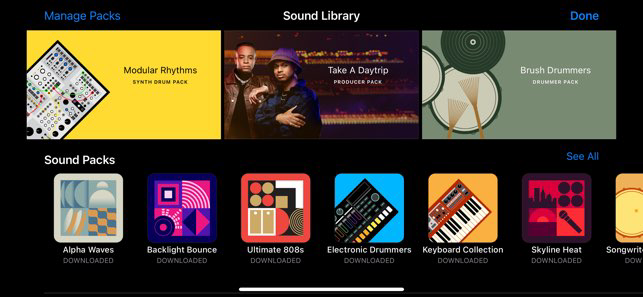


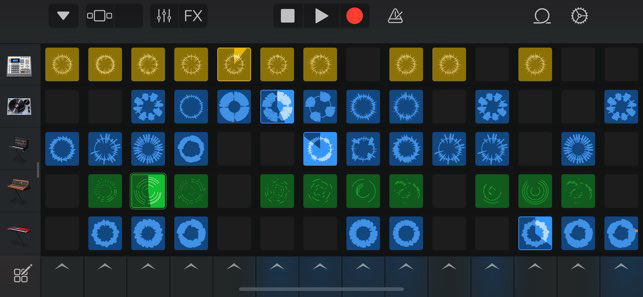


GarageBand is a user-friendly digital audio workstation developed by Apple, designed for music creation and production. Available on macOS and iOS, it offers a wide range of virtual instruments, audio effects, and recording capabilities, making it accessible for beginners and experienced musicians alike. With its intuitive interface, users can easily compose, edit, and share their music, fostering creativity and collaboration. Whether you're recording vocals, playing instruments, or mixing tracks, GarageBand provides the tools to bring your musical ideas to life.
Features & Highlights
GarageBand is a powerful digital audio workstation that makes music creation accessible and enjoyable for everyone, from beginners to seasoned musicians. Here are some of its standout features:
- User-Friendly Interface: The intuitive layout allows users to easily navigate through various tools and features. For instance, when I first opened the app, I was pleasantly surprised by how quickly I could start creating a track without feeling overwhelmed.
- Wide Range of Instruments: GarageBand offers an extensive library of virtual instruments, including pianos, guitars, and drums. I remember composing a song for a friend's birthday using the Smart Strings feature, which enabled me to add lush orchestral sounds without needing any formal training.
- Multi-Track Recording: The ability to record multiple tracks simultaneously is a game-changer. I once collaborated with a friend who played guitar while I recorded vocals, and the seamless integration of our tracks made the entire process feel professional.
- Loops and Samples: GarageBand includes a vast collection of loops and samples that can be easily dragged and dropped into projects. I often use these to enhance my tracks; for instance, I added a funky drum loop to a pop song I was working on, instantly elevating the overall vibe.
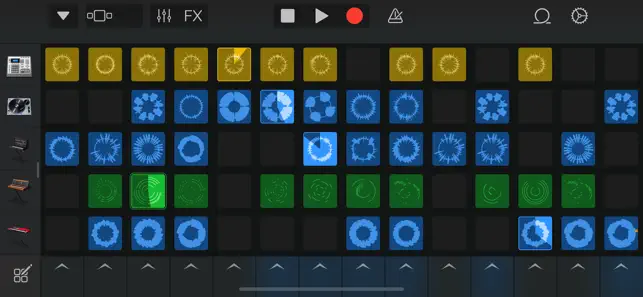
- Live Loops: This feature allows users to create music in a grid format, making it ideal for live performances and spontaneous jam sessions. I used this feature during a recent gathering with friends, and it turned into an impromptu music party!
Real Experience Using GarageBand
Application Scenarios
In my daily life, GarageBand has become an essential tool for not just music creation but also for personal expression. I often use it to record songs that pop into my head during my morning commute. The convenience of having a powerful music studio right on my iPhone means I can capture those fleeting moments of inspiration wherever I am. I also use it when I’m working on projects for my local community center, where I create jingles for events or background music for video presentations. It's a versatile app that fits seamlessly into my routine.
User Experience
The user interface of GarageBand is one of its most appealing aspects. The layout is clean and organized, making it easy to find everything I need without any confusion. The workflow is incredibly smooth; I can start a new project in seconds and dive right into recording or arranging. The app performs remarkably well on my iPad, with minimal lag even when I’m using multiple tracks and effects simultaneously. What I love most is the feeling of empowerment it gives me—I can transform simple melodies into full-fledged songs, all within an app that feels like a true creative partner.
Pricing
GarageBand is completely free, which is a huge plus for anyone looking to get into music production without making a financial commitment. The app offers a plethora of features that you would typically find in paid software, making it an invaluable resource for aspiring musicians. With no hidden costs or subscription fees, it truly democratizes music creation.
Updates & Support
Apple frequently updates GarageBand, adding new features and refining existing ones based on user feedback. I’ve seen several enhancements since I started using the app, such as new instrument sounds and improved functionality. The support from Apple is commendable too; if I ever encounter a problem, the help section is detailed, and I can easily find solutions to common issues. Their online community is also robust, providing endless tips and tricks from fellow users.
Security & Privacy Review
For American users, security and privacy are paramount when using any app, including GarageBand. The app is available through the official App Store, ensuring a layer of trustworthiness. When it comes to registration, GarageBand does not require excessive personal information beyond what Apple already collects for Apple ID users, which helps maintain user privacy. As for ads or tracking behaviors, GarageBand is free from intrusive ads, allowing for a focused and uninterrupted creative process. Apple’s commitment to user privacy means that personal data is kept secure, providing peace of mind while I create music.
Pros 
-
 GarageBand offers seamless music creation
 - Intuitive interface for all users
- Wide range of virtual instruments
- Built-in loops for instant creativity
- Supports multi-track recording easily
Cons 
-
 Limited instrument options
 - Not suitable for advanced users
- Steeper learning curve for some
- Lacks real-time collaboration
 Google Play
  App Store
 FAQ
Can I submit suggestions or feedback to GarageBand?
Yes, users can submit feedback and suggestions through Apple's official support channels or forums.
Does GarageBand collect my personal data?
GarageBand may collect some data related to app usage, but it does not collect personal information without consent. Always check the privacy policy for details.
Does GarageBand support offline use?
Yes, GarageBand can be used offline, allowing users to create and edit music without an internet connection.
How do I cancel my GarageBand subscription?
Since GarageBand is free, there is no subscription to cancel. Simply uninstall the app if you no longer wish to use it.
How much does a subscription to GarageBand cost?
GarageBand does not require a subscription; it is completely free with no hidden fees.
How to use GarageBand
Do I need to purchase GarageBand to use it?
GarageBand is free to download and use on Apple devices, so no purchase is necessary.
How can I contact customer service for GarageBand?
You can reach Apple Support through their website or by calling their customer service number available for your region.
How do I log in to GarageBand?
You log in using your Apple ID when you launch the app for the first time.
How do I recover my GarageBand projects?
Check the 'Recent Projects' section or look in the 'GarageBand' folder in your user directory for saved files.
Is there a customer number for GarageBand support?
Yes, you can find the customer service number for your region on the Apple Support website.
Similar Apps












You May Like

Tubidy : Music, Videos, Songs
Music
4.5
A Dance of Fire and Ice
Music
4.6
Beatstar - Touch Your Music
Music
4.6

Cyber Surfer : Rhythm Odyssey
Music
4.4

Cytus II
Music
4.1
FNF Music Battle Full Mod
Music
4

HATSUNE MIKU: COLORFUL STAGE!
Music
4.5

Incredibox
Music
4.9
Magic Hop : Jump with Beats
Music
4.2
Magic Tiles 3™ - Piano Game
Music
4.6

Muse Dash
Music
4.5
My Singing Monsters Composer
Music
4.2