

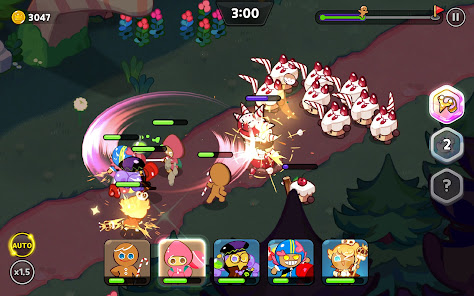
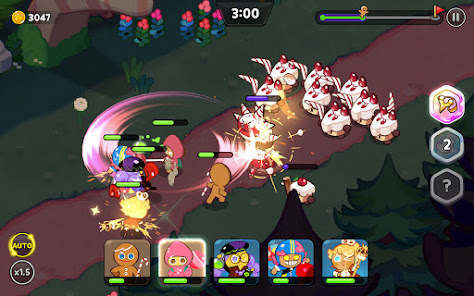



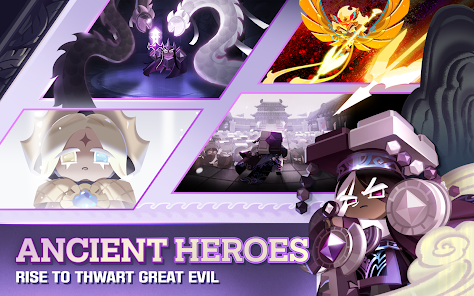


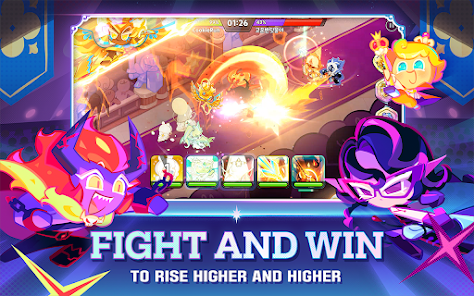
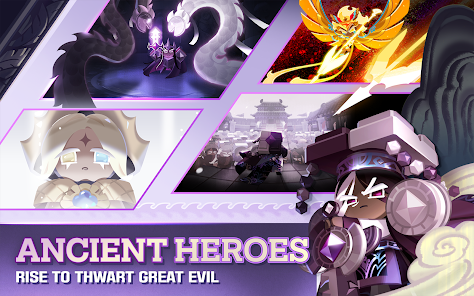
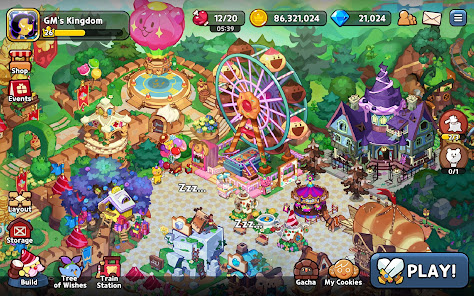

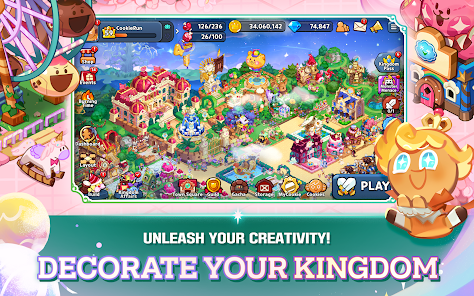
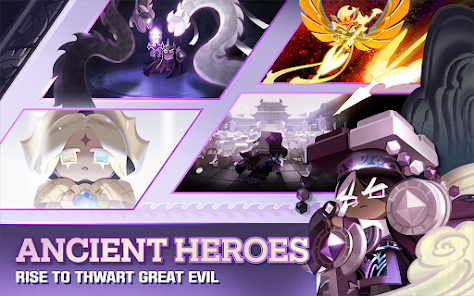

"CookieRun: Kingdom" is a vibrant and engaging mobile game that combines elements of RPG and city-building. Players can collect a variety of unique cookie characters, each with their own special abilities and traits. The game features an extensive storyline that unfolds as players progress, allowing them to explore different regions and face various challenges. The graphics are colorful and charming, appealing to both younger audiences and adults alike.
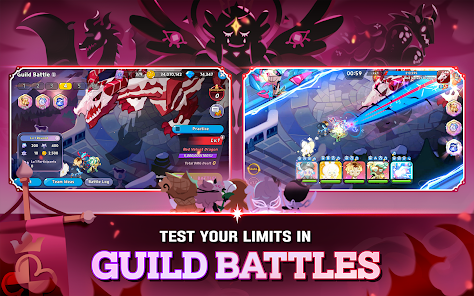
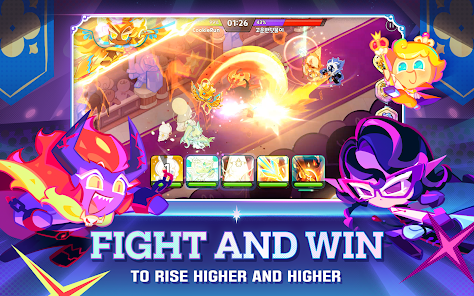
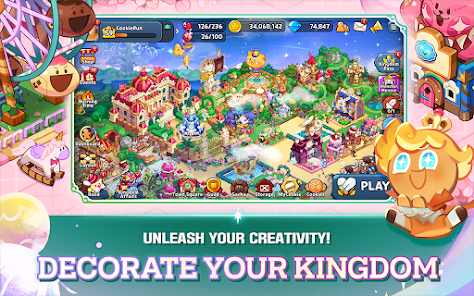
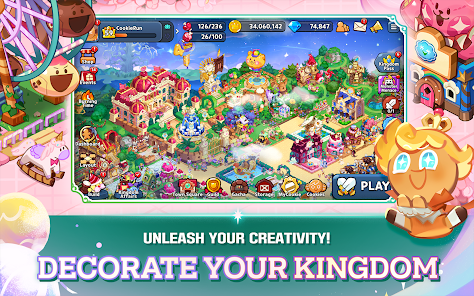
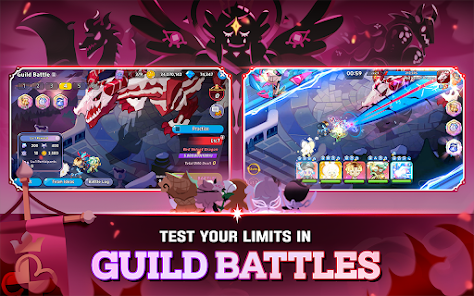
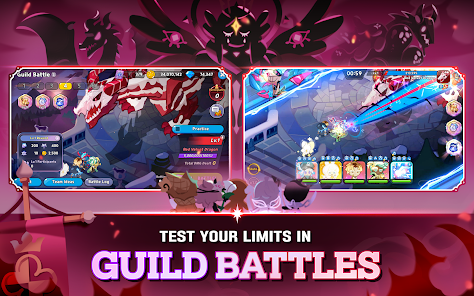
One of the standout features is the kingdom-building aspect, where players can design and upgrade their own cookie kingdom. This includes constructing buildings, decorating the landscape, and managing resources to enhance the kingdom's prosperity. Additionally, the game offers real-time battles where players can strategize and deploy their cookies in combat against enemies. Regular events and updates introduce new cookies, quests, and limited-time challenges, keeping the gameplay fresh and exciting. The social aspect allows players to connect with friends, join guilds, and participate in cooperative missions, fostering a sense of community.
To get started with "CookieRun: Kingdom," first, download the game from your device's app store. Once installed, create an account or log in using an existing one. The game will guide you through a tutorial that introduces the basic mechanics, including how to collect cookies, build your kingdom, and engage in battles. Pay attention to the different cookie types and their abilities, as this will be crucial for forming effective teams.
As you progress, focus on completing quests and participating in events to earn rewards. Building and upgrading your kingdom is essential for unlocking new features and enhancing your cookies' performance. Make sure to manage your resources wisely, as they are vital for construction and upgrades. Engage with the community by joining guilds and participating in cooperative missions, which can provide additional benefits and rewards. Regularly check for updates and events to maximize your gameplay experience and keep your kingdom thriving.
"CookieRun: Kingdom" offers a delightful gaming experience with several advantages. One of the main pros is its engaging gameplay that combines RPG elements with city-building, providing a diverse experience. The graphics are visually appealing, and the characters are charming, making it enjoyable for players of all ages. The game also features regular updates and events, ensuring that players have new content to explore. Additionally, the social aspect allows for interaction with friends and other players, enhancing the overall experience.
However, there are some cons to consider. The game can be quite resource-intensive, requiring players to spend time grinding for materials and cookies, which may not appeal to everyone. Some players may find the in-game purchases necessary to progress efficiently, leading to a pay-to-win perception. Additionally, the complexity of managing a kingdom and strategizing battles may be overwhelming for new players. Balancing these aspects can be challenging, but overall, "CookieRun: Kingdom" remains a fun and engaging mobile game.

 Engaging storyline keeps players invested in the game's world. Diverse cookie characters offer unique abilities and strategies. Customizable kingdoms allow for creative expression and design. Regular updates introduce fresh content and seasonal events. Competitive gameplay fosters community and friendly rivalries.
 Limited character customization options restrict player creativity Frequent in-game purchases can lead to frustration Gameplay can become repetitive over time, reducing long-term engagement
  Google Play
  App Store
 Yes, players can submit suggestions or feedback through the in-game support feature or the official CookieRun: Kingdom community channels.
Yes, CookieRun: Kingdom may collect personal data as outlined in their privacy policy, which includes information to enhance player experience and for account management.
CookieRun: Kingdom requires an internet connection to play, as it involves real-time interactions and updates, making offline play unavailable.
You can cancel your subscription through the app store settings on your device, where you can manage your subscriptions and follow the cancellation prompts.
The game offers optional subscription plans, with costs varying based on the subscription tier and duration, typically ranging from a few dollars to a monthly fee.
Yes, you can activate your account on a different device by logging in with your customer number and password.
You can find your customer number in the settings menu under account information.
You can reach customer service through the in-game support option or by emailing our support team directly for assistance.
To log in, simply open the game, select the login option, and enter your credentials associated with your account.
Customer numbers cannot be changed. If you have issues, please contact customer service for guidance on your account.