



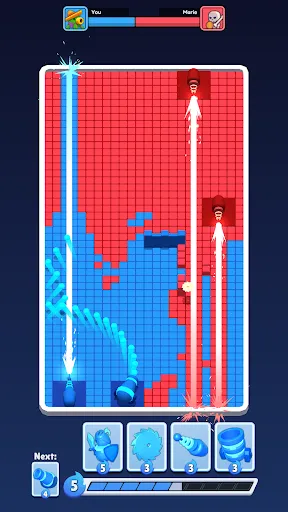
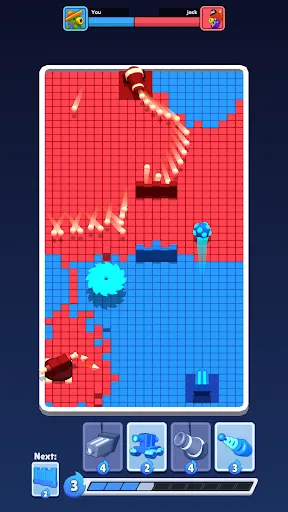


"Color Clash" is an innovative mobile application designed to enhance your color selection and matching experience. One of its standout features is the intuitive color wheel, which allows users to explore a vast spectrum of colors and find complementary shades effortlessly. The app also includes a color palette generator, enabling users to create and save custom palettes for future reference. Additionally, "Color Clash" offers a unique color identification tool that can recognize colors from images taken with your device's camera, making it easier to match colors in real-world settings.
Another notable feature is the community sharing option, where users can share their palettes and color combinations with others, fostering creativity and collaboration. The app also provides educational resources, including articles and tutorials on color theory, helping users understand the principles of color harmony and contrast. Furthermore, "Color Clash" is designed with a user-friendly interface, ensuring that both beginners and experienced designers can navigate the app with ease. Overall, these features make "Color Clash" a valuable tool for artists, designers, and anyone interested in color exploration.
Using "Color Clash" is a straightforward process that allows users to dive into the world of color with ease. Upon launching the app, users are greeted with the main interface, where they can access the color wheel. To start, simply tap on the wheel to select a base color. The app will then display a range of complementary colors, allowing users to experiment with different combinations. For those looking to create a custom palette, the palette generator feature can be accessed, where users can save their favorite color combinations for future projects.
To utilize the color identification tool, users can take a photo of an object or scene, and the app will analyze the image to identify the dominant colors. This feature is particularly useful for designers seeking inspiration from their surroundings. Additionally, users can explore the community section to view and share palettes created by others, providing a platform for collaboration and inspiration. Overall, "Color Clash" is designed to be user-friendly, making it accessible for individuals of all skill levels to enhance their color selection process.
Like any application, "Color Clash" comes with its own set of advantages and disadvantages. One of the primary pros is its extensive color selection tools, which cater to both novice and professional users. The intuitive interface makes it easy to navigate, allowing users to quickly find and create color palettes. Additionally, the community sharing feature fosters a sense of collaboration, enabling users to gain inspiration from others and share their own creations. The educational resources provided within the app also enhance the user experience by offering valuable insights into color theory.
On the downside, some users may find that the app requires a stable internet connection for certain features, which could be a limitation in areas with poor connectivity. Additionally, while the app is rich in features, some users may feel overwhelmed by the options available, especially if they are new to color theory. There may also be occasional bugs or performance issues that can hinder the user experience. Overall, while "Color Clash" offers a wealth of features and benefits, potential users should consider these pros and cons to determine if it meets their specific needs.

 Color Clash enhances creativity through vibrant, engaging visuals. It promotes teamwork with collaborative gameplay experiences. Players develop strategic thinking and problem-solving skills. The game offers endless customization options for unique character designs. Color Clash provides a fun way to relieve stress and unwind.
 Limited color combinations can hinder creative expression in designs. Gameplay may become repetitive, reducing long-term engagement. Technical issues can disrupt user experience, causing frustration and dissatisfaction.
  Google Play
  App Store
 Yes, users are encouraged to submit suggestions or feedback through the app's support section or via email to help improve future updates.
Color Clash respects user privacy and only collects data necessary for app functionality, following strict data protection policies.
Yes, Color Clash allows for offline use, enabling users to create and access their design projects without an internet connection.
You can cancel your Color Clash subscription through your app store account settings, following the cancellation instructions specific to your platform.
The subscription for Color Clash typically costs $4.99 per month, with options for annual subscriptions that may offer a discount.
Unfortunately, customer numbers cannot be changed. If you have concerns, please contact customer service for support.
To activate your account, click the link in the activation email we sent you after registration.
You can reach our customer service through the help section on our website or by emailing support
After activating your account, simply log in to verify that all your details are correct. If you encounter issues, reach out to customer service.
To log in, visit our website, click on the 'Log In' button, and enter your email and password.