
 Home
Home  Apps
Apps  Games
Games  Windows
  Topics
  Terms of Service
  Cookies & Privacy Policy
  Disclaimer
TriviaMaker - Quiz Creator


Information
- Category: Trivia
- Price: free
- Age Rating: Everyone
- Rating: 2.9
- Developer: Redwood Pro Media
- Version: 6.3.7
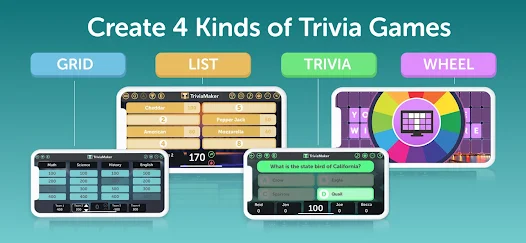
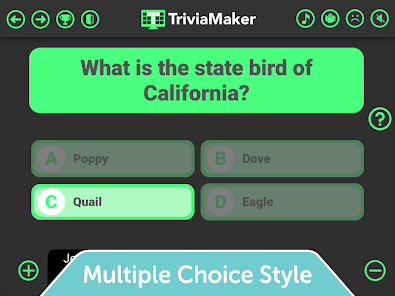
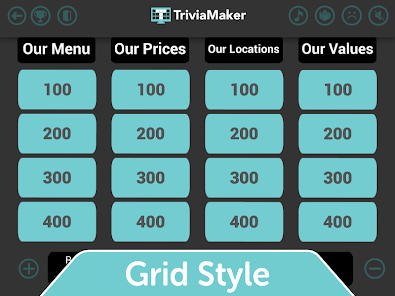
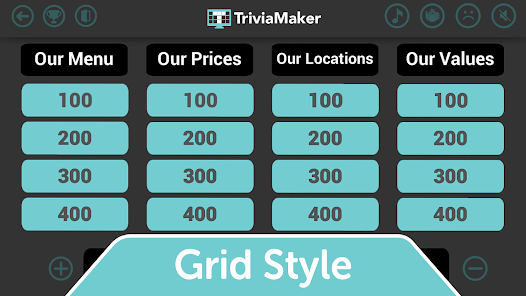
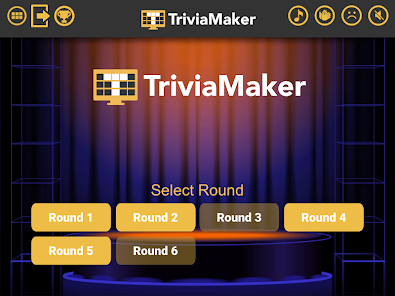
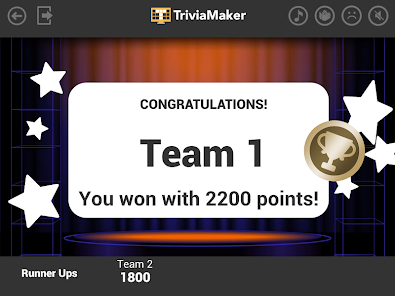
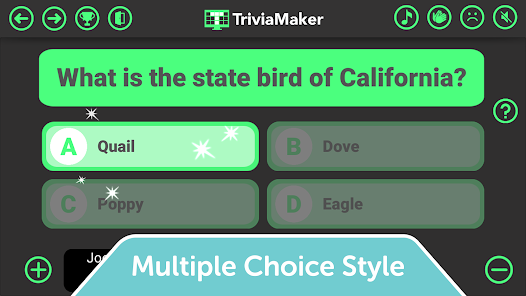
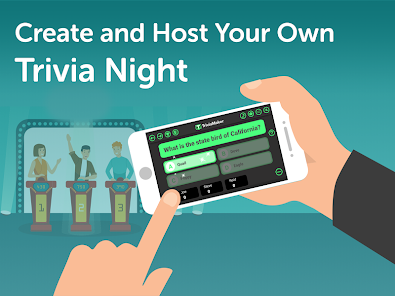
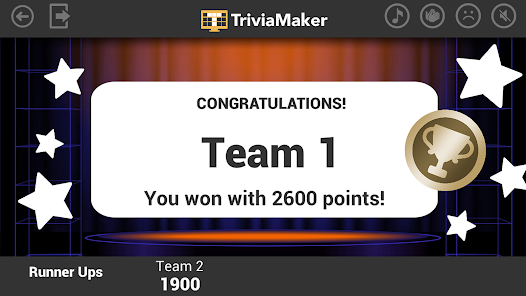
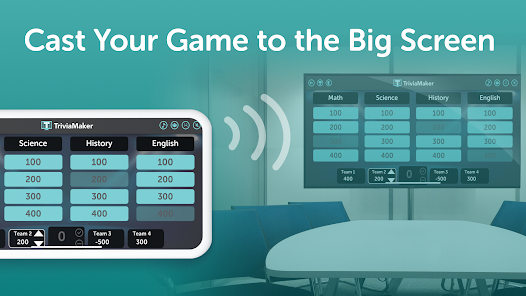
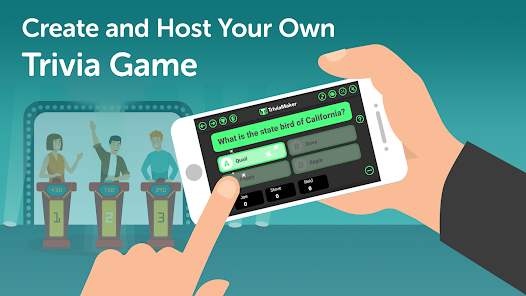
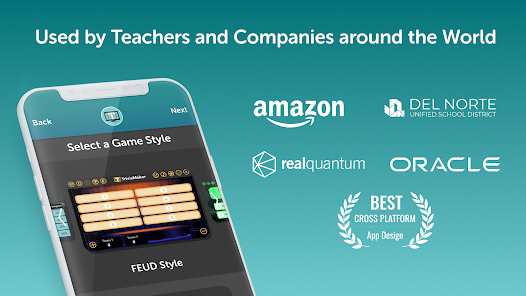
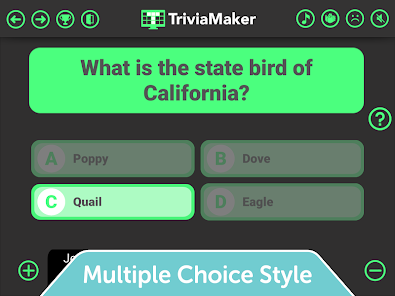
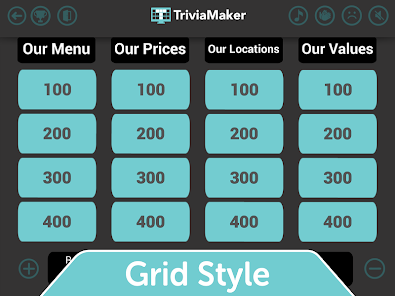
TriviaMaker is an engaging quiz creator app that allows users to design and share custom trivia games. With a user-friendly interface, it offers various game formats, including multiple-choice, true/false, and fill-in-the-blank questions. Perfect for educators, event planners, or anyone looking to test their knowledge, TriviaMaker makes learning fun and interactive. Create your own quizzes, challenge friends, and enjoy endless entertainment while enhancing your trivia skills!
Features of "TriviaMaker - Quiz Creator"
"TriviaMaker - Quiz Creator" is a versatile platform designed for creating engaging quizzes and trivia games. One of its standout features is the ability to customize quiz formats, allowing users to choose from various styles such as multiple-choice, true/false, and fill-in-the-blank. This flexibility caters to different learning styles and preferences, making it suitable for educators, event planners, and casual users alike.
Another notable feature is the user-friendly interface, which simplifies the quiz creation process. Users can easily add questions, images, and videos to enhance the quiz experience. Additionally, TriviaMaker offers a game show mode, which transforms quizzes into interactive competitions, perfect for classrooms or social gatherings. The platform also supports real-time scoring and leaderboards, adding a competitive edge to the quizzes.
Furthermore, TriviaMaker allows for collaboration, enabling multiple users to work on a quiz simultaneously. This feature is particularly beneficial for teams or groups looking to create comprehensive quizzes together. Lastly, the platform is accessible on various devices, ensuring that users can create and participate in quizzes from anywhere.
How to Use "TriviaMaker - Quiz Creator"
Using "TriviaMaker - Quiz Creator" is a straightforward process that begins with creating an account on the platform. Once registered, users can navigate to the dashboard, where they will find options to create a new quiz. The first step is to select the quiz format that best suits the intended audience, whether it be a multiple-choice quiz, a true/false game, or a fill-in-the-blank format.
After selecting the format, users can start adding questions and answers. The platform allows for the inclusion of multimedia elements, such as images and videos, which can make the quiz more engaging. Once the questions are set, users can customize the quiz settings, including time limits and scoring methods. After finalizing the quiz, it can be shared with participants via a link or code, allowing them to join the game easily.
During the quiz, users can monitor real-time scores and progress, making it an interactive experience. After the quiz concludes, participants can review their answers, and creators can analyze performance metrics to improve future quizzes. Overall, TriviaMaker provides a seamless experience for both quiz creators and participants.
Pros & Cons of the App
Like any application, "TriviaMaker - Quiz Creator" has its advantages and disadvantages. One of the primary pros is its user-friendly interface, which makes quiz creation accessible to users of all skill levels. The variety of quiz formats available allows for creativity and adaptability, catering to different audiences and purposes. Additionally, the interactive game show mode enhances engagement, making it ideal for educational settings and social events.
Another significant advantage is the ability to collaborate with others, enabling teams to create quizzes together efficiently. The platform's accessibility across devices ensures that users can participate in quizzes from anywhere, adding to its convenience. However, there are some cons to consider. Some users may find the free version limited in features, prompting them to upgrade to a paid plan for full functionality.
Additionally, while the platform is generally intuitive, new users may require some time to familiarize themselves with all the features. Lastly, the reliance on internet connectivity can be a drawback in areas with poor access. Overall, while TriviaMaker offers a robust quiz creation experience, potential users should weigh these pros and cons before diving in.
Get Installation Details  Google Play
  App Store
Google Play App Store FAQ
Can I create playlists on Spotify?
Yes, users can create, share, and collaborate on playlists with friends.
Can I download music on Spotify?
Yes, premium users can download songs and playlists for offline listening.
Can I listen to Spotify offline?
Yes, premium users can listen to downloaded music offline without an internet connection.
Can I use Spotify on multiple devices?
Yes, you can use Spotify on multiple devices, but only one device can stream at a time.
Does Spotify have podcasts?
Yes, Spotify hosts a wide range of podcasts across various genres.
Similar Games















You May Like
Daily Bible Trivia
Trivia
4.9
TRIVIA STAR Quiz Games Offline
Trivia
4.8

Text or Die
Trivia
4.1
Trivia Crack Premium Quiz Game
Trivia
4.6

Trivia Crack: Smart Quiz Games
Trivia
4.5

Brain Test 2: Cuentos extraños
Trivia
4.7

Trivia Night
Trivia
3.4

Jingle Quiz: logo music trivia
Trivia
4.5

GeoGuessr
Trivia
4.5

Wild Cash | Quiz to Earn
Trivia
2.8

Flags Quiz - World Countries
Trivia
4.1

World Map Quiz
Trivia
4.8