
 Home
Home  Apps
Apps  Games
Games  Windows
  Topics
  Terms of Service
  Cookies & Privacy Policy
  Disclaimer
Backgammon - Lord of the Board


Information
- Category: Board
- Price: free
- Age Rating: Teen
- Rating: 4.3
- Developer: Beach Bum Ltd.
- Version: 10.7.57
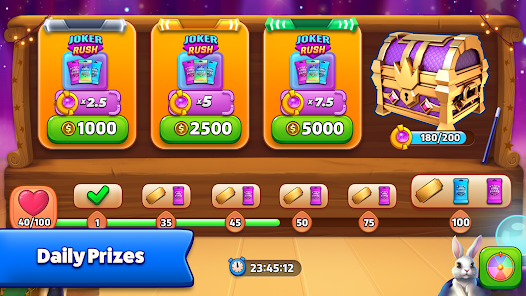
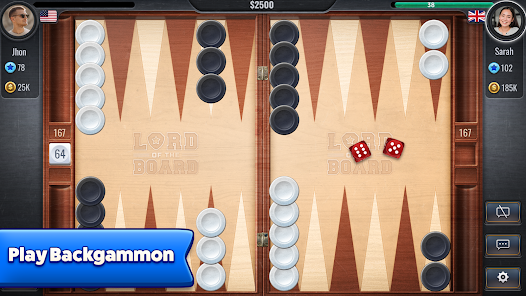


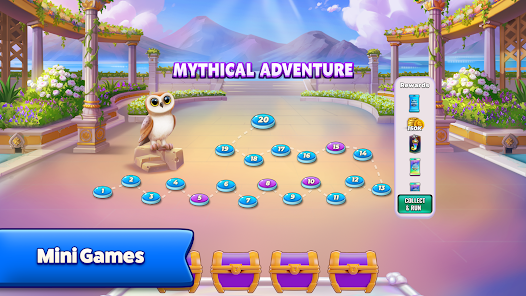
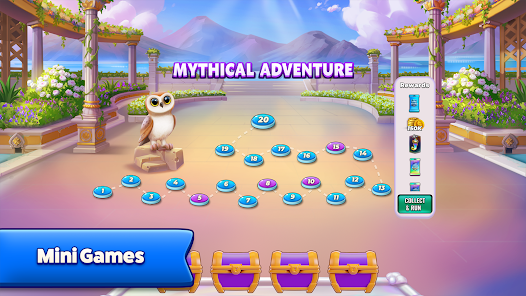
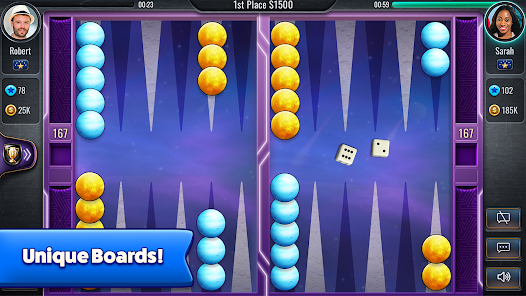
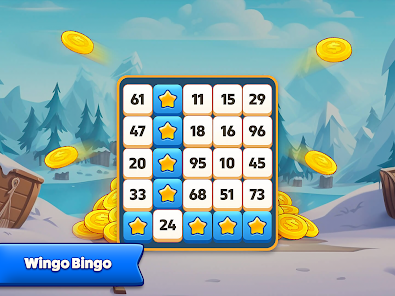
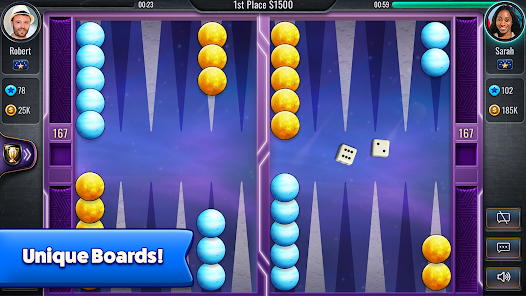
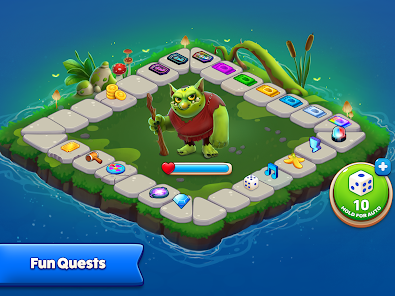
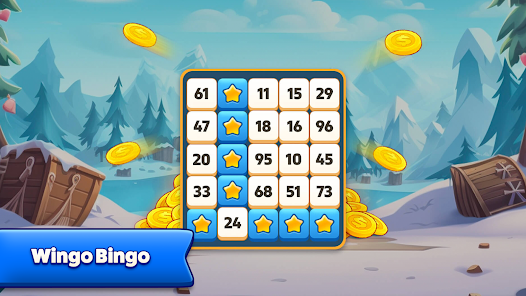
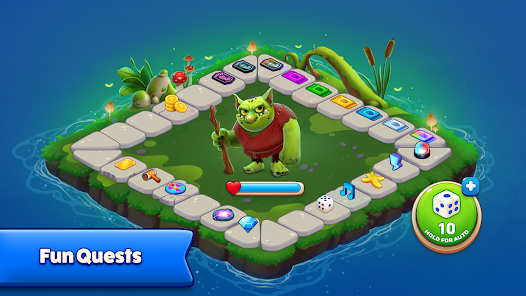
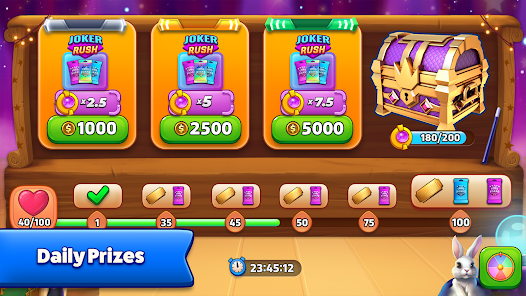
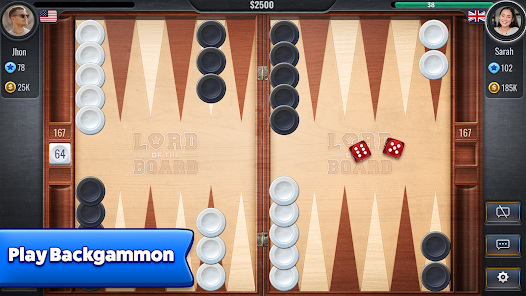
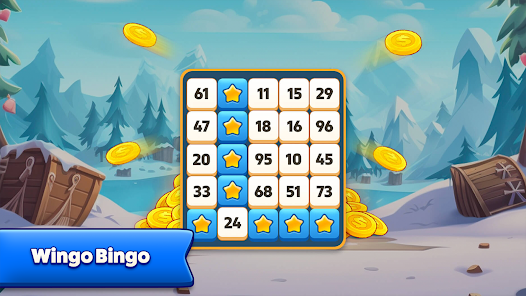
"Backgammon - Lord of the Board" invites you to experience the classic game of strategy and chance like never before. Challenge friends or players worldwide in thrilling matches, enhance your skills with engaging tutorials, and climb the ranks in competitive tournaments. With stunning graphics and intuitive controls, immerse yourself in the rich history of backgammon while enjoying modern twists. Join the battle for supremacy and become the ultimate backgammon champion!
Features of "Backgammon - Lord of the Board"
"Backgammon - Lord of the Board" offers a rich array of features that enhance the traditional gameplay experience. One of its standout features is the stunning graphics and animations that bring the game board to life, making each match visually appealing. The app also includes various game modes, allowing players to choose between casual play, competitive matches, and tournaments, catering to both beginners and seasoned players alike.
Additionally, the app supports online multiplayer, enabling users to challenge friends or compete against players from around the world. This social aspect adds a layer of excitement and engagement, as players can showcase their skills in real-time. The game also includes customizable settings, allowing players to adjust rules and board designs to suit their preferences. Furthermore, the app provides tutorials and tips for new players, ensuring that everyone can learn the game quickly and effectively. Overall, "Backgammon - Lord of the Board" combines classic gameplay with modern features, making it a must-try for backgammon enthusiasts.
How to Use "Backgammon - Lord of the Board"
Using "Backgammon - Lord of the Board" is straightforward and user-friendly, making it accessible for players of all skill levels. Upon launching the app, users are greeted with an intuitive interface that guides them through the setup process. Players can choose to play against the computer, invite friends, or join online matches. To start a game, simply select your preferred mode and follow the prompts to set up the board.
Once the game begins, players take turns rolling dice and moving their pieces according to the rules of backgammon. The app provides helpful hints and suggestions, especially for newcomers, ensuring a smooth learning curve. Players can also access the settings menu to customize their experience, including adjusting the difficulty level or changing the visual themes. Throughout the game, users can track their progress and statistics, allowing them to improve their skills over time. Overall, the app is designed to provide an enjoyable and engaging backgammon experience.
Pros & Cons of the App
"Backgammon - Lord of the Board" comes with several advantages that make it a popular choice among players. One of the primary pros is its visually appealing design, which enhances the overall gaming experience. The variety of game modes, including online multiplayer, allows for diverse gameplay options, catering to different preferences. Additionally, the app's user-friendly interface makes it easy for both beginners and experienced players to navigate and enjoy the game.
However, there are some drawbacks to consider. Some users have reported occasional connectivity issues during online matches, which can disrupt gameplay. Additionally, while the app offers tutorials, some players may still find the learning curve steep if they are entirely new to backgammon. Furthermore, in-app purchases may be necessary for accessing certain features or customizations, which could deter some users. Overall, while "Backgammon - Lord of the Board" has its pros and cons, it remains a solid choice for backgammon fans looking for a digital version of the classic game.
 Google Play
  App Store
 FAQ
Can I create playlists on Spotify?
Yes, users can create, share, and collaborate on playlists with friends.
Can I download music on Spotify?
Yes, premium users can download songs and playlists for offline listening.
Can I listen to Spotify offline?
Yes, premium users can listen to downloaded music offline without an internet connection.
Can I use Spotify on multiple devices?
Yes, you can use Spotify on multiple devices, but only one device can stream at a time.
Does Spotify have podcasts?
Yes, Spotify hosts a wide range of podcasts across various genres.
Similar Games













You May Like

Dominoes
Board
4.8

Chess
Board
4.5

Heads Up!
Board
4.1
2 Player games : the Challenge
Board
4.7

Battleship: The Board Game
Board
3.6
Board Kings: Board Dice Games
Board
4.7
Carcassonne: Tiles & Tactics
Board
2.2

Catan Classic
Board
2.3
Chess - Play and Learn Online
Board
4.7

Chess Pro
Board
4.7
D&D Lords of Waterdeep
Board
3.8

Dice Dreams™️
Board
4.7